I'm trying to enable Hub Login Security but I've forgotten my password. I tried deregistering the Hub (my.hubitat.com) and re-registering. Please help
Your hub login security password is a local password that is not connected to your Hubitat account, and de-registering the hub from that will not remove it. In fact, it might make it harder to do so. You will need to follow these steps:
Does it still show up there?
Thanks for the help. I'm not sure if I don't understand the process or something else is going on. My end goal is to turn on Hub Login security. I have a working password that I can logon/off at the my.hubitat.com page. My end goal is to enable Hub Login Security on my local hub, but every time I try to do it, it asks me for my existing password (which I've changed and works). But for some reason, it always says my password is invalid. Here are some screenshots the help show my steps.
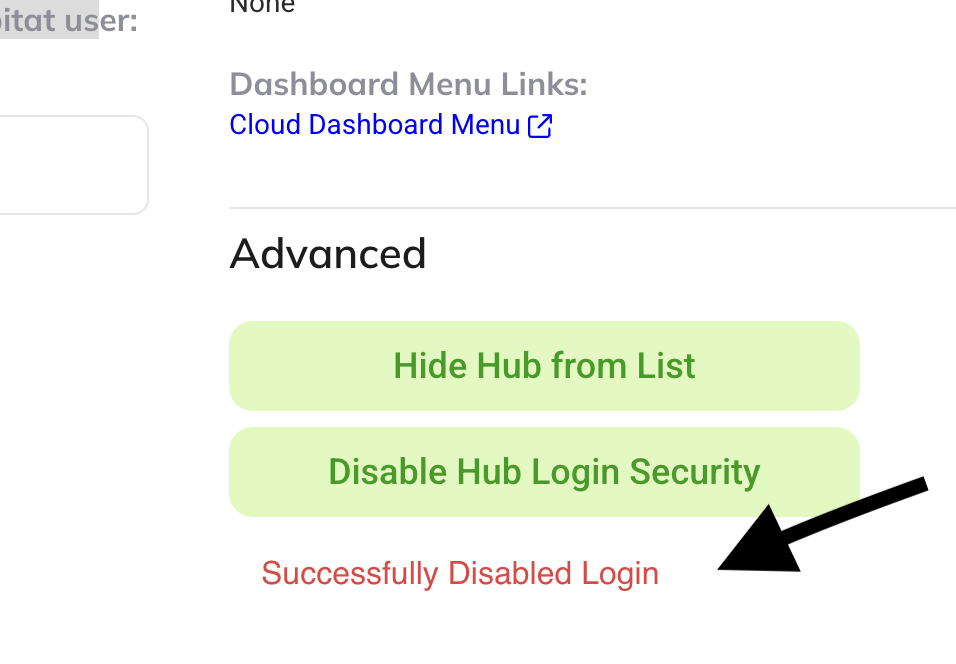
Was able to disable Hub Login Security.
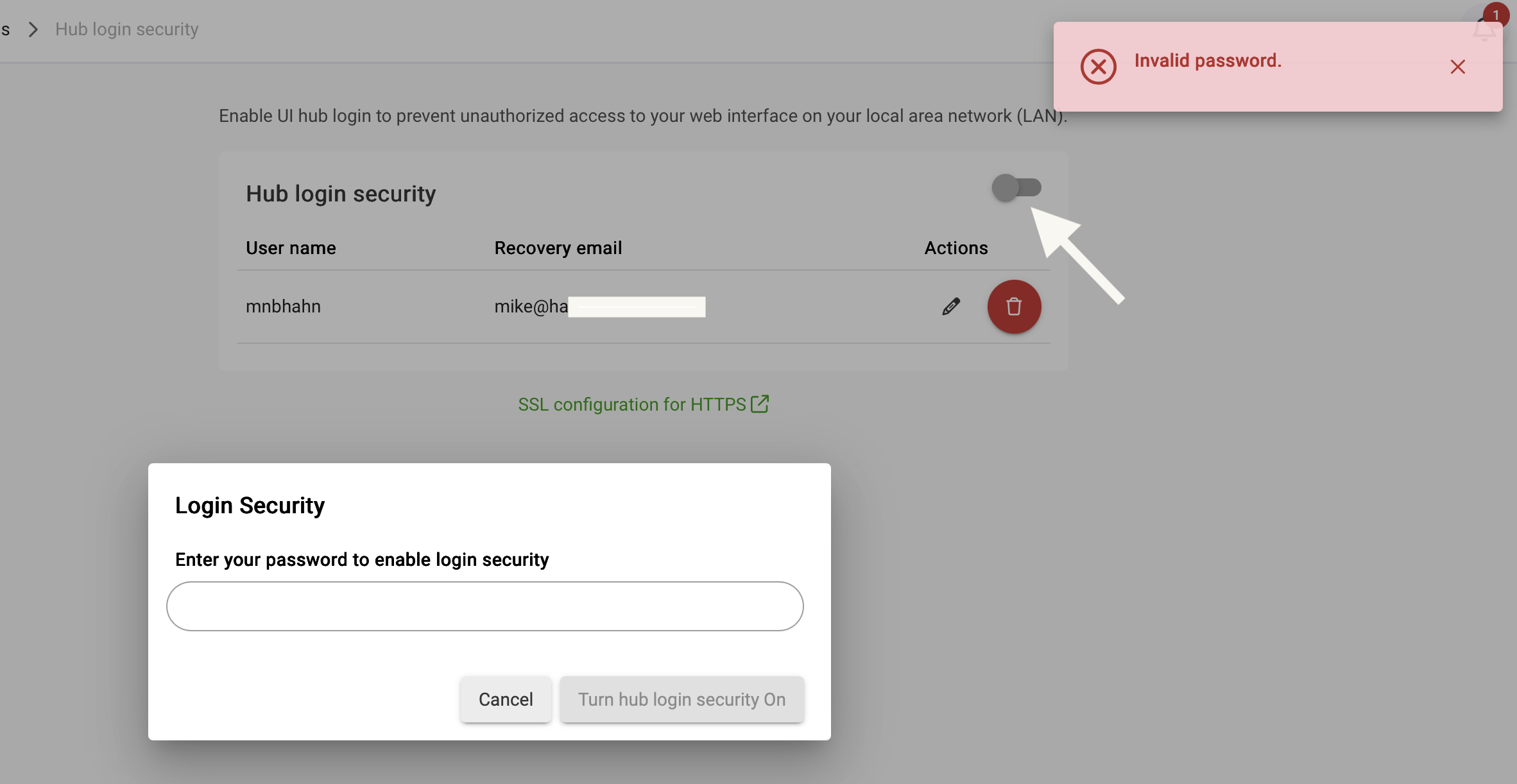
But every time I try to enable I get Invalid Password.
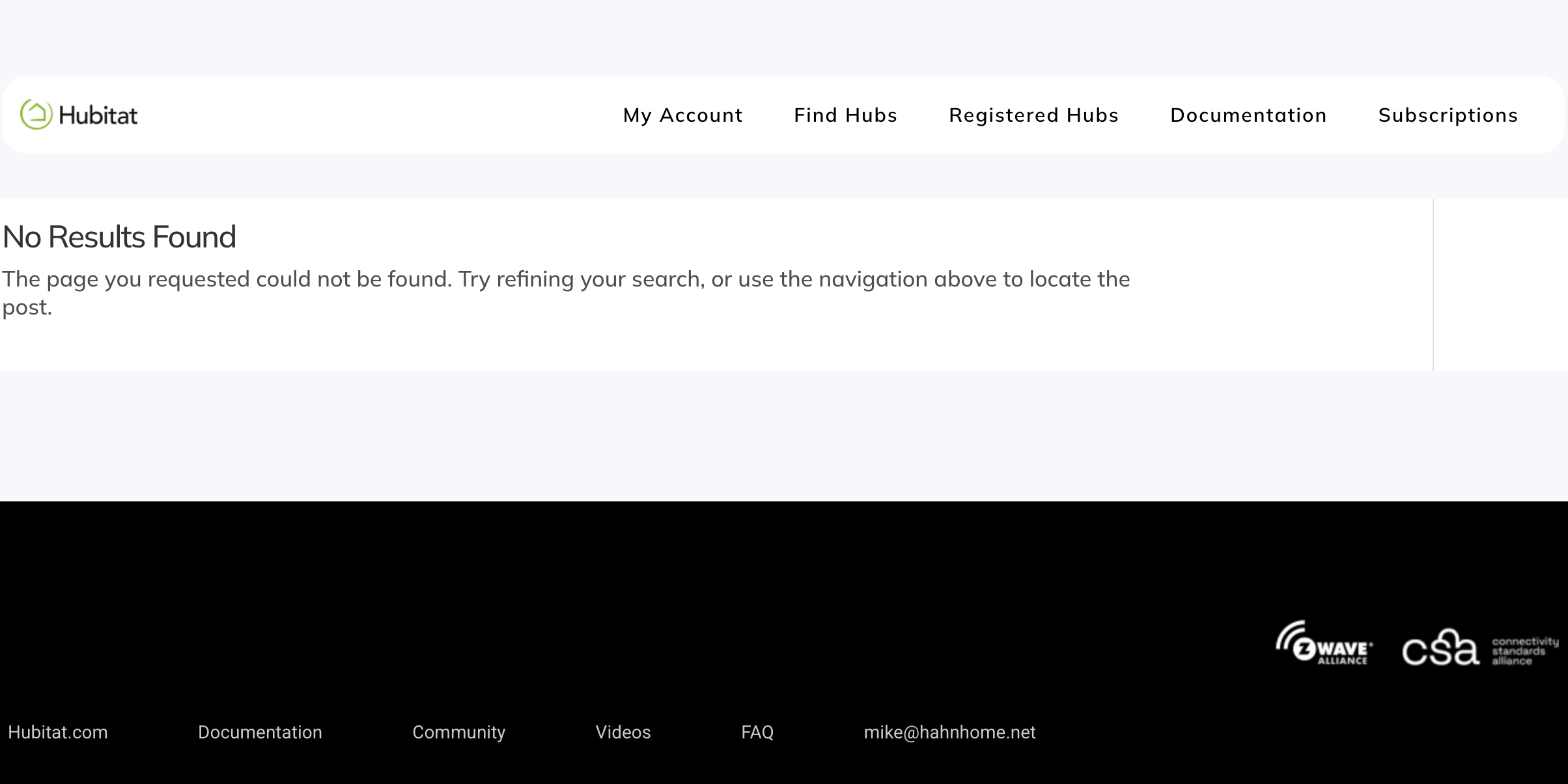
The other weird behavior is that when I logout/in from my.hubitat I get this strangle screen.
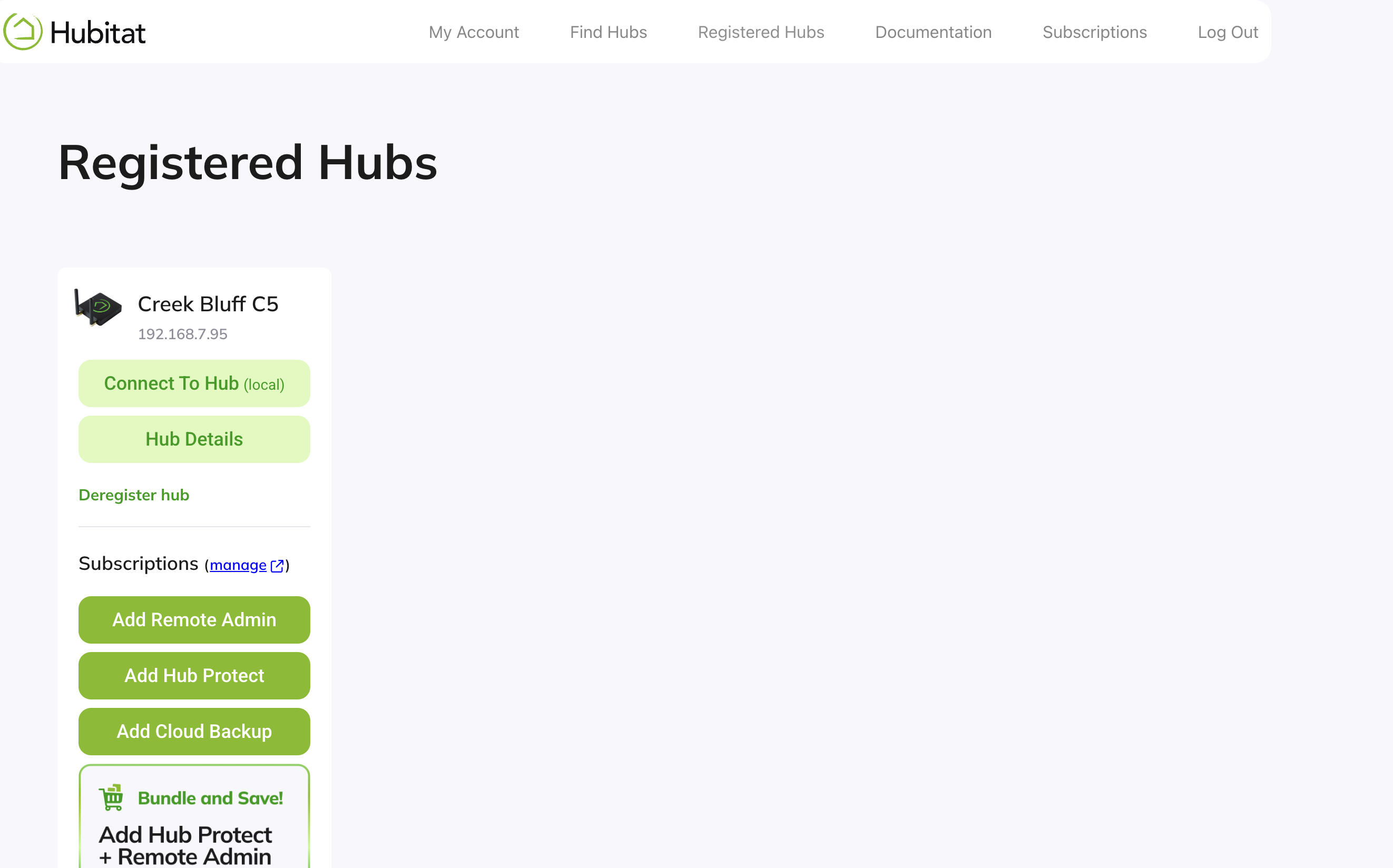
But when I press "My Account" --> " Registered Hubs"... I see my device...
OK, I was confused, but I might be more confused now. 
It sounded like you forgot your hub login security password and needed to reset that. But apparently it was disabled? But you have a password that works for logging in and doesn't here? Keep in mind that your my.hubitat.com login is entirely separate from the optional, local hub login security you can set up.
If you just don't know the current local hub password, you can just use the red "delete" button (trash icon) to delete the hub login security username and password you previously created and set up a new one. Then, you can enable hub login security after you have those credentials created. (If you did this and believe the new local password isn't working, maybe try this again anyway just to be safe?)
I'm not sure what's going on with my.hubitat.com, but I suspect it may have to do with your hub de-registration not syncing up yet. I'd re-register the hub from the hub itself (there's probably a "Register Hub" card on your home page, or use Settings > Reboot to make it restart and check in again for sure if not) -- assuming it is not currently registered.
It works. The problem was I wasn't quite understanding that I could delete my local hub user and create another one. Then I did as you suggested by re-registering my hub and all is well. Thank you! It's crazy I've had this hub so long and haven't figured out the basic stuff yet!
1 Like