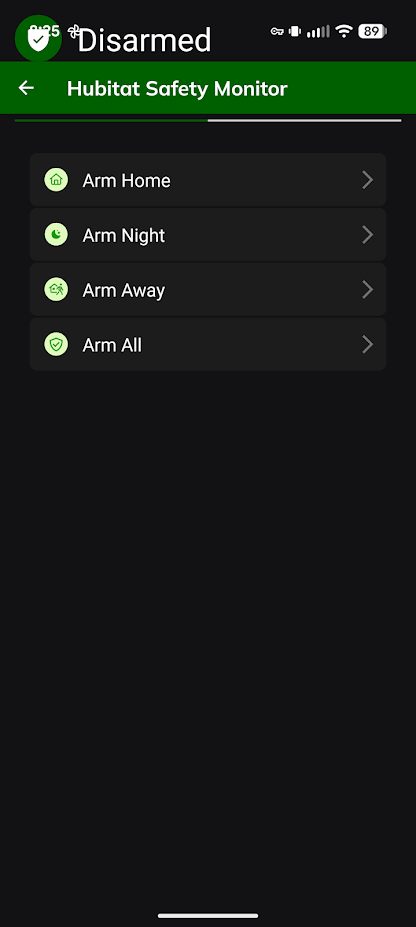
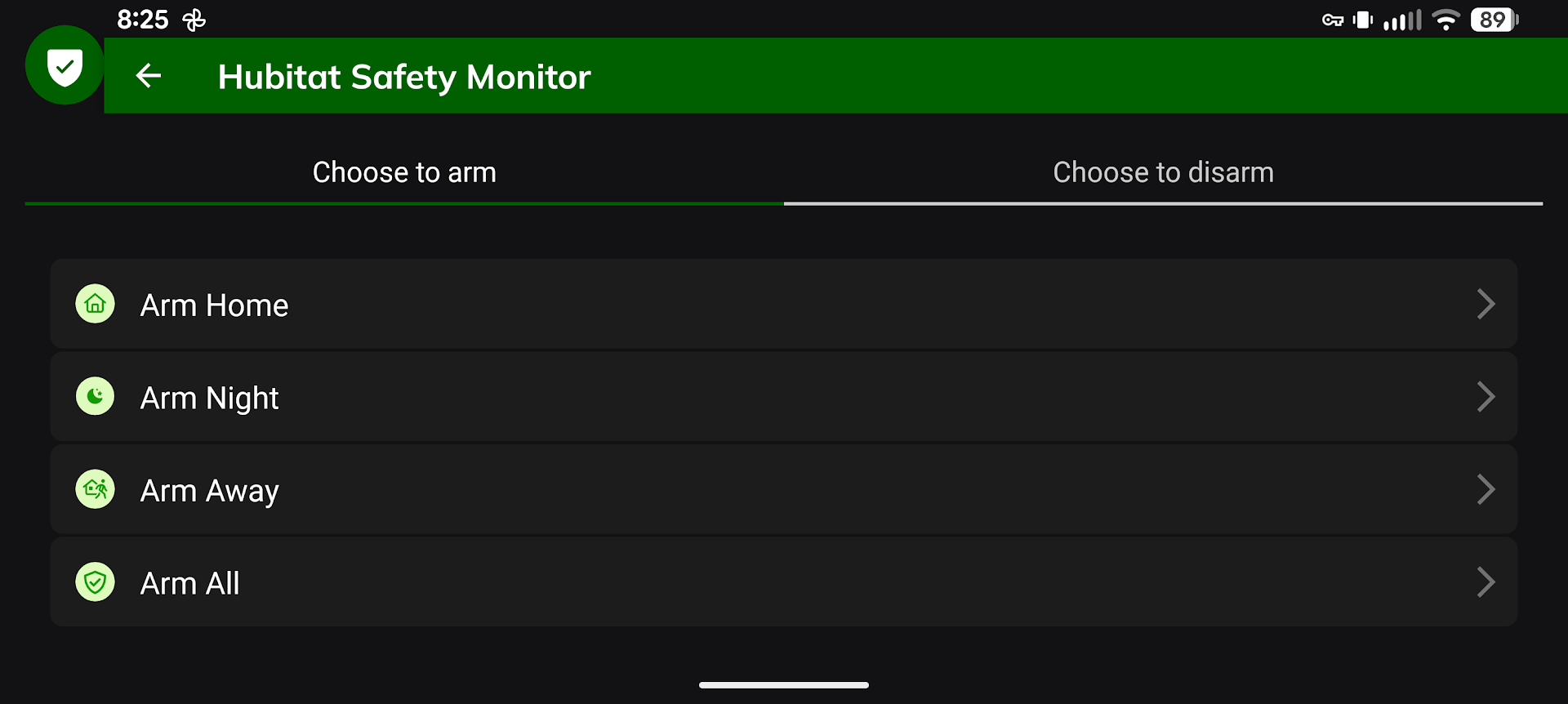
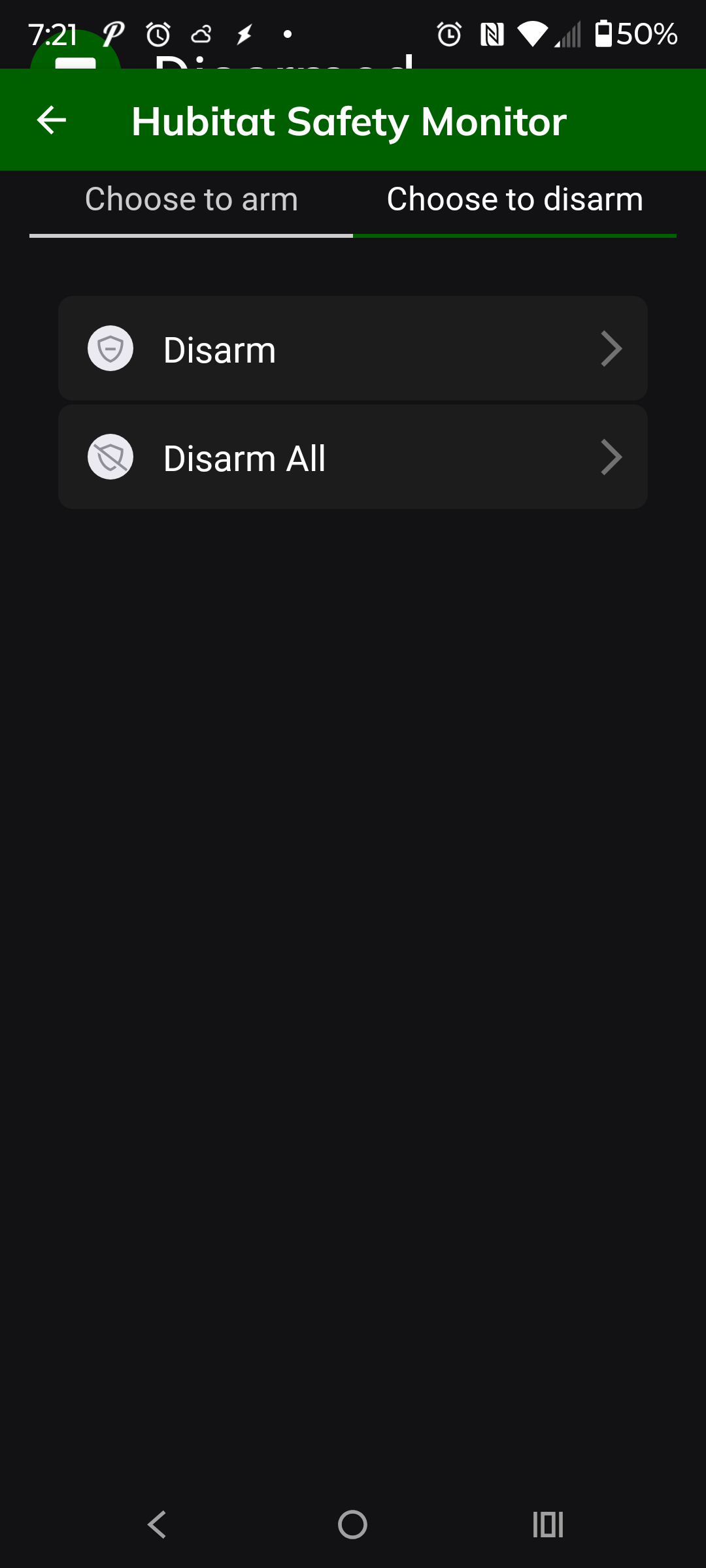
I'm not sure if i'm the only one seeing this, but on my Pixel 9 XL Pro, when i go into the HSM to say, disarm the system, i am unable to press the button at the top to change the page because it ends up out of bounds, but if i flip the screen to horizontal i'm able to change it over. I'm guessing this is some sort of bug but i'm really not sure what else to do to troubleshoot. See screenshots below.
See at the top how the word "Disarmed" is past the notification bar, and then the buttons are hiding under the safety monitor header.
I ran into this on another app. Many of that apps options in settings were out of bounds on the top and the bottom of the screen. I worked with the developer and he was able to correct it in the apps code. For me it showed up when I switched from a Moto Stylus 2021 running Android 10 or 11 to my current Moto Stylus 2024 running Android 15.
As for the HE app, I can see more than you can but there are definitely things hidden behind the Hubitat Safety Monitor banner at the top.
Noted. I have escalated it to our mobile app developers. Thanks for pointing it out. At this time, I do not have a timeframe when this issue may be resolved.