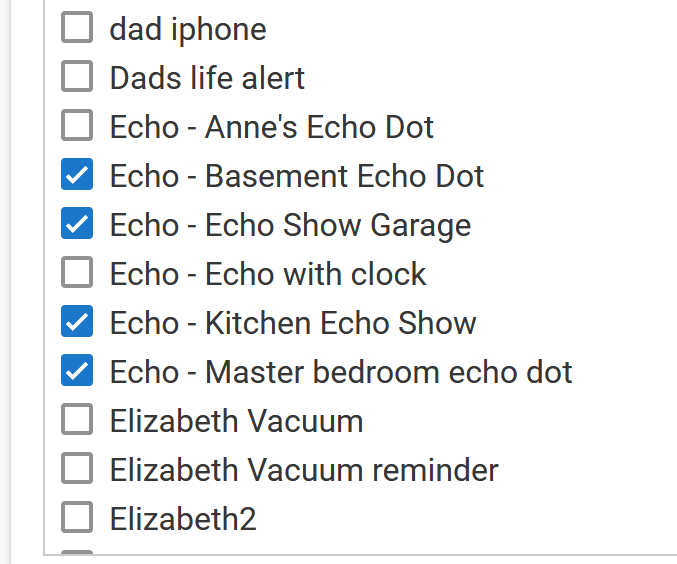
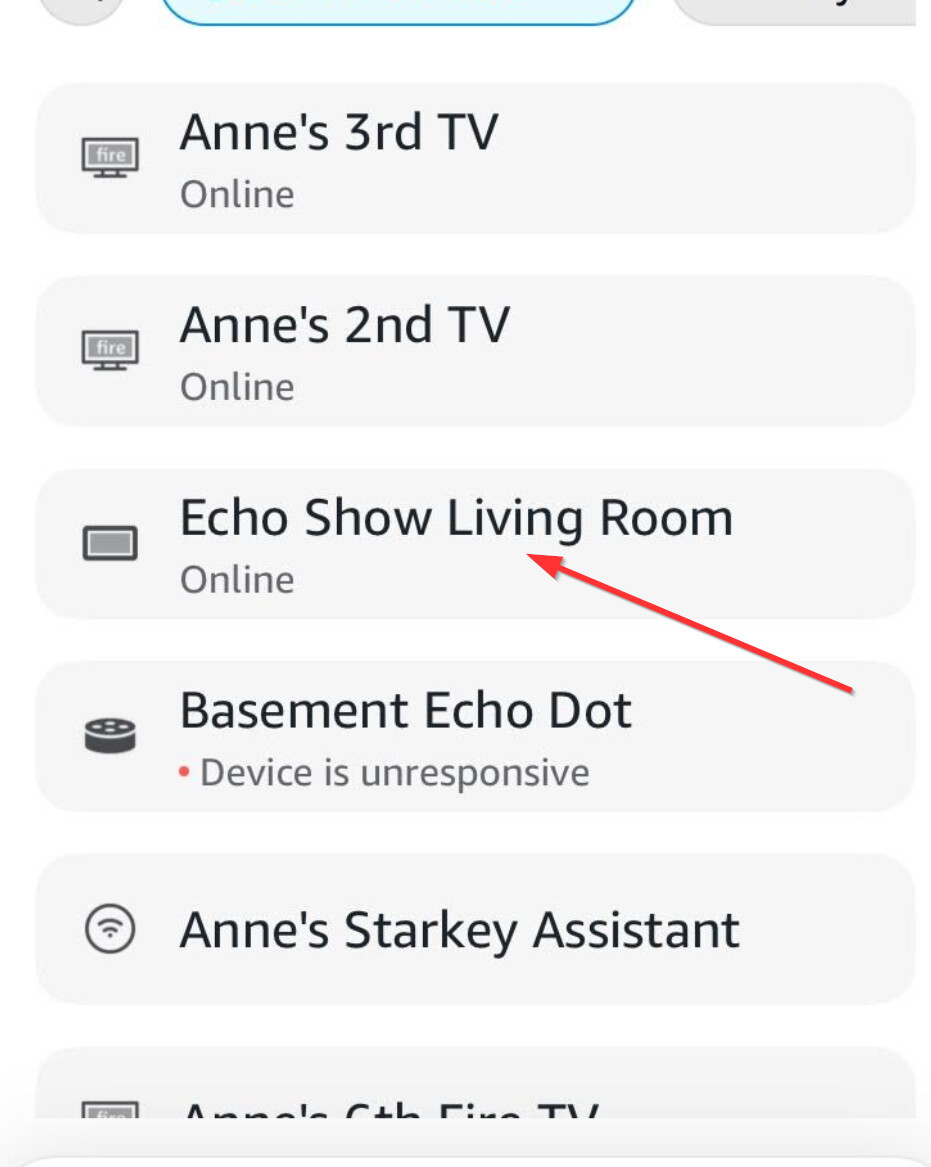
Thanks I did update it in the Alexa App.... but it didn't reflect in the Hub apps... but...turns out if I had a little patience it actually DID update... appreciate the quick response!
Tim
I believe the only time the HE Hub's name is passed over to the Alexa skill is when the device is originally shared between the two systems. Afterwards, you can change the device's name/label in the HE Hub without impacting what you see in the Alexa mobile app, and vice versa.
Based on the screenshots, these are Alexa/Echo devices themselves being brought into Hubitat via the custom app Echo Speaks. This has nothing to do with the Alexa app/skill integration that pushes devices from Hubitat out to Alexa.
There is a setting in Echo Speaks to automatically update the names in Hubitat. Based on what you said that it did rename eventually you must have that enabled, and it has synced up and updated as designed.
Wow! I totally missed that. I saw the category of “Built-in Apps and Devices” and a title that never mentions Echo Speaks. Bad assumption on my part for sure.
I will fix the category and title accordingly to prevent any such confusion.