on mobile browser, when you tap and hold on a tile, you get red squares in the background.
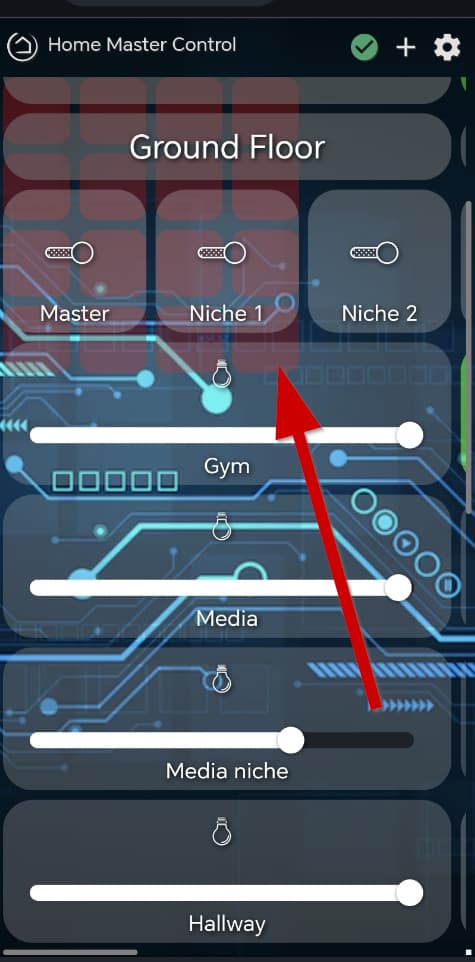
It doesn't go away until you refresh the page.
same thing happens on PC browser if you mouse click a tile and drag it.

Minor annoyance I want to get rid of.
The only way I could see to stop this, is to change the draggable CSS attribute to false.
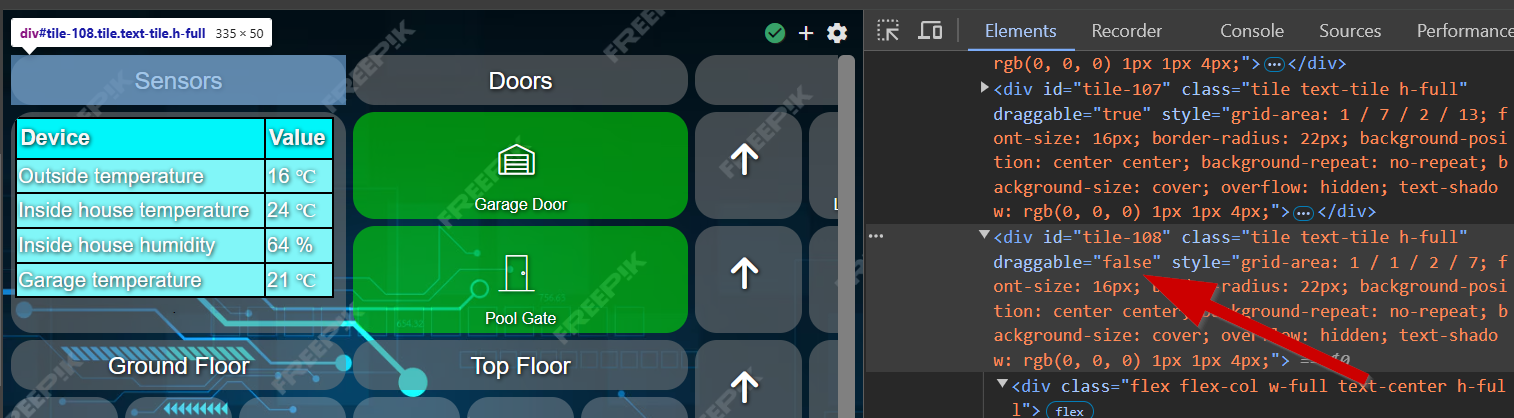
But i tested it just via chrome. And it stopped the red squares from appearing when i tap and hold a tile.
What is the CSS code to turn draggable to false? I couldn't find old posts about this.

