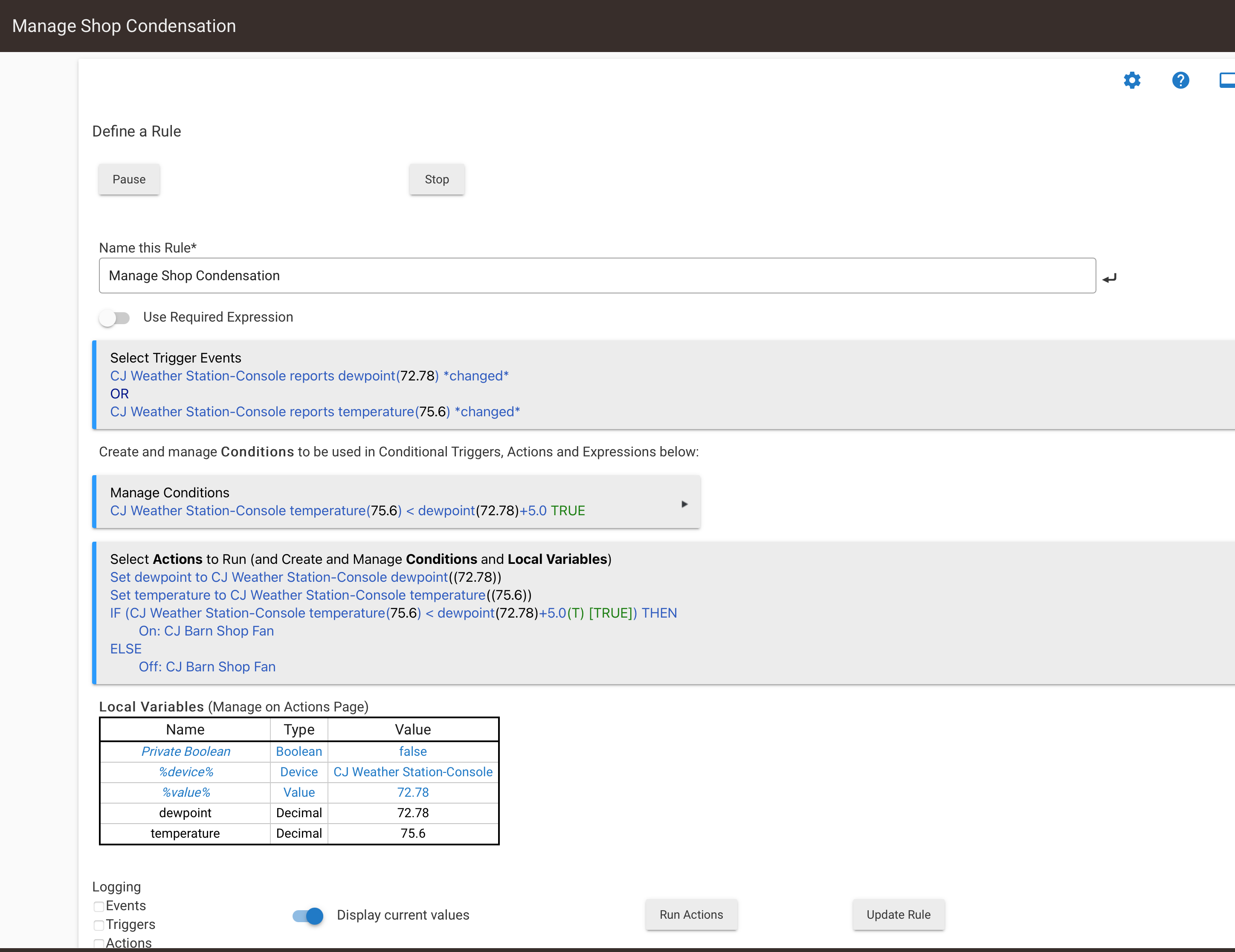
I have a rule that watches the dew point and temperature and turns on a fan when they are close to keep condensation off of my tool boxes. The fan is plugged into a Kasa wifi plug.
Currently if I turn the fan on manually at the switch it will quickly turn off if the dew point and temperature aren't close.
I would like to enhance the rule to determine whether the switch was turned on manually and if so, leave it on even though the rule conditions or triggers might want to turn it off.
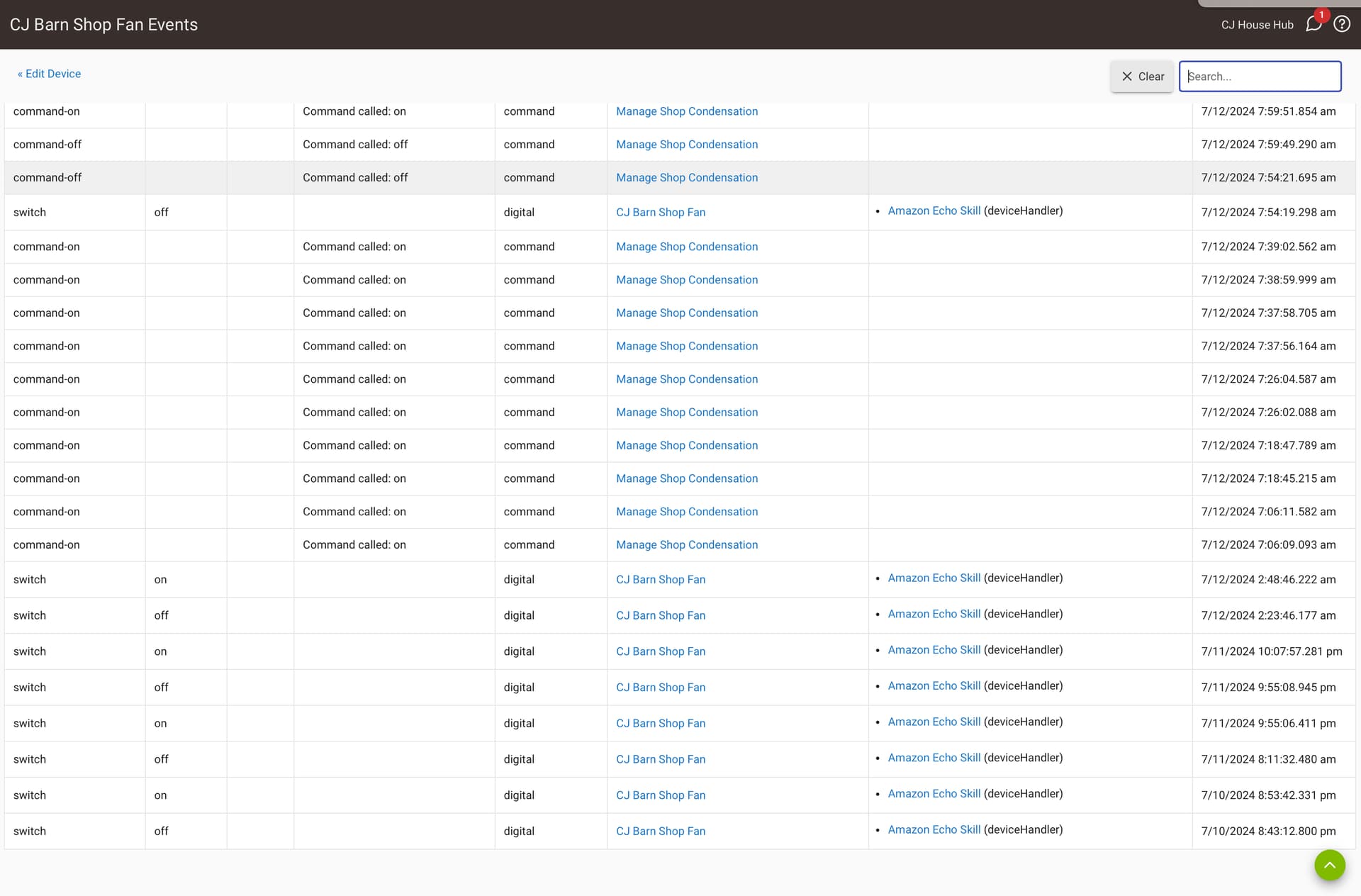
If you look at the device events page for your switch, do you see "physical" and "digital" in the "Type" column for "on" and "off" events? If so, do they correspond to actions on the device itself (physical) as opposed to the the hub (digital)? If they do, that's easy since Rule Machine has a "Physical Switch" trigger you can use. If not, you'll need some other workaround.
Is there a limit on how long the fan will stay on?
i.e. through to the next automatic on the off . Or a limited time or until the physical switch turns it off.
If you don’t have the physical vs digital choices mentioned above maybe creating a variable (like Rule_On) that gets set to True when the rule turned it on. Then add that to the Turn Off test so it would be like:
If Rule_On = True And Humidity < X Then
Turn fan off
Rule_On = False
End If
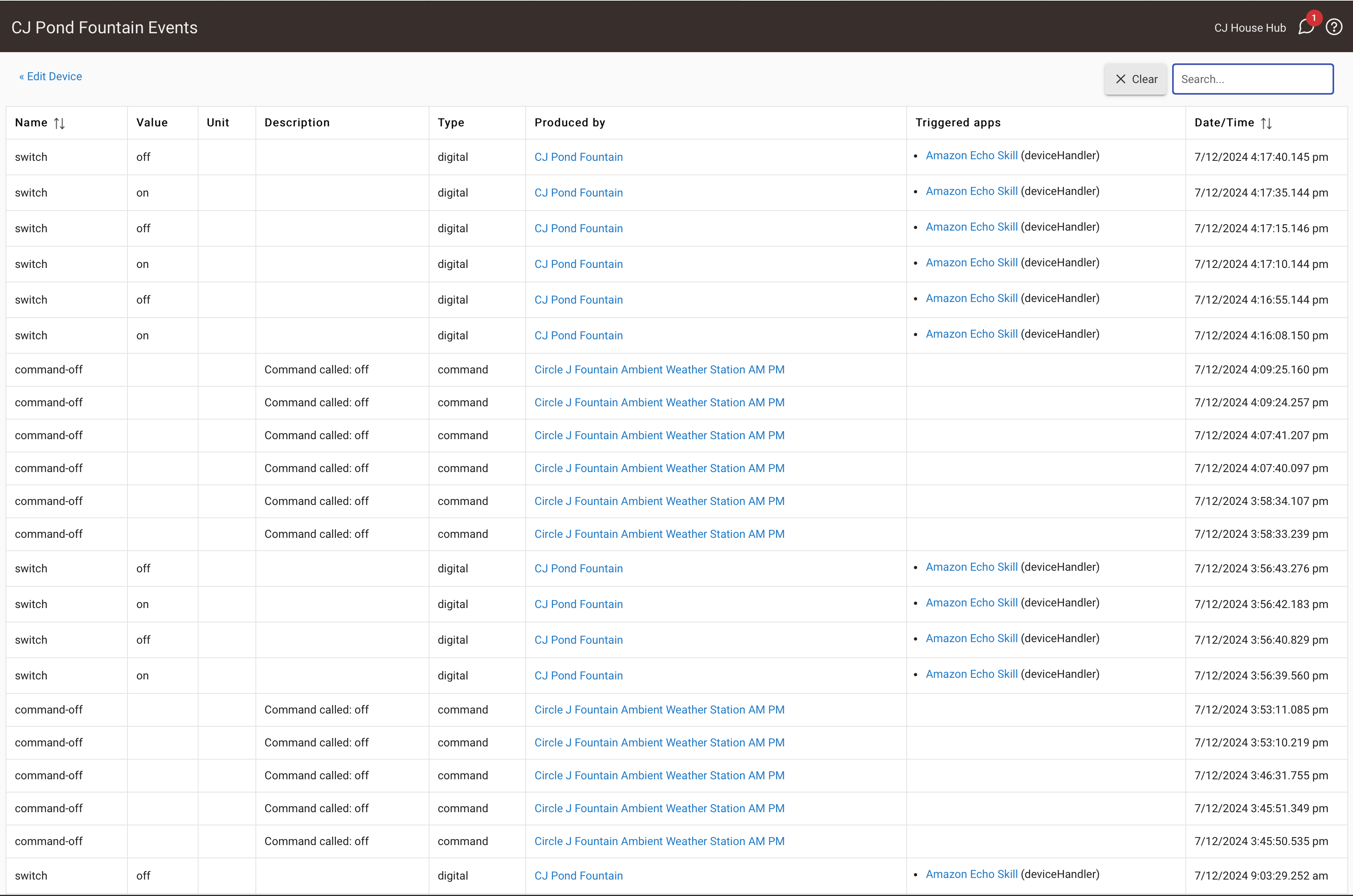
Here's a look at the switch events.. I'm not sure what the Amazon Echo entries are about. I am not using Echo to do anything on this rule. Does this help with determining a solution?
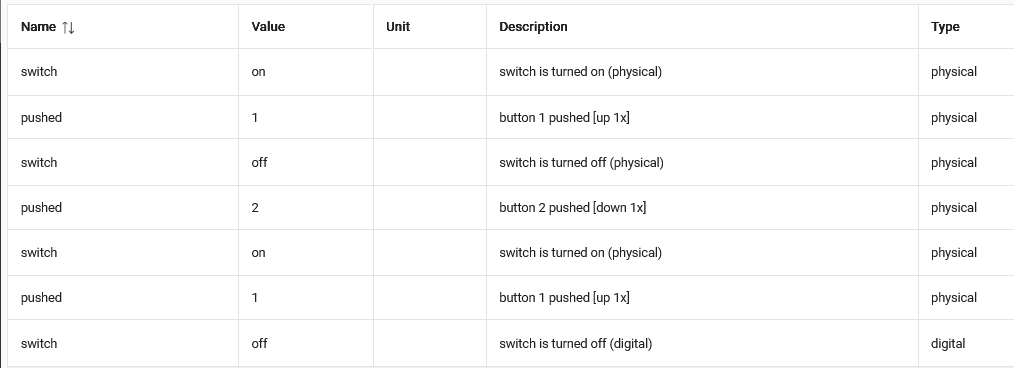
Ok, this is an identical switch that controls something else. When I turn it on and off at the switch I appear to get entries labeled switch with a value of on and off. Can I test for that in my rule?
Whether the switch on/off event is registered as ‘digital’ or ‘physical’ depends on the device driver. What model/make is your switch and which driver do you use?