Searching for Day of Week string, I was surprised that it is not built into Rules 5.1. So far I have avoided having to do anything outside of 5.1. I may have taken some extra steps, but I wanted to make things clear to anyone using this code.
I prefer to use things that are either supported by the manufacturer, or that are under my control. This is not always possible, but in this case it is.
I don't know how to write or fix a driver. I still hold out hope that I don't have to learn these things.
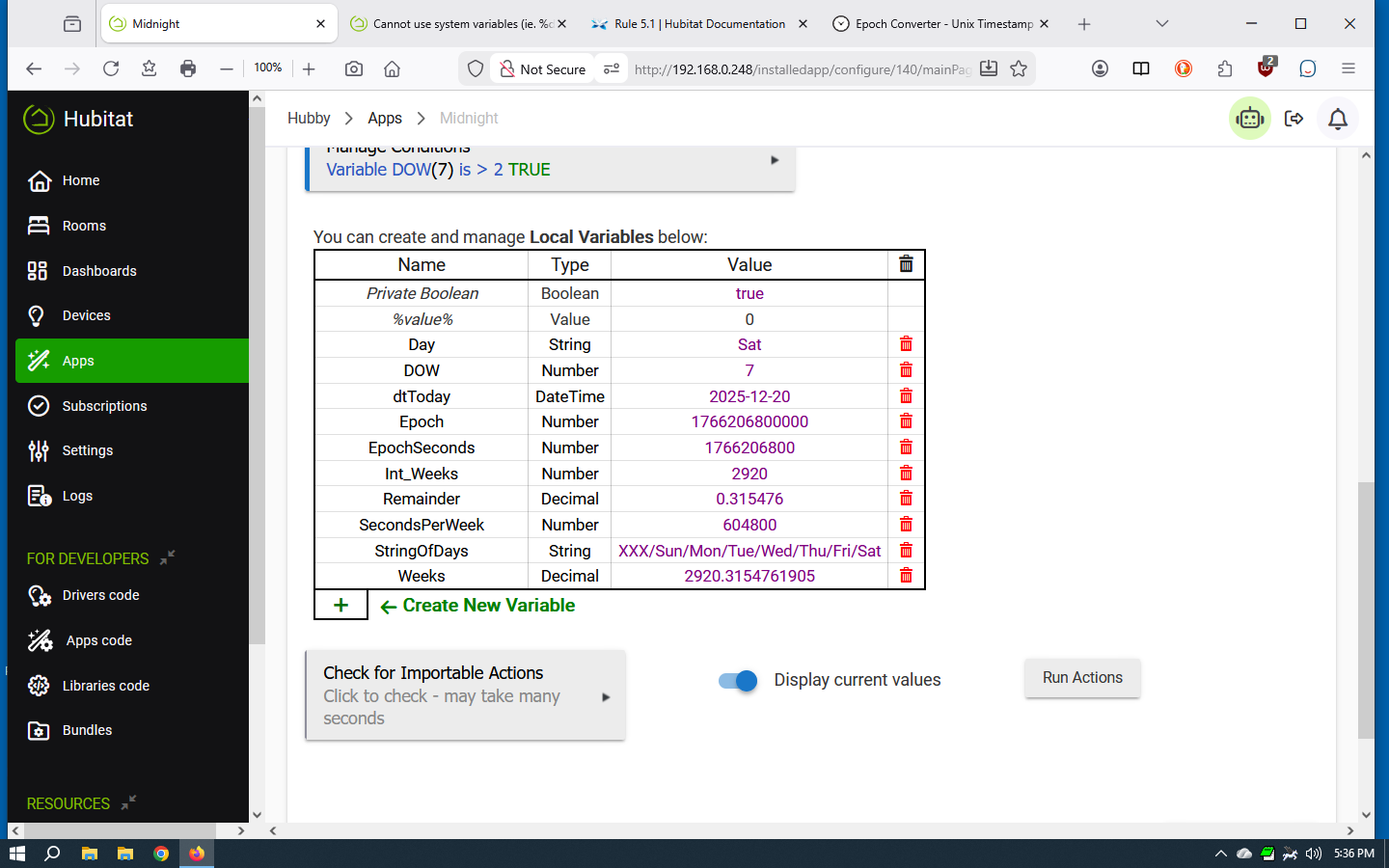
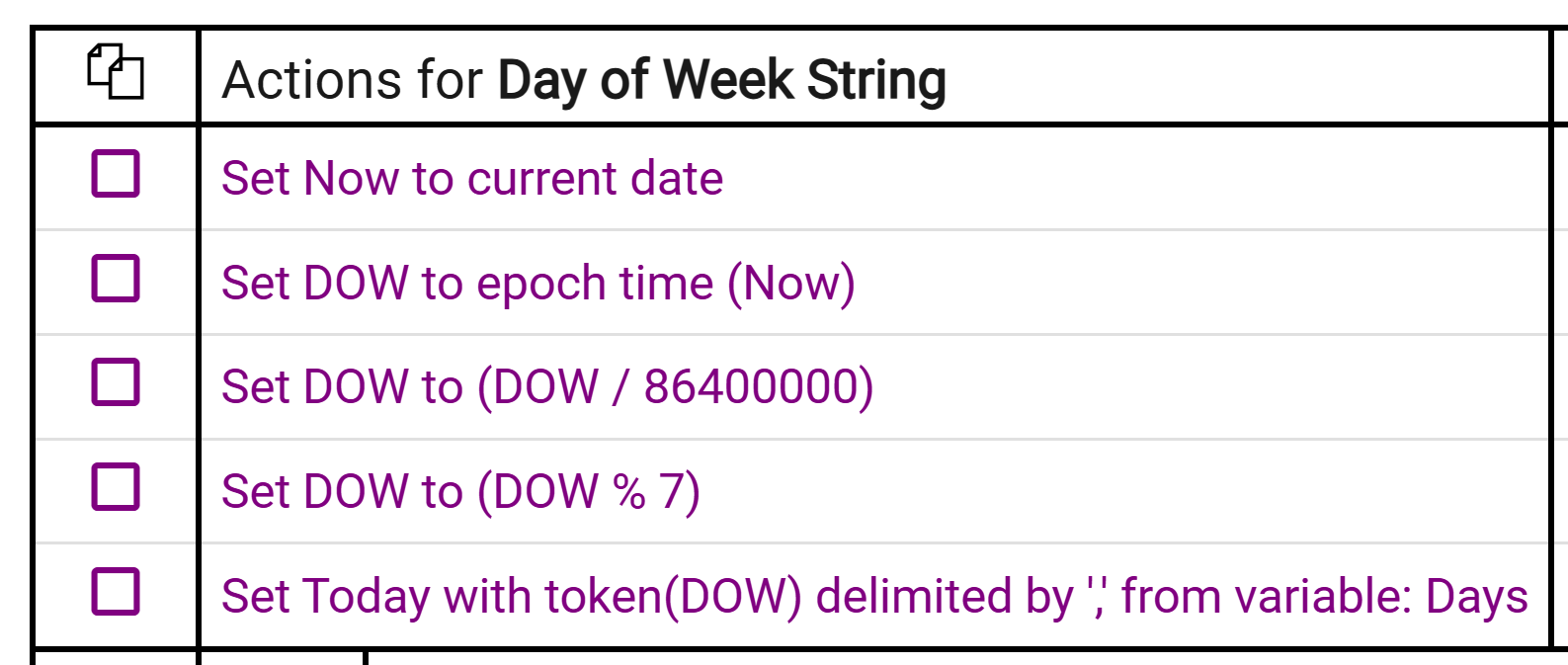
Thanks for your cleanup. I did not see the "%" operator in the list. In that I plan to use DOW and Day_Of_Week in other places, I choose to keep things in what seems logical to me. Here is what I came up with:
Set dtToday to current date(2025-12-21)
Set Epoch to epoch time (dtToday)
Set DOW to (Epoch(1766293200000) / 86400000)
Add 5 to DOW
Set DOW to (DOW(1) % 7)
If DOW = 0
    Set DOW to 7
Endif
Set Day_Of_Week with token(DOW(1)) delimited by '/' from variable: StringOfDays(XXX/Sun/Mon/Tue/Wed/Thu/Fri/Sat)
This way, I can have global variables DOW and StringOfDays, use them in other routines, and read them as my mind expects them to be.
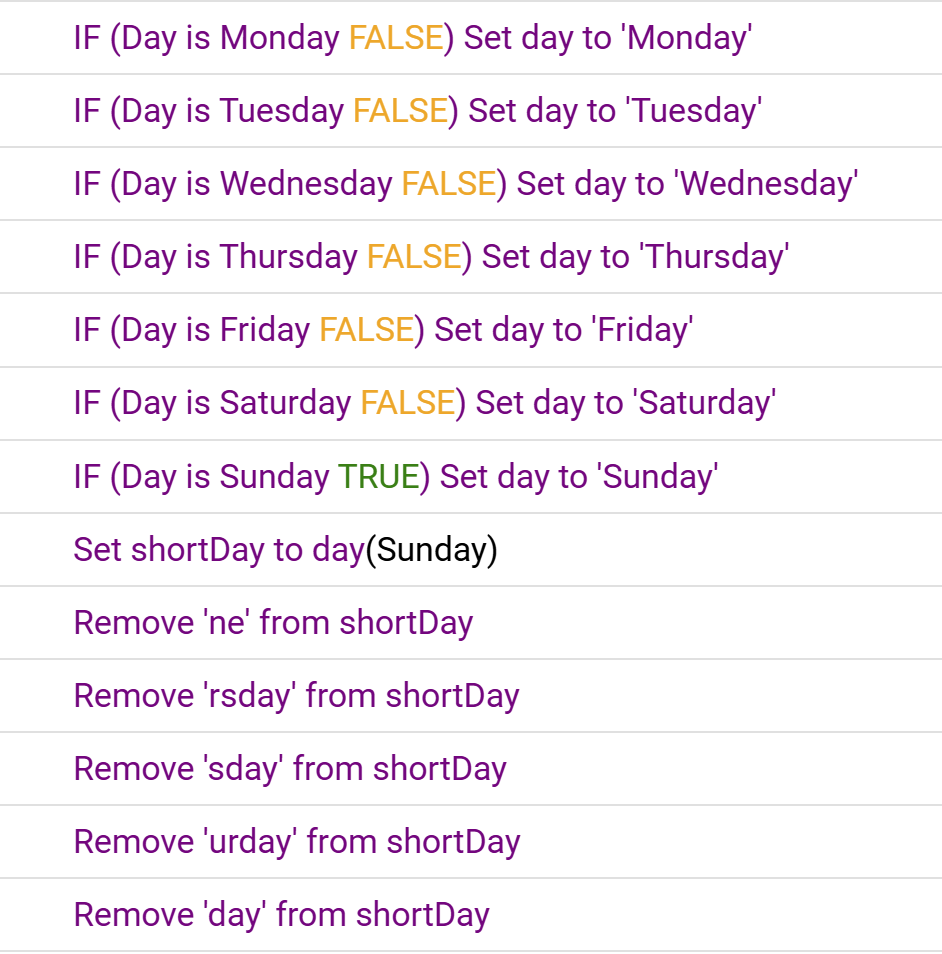
I defined it as a global. The condition is built in. I define many other globals like this that I treat as essentially system global vars (that as others have implied would ideally already be there): day, shortDay, month, year, etc.
I get your point but in this case I think it is misguided, IMO. Using this driver is by far the easiest method and once downloaded it is in your control. The driver also has many other great features that can be very useful in handling date and time type rules. Once you download, it will not change unless you decide to change it.
That is one of Hubitat best features. Nothing on your system ever has to change just because there is an update. If you decide you want try an update and it doesn't work it's a simple task to roll back to where you were.
You could always ask for a new Format DateTime output of Day of Week (something Webcore already accommodates, btw) in Rule Machine. It's built into Java/Groovy after all; I think the first DEC mainframe in our office had the system function WEEKDAY(), so it's not an unusual request IMHO.