Created a Virtual Device (Blind with no position sensor), this shows up on the dashboards
Have a ZIGBEE dual pole relay, this shows up in devices and works for manually turning them on and off
How do i connect the Virtual Blind on the dashboard so when i press it to open / close the blind it then flips the the zigbee relay(s)?
From what ive seen i use a RULE, however, the virtual blind doesn't show up in any rules for me to use it (Basic Rules and Visual rules), kinda at a loss, i assume i didn't create the virtual blind correctly, cant be sure though...
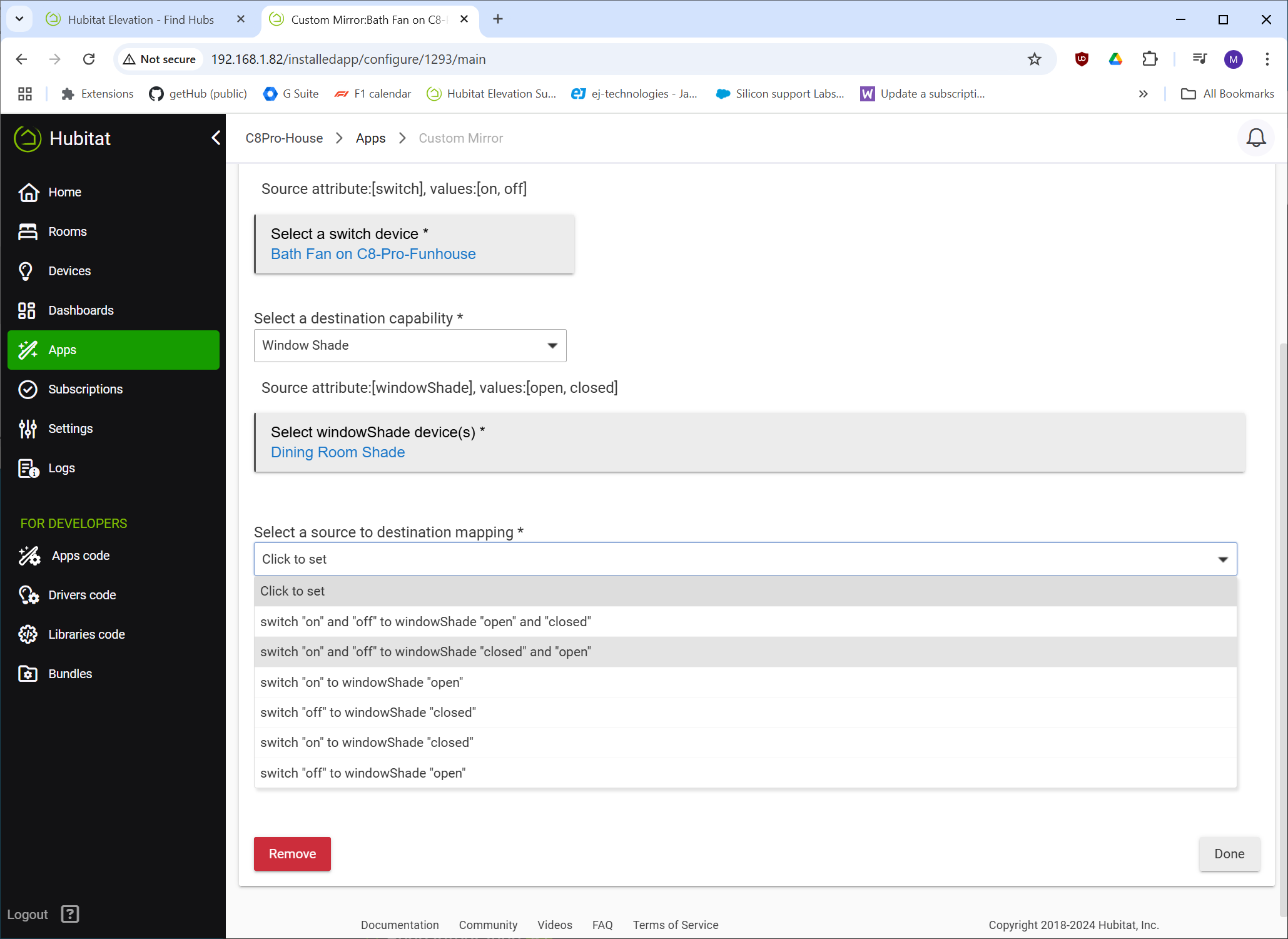
Any possibility to add an option to "reverse" mirror action? A device turning on would turn off a mirrored device and vice versa. I'm thinking about shades that have the open and close commands reversed.
I would think this would be a rule? only i cant see the blind in the rules as something i can bind an action too....
For example:
Blind = open (via dashboard) = zigbee device A ON=2 seconds, OFF
Blind = close (via dashabord) = zigbee device B ON=2 seconds, OFF
The above is what i need to do, then i need to base rules on the blind icon such as "close at sunset", however i cant seem to find "blind" anywhere in any rules to do this.
Method might be hard to explain though, this blind has no position feedback (open, close and stop), although i notice it still has the slider for some reason...
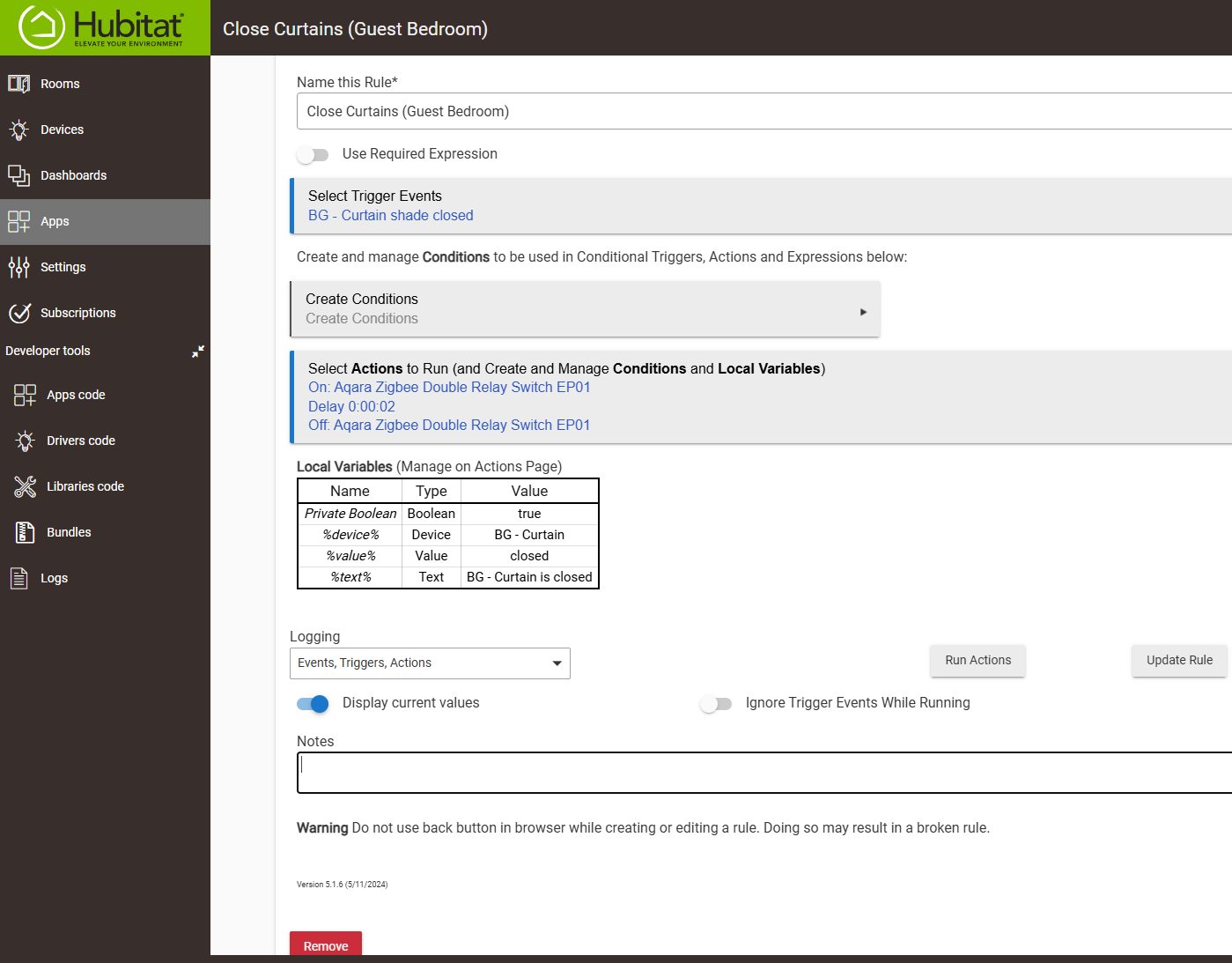
Trigger - Virtual Shade "reports", for this will be OPEN or CLOSED (this will happen when selecting on the dashboard)
"Actions" is where the events happen at the real zigbee device, in my case i need a zigbee relay to CLOSE for 2 seconds, then release (shorting those 2 wires for 2 seconds), the 2 second event tells the curtain motor to start moving in a certain direction, each relay has an event hardwired in to the curtain controller via small RJ12 connector (it can also do STOP, however i dont have a 3rd relay and isnt really required in this case).
I have another event linked to the same virtual shade for OPEN, only the zigbee device for that is different as its the second relay connected to the curtain open signal wires. As both rules are linked to the same virtual shade when the shade on the dashboard is changed from open to close it will trigger each event,
The 2 relays are in the same zigbee device, it shows up in devices as a single unit with 2 separate devices below that so is actually 2 different addressable zigbee controllers.