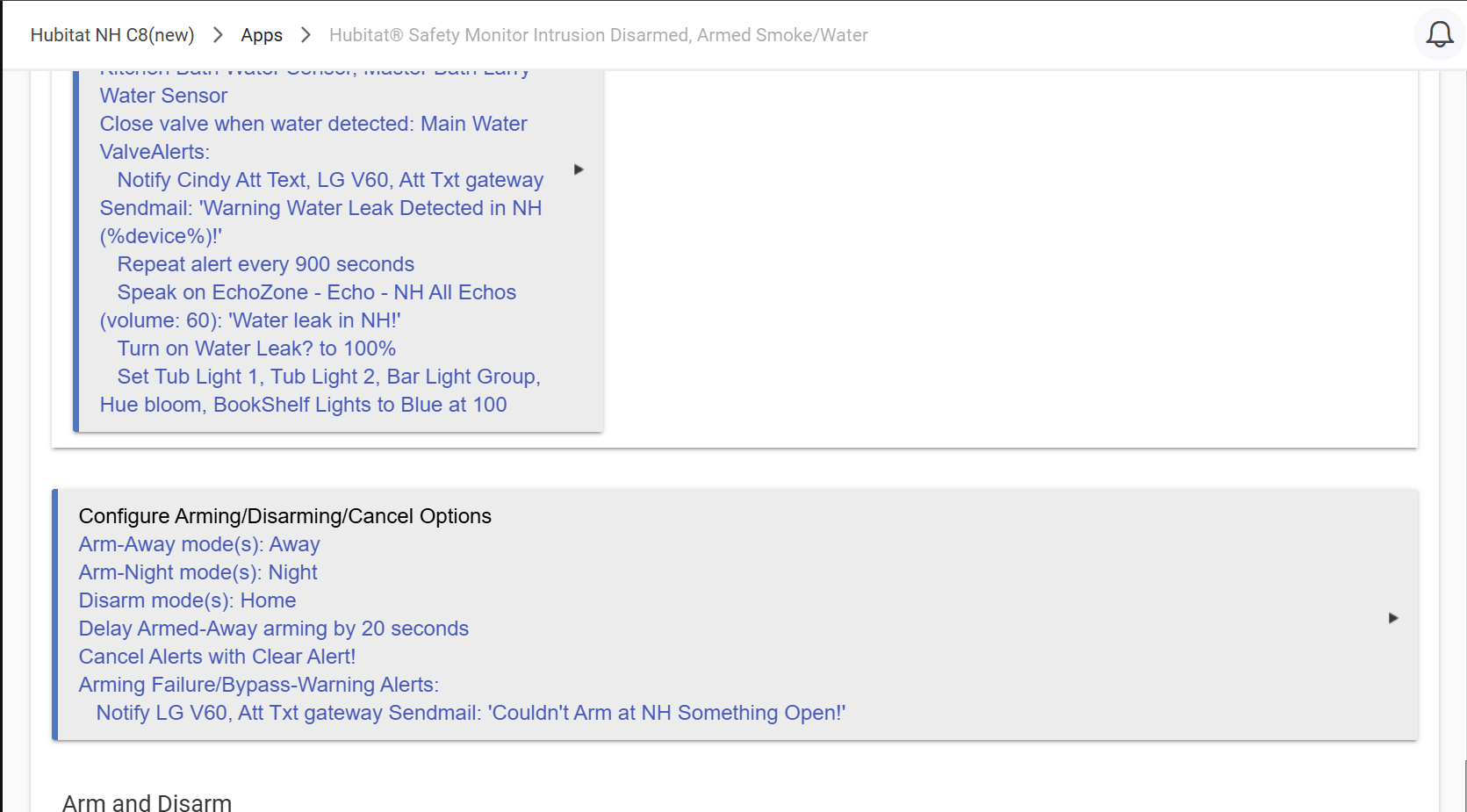
I have a couple water leak detectors around the house. They work fabulous. They flash a bunch of lights throughout the house as well as my porch lights.
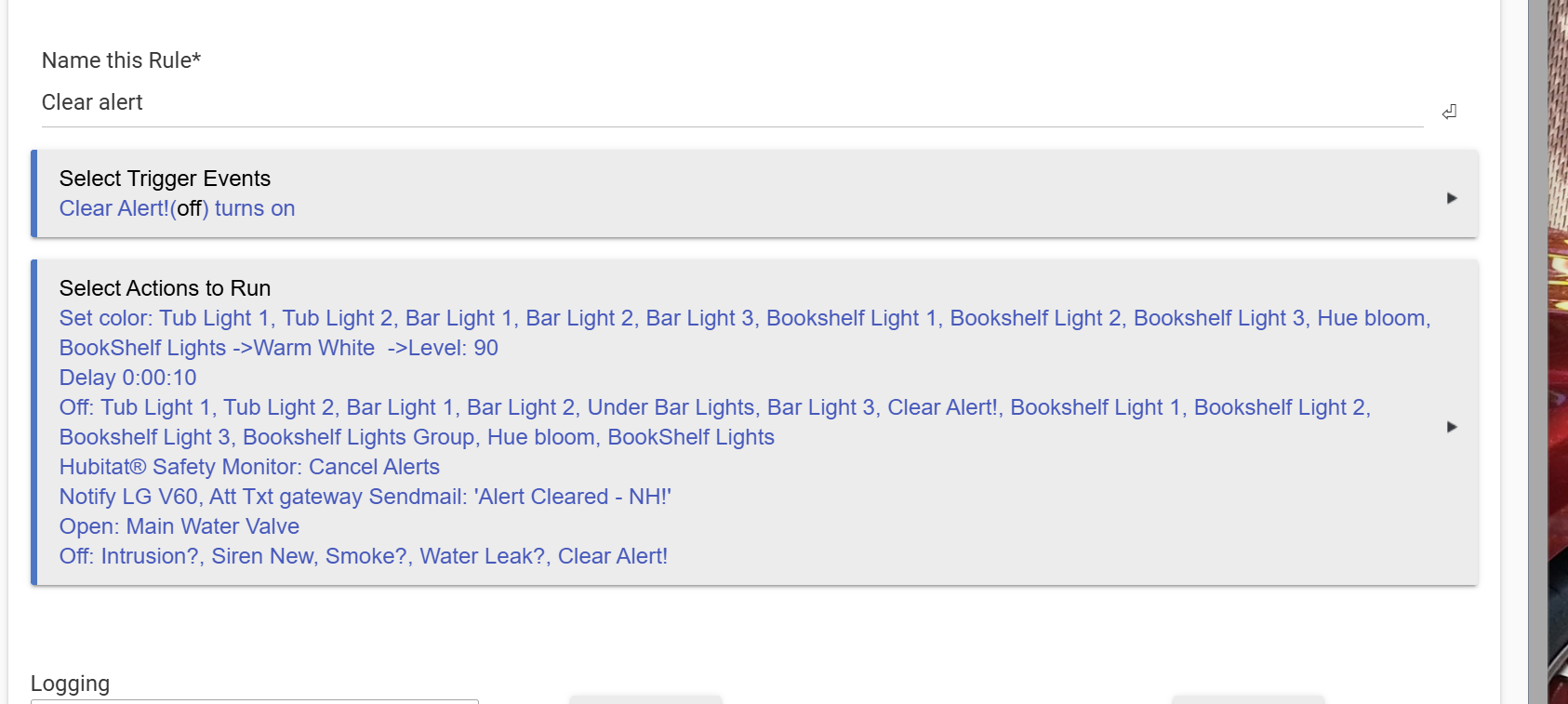
I love that part of it… I have one big problem. I know how to use the website on my laptop to go in there and cancel the alert. I travel a ton and would like an easier way for my wife to open up her app and cancel the water leak alert if it ever happens while I’m gone.
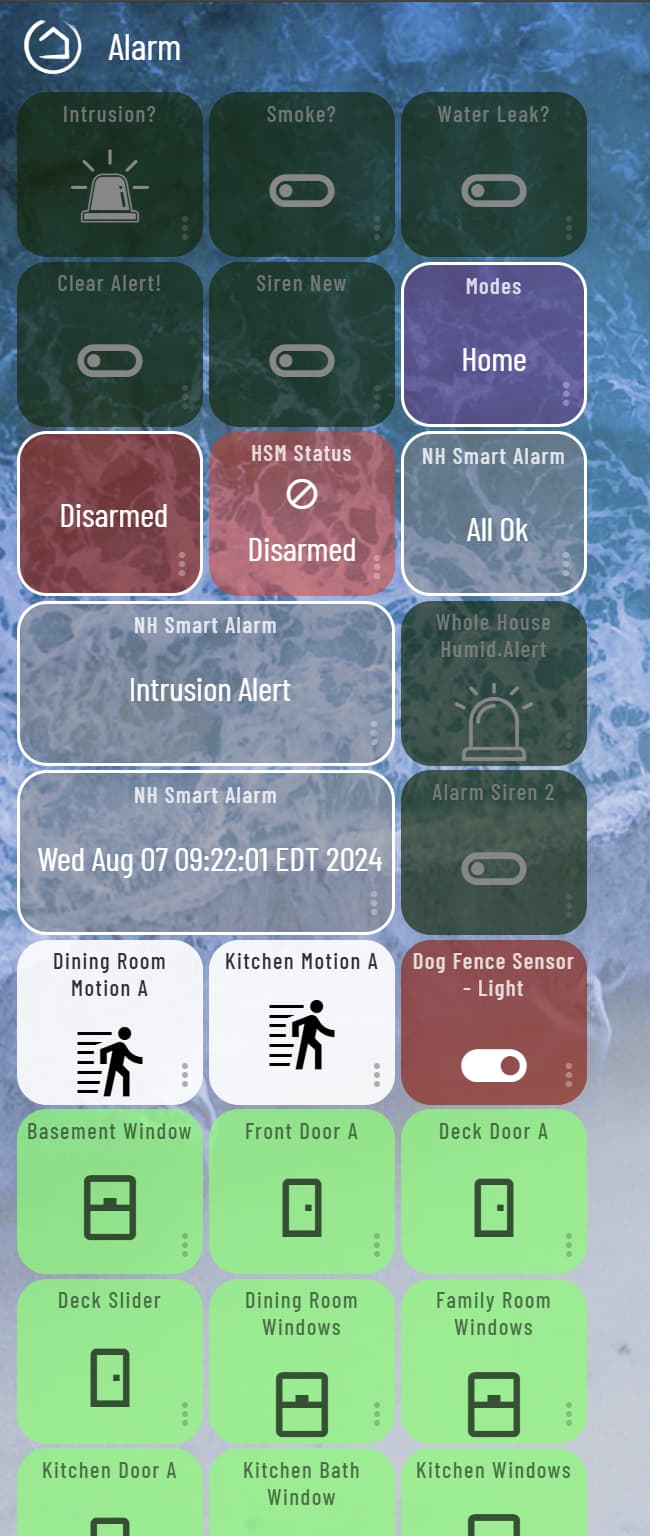
Sounds like it’s possible to set this up with a dashboard or something like that. Is there anybody on here that can show me a step-by-step process so I can set that up?
I would love to have it on a dashboard so I could cancel the alert as well as turn on the main water valve to the house. Once I figure out the water leak is taken care of.
A bit of a different approach maybe...
I created a virtual device called Water Leak.
I then have WebCore monitor all the sensors I have for a leak event.
If a leak occurs the Virtual Device is set to Wet, the water shut-off valve closes and I get a Pushover message.
Once the leak clears, via someone drying the sensor and checking out the reason, the piston senses a dry condition and sets the virtual device to Dry and I get a Pushover message again stating all is ok.