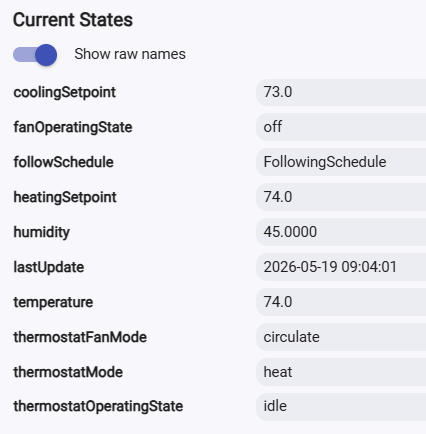
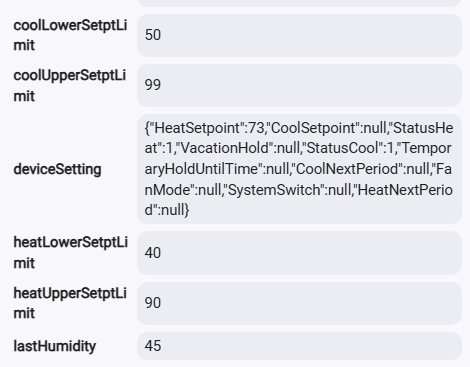
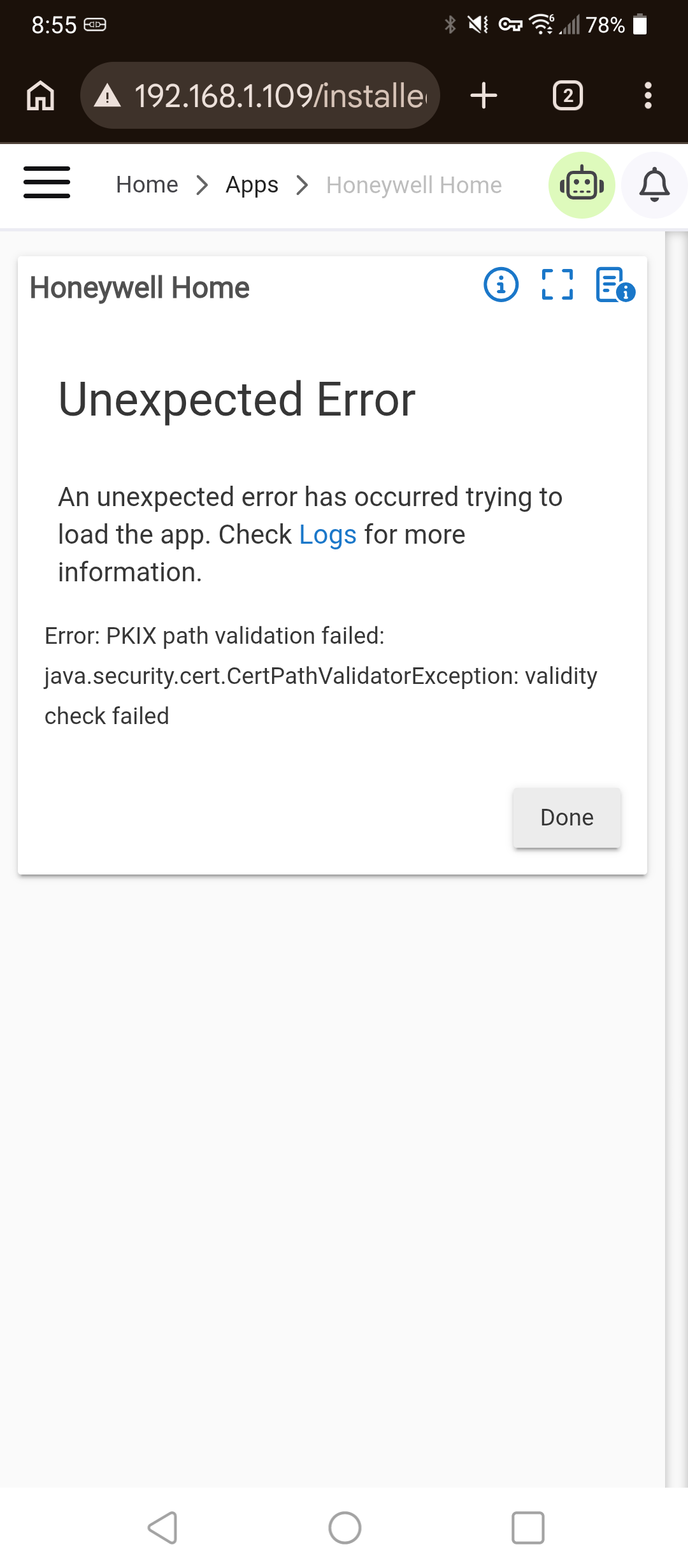
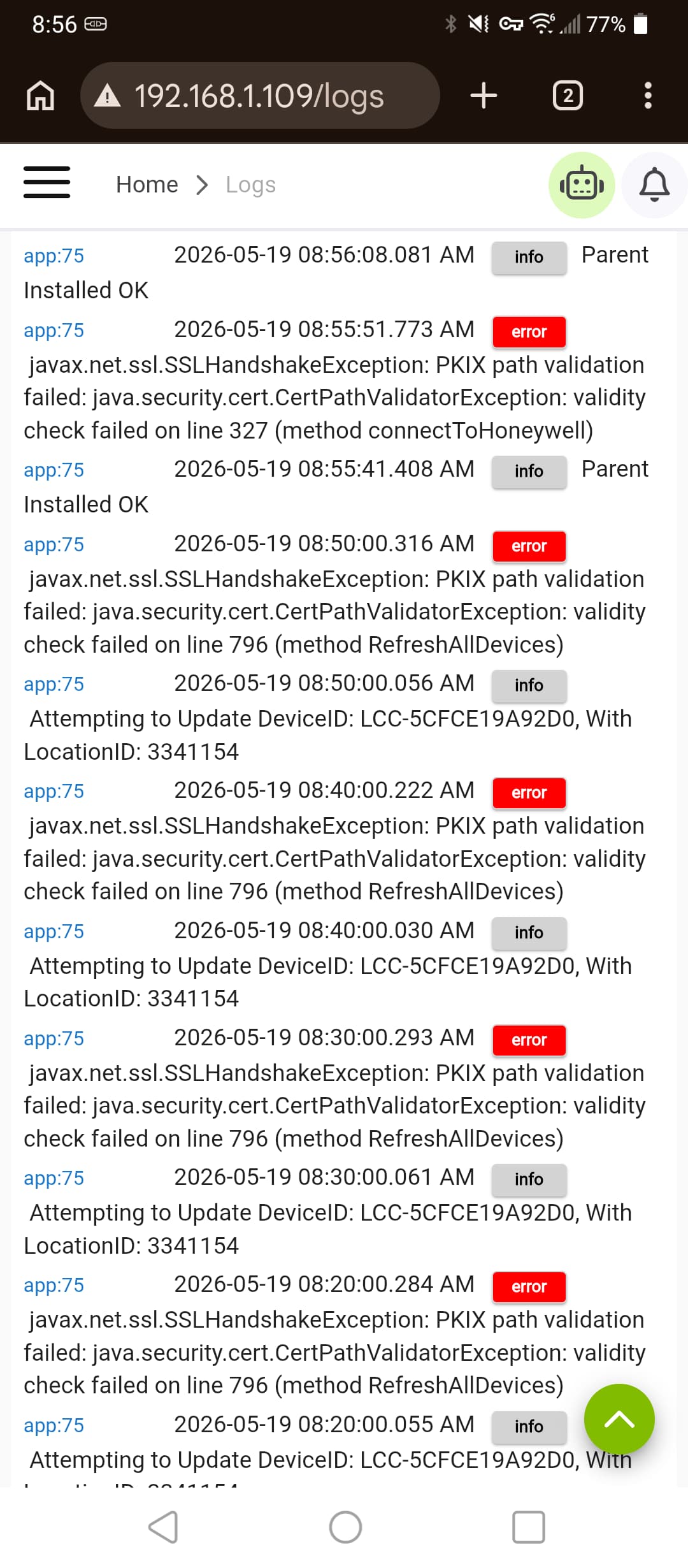
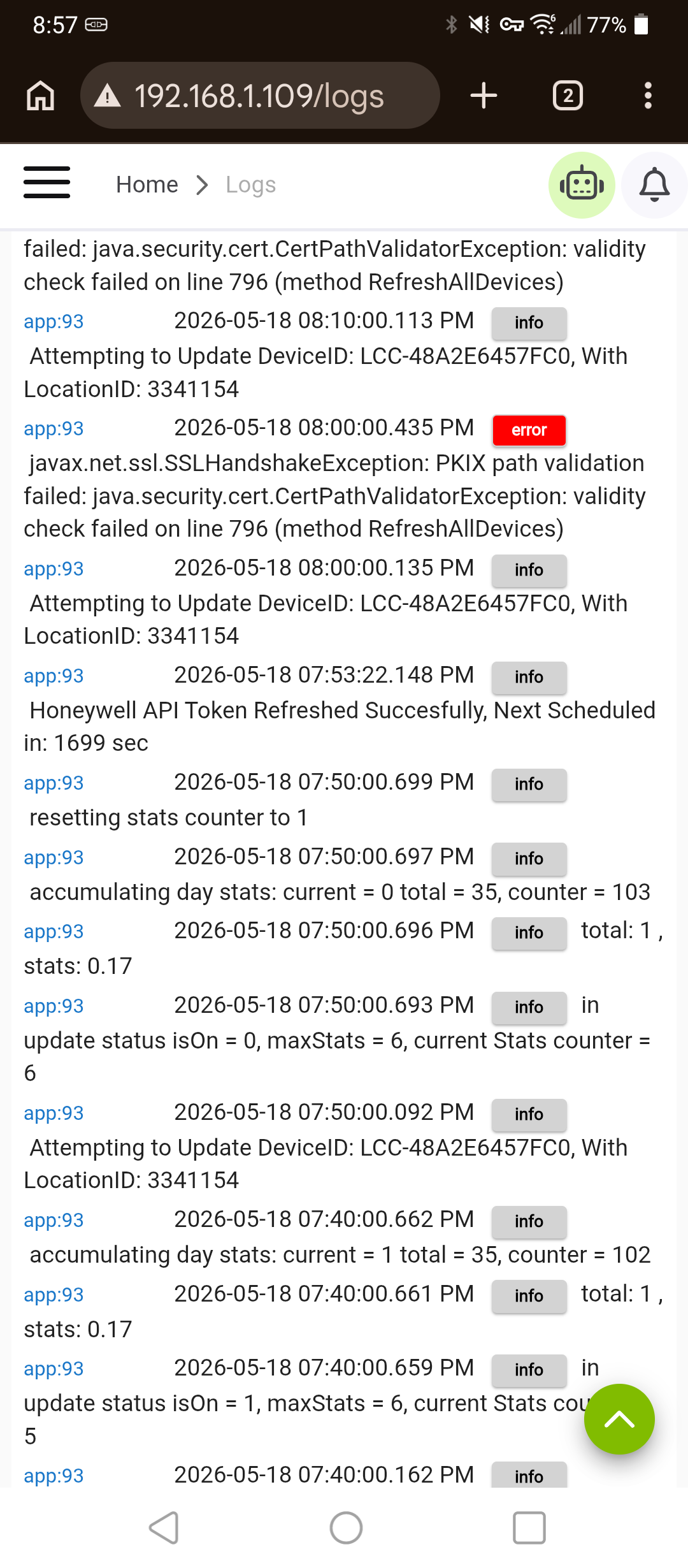
Honeywell app suddenly generating this error ... any ideas?
@bobbyD
Looks like their services had issues last night. should be clear, but the error points to a cert issue.
No i figured it out..
Thanks though.
They moved the api from api.honeywell.com to api.honeywellhome.com ,
You need to change the line in the code or get a new copy from my github.
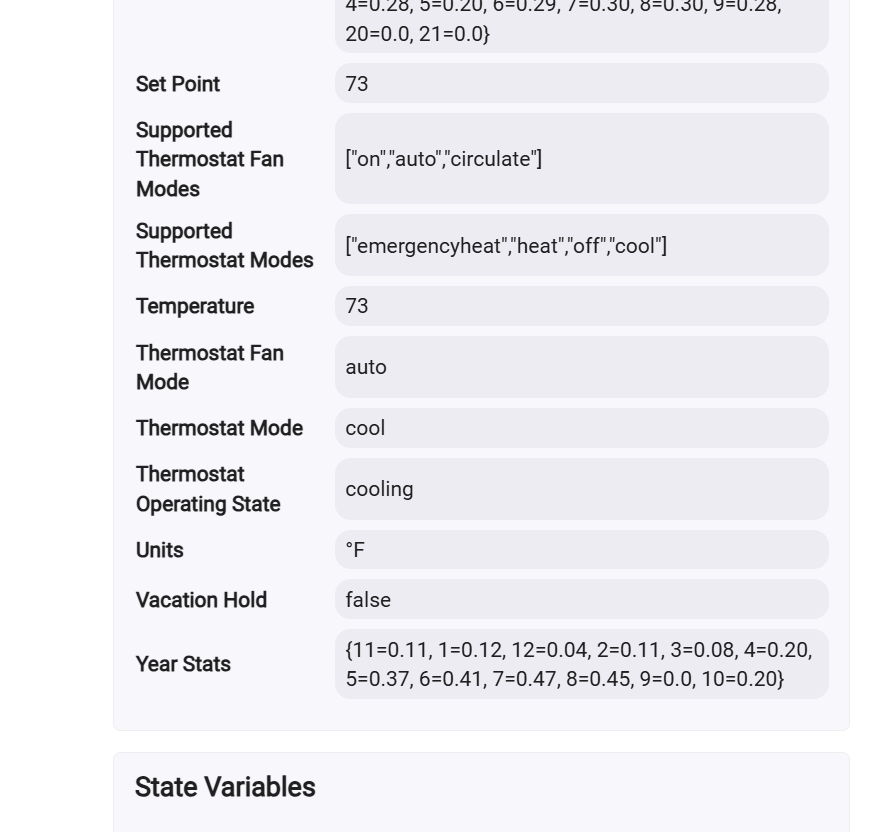
I have two versions onewith hourly, monthly, yearly usage (percentage of refreshes showing device on) or one without.
here are my github locations:
app without statistics
/*
Hubitat Driver For Honeywell Thermistat

Copyright 2020 - Taylor Brown

Permission is hereby granted, free of charge, to any person obtaining a copy of this software and associated documentation files (the "Software"), to deal in the Software without restriction, including without limitation the rights to use, copy, modify, merge, publish, distribute, sublicense, and/or sell copies of the Software, and to permit persons to whom the Software is furnished to do so, subject to the following conditions:

The above copyright notice and this permission notice shall be included in all copies or substantial portions of the Software.

THE SOFTWARE IS PROVIDED "AS IS", WITHOUT WARRANTY OF ANY KIND, EXPRESS OR IMPLIED, INCLUDING BUT NOT LIMITED TO THE WARRANTIES OF MERCHANTABILITY, FITNESS FOR A PARTICULAR PURPOSE AND NONINFRINGEMENT. IN NO EVENT SHALL THE AUTHORS OR COPYRIGHT HOLDERS BE LIABLE FOR ANY CLAIM, DAMAGES OR OTHER LIABILITY, WHETHER IN AN ACTION OF CONTRACT, TORT OR OTHERWISE, ARISING FROM, OUT OF OR IN CONNECTION WITH THE SOFTWARE OR THE USE OR OTHER DEALINGS IN THE SOFTWARE.

Major Releases:
11-25-2020 :  Initial
11-27-2020 :  Alpha Release (0.1)
12-15-2020 :  Beta 1 Release (0.2.0)
4/23 lgk fix supportedThermostatModes and supportedThermostatFanModes so dashboards work again for setting these.
 3/24 lgk add code to handle and retry after communication failures
 10/24 lgk add tons of new attrbiutes
ie
maxCoolSetPoint : 90
show original
app with statistics
/*
Hubitat Driver For Honeywell Thermistat

Copyright 2020 - Taylor Brown

Permission is hereby granted, free of charge, to any person obtaining a copy of this software and associated documentation files (the "Software"), to deal in the Software without restriction, including without limitation the rights to use, copy, modify, merge, publish, distribute, sublicense, and/or sell copies of the Software, and to permit persons to whom the Software is furnished to do so, subject to the following conditions:

The above copyright notice and this permission notice shall be included in all copies or substantial portions of the Software.

THE SOFTWARE IS PROVIDED "AS IS", WITHOUT WARRANTY OF ANY KIND, EXPRESS OR IMPLIED, INCLUDING BUT NOT LIMITED TO THE WARRANTIES OF MERCHANTABILITY, FITNESS FOR A PARTICULAR PURPOSE AND NONINFRINGEMENT. IN NO EVENT SHALL THE AUTHORS OR COPYRIGHT HOLDERS BE LIABLE FOR ANY CLAIM, DAMAGES OR OTHER LIABILITY, WHETHER IN AN ACTION OF CONTRACT, TORT OR OTHERWISE, ARISING FROM, OUT OF OR IN CONNECTION WITH THE SOFTWARE OR THE USE OR OTHER DEALINGS IN THE SOFTWARE.

Major Releases:
11-25-2020 :  Initial
11-27-2020 :  Alpha Release (0.1)
12-15-2020 :  Beta 1 Release (0.2.0)
4/23 lgk fix supportedThermostatModes and supportedThermostatFanModes so dashboards work again for setting these.
 3/24 lgk add code to handle and retry after communication failures
 10/24 lgk add tons of new attrbiutes
ie
maxCoolSetPoint : 90
show original
device driver
/*
Hubitat Driver For Honeywell Thermistat

Copyright 2020 - Taylor Brown

Permission is hereby granted, free of charge, to any person obtaining a copy of this software and associated documentation files (the "Software"), to deal in the Software without restriction, including without limitation the rights to use, copy, modify, merge, publish, distribute, sublicense, and/or sell copies of the Software, and to permit persons to whom the Software is furnished to do so, subject to the following conditions:

The above copyright notice and this permission notice shall be included in all copies or substantial portions of the Software.

THE SOFTWARE IS PROVIDED "AS IS", WITHOUT WARRANTY OF ANY KIND, EXPRESS OR IMPLIED, INCLUDING BUT NOT LIMITED TO THE WARRANTIES OF MERCHANTABILITY, FITNESS FOR A PARTICULAR PURPOSE AND NONINFRINGEMENT. IN NO EVENT SHALL THE AUTHORS OR COPYRIGHT HOLDERS BE LIABLE FOR ANY CLAIM, DAMAGES OR OTHER LIABILITY, WHETHER IN AN ACTION OF CONTRACT, TORT OR OTHERWISE, ARISING FROM, OUT OF OR IN CONNECTION WITH THE SOFTWARE OR THE USE OR OTHER DEALINGS IN THE SOFTWARE.

Major Releases:
11-25-2020 :  Initial
11-27-2020 :  Alpha Release (0.1)
12-15-2020 :  Beta 1 Release (0.2.0)
lgk 12-24-2020 add lastUpdated and humidity
lgk 10/24 new attributes

*/
import groovy.json.JsonSlurper
show original
marktheknife:
Who wrote the app?
it was written by someone else a while ago i have been maintaining and supporting it (at least my custom version) for a few years.
Sounds like the issue’s on Honeywell’s end, not Hubitat’s.
Glad to hear you got it working.
Mines seem to be working ..
I do know they are real picky and will "ban" you if you spam the api.
Thanks as mentioned mine is working again after the change.. curious what does your api url say?
thanks not having issues with getting banned... i check every 10 minutes. and 3 different therms .
i added code if login fails retries in a few minutes anyway.
you still may want to check your url.. this just started this morning and if yours is not logging in every time it may fail next time it actually does.
2026-05-19 09:19:01.437 AM
just using : https://mytotalconnectcomfort.com/portal
totalconnect comfort is a whole different api than honeywellhome and for different thermostats! i have two of those running/therms as well but honeywell home is for t5 t6 etc (resideo) therms. the phone app is different as well instead of total connect it is resideo.
and yes total connect is much more restrictive on traffic for some reason..
 Fan: circulate,
  State: heating
 Honeywell Thermostat Data: Temp=74.0°F, Humidity=45.0000%, Heat SP=74.0°, Cool SP=73.0°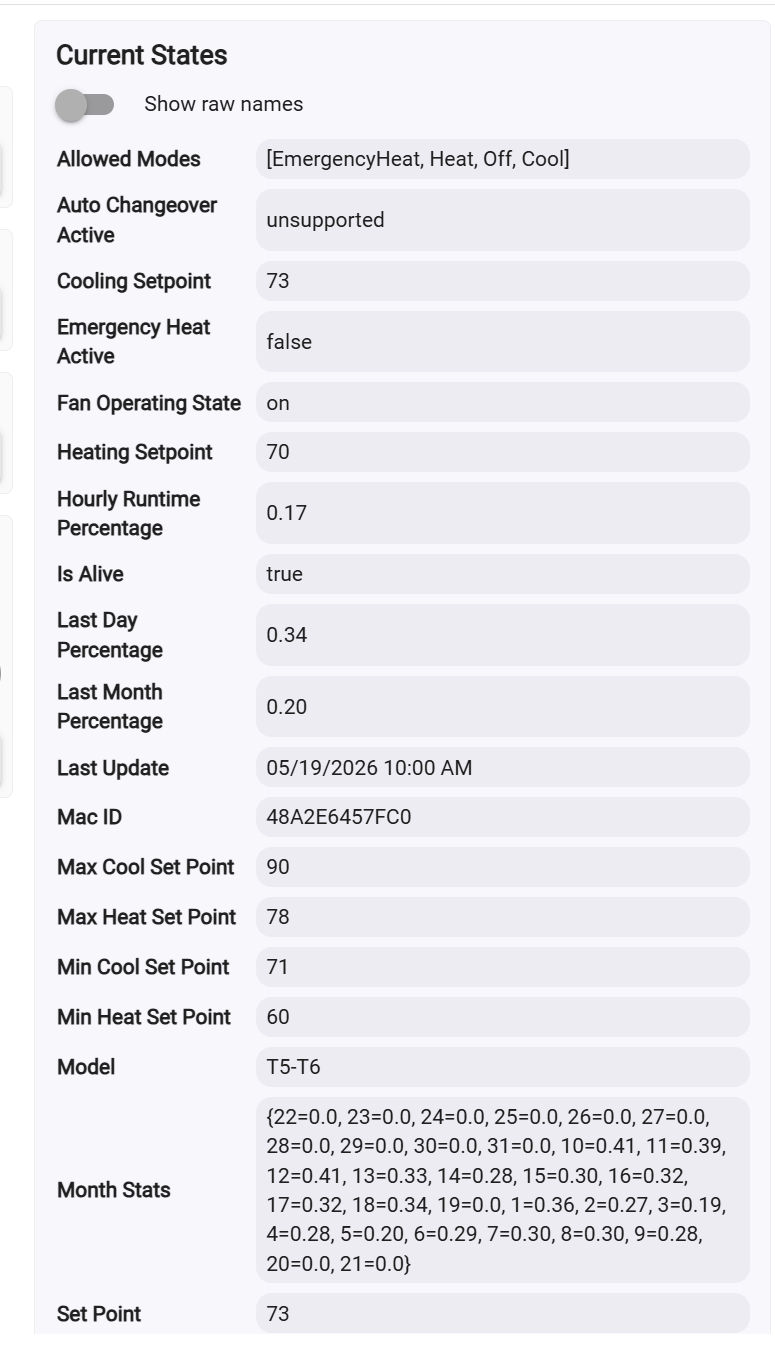
 Honeywell Keepalive:
  Session is alive (200)