Im having a bit of a torrid time with HomeKit today. I added a new module to control a mini-split A/C which uses the Generic Z-wave plus thermostat driver, it's mostly working from the devices page inside of Hubitat. I enabled HomeKit on the device and it shows up in the default room and seems to work. I went in to the device's gear settings in the Home app and changed the room its in and edited the name, all went fine. I notice it's showing a low battery alert, and this device doesnt have any kind of battery, so I go to HomeKit Bridge and deselect the Battery from Extras. HomeKit restarts and I see the device showed up back the default room on the Home app. I again go to settings to move it to the different room, but now the Home App announces Could not change settings. I tried editing the name, same error. Tried some other things like Show as single tile, same error. Tried moving another device to a different room, worked just fine, so its just this thermostat device thats affected.
I tried re-enabling the Battery setting in HomeKit Bridge in case it was turning it off that caused the issue, but its room or name still could not be edited in Home.
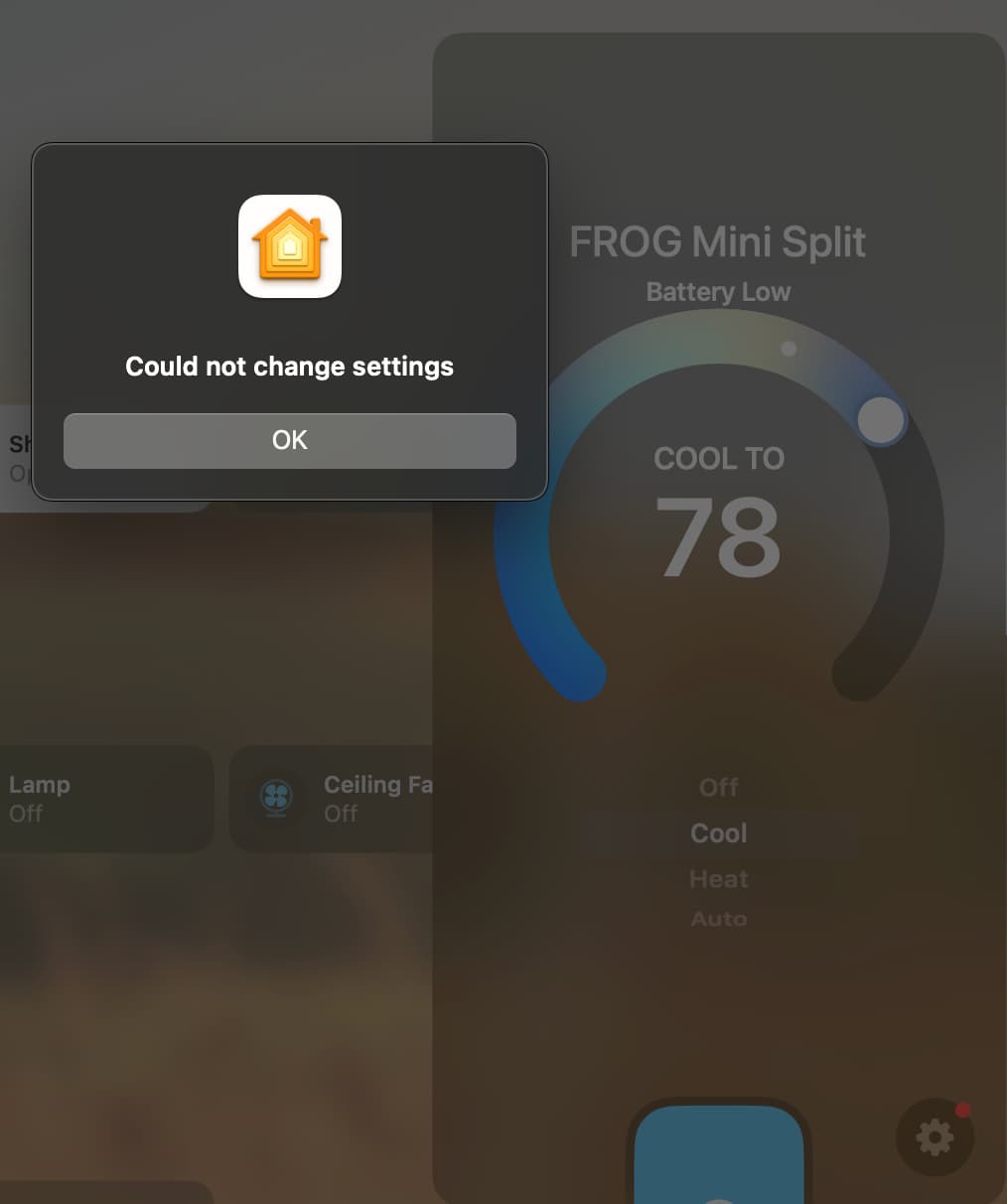
Ive tried disabling and re-enabling the device in the HomeKit Bridge page with no change. Ive restarted the HomeKit integration, no change. Not sure how to get it back working with out fully deleting the device and re-pairing it to z-wave to create a whole new device entity in hubitat that HomeKit won't recognize and at least allow me to edit things. Ill avoid disabling the battery function as im sure this what triggered the issue.
Sorry it's longwinded. Anyone seen anything like this?