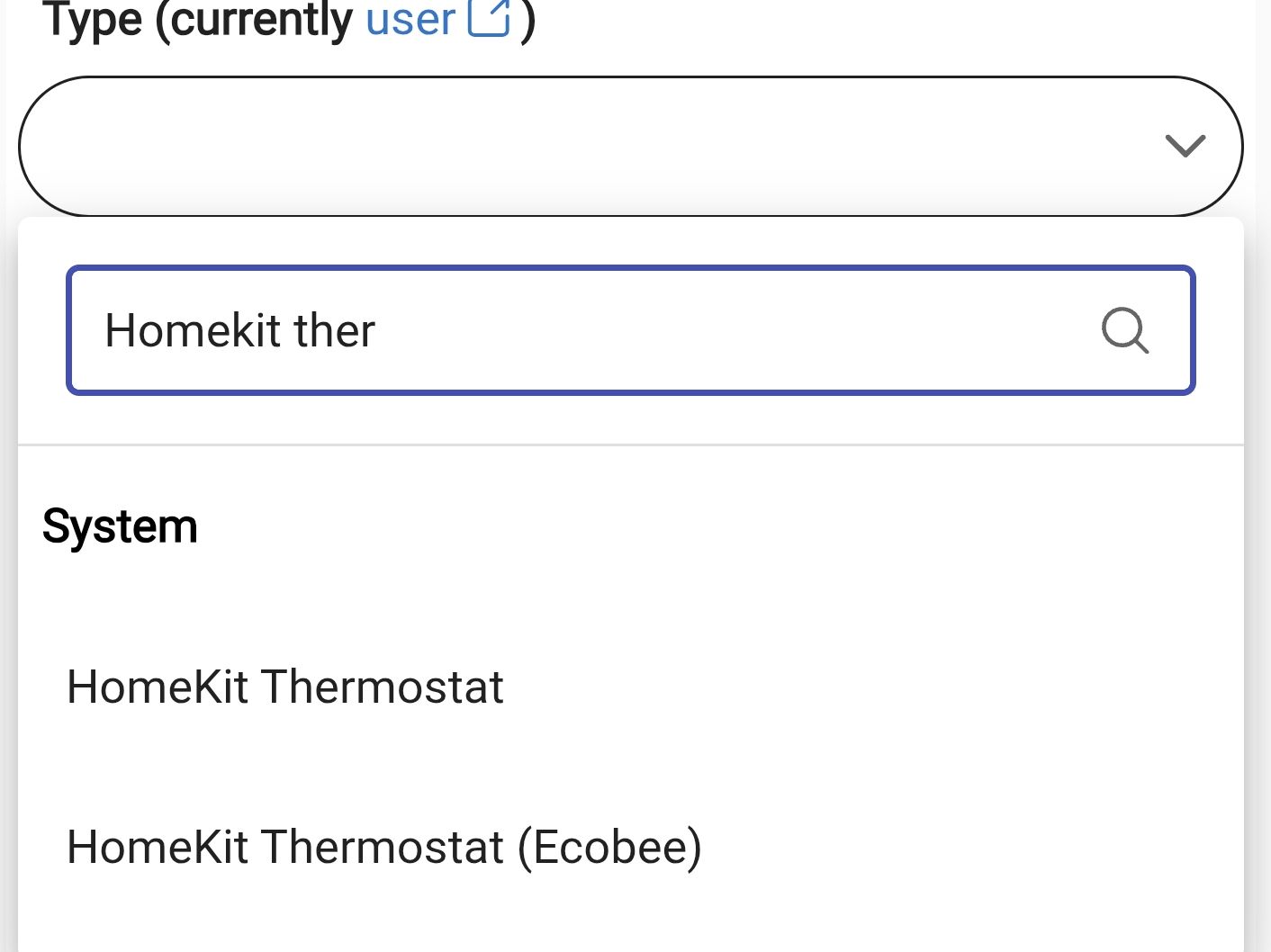
Hi, I've just purchased a few Aqara E1 TRV's and I've connected them to the Aqara App. They are visible on the homekit controller, however I'm struggling to get them to work in HE. Which driver would I use. I've tried the Homekit Thermostat driver but to no avail. Can anyone help as I'm really keen for this to work in HE via the Aqara app as the external thermostat feature of the TRV is impressive. @Sebastien @ogiewon @kkossev you seem well versed in this field. Are you able to help please. Appreciated 
1 Like
I’ve had great success with the Aqara PF2, but never had one of their thermostats. It would require for someone in the community or the hubitat staff to create a driver for it. I’m doubtful that a generic driver would work in this case, but maybe @gopher.ny has an idea…?
Thanks @Sebastien, much appreciated.  @gopher.ny please can you help and make this work. I have mega WAF dependant on this working. Appreciated guys, please help
The Aqara E1 TRV is a Zigbee device, so bringing it into Hubitat via the HomeKit protocol is something I’ve never really thought about...
Have you already tried bringing it into Hubitat via Matter?
2 Likes
Hi,
When I try to bring it in via matter, it doesn't show in the device list. Nor does my FP2 but my Aqara wall switches show as child devices. This feels odd, any ideas?
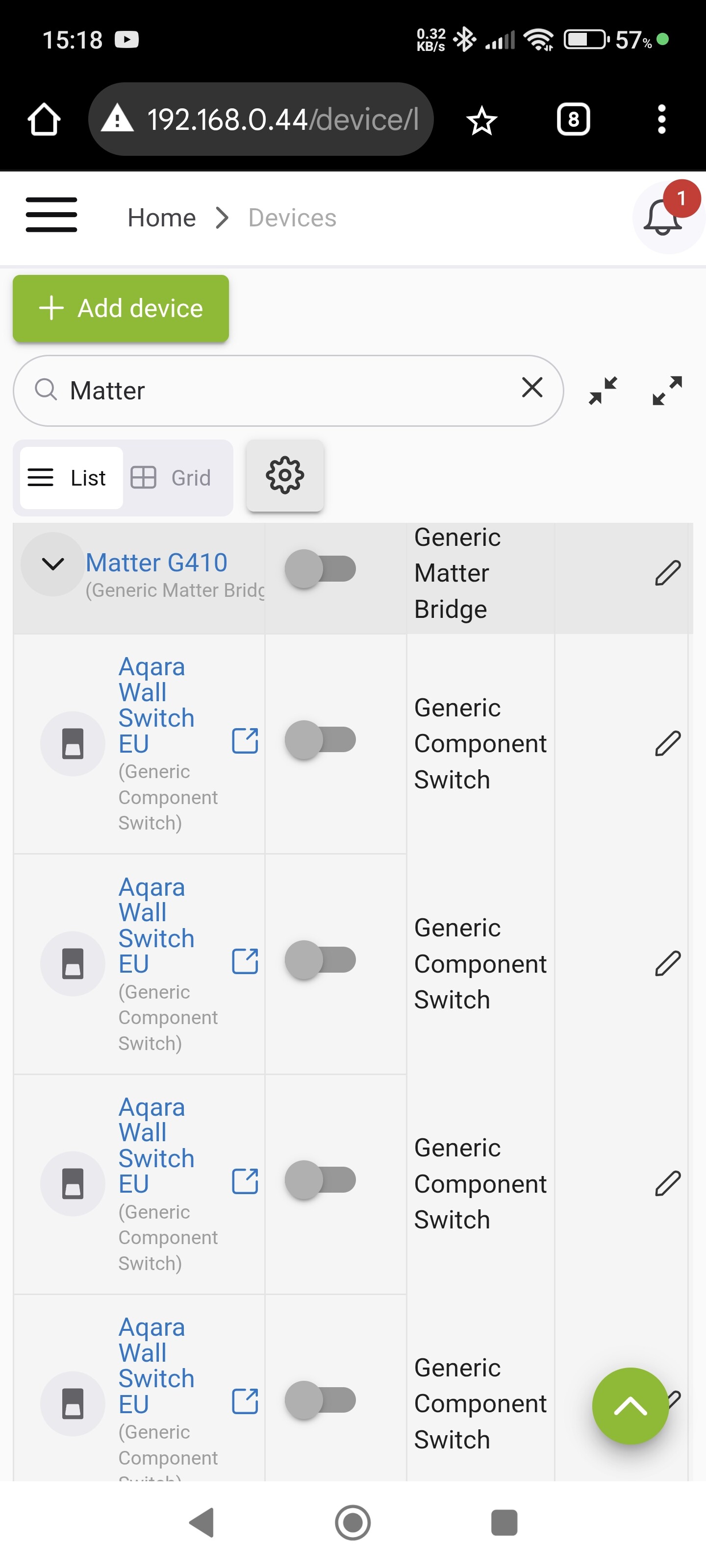
I tested the stock Matter Generic Bridge driver, and I can confirm that the Aqara E1 is not recognized, and no child device is created, even though the fingerprint is available :
fingerprint endpointId:"52", inClusters:"001D,0039,0003,0201,002F", outClusters:"", model:"Aqara Hub M3", manufacturer:"Aqara", controllerType:"MAT"
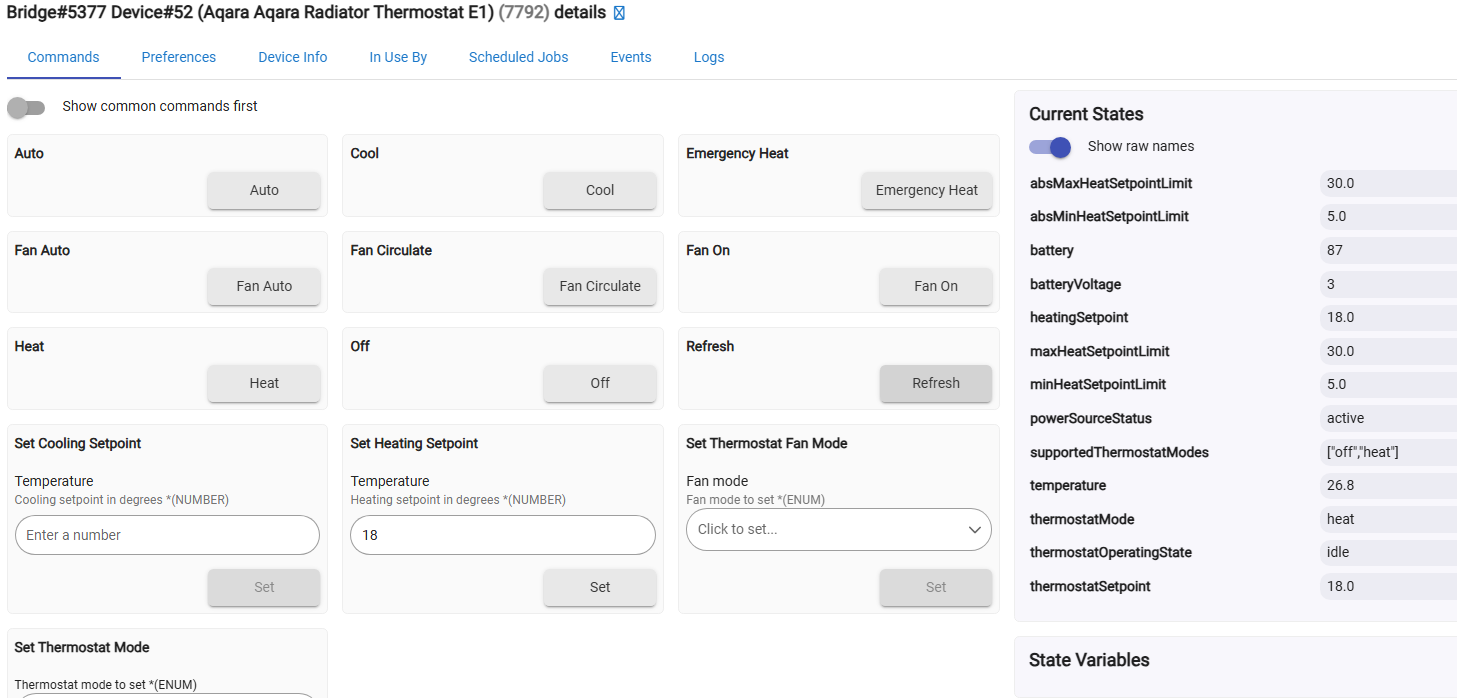
The Aqara Radiator Thermostat E1 works well with the community Matter Bridge driver, but I am no longer actively developing it; the best approach would be for it to be supported in the official Matter Bridge in the future.
Discovery
dev:53772025-12-20 20:27:40.131infoAqara M3 Matter Cluster BridgedDeviceBasicInformation (0x0039) endpoint 0x52 attributes and values list (0xFFFB) :
[FFFB] AttributeList = [01, 02, 03, 05, 07, 08, 09, 0A, 0F, 0C, 0D, 0E, 11, 12, FFF8, FFF9, FFFB, FFFC, FFFD]
[0001] VendorName = Aqara
[0002] VendorID = 0x115F (4447)
[0003] ProductName = Aqara Radiator Thermostat E1
[0005] NodeLabel = Aqara Radiator Thermostat E1
[0007] HardwareVersion = 01
[0008] HardwareVersionString = 1
[0009] SoftwareVersion = 0x0406 (1030)
[000A] SoftwareVersionString = 0x1030 (4144)
[000C] PartNumber = 0xAA006 (696326)
[000D] ProductURL = https://www.aqara.com/en/products.html
[000E] ProductLabel = Aqara Radiator Thermostat E1
[000F] SerialNumber = 54ef44100073c002
[0011] Reachable = 01
[0012] UniqueID = lumi.54ef44100073c002
[FFF8] GeneratedCommandList = []
[FFF9] AcceptedCommandList = []
[FFFC] FeatureMap = 00
[FFFD] ClusterRevision = 03
dev:53772025-12-20 20:27:38.015infoAqara M3 Matter Found bridged device part #18 fingerprint52
dev:53772025-12-20 20:27:38.013infoAqara M3 Matter Cluster Descriptor (0x001D) endpoint 0x52 attributes and values list (0xFFFB) :
[FFFB] AttributeList = [00, 01, 02, 03, FFF8, FFF9, FFFB, FFFC, FFFD]
[0000] DeviceTypeList = [02]
[0001] ServerList = [1D, 39, 03, 0201, 2F]
[0002] ClientList = []
[0003] PartsList = []
[FFF8] GeneratedCommandList = []
[FFF9] AcceptedCommandList = []
[FFFC] FeatureMap = [00]
[FFFD] ClusterRevision = [02]
1 Like
Hi @kkossev, appreciated in advance and thanks.
I'm not too sure what you're telling me here, are you saying that the E1 can be visible in HE. How have you achieved this? How exactly do I do this, I'm confused despite reading the links provided?
I responded in the custom driver thread because the original topic here was about the stock integrations.

