Can someone point me in the direction of an example of or documentation on how to set a variable using HTTP GET? I don't see the answer on what I'd like to do in any FAQ or searching.
What I'd like to do in RM:
Every day at 5:00 AM using my Open Weather account
I don't really use Rule Machine, but there was a post about this recently.
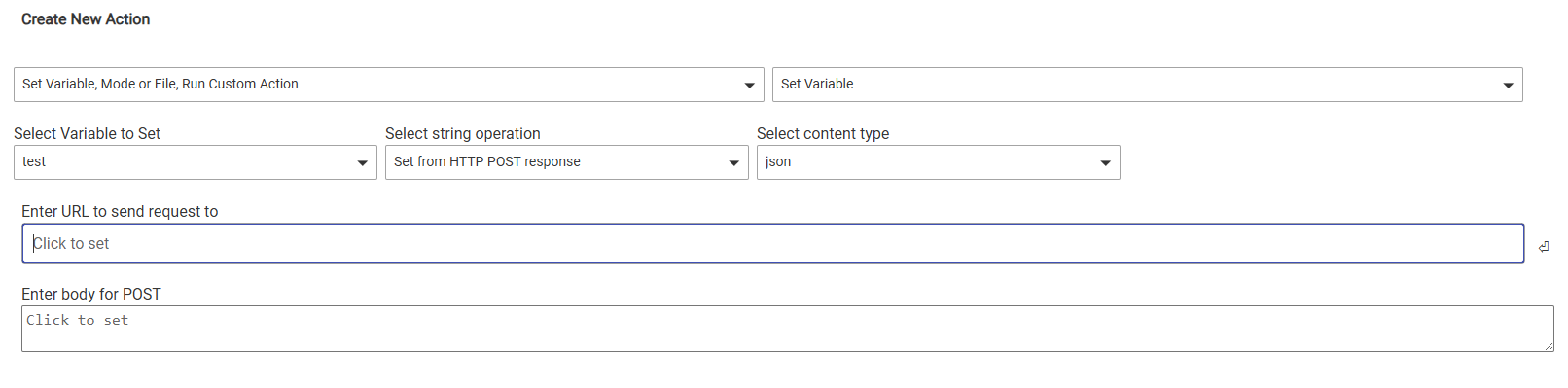
Action:
Select Variable to Set -> select your variable
Select String operation -> select Set from HTTP Post Response
Select content type -> probably json in this case
Enter URL to Send request to -> Your url for the request
Enter body for Post -> probably not needed
I've never actually tried this is Rule Machine, I have only used Webcore for web requests and json parsing.
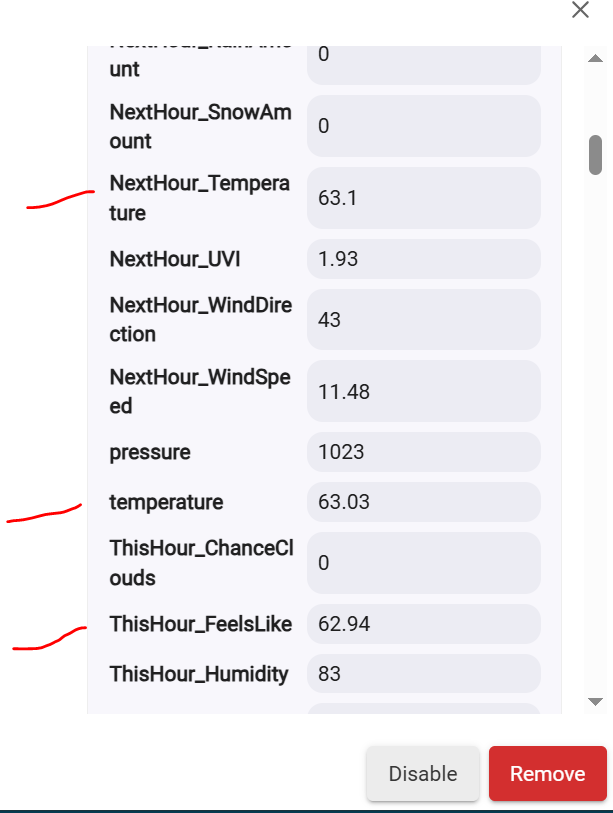
While this doesn’t answer your question about http get but… if you are trying to retrieve the max and min temps of the day from open weather map why not use this driver? Both values are saved to a custom attribute, so you can automate as you’ld like in RM from there.
I use A LOT of custom attributes. If i created variables for each custom attribute I used, it would quickly become unmanageable. Ultimately though what works for me may not work for you.
Also as i learned how to use RM over time, i ended up rewriting several rules to make them simpler or better or because i realized being less heavy handed can produce more consistent results. I’m sure most people on this forum have done the same. Home automation is a journey, glad i could help.
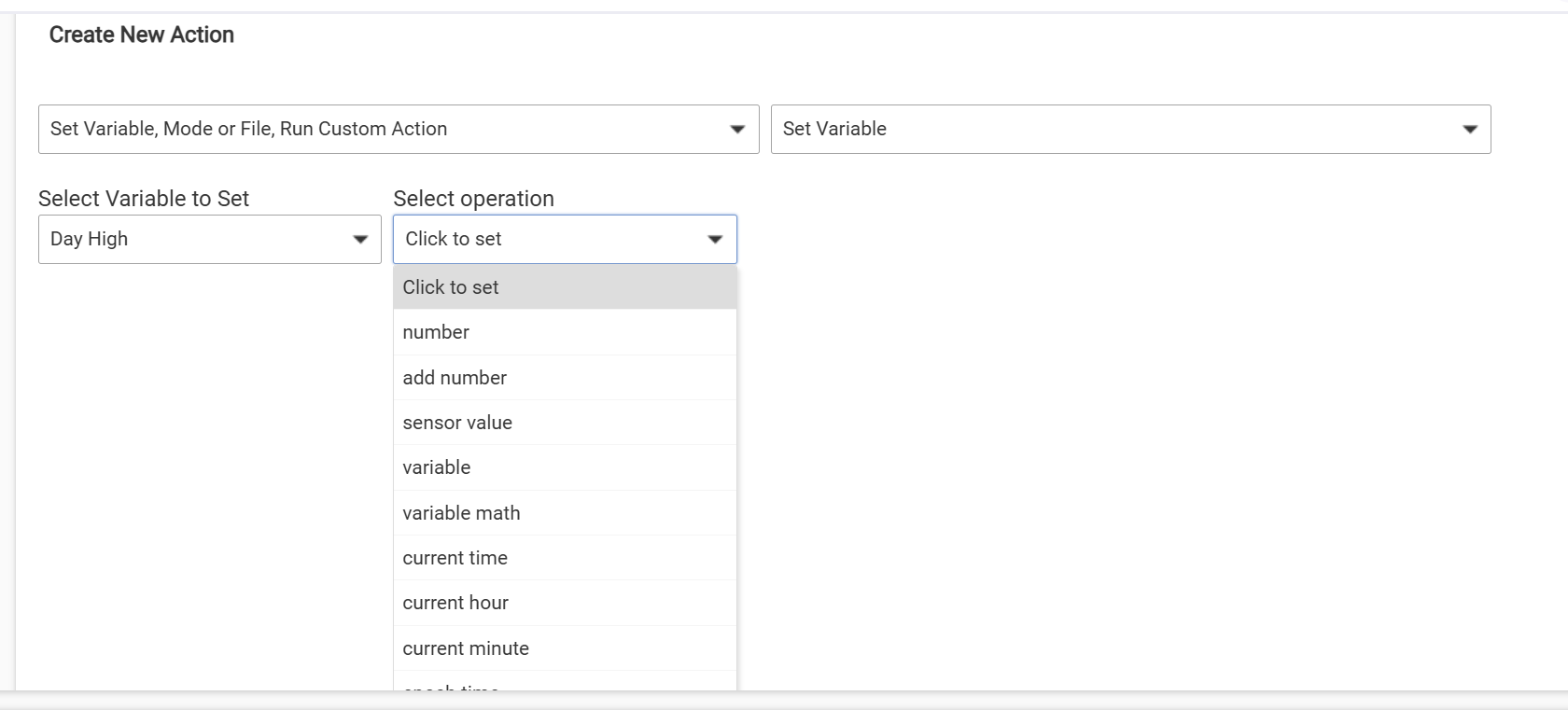
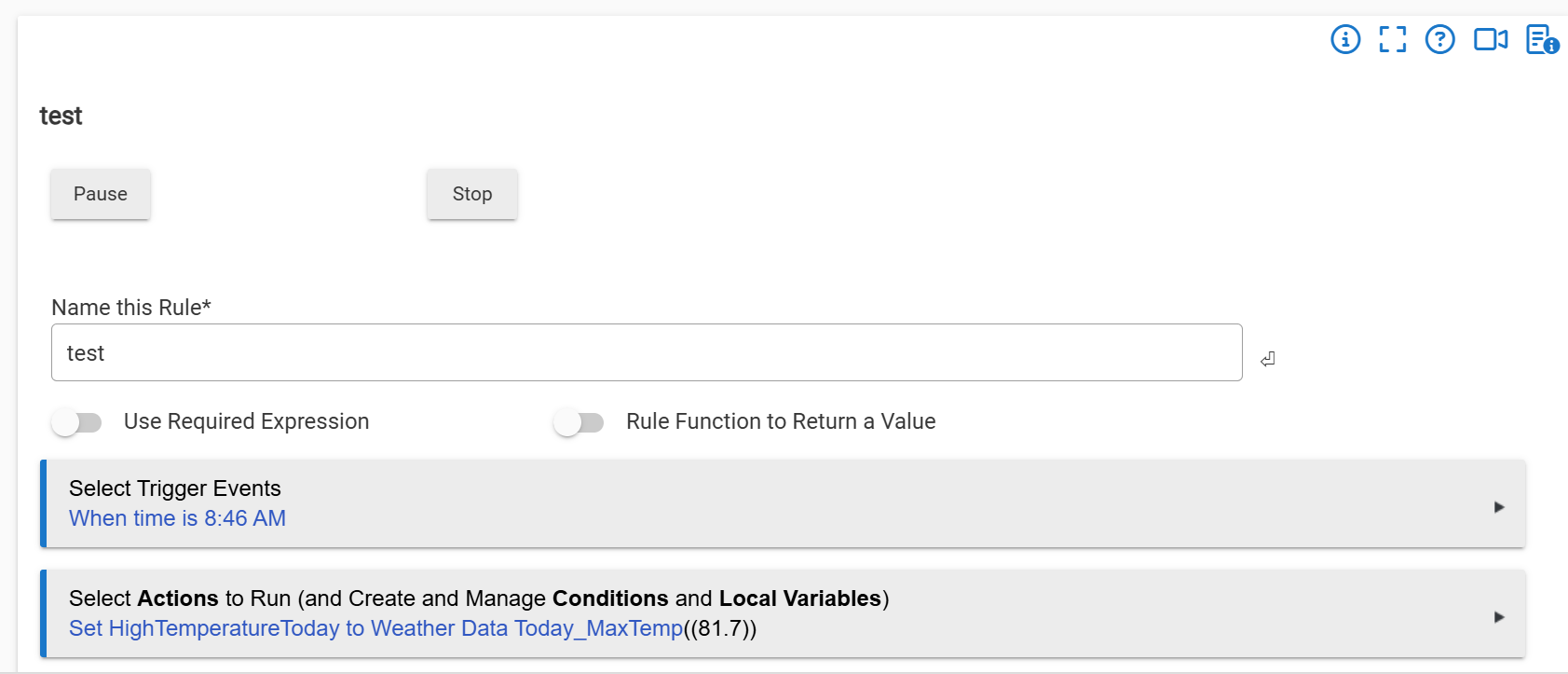
I'll take another look at using the custom attributes. Conceptually it seems cleaner. While I was able to "see" the attribute to set the variable in my test above, I was not able to see it to use it as a "condition" in a rule. (Not sure why). I'll keep trying....
EDIT: They are there now. not sure why they were not before. This will work perfectly!!!