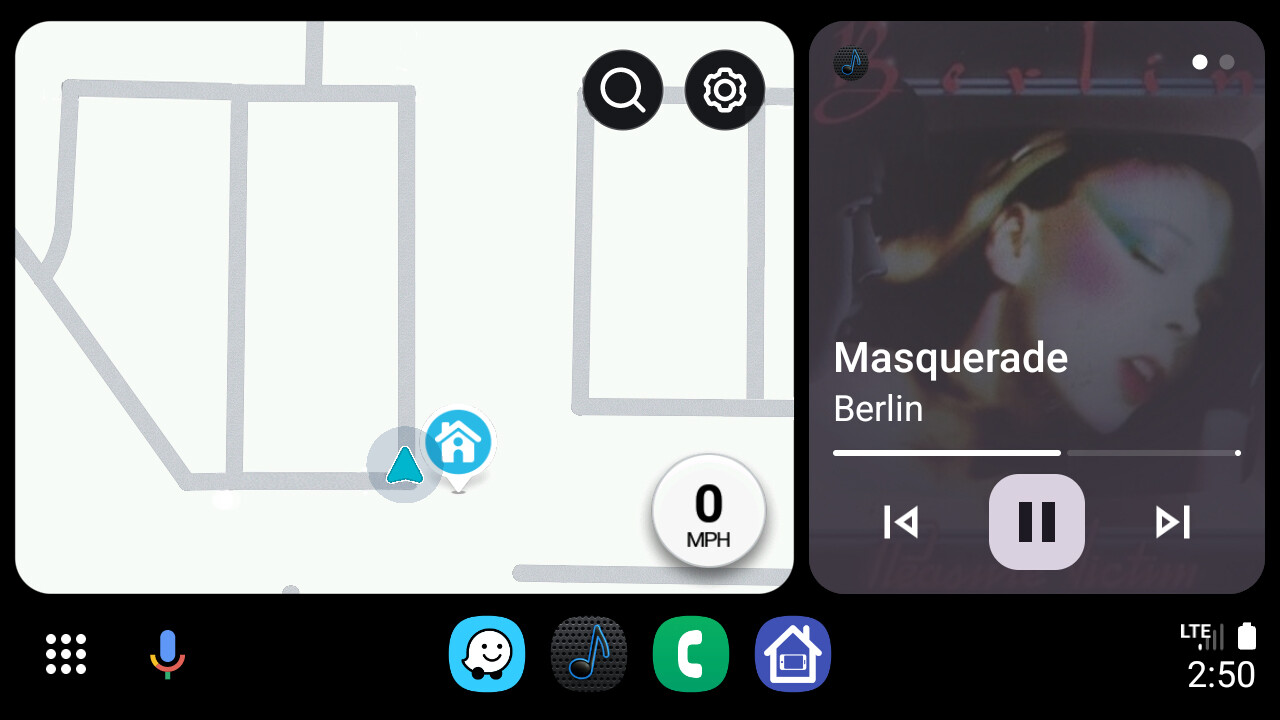
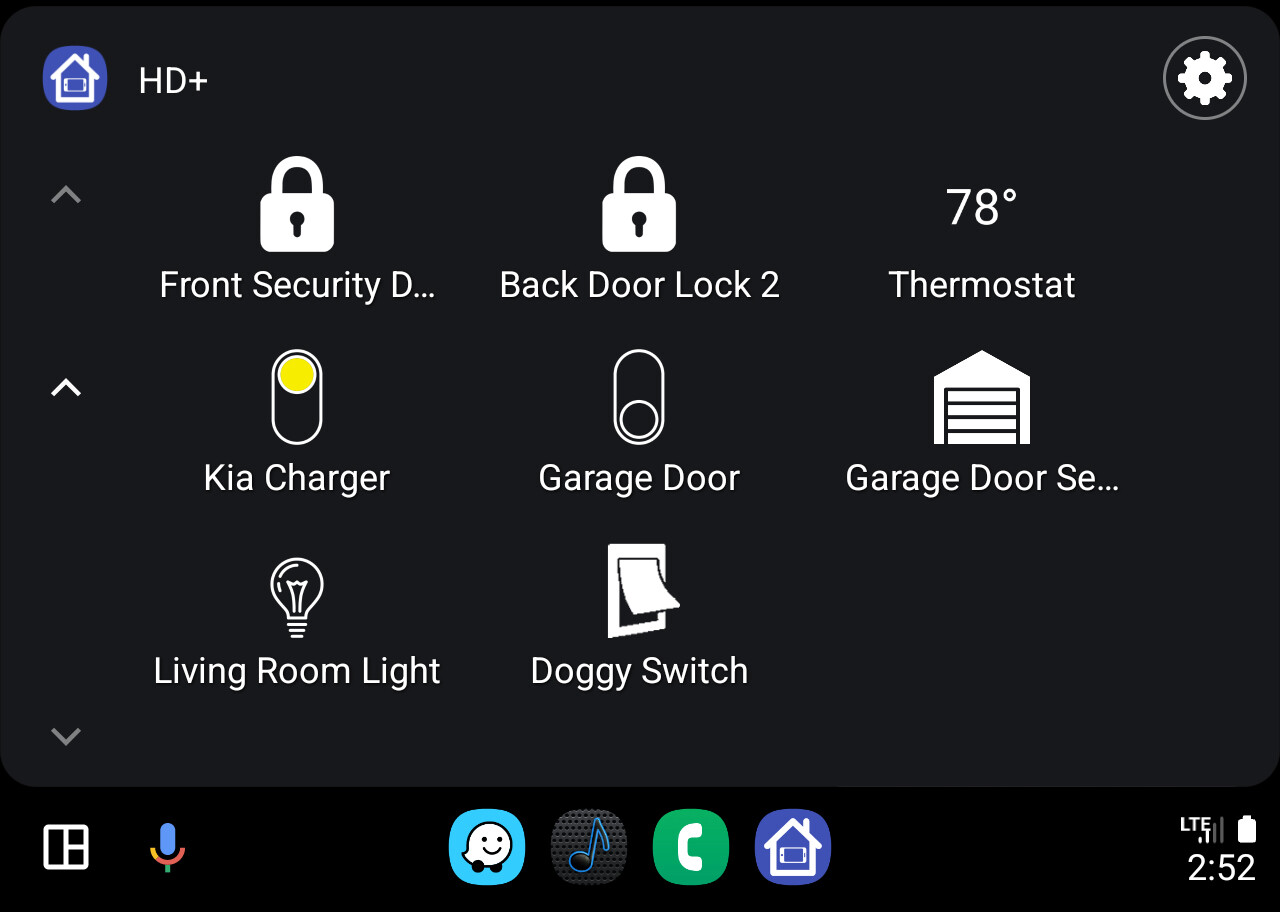
It's the tabbed UI... in the app setting for Android Auto it says 'CarAPI 6'
Forgive me... but where exactly would I find this "device log"? Does hubitat see this as a device? I checked the logs of hubitat (all) for the entire day, and there are no errors to be found. And the only "warn" I could find was coming from a troublesome Zigbee sensor I haven't replace yet.
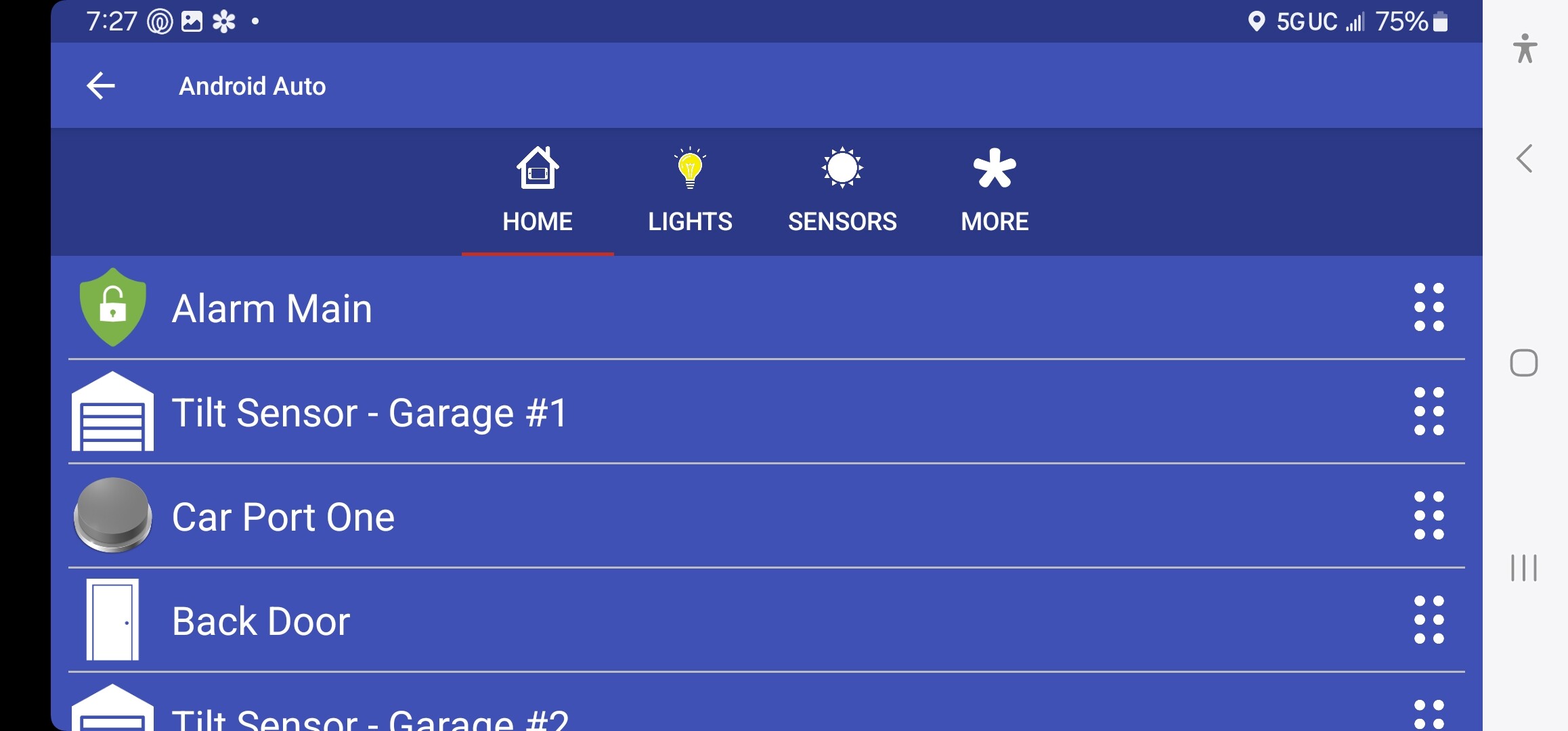
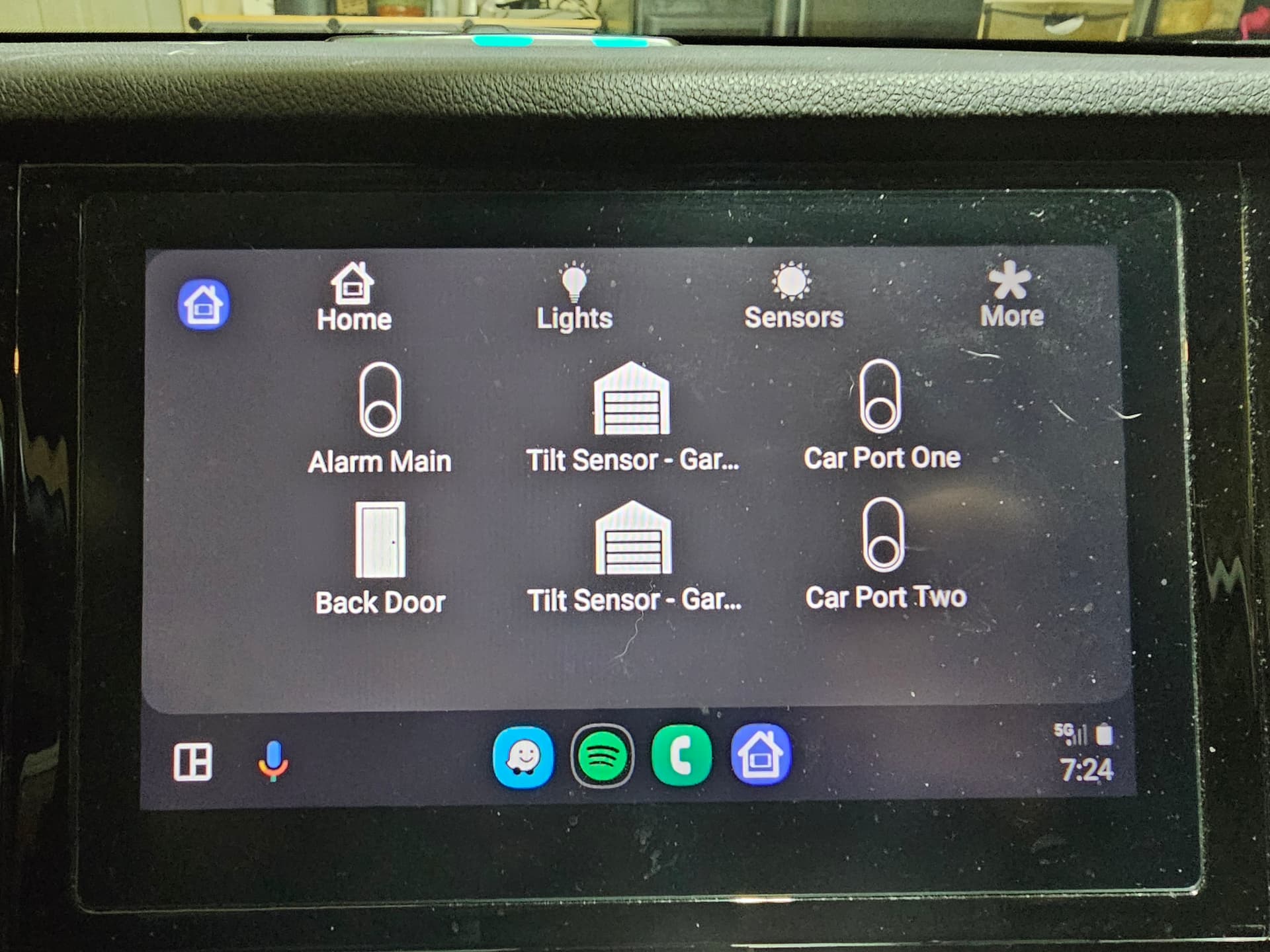
I didn't mention this in my original post yesterday but it happened again this morning... it appears the screens I setup changed. Different sensors, etc. When this happened yesterday, I just thought it was a quirk so I read did the screens (just Home and More). When I re-arranged the screen back to show the sensors I wanted, those sensors then appeared but they only showed the defaults (Icon, etc) even though on the phone itself it showed the correct settings. I'm going to go back to the phone right now and re-configure the screens the way I want it and see if it will do the same thing as yesterday and I'll post some pictures.
EDIT: I now see where I can send you the log files. I sent them now to you.
OK... so I just re-did the screen again because they mysteriously changed again this morning. And now the same thing is occurring... the screens look correctly on the phone but in the car, the sensors only show their defaults.
This problem began yesterday after I simply added "Alarm Main" to the home screen which is a virtual switch in Hubitat. And this is the second day in a row now since, that when I used the system in the morning, the icons changed to other sensors and this change occurred on both my phone and car. Weird... hopefully it is something simple....
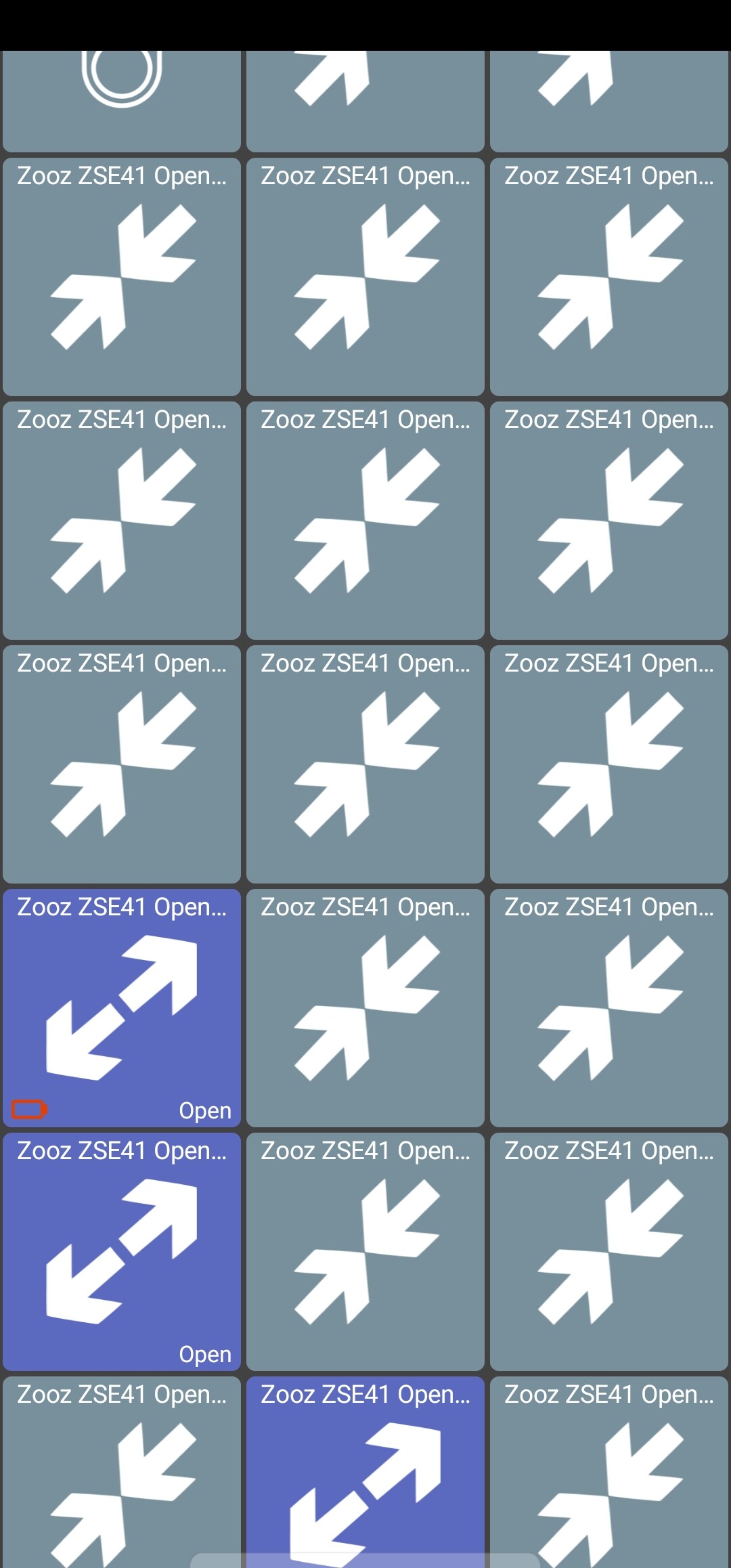
I'm still having trouble with the app. I've sent you logs but I'm not sure you're getting them. Now on both my phone and on the car display, the device name shows the device type instead the driver name or the custom name I created on the app from the edit. I tried uninstalling and re-installing the app but that didn't help.
You have to enable developer settings on the android auto app.
Settings -> Apps -> Android Auto -> Configure in Android Auto
Scroll to bottom and tap version 10 times (you will get a countdown as you get close)
Then, while AA is running
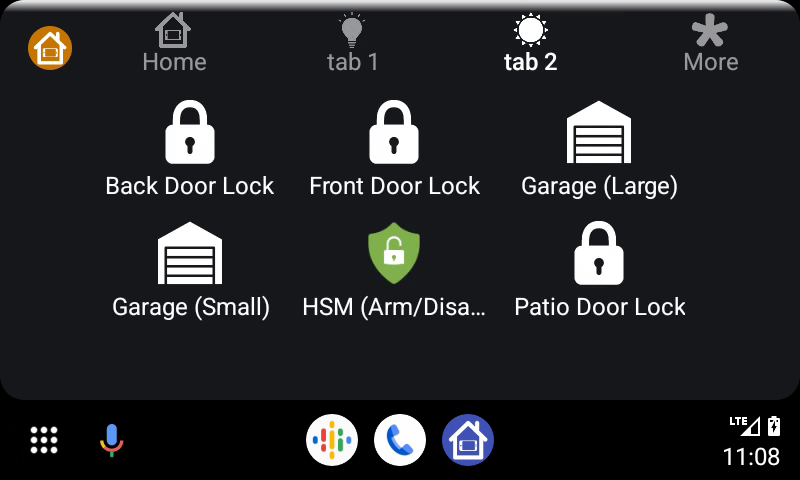
Settings -> Apps -> Android Auto -> Configure in Android Auto -> 3 dots in upper right, Select developer settings, then select "Share Screenshot Now" I always just text it to myself or e-mail it to myself.
Sorry I went looking for the logs and found them.. I usually try to reply to every email so sorry I missed this one.
I looked though the logs and do see 1 error repeated several times but I don't think it's related to your issue. The error is the Hub requiring a login so maybe the app is checking for Hub updates.
Are you able to send me the results (JSON) from MakerAPI? Either the full thing or just the device(s) that are the issue? I have a support page on how to get this here:
I can't think of why this would happen really but I'll try to get it figured out