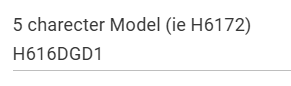
What is the model number of the device? Though unlikely it is not unheard of for Govee to miss cloud support for a device. Especially when it is brand new.
With the model number i can check the supported devices pages for the LAN and Cloud API's.
This is why the integration has the manual Lan Add option. That said it is unlikely that would help much over matter control.
In many cases devices that didn't support the cloud API got it after a few months of release.
Just make sure you turn on the "LAN Control" option for the device in the Govee Home app first.
You should be able to use the regular RGB Strip Scenes json file for the scenes if you want to. That said I don't think you will get any added benifit by swithing to LAN control if matter is working fine for you. Are you using the standard Matter Driver or the one i created for Govee devices. If you are using mine It leans on the LAN API for scene control so you may still want to turn that on.
I do have LAN Control enabled in the mobile app and in the driver.
But I may have a "stopper" in that I can't reliably turn the strip on or off from the driver page. The Matter instance of the strip is just not reliable. I do have other Matter devices that work fine, so not sure why Govee isn't reliable, but I think you've reported this as well.
I can control it reliably from the Google Home app so I may take the approach to use a virtual switch on HE to trigger GH turning the strip on and off.
Once things are set up that way I'm not sure how I trigger the scenes...can I copy the scene numbers I want to use manually from the RGBIC_strip JSON file and then feed them to the strip using the Govee Effect Player?
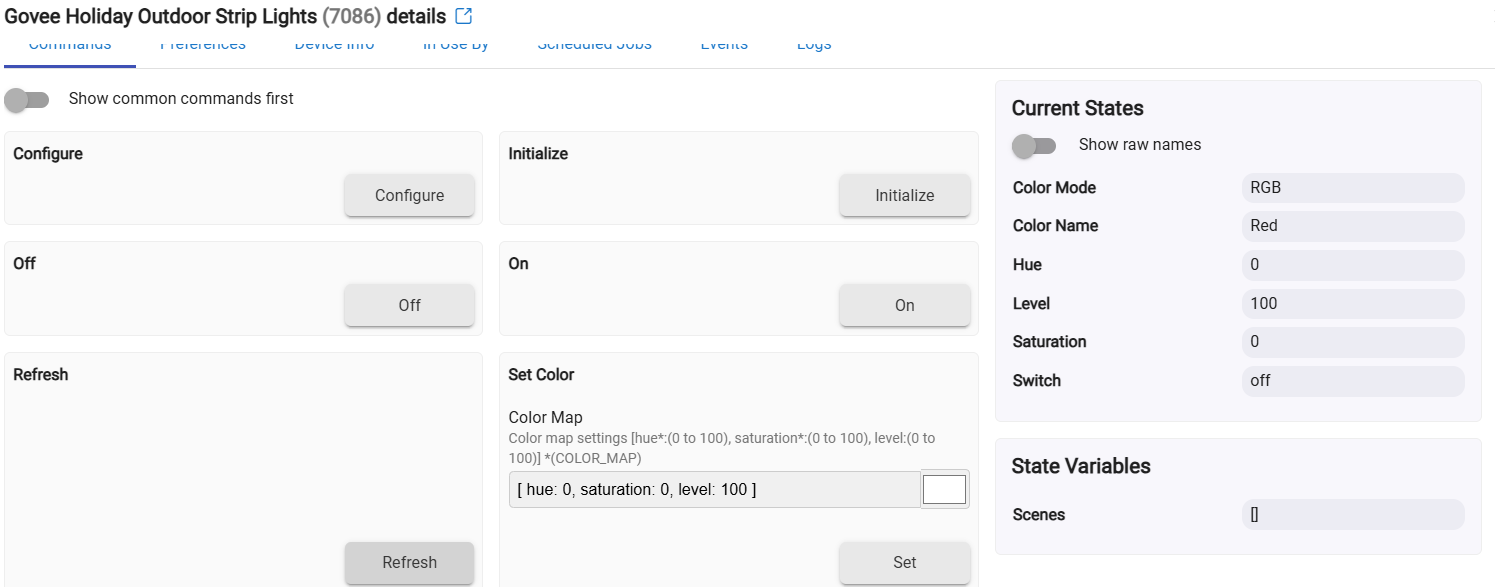
Yes, update the Lan Scene File to be the "GoveeLanScenes_RGBIC_Strip.json" file and save it. Once that is done click on Configure. It should then load the scenes as a state similar to the integration drivers.
Let me know how it goes. It has been a while since i have touched that so it should work, but it hasn't been on my radar for a while.
I'm actually having a problem even turning the lights on/off using the Matter instance, so I may have to fall back to manually adding the strip using the maual add option in your integration...I assume that will work w/the JSON approach as well?
The Matter driver should work so i will connect a device to it when i get home and see what is going on.
It has been a while since i have worked on the matter drivers. Matter is a bit more finicky the way it works so it is possible i am missing something.
The manual LAN API Driver should certainly work. Athere is no difference between it and the matter driver functionality wise other then the Manual LAN API driver being part of the integration. The Manaual Lan API Driver got allot of updates not long ago when the hubitat 2.4.1 firmware dropped.
Will also need to set up the two strips from one of the two sets of Outdoor Strip lights I got and get WAF OK to proceed. The big (bad) surprise for me when I opened the box is that the power connectors/brick for the two strips needs to be in the middle of them (rather than at the end of them w/both strips connected together in the middle as I expected), and I'm not sure I can hide the power connectors as nicely as she'll demand in the location they'll end up at. Sigh...one thing after another w/these wife-thingys.
Looks like one off the recent changes made unknown devices switch to a Generic device type instead of RGB_IC. i have updated the LAN API code to properly id your device. Please perform a repair on the integration from HPM and then follow the normal procedures to obtain the scenes. They should show up now.
The Curtain light as well well as the Net lights seem to be a bit finicky with scenes. I believed that this was resolved with the new API but it seems this season something has changed in the API and some are not working right. I have started a thread on the Govee Community forums to try to get this looked at.
If you are using the Cloud API which appears to be the case from the previoous post, there isn't much else i can recommend. That was suppose to be the fix for the LAN API not working with the new ptURL command
This does make me wonder if we are getting to the point were the process we have used to maintain and load the local scene files has run it's course. We are still basically using the same method that was found a few years ago for building the lists, and maintaining the lists from when the scene control functionality was originally created. There is technically a better way now in the integration, but it isn't the default used method.
Technically the scenes used in that file "GoveeLanScenes_RGBIC_Strip.json" are the same scenes that were found a few years ago, when I performed the scene extraction process and built the file from my H6172 Outdoor LED Strips. So as new scenes were created or modified for new devices that file still only presents the Scenes for that device. If you use either of those two new options they shoould build a file with the scenes specific to that device based on what is currently avalaible. In theory that should match up better to the Govee Home app. The new processses build files with a naming format specific to your devices Model Number It woudl be "GoveeLanScenes_H####.json" where H#### is the model number of the device.
Starting to wonder if i should shift the default naming of the file to use the Model number format and switch start to suggest users use that other method. To build the scene files for their devices.
The main downside is that in some cases depending on the model and type of device there are slight adjustments that need to be made to the new scene Extract process. They are not known until the new device is tested. So new devices may have issues, though that is the case either way. Sorry just thinking out loud.
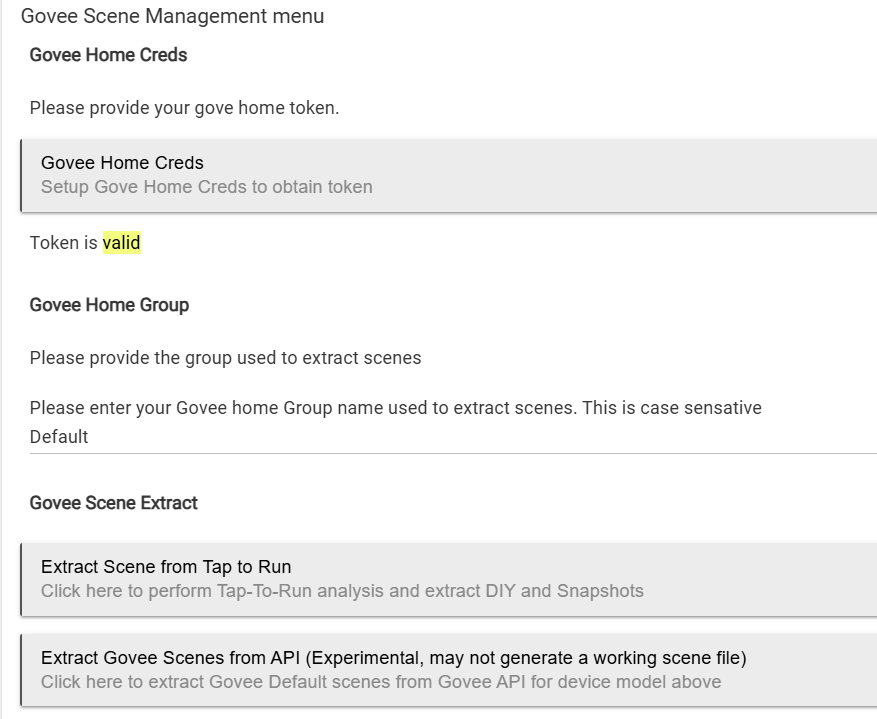
Two things that made me unsure about using the "Extract Gove Scenes from API..." option was that it says "Click here to extract Govee Default scenes from Govee API from Govee API for device model above.
When I look "above" I don't see any device model called out
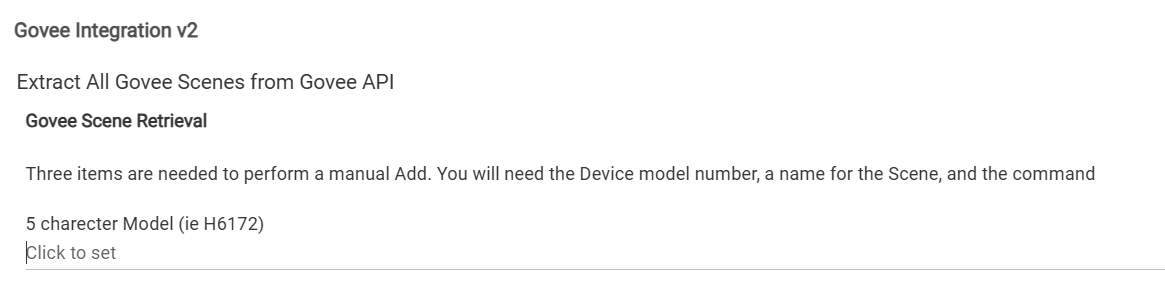
When I click on the button to do the exraction, the next screen seems to say that each scene will be exracted individually "...a name for the Scene and the command"
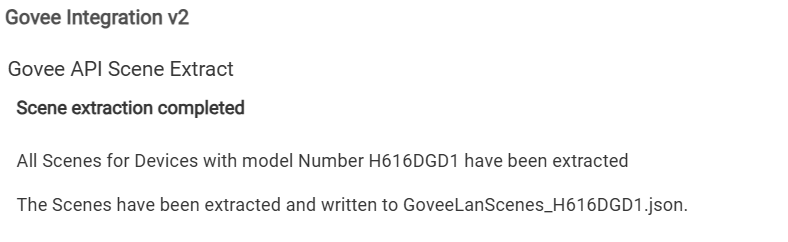
I cleaned up the text so it make more sense hopefully. You would need to perform a repair to get the updated code for now. Basically from the Govee Scene Retrieval page you just put in the model and click next. It will go out and call the API and retrieve the list of scenes the device supports and convert it and then create the json file. I tested it with the H616D you have and it did perform the extraction.
Then just update the LAN scene file field in the preferences to use the new json with the model number.
The only other reason i can think of this may not be the best for some folks is if you are like me and use Wiiz bulbs as well i actually modified 1-20ish scenes to somewhat match with Wiz bulbs. It is nice for some automations


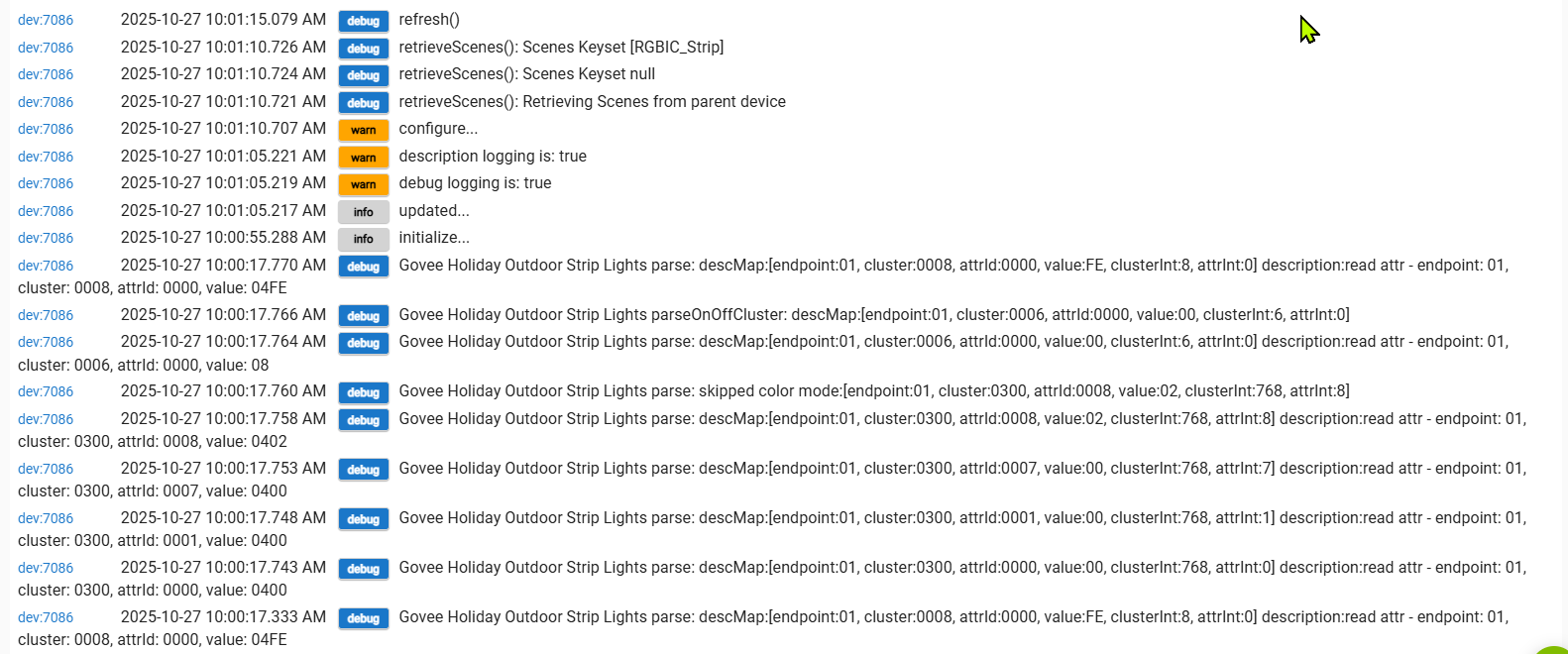
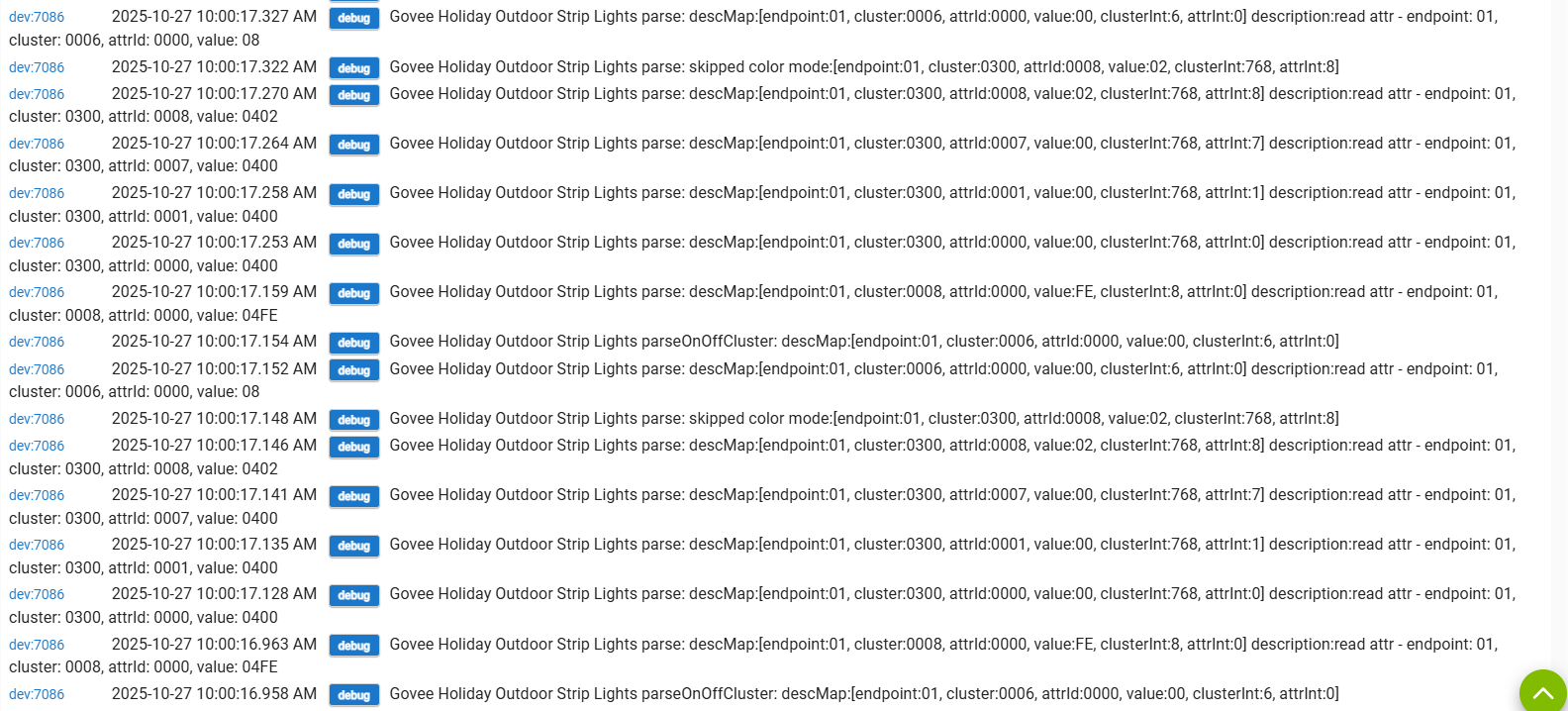
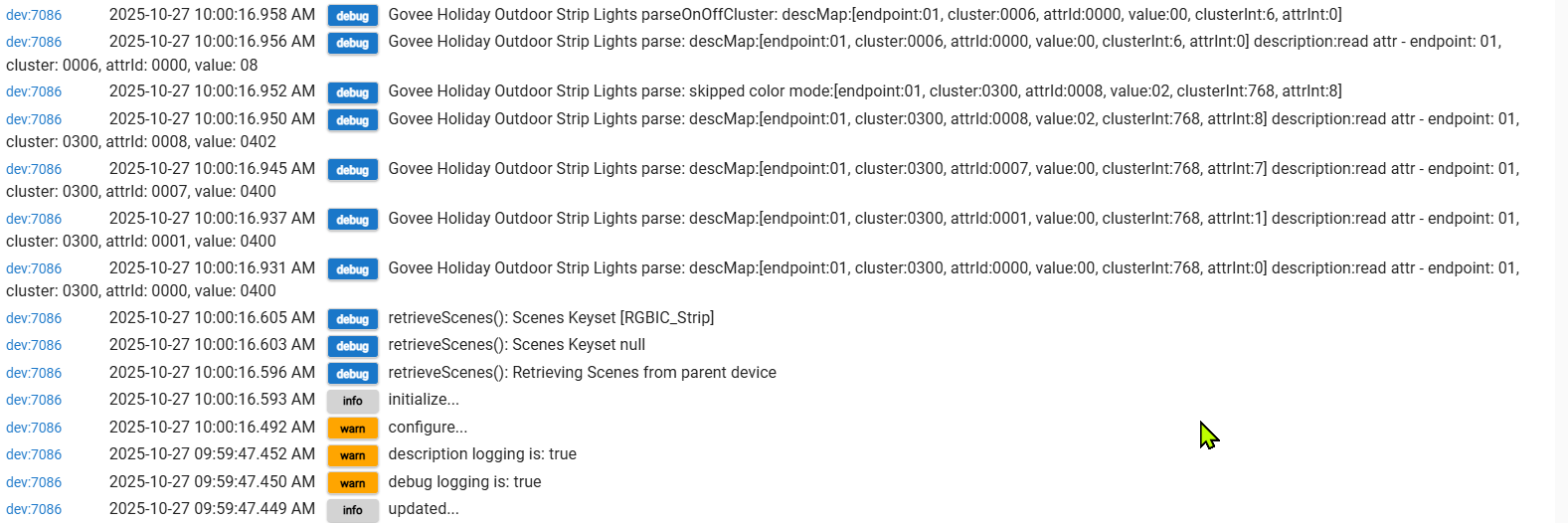
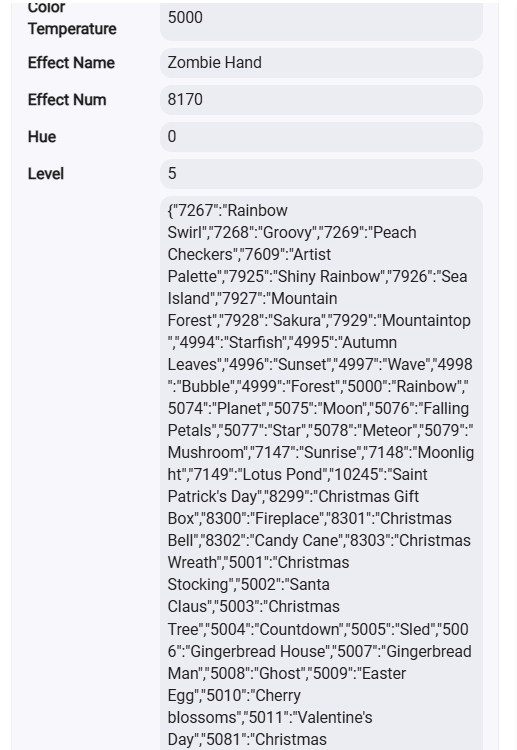
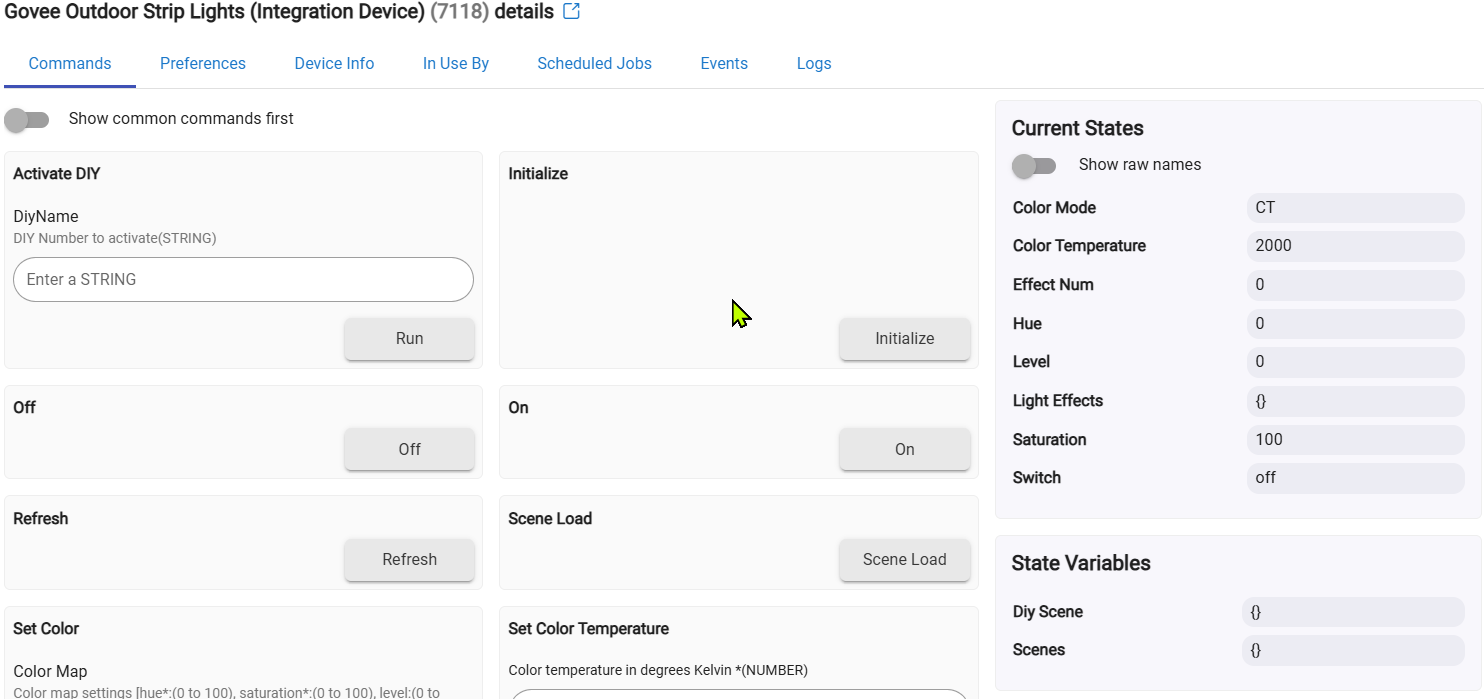
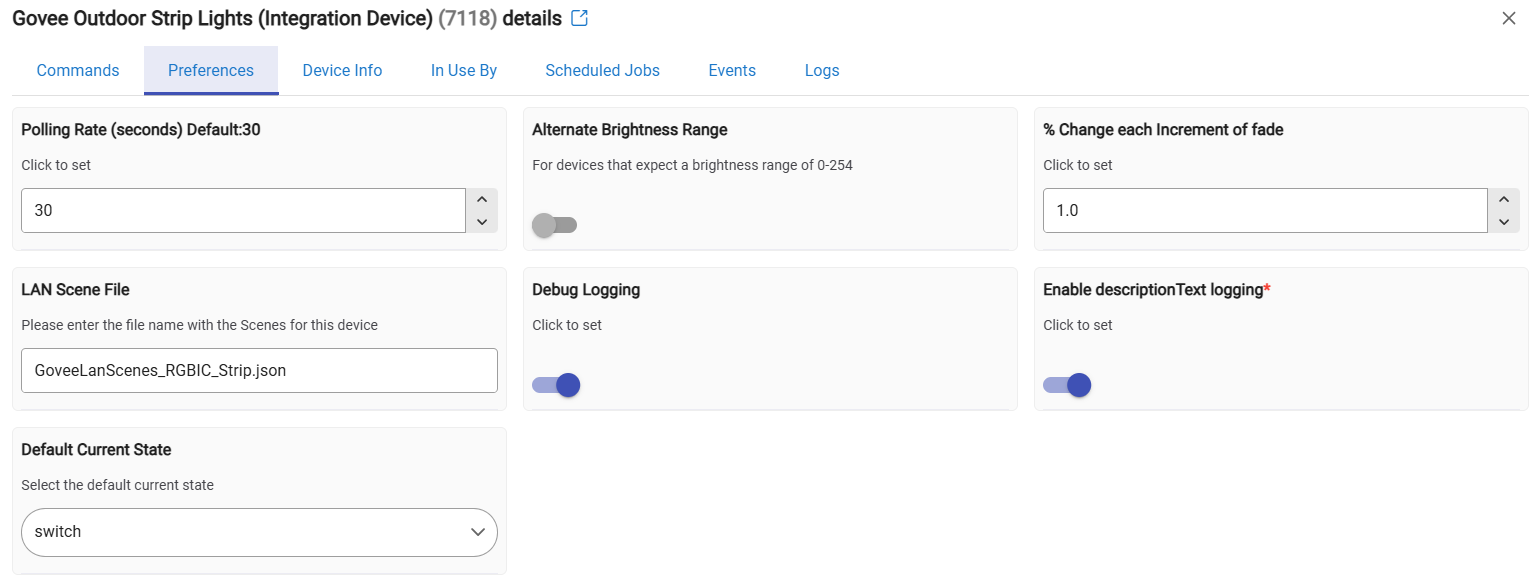
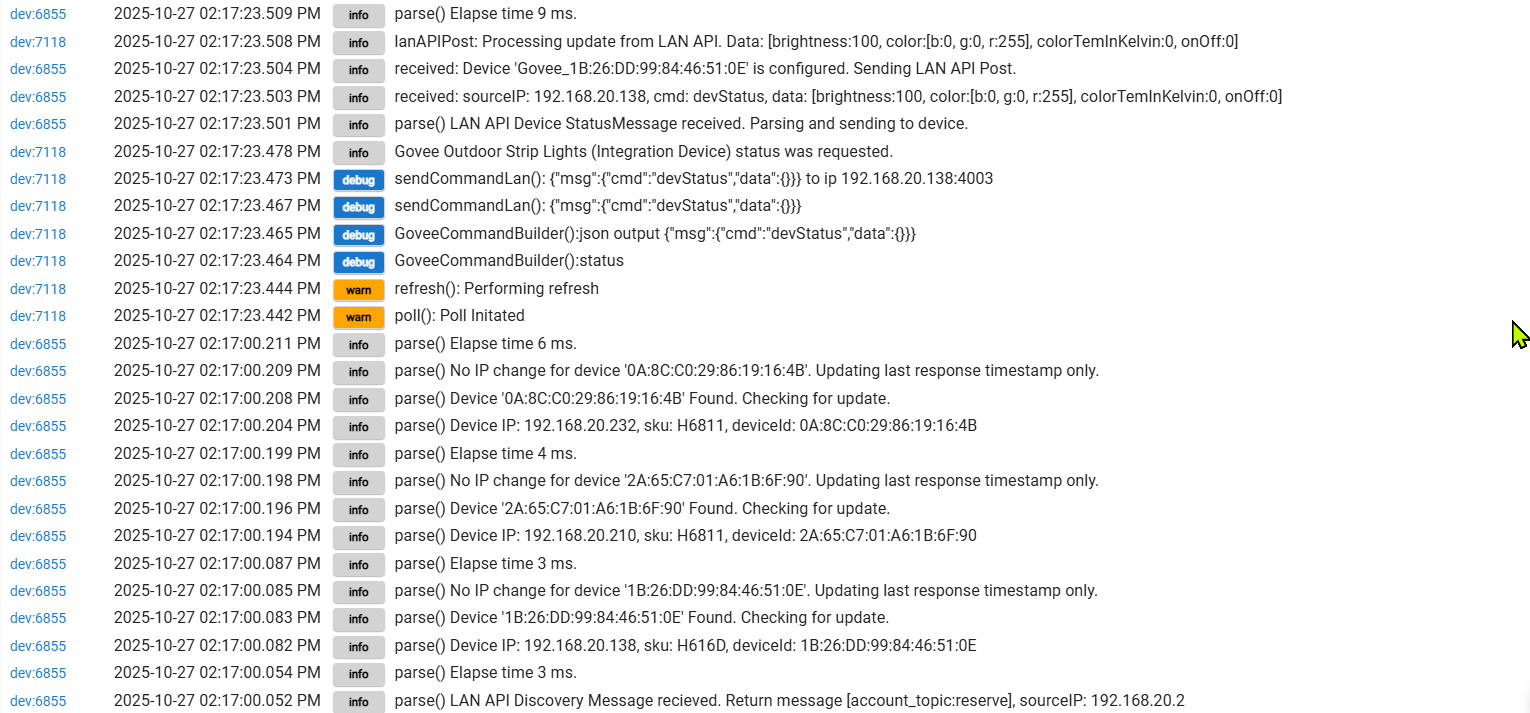
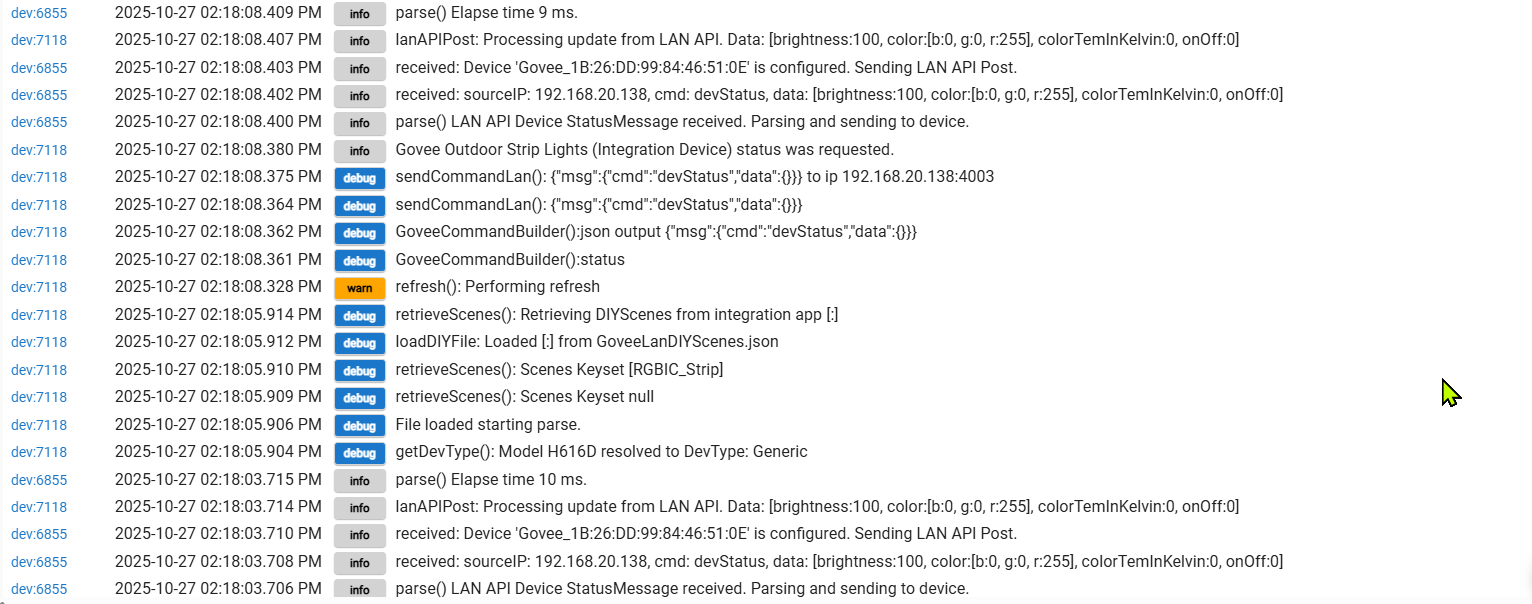
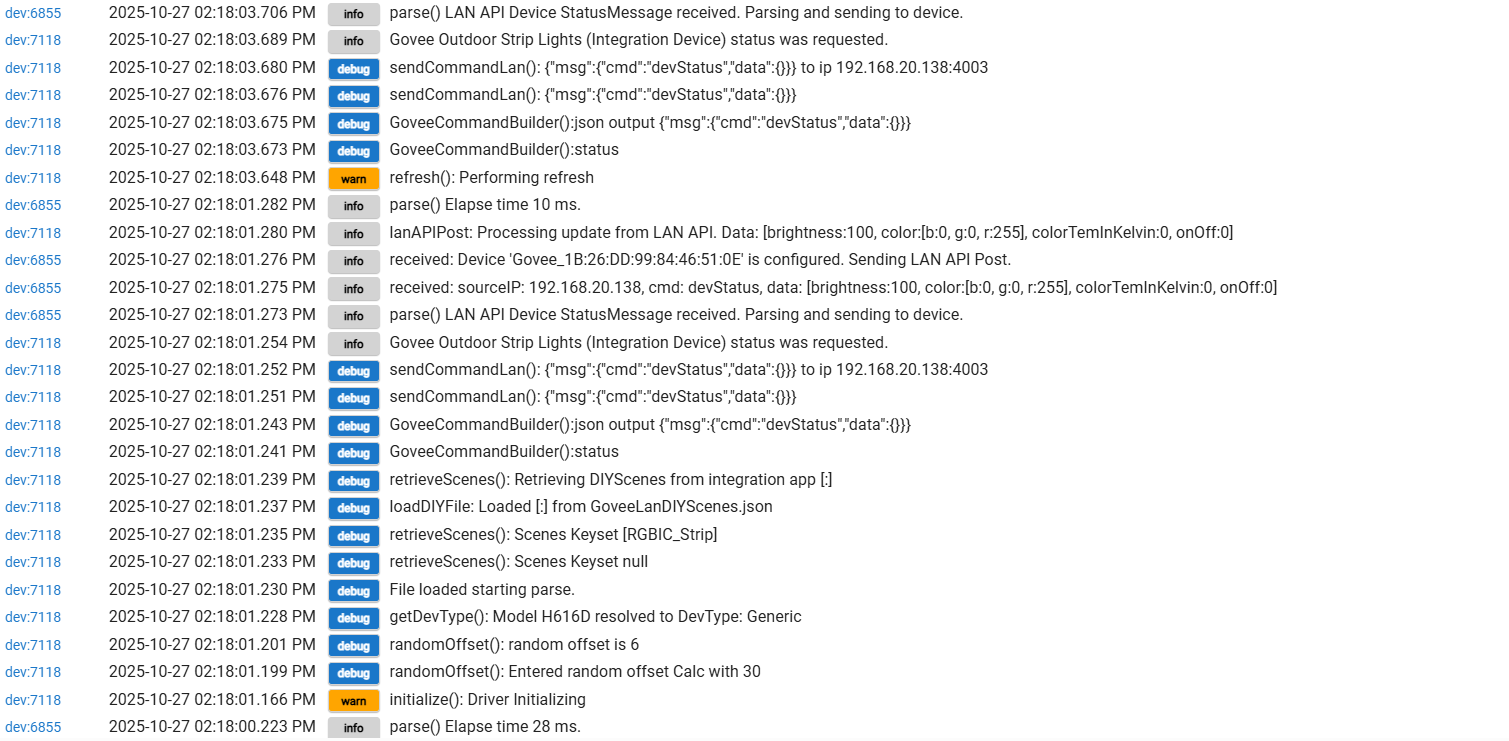
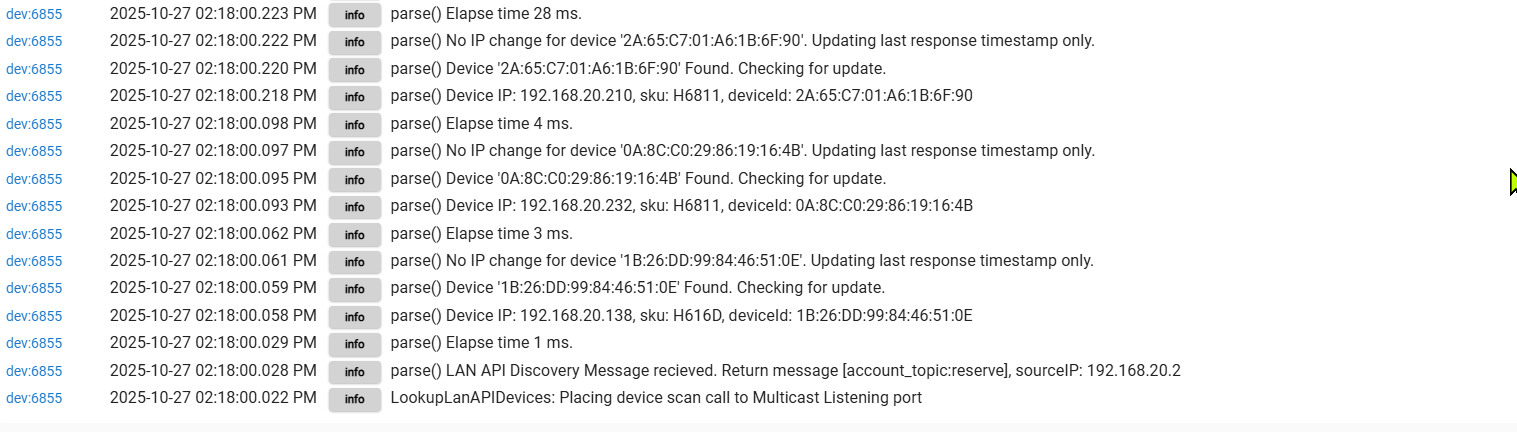


 Thanks!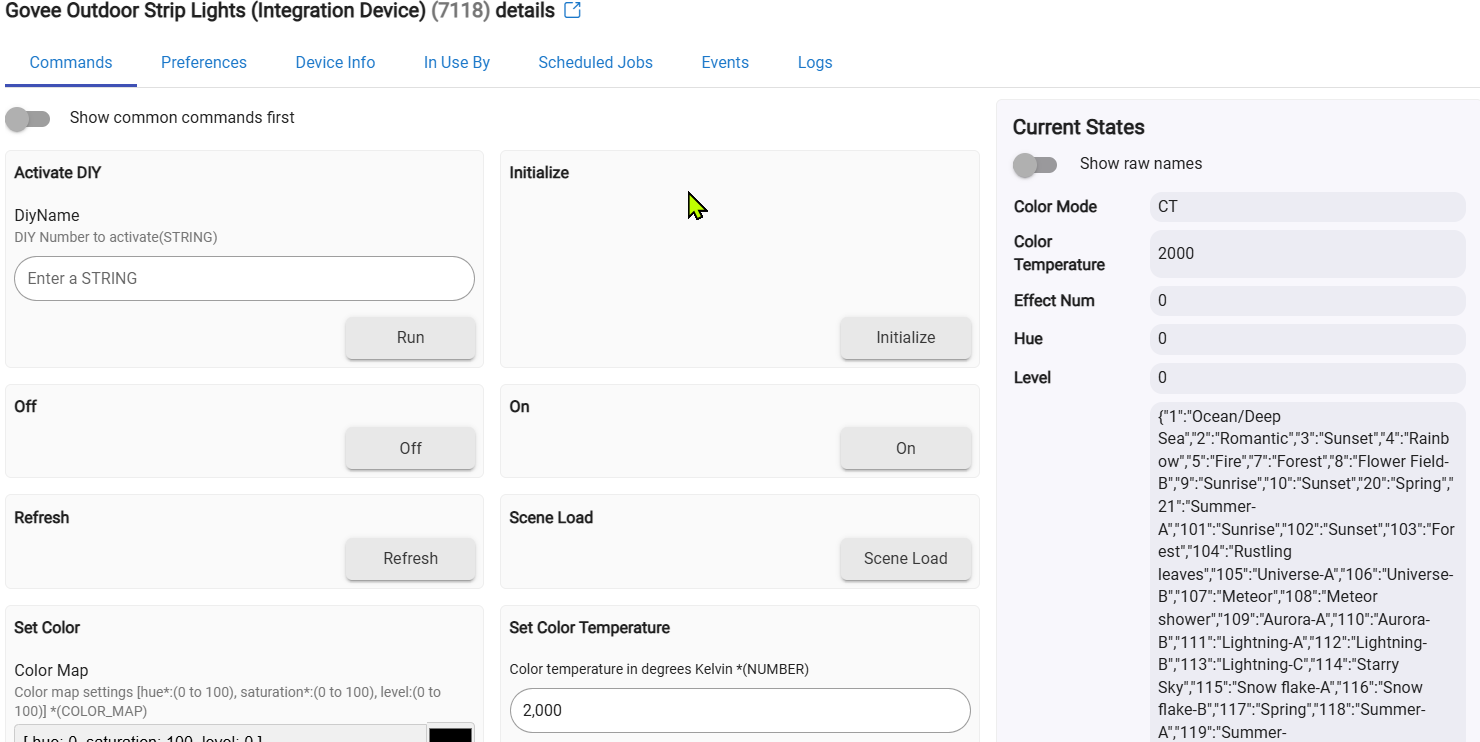
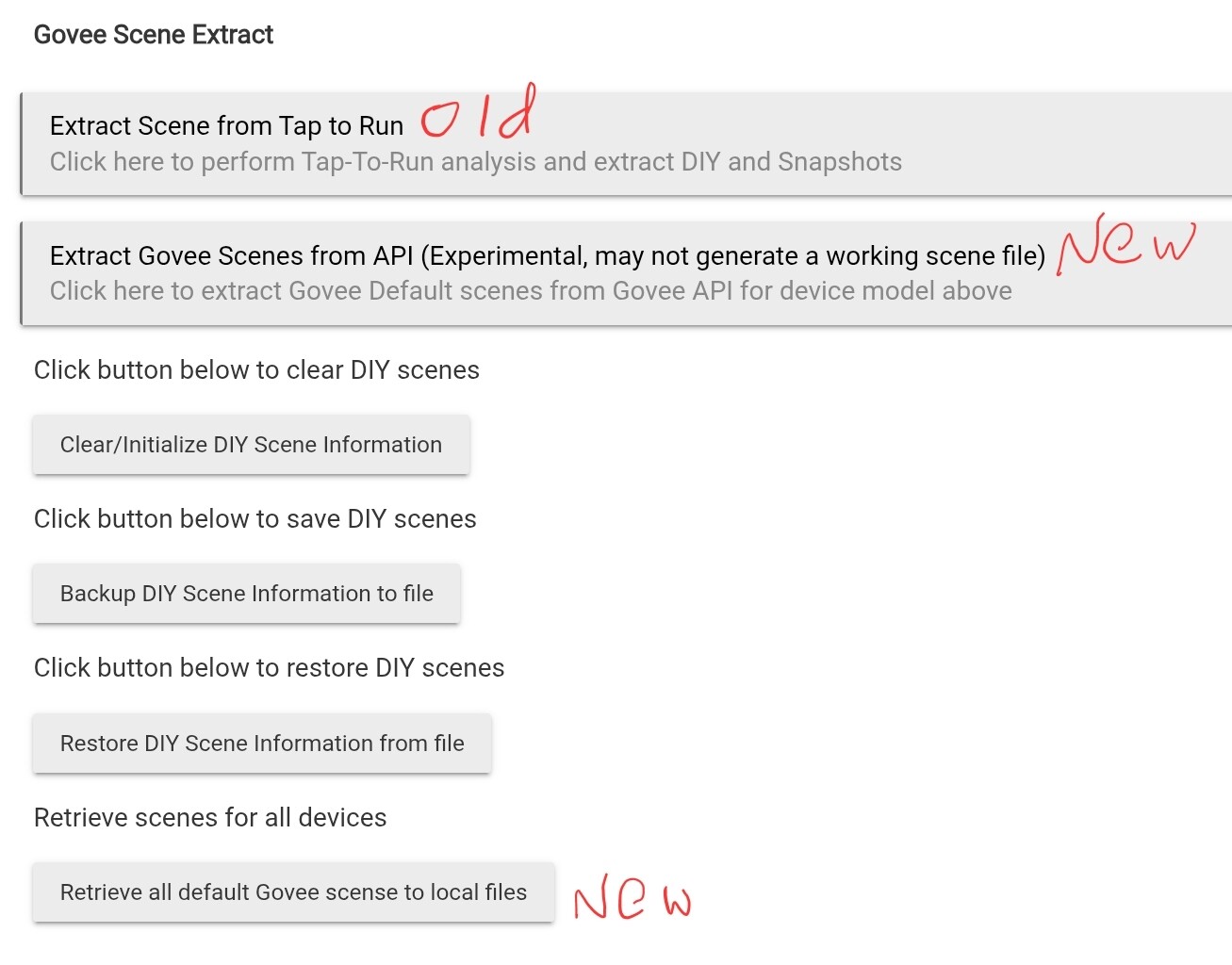
 That is my problem.