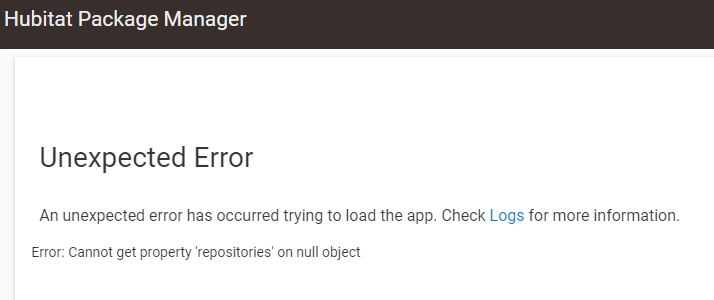
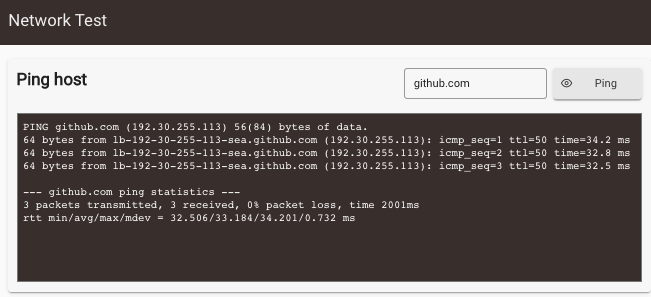
I am getting the following error when trying to run the Package Manager. I did update it to version 1.8.8. Any idea what the issue is? I am including screenshots of the error and the log entries.
app:1342023-05-01 03:32:57.422 PMerrorjava.lang.NullPointerException: Cannot get property 'repositories' on null object on line 3937 (method prefSettings)
It is set to static. My internet provider had to change my equipment and it affected a number of devices I have. So I decided to go the static route to get a bit more control over my network.
In general, for 2020's the use of a dynamic reservation is the better solution. It centralizes management and you don't have to learn 5 different GUI menus to find the static IP fields.
The downside is that if that DHCP device fails, you lose the reservations in the replacement. DHCP and DNS, and really all the backbone of modern networking, is able to be redundant. I have two DHCP servers in my home along with dual DNS, dual NTP, and so on. One set is running on an always-on Linux box with a second (redundant) running on an always-on headless Mac Mini. Doesn't help at all when the power fails because they both shutdown... but it's great for upgrades.
I'm not recommending this.. just making note of the fact that it is possible and for the right person, FUN.