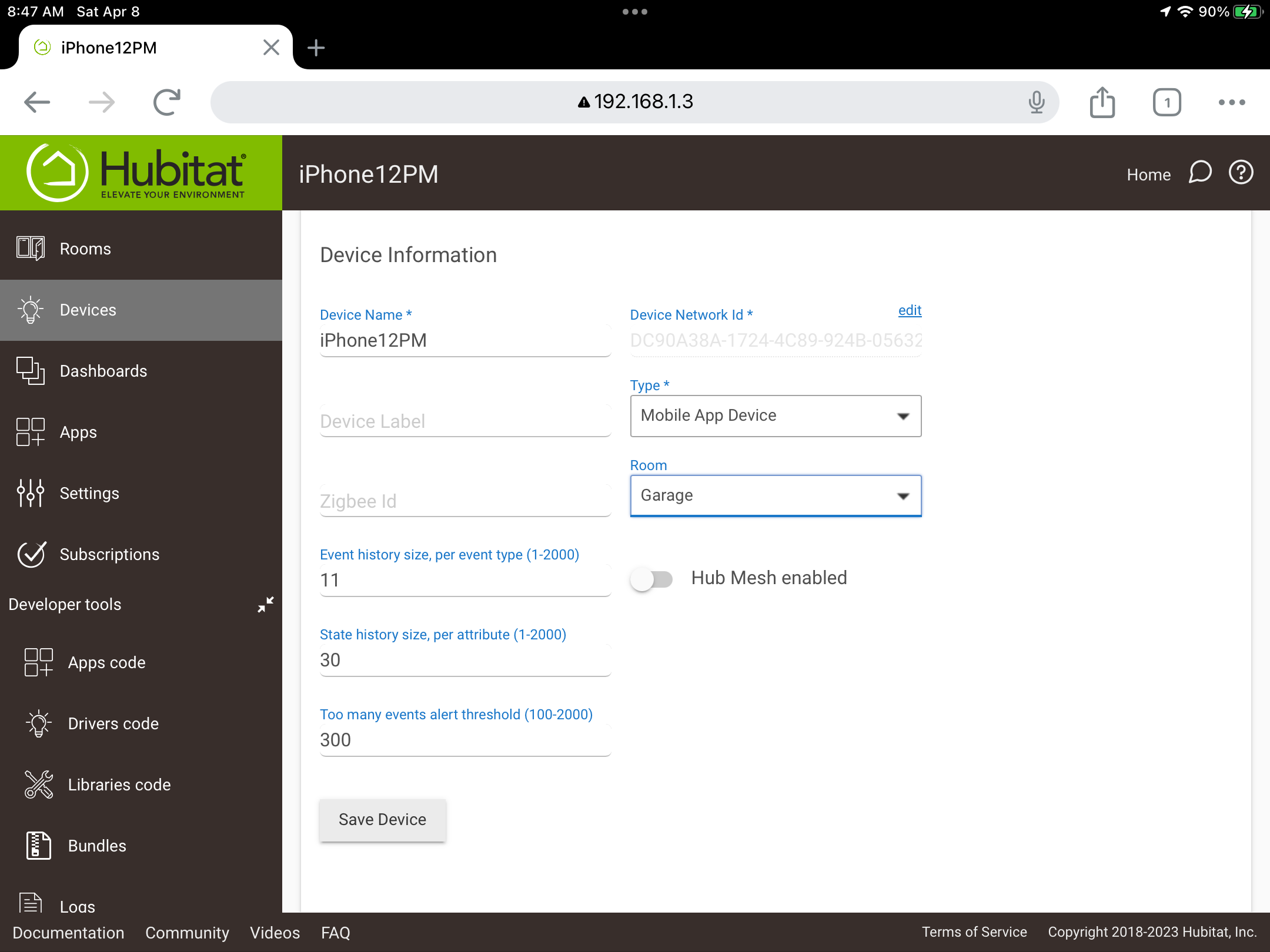
For some reason, Hubitat won't notice my phone has left the fence or returned. I can force it to check by "Send Geo Event" and it works correctly.
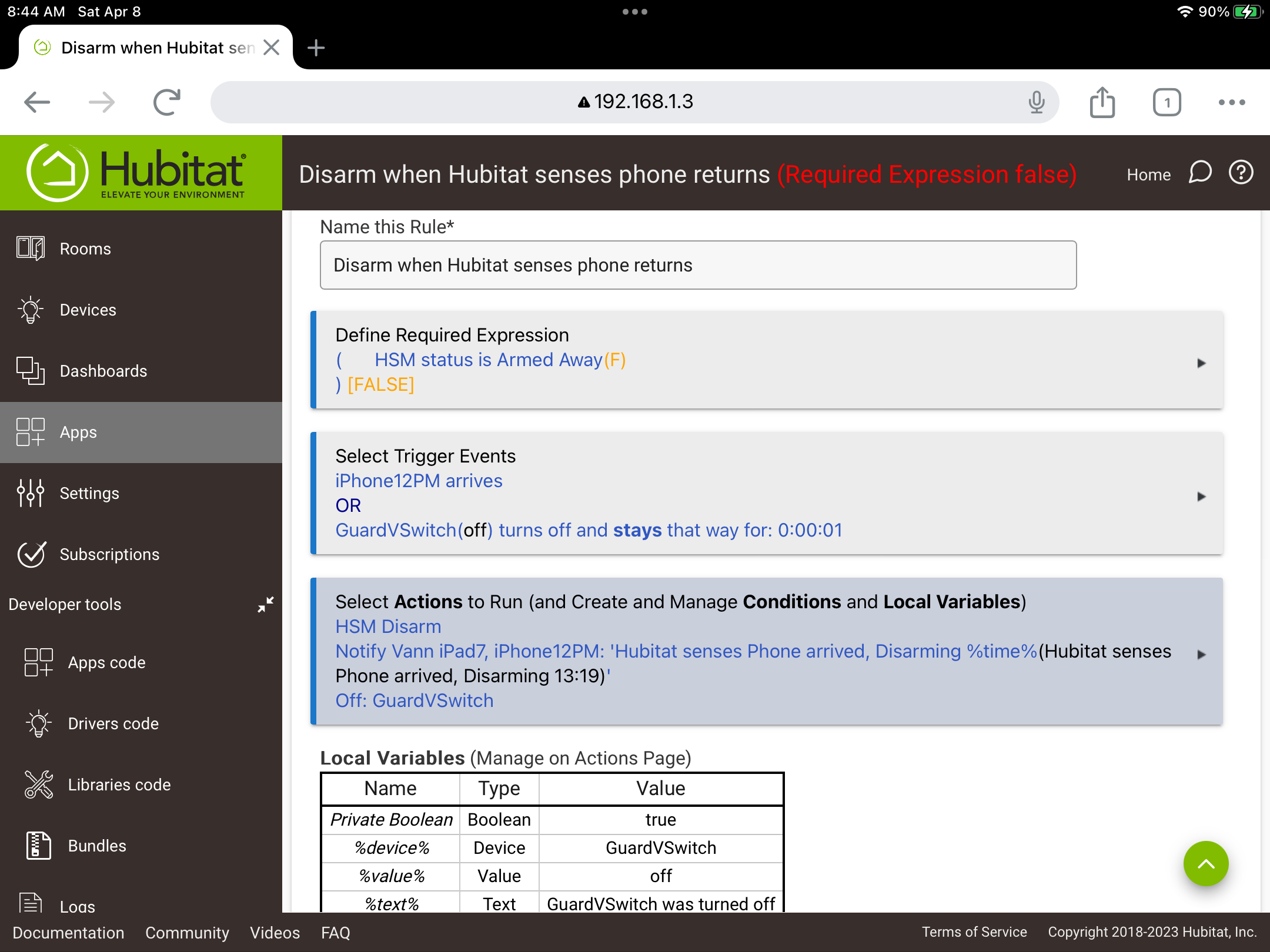
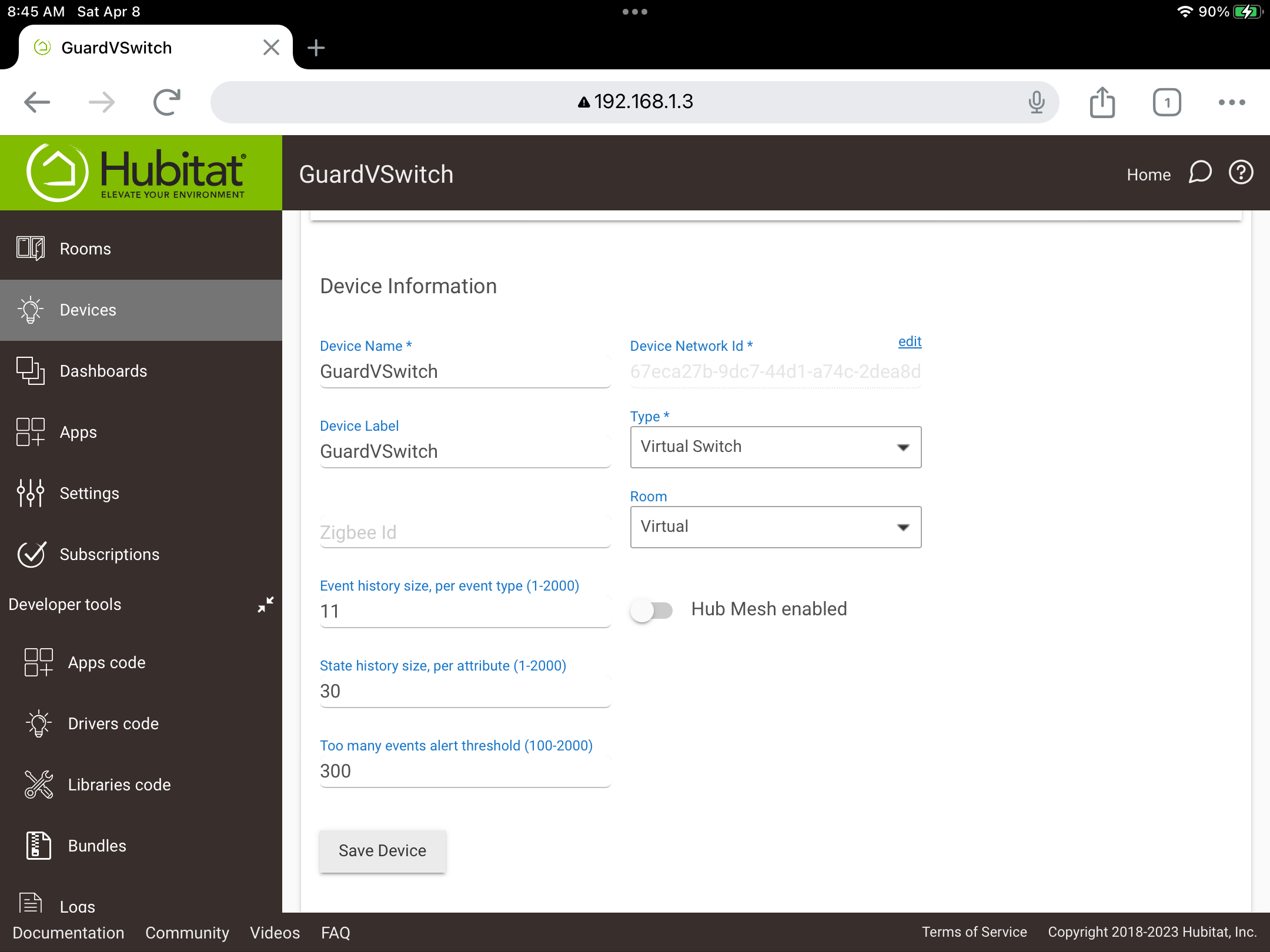
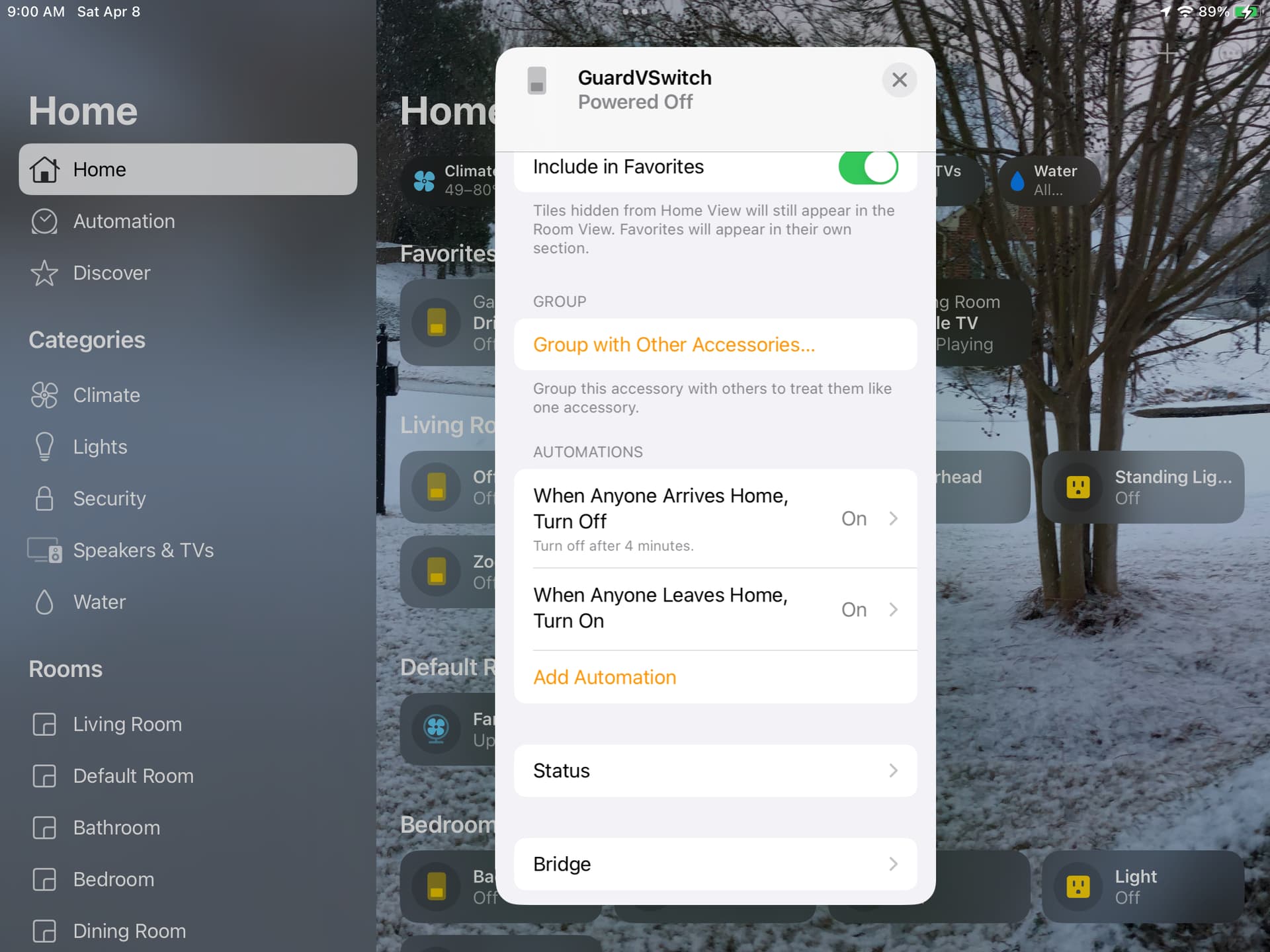
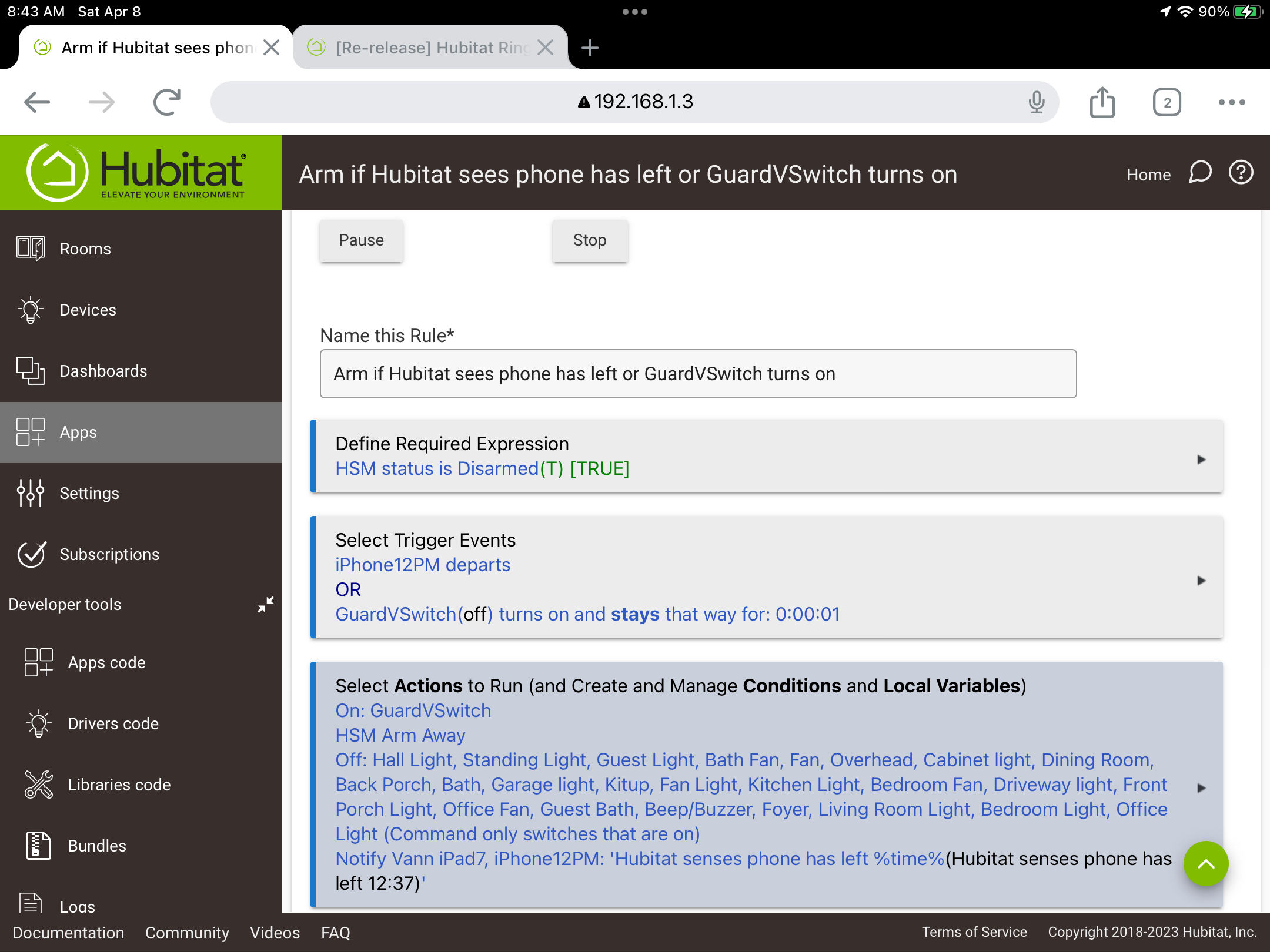
I setup a "geo" Virtual Switch to turn on/off when my iPhone is outside/inside the geofence. In turn, arming/disarming the HSM.
Since HomeKit is native to the Apple network, I figured it can sense the location better, so I'm turning on the "geo" virtual switch in HomeKit when it senses my iPhone left/returns.
This works EVERY TIME I leave and return.
Before HomeKit came along, I had the same setup in Alexa, but noticed that it had the same problem detecting geofencing as Hubitat AND since setting/disarming Guard in Alexa automagically is so iffy, I abandoned that.
I'm thinking of abandoning geofencing in Hubitat altogether.
I would imagine that Apple is the main problem with location detection in non-Apple applications, since geofencing in Hubitat seems to break everytime there is a major Apple iOS update.
And for those who use Life360 and will comment here, more power to them, but I don't really care to give my location/personal information to another corporation that sells it.
Also, going outside of Hubitat to rely on a website, violates my "local control" rules.
I recently switched from Android to iPhone, and as soon as I can get my wife to make the switch, I would like to drop life 360 (I think it's a bit of a battery hog, and it can be flakey). I'll admit I haven't done a deep dive into it yet, but does iPhone natively have similar option as life 360 as far as place alerts? That is one thing we do use Life 360 for outside of HA. Kinda funny actually. Our dogs know that chime when someone leaves as place or arrives home. As soon as they hear it, they all take their positions by the door! Even our foster dogs figure it out in a short time.
Outside of L360 I'm currently using @brianwilson Geofency app, and that works quite reliably. I don't even bother with the habitat app for presence. Pretty much all I use it for is zwave smart start.
With what I am describing in my post, no add on apps need to be used.
Just set up a virtual on/off switch in Hubitat, let it be used in HomeKit, set up the automation for geofence in HomeKit in the device settings and write a app in Hubitat to trigger on the virtual switch on/off to do HSM, turn things on/off, etc.
Of course, this is for iPhones only.
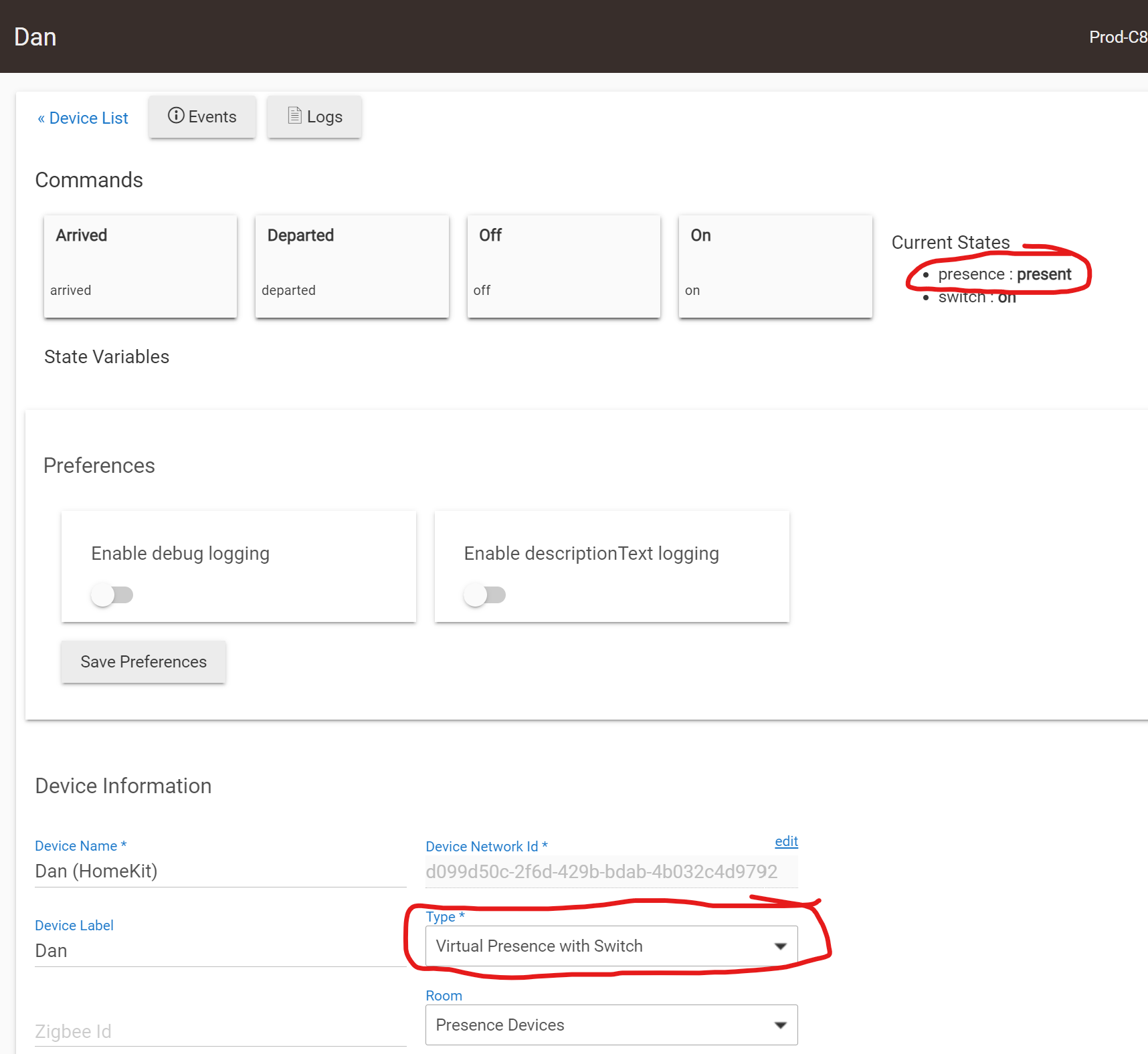
You can also choose the "Virtual Presence with Switch" driver type, and still share this with HomeKit. This way, HomeKit can easily turn the virtual Switch on and off based on the user's geofence location AND Hubitat can still treat the virtual device as a Presence sensor in apps like Mode Manager, HSM, RM, etc...
I tried all the presence drivers offered in Hubitat and had some experiences with them.
Once I was out and I was notified that the HSM had disarmed.
When I tried the WIFI presence, I was on my way to the bathroom when my alarm sounded in the middle of the night.
Not sure why I would add another layer of possible failure.
Not sure what additional layer of possible failure you're referring to?
I was simply suggesting that the Virtual Switch driver could easily be changed to the Virtual Presence with Switch driver instead. All it does is add the Presence Capability in addition to the Switch Capability you're already using. Having the Presence Capability is only useful on the Hubitat side of things, as it makes using the virtual device simpler in any Hubitat Apps that already are expecting a "Presence" device, instead of a "Switch" device.
Here is an example of a Virtual Presence with Switch device, that I have exposed to HomeKit using Hubitat's built-in HomeKit (Beta) integration. On the HomeKit side of things, this device simply appears as a Switch device. I have two HK Automations, one to turn the switch on when I arrive at home, and another to turn the switch off when I depart.
On the Hubitat side, I was able to simply replace my Life360 Presence device in all of the Apps that referenced it with the new "Virtual Presence with Switch" device.
This is incorrect. You are using a driver - “Virtual Switch”.
@ogiewon suggested using a different built-in driver, “Virtual Presence with Switch”, which is logically a better choice of driver for a presence device - it presents the device as a switch to Apple Home, and as a presence sensor to Hubitat.
Changing switch status through a Home automation will automatically change presence status at the Hubitat end.