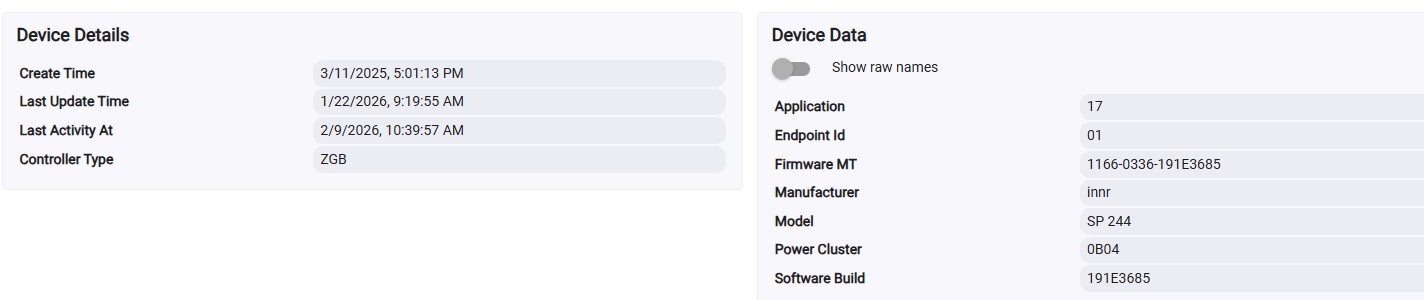
A new firmware version is available for the Innr SP 24x smart plugs: version 1.9.29 for v1 plugs / 1.9.30 for v2 (there was a small hardware change without functional impact).
Voltage, current, power, and energy consumption: min interval 5, max interval 900, reportable change 1 except current 9.
OnOff: min interval 0, max interval 900.
CurrentLevel: min interval 1, max interval 900, reportable change 1.
Any already user-installed attribute reporting configuration is left untouched.
Fixed resetting to default config (by setting min interval to 0xffff and max interval to 0x0000).
Attribute reporting optimized, multiple attributes in one frame where possible.
Fixed race condition causing external attribute reporting configuration to be overwritten in some cases with the device defaults.
Added reset of CurrentSummationDelivered attribute (kWh) to the Basic cluster "Reset to factory defaults" command. This command resets all attributes of all clusters to their default values.
Increased precision of CurrentSummationDelivered from 2 to 3 decimals: every Wh can now be tracked.
Existing stored value in 10 Wh units is automatically converted.
CurrentSummationFormatting adjusted from 5 digits left and 2 digits right of the decimal point, to 6 left and 3 right.
Added multiplier and divisor for CurrentSummationDelivered.
Improved OTA procedure and added the automatic check for new image.
Improved startup performance: attribute reads no longer fail the first 12 seconds after powering up.
Fixed LED signalling of v1 plugs in factory new state (firmware versions 1.7.23 and 1.9.27 / 1.9.28 did not blink when searching for a network).
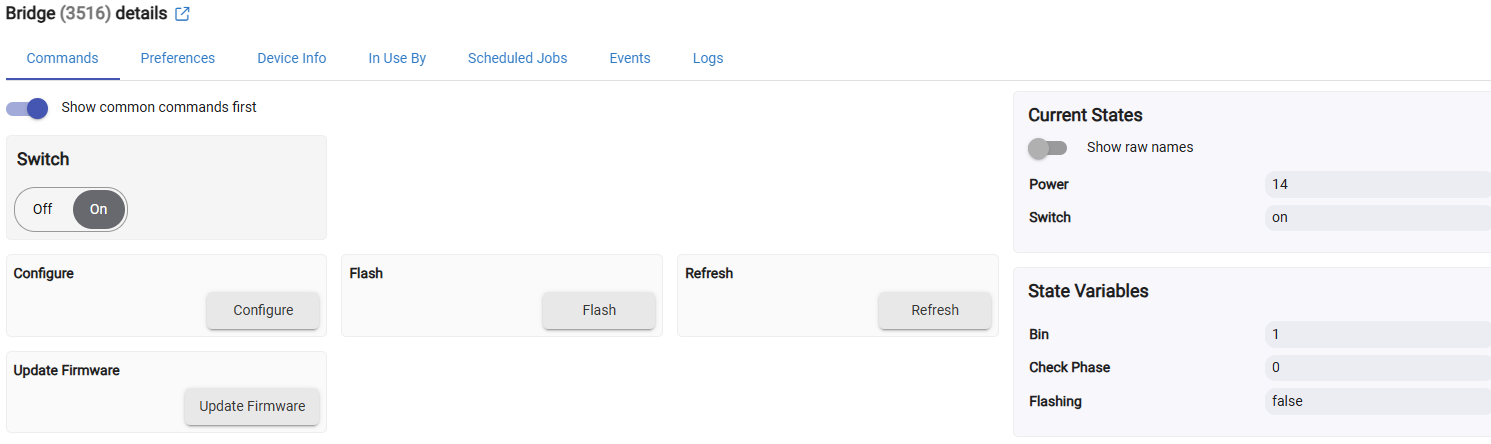
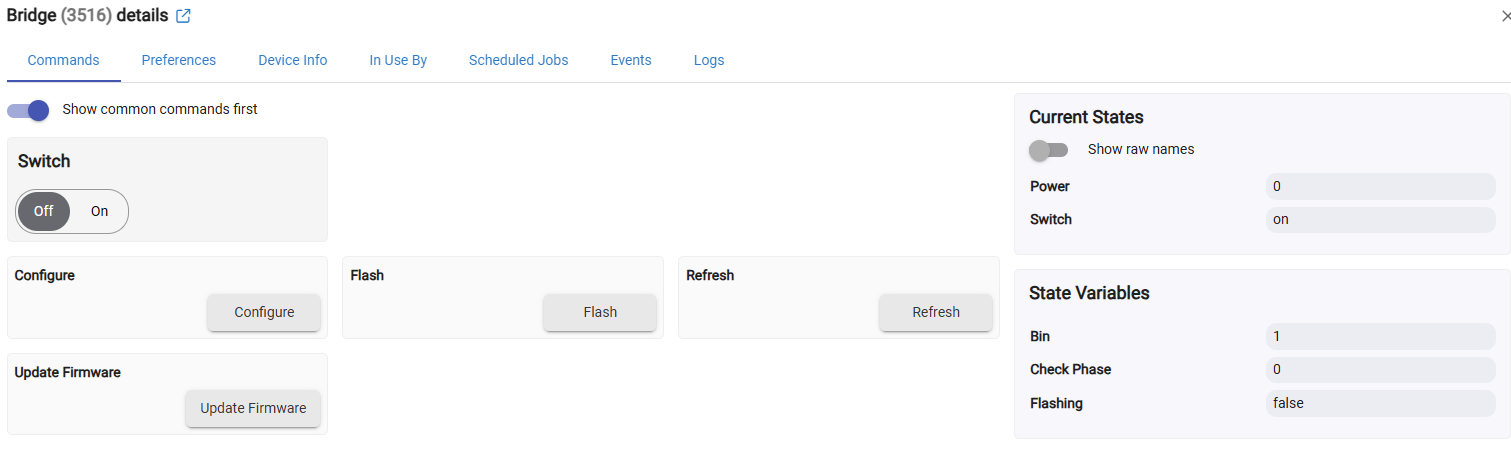
I am having the oddest issue with an SP 244. It will stop reporting the switch state after an unknown amount of time. Turning it off and on from the device page works, the outlet turns on or off, the power reporting changes, but the switch state does not change. I'm on the latest firmware. I have re-paired the device 3 times in place. Refreshing the device will bring the correct switch state but it will still not change when using the on/off from it's command page. If I hit configure it will report perfectly for an unknown period of time(no idea of the time frame) and then stop.
Imagine if every device vendor spent the time to drop firmware, and make helpful user communications to hub forums like this. I doubt this takes that much time and effort but it sure builds a following.
Ironically many device vendors act like the hub vendors depend on them...when in fact it's very much the other way around (w/ the exception of vendors that make both of course).
Hi @CAZ that's strange, I haven't heard of any similar issue from anyone, on any system. Did you also try whether a manual on/off done on the device is reported to the hub and becomes visible in the UI? When this happens, does the other reporting (voltage, current, power, and consumption) still continue?
Thanks for the quick response. I agree, it's strange. I've had this plug for a while and I don't remember that happening in the beginning. I should mention I'm using the generic zigbee outlet driver. I hit configure again yesterday so it's still reporting correctly. Once it stops I will try the manual button. If it does start again I'm going to pull it and pair to my Hue bridge to see if it continues.
OK let us know how that goes. If anybody else experiences the same issue please report here too.
By the way, not sure if the Hue bridge is the best system to test this in. AFAIK (but I haven't checked recently), Hue does continuous polling of the entire network and doesn't use attribute reports. Even if they added the use of attribute reports, they still poll and even if the device doesn't report, the UI will update after a few seconds.
Thought I'd come back for an update. I couldn't move the furniture to get to the plug due to a shoulder injury. But it took 3 days for the plug to stop reporting correctly. Hitting the button manually worked for on and off but still no events, power, etc., listed in the device UI until it is refreshed. I re-paired it and it began reporting again, but this time the power would not update without a refresh. I no longer need/want power reporting for the lights plugged into it so I just moved it to the Hue bridge. Toggles have been working for about a week now. No doubt a one-off.
Hi @CAZ thanks for the update.
So far, we have still not received any problem reports with the same issue, so I think this may have been a Hubitat issue or your configuration of it. Hopefully the community can help you with any persisting issues.