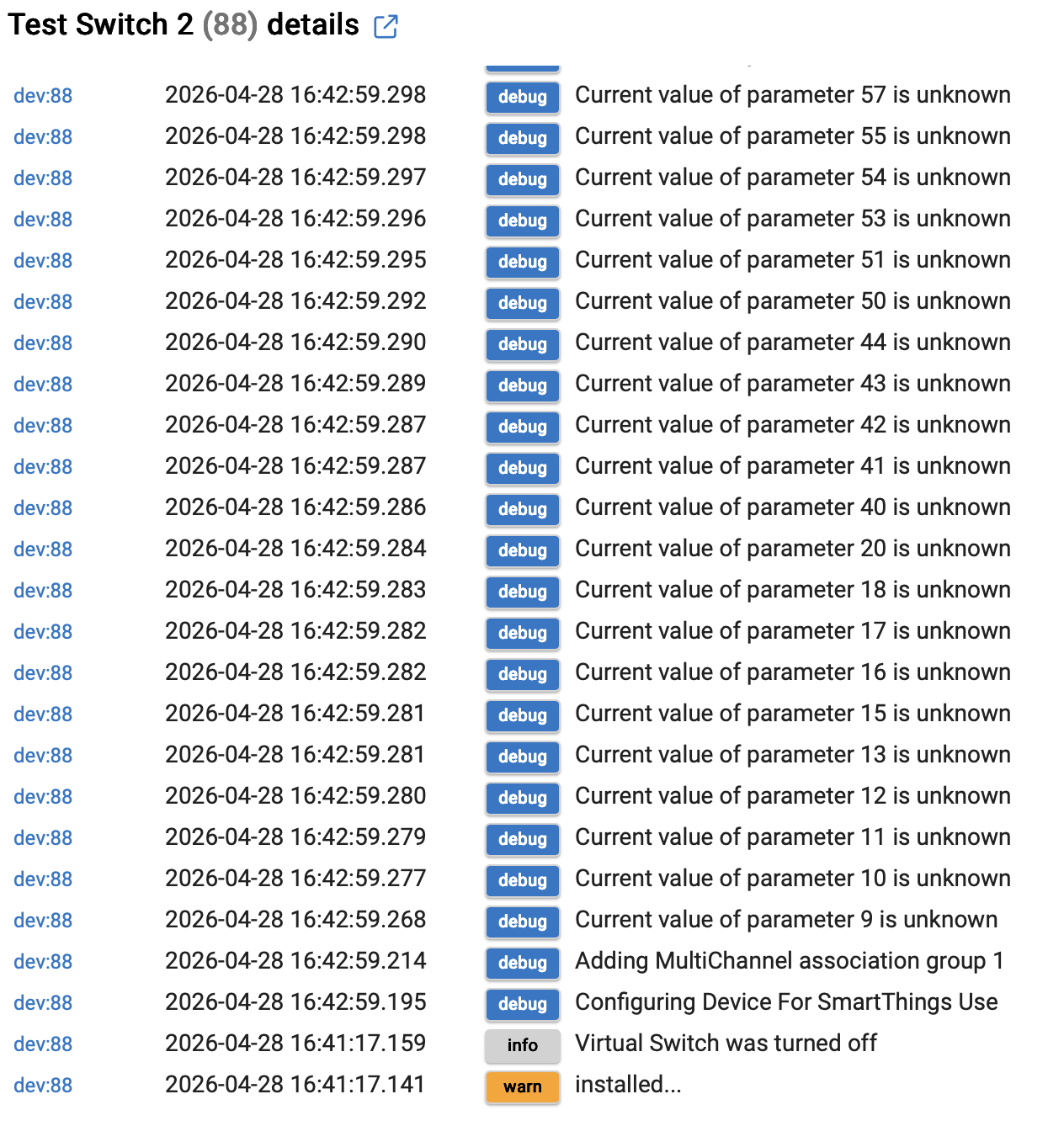
Hi All, Im new to Habitat so still finding my way. Im having problems with the Fibaro Double Switch, Ive read all the previous posts on the subject but still not got anywhere. Ive installed the drivers for the double switch and pressed configure, but I do not seem to get the two child devices. See configuration details below. I have been getting an error in the log as shown below. Any help would be appreciated.



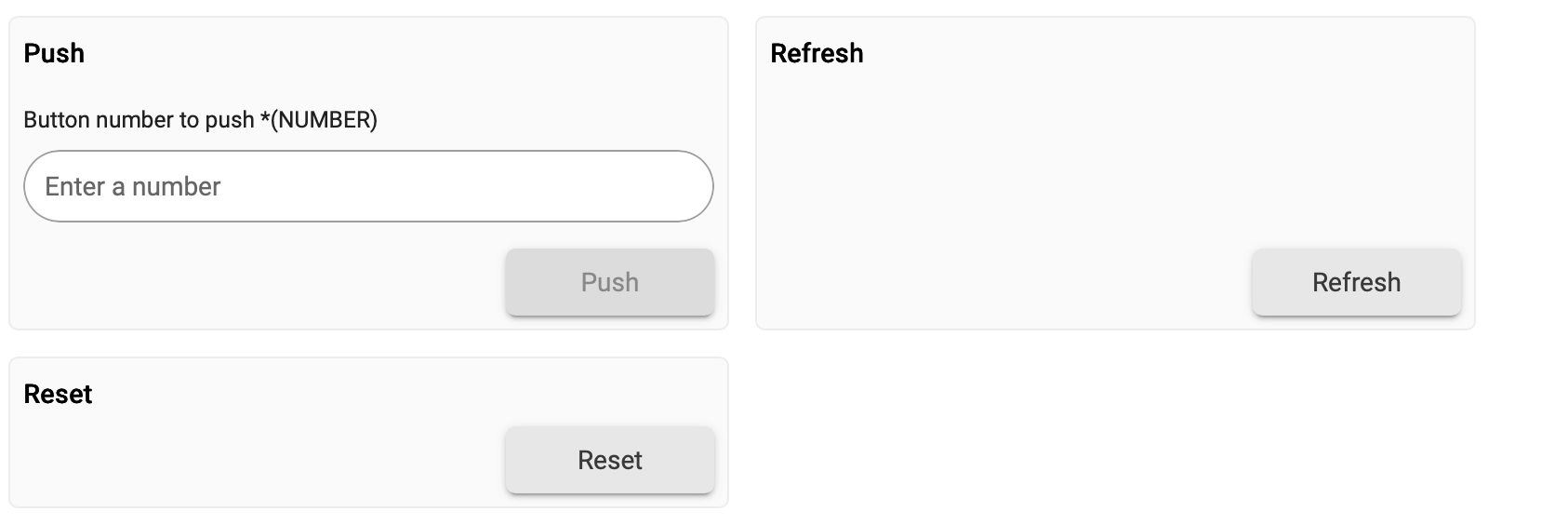
Have you tried the 'Component Reset' and 'Component Refresh' commands? That should generate two child devices (my child devices are using the Generic Component Switch driver)
It's a long time since I installed mine so can't remember the exact procedure but also don't remember any difficulties.
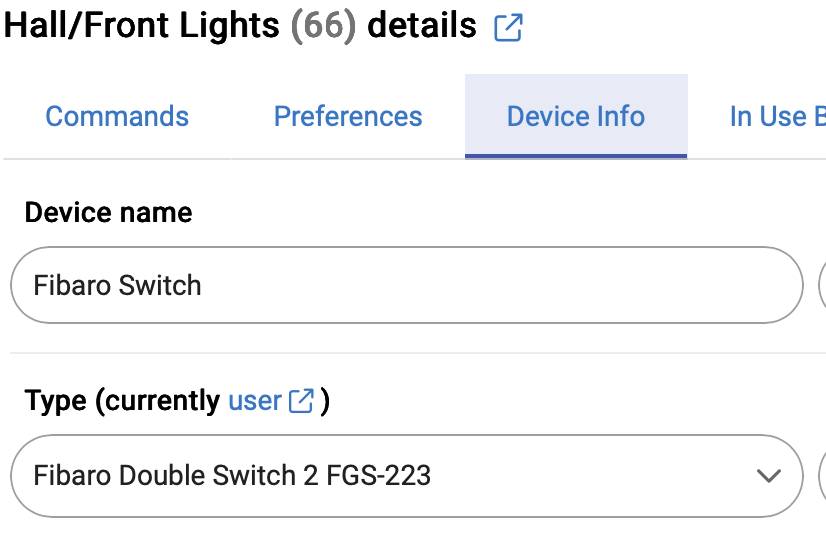
I'm a bit confused as you're showing the driver selected as 'Fibaro Switch 2 FGS-223' but the Garden Room Lights are using the 'Fibaro Dimmer' driver....When you change driver you must hit the 'Save' button after selecting the new driver in the dropdown. Configure comes after the driver selection has been saved
Hi Thanks for the reply. Ive updated the screen shots, I had copied the wrong entry. Ive tried a component reset and refresh but no change. I assume by those you mean the following under device>commands:
I am using this driver as well and do not recall any issues.
Try assigning the “device” driver type and delete all states and previous setups and then reassign the “ Fibaro Double Switch 2 FGS-223” driver and start over.
2 Likes
Yeah something strange there. As soon as I select that driver I have a lot more options, unless those options regarding components are appearing on creation of the child devices.
Are you SURE you have a Fibaro Double Switch 2 and not a Fibaro Switch 2 (the latter is the single device). It should be obvious by the terminals on the device (S1, S2, Q1, Q2). I only ask as your default device name is 'Fibaro Switch' (though I may have changed the name of mine)
Hi yes it is definitely a double switch. I have had it working in my vera hub for years. All excluded now though.
Hi, Thanks for replying. When you say assigning the “device” driver type, how do I do that. Im new to Habitat so finding my way somewhat.
Go into HPM and download the Fibaro Double Switch 223 by cjcharles0.
This is based on the one you are using and i beleive it will download the generic child device driver that you need for this device.
Alternatively try downloading from the github links here.
It’s on the device info tab when you open the device page.
Hi, Thanks for your help. I have now installed the Fibaro Double Switch 223 driver by cjcharles0. It has two separate channels that I can control independently from the device commands page. My next problem is that when I want to operate one of the Channels in an action I cant see anything that allows this, I can only see the device, how do I select an individual channel?
Have the 2 child devices bedn created?
If so, you can open each individual child device and turn them on and off.
Hi, sorry for the slow reply. I cant see any child devices listed under devices, am I looking in the right place?
This is what I have on the device page:
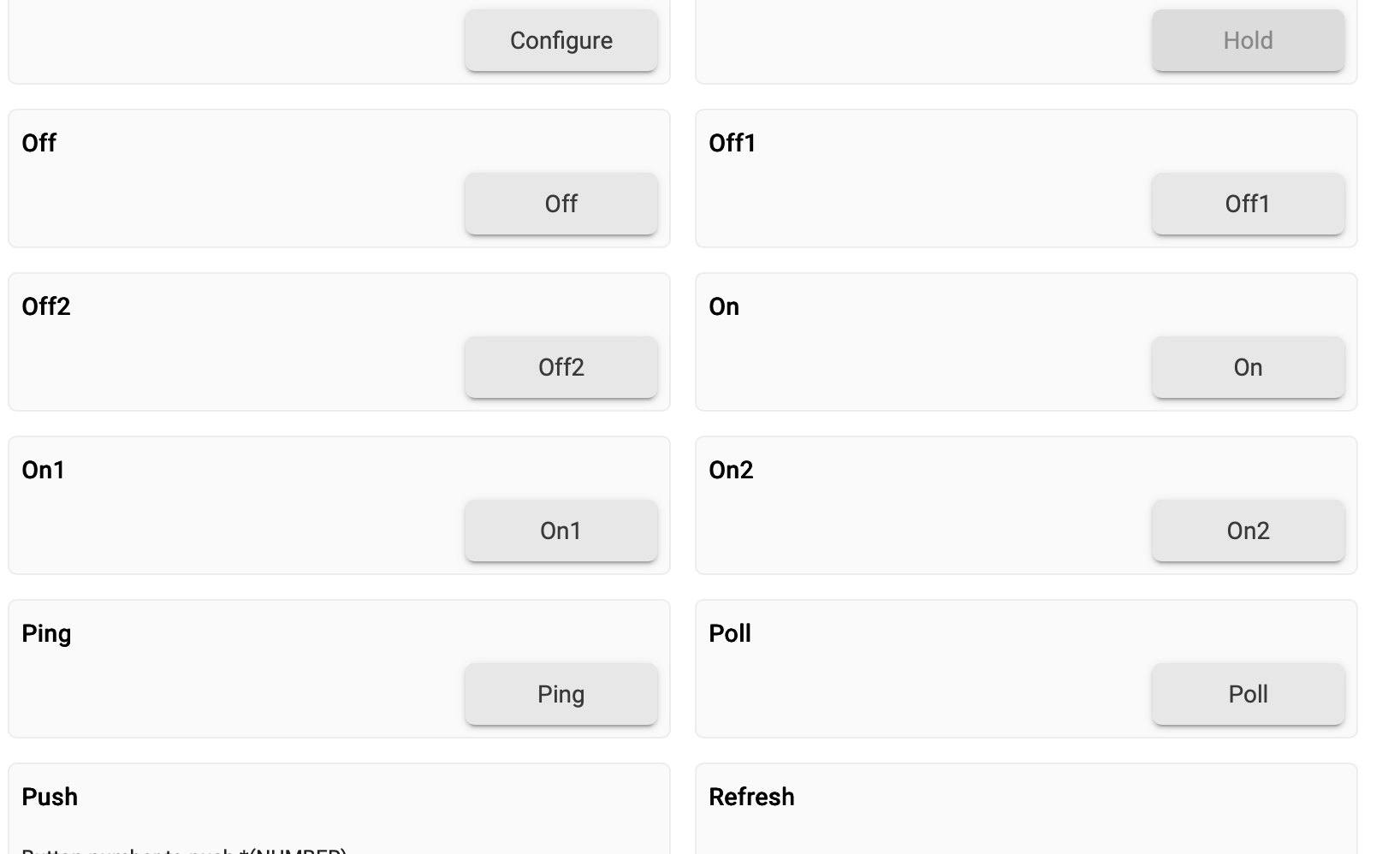
And this is the device list with child devices expanded:

Thanks
It doesn't look like the child devices are defined.
Try putting the device in pairing mode and while in pairing mode click on the configure button that can be seen on your screenshot.
It may do the trick.
Hi Thanks. Ive tried that and also tried excluding the FGS223, resetting and re including but no luck with creating the child devices when assigning the driver.
I'm not sure what to suggest.
I have a Fibaro 224 Double Switch.
Here is a screenshot of the 'Commands' page.
As you can see there is a button to create the child devices.
Do you see that on your device.
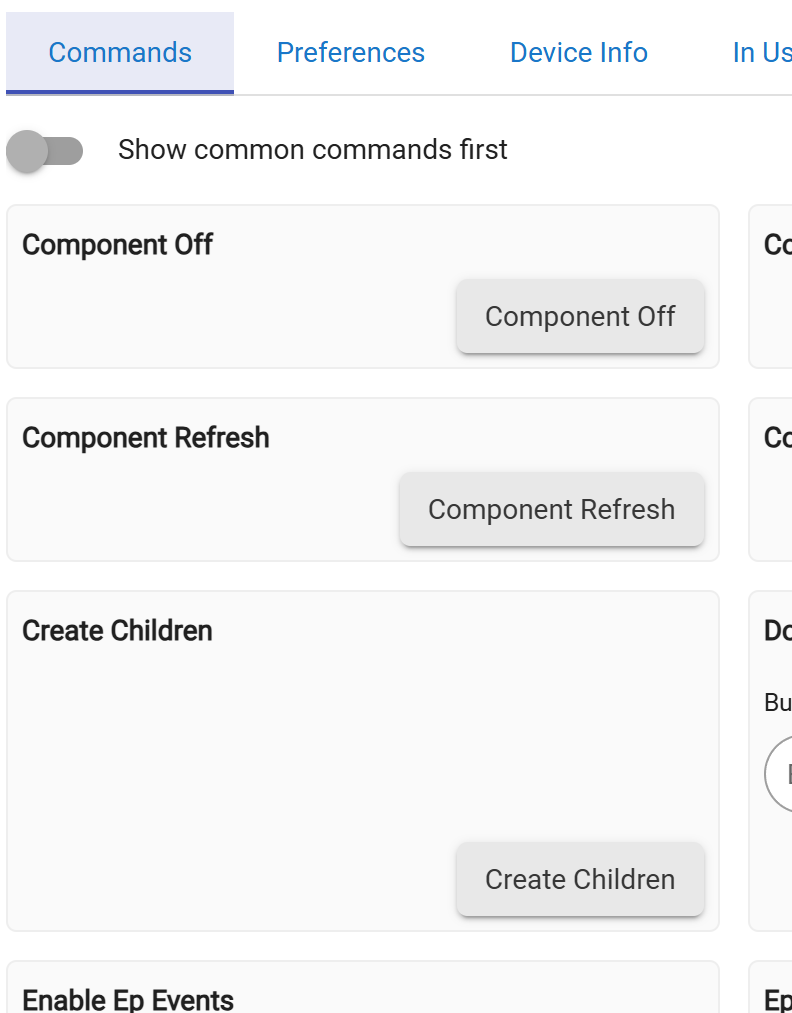
It was some time ago that I paired this device so sorry if I'm a bit vague what I did to get this working.
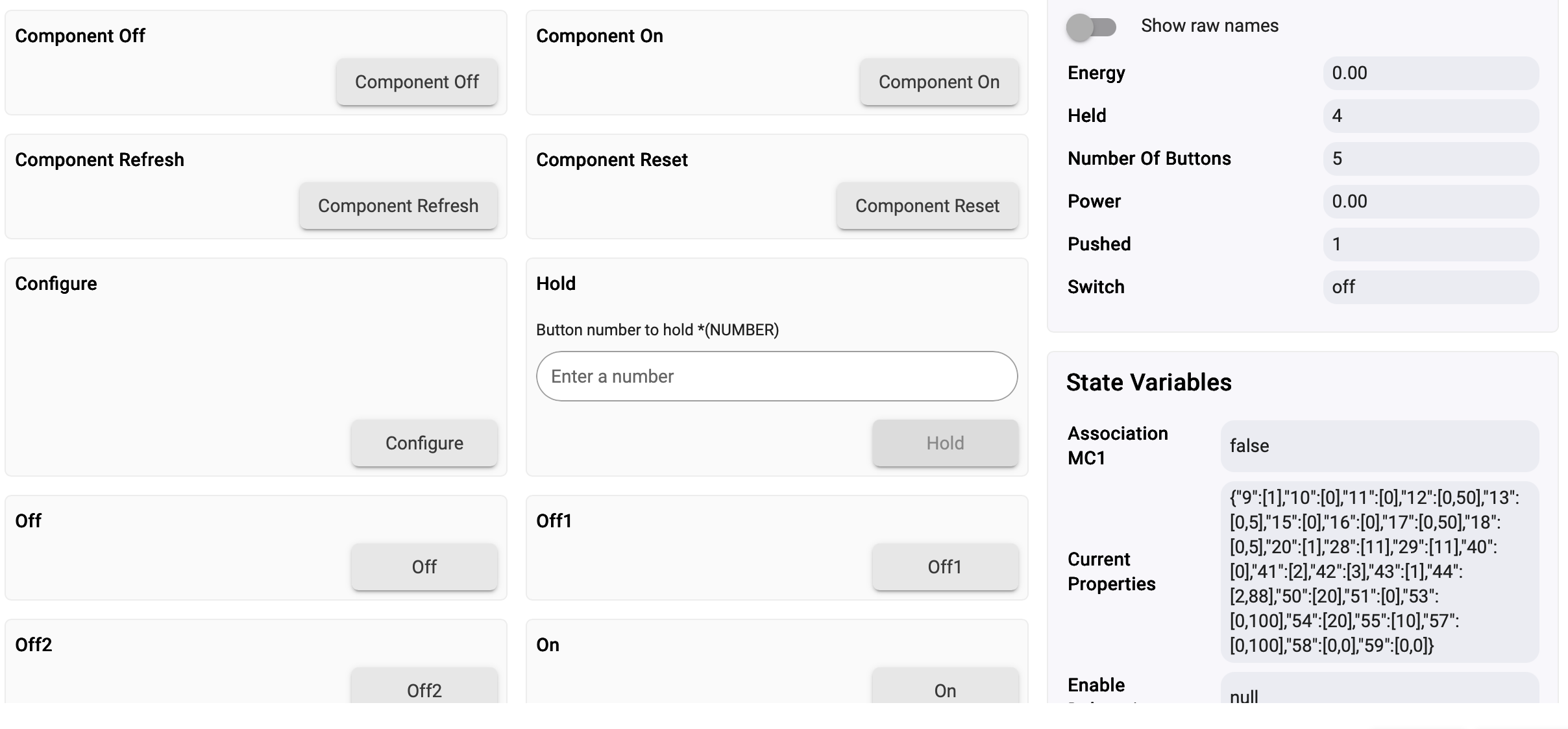
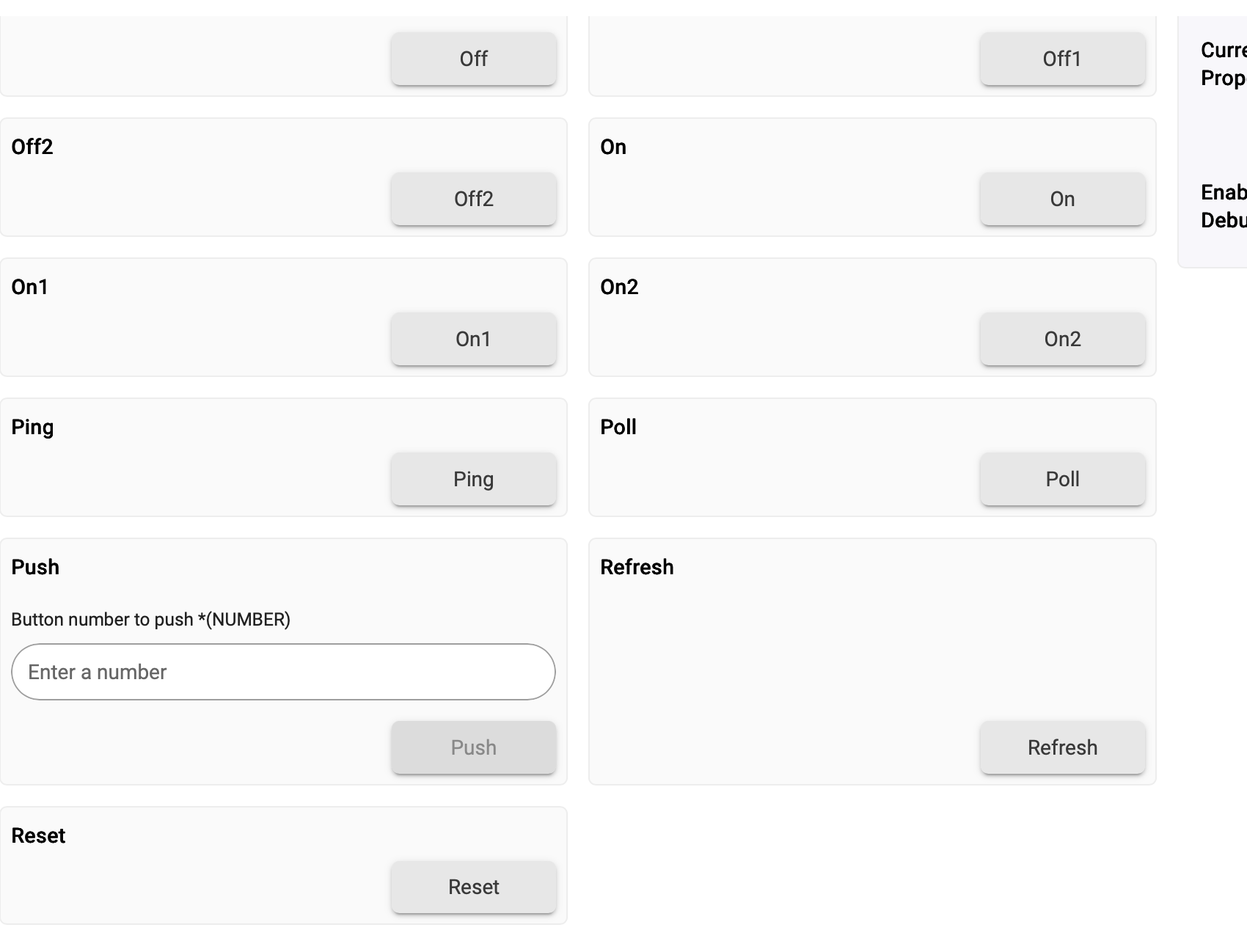
I'm not sure what's happening here but I just defined a Virtual device and allocated the "Fibaro Double Switch 2 FGS-223" driver by cjcharles0 to it.
It automatically defined 2 child devices to it.
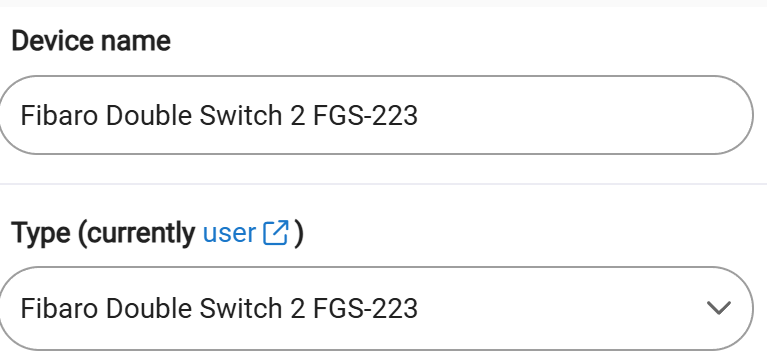

I'm not sure if this will work but you could try the following.
Define a virtual device and allocate the driver to it.
See if it defines the 2 child devices.
If it does.......
Go the your existing Z-Wave device and change the device network ID from it existing ID, (it will be something like 1C), from 1C to OLD1C.
Go to the device you just manually defined and change the ID to 1C.
It may the start to work.
I have done this in the past but it was some time ago and may not work anymore.
When you've changed it go to the device, put it in configuring mode and press the configure button on the driver page. Open up another window first and go into live logs. It may show up something.