Feature Request: Allow app/driver HTTP calls to negotiate TLS 1.3 and HTTP/2
Summary
External services are beginning to require HTTP/2 and a minimum of TLS 1.3 on their endpoints and are rejecting HTTP/1.1 / TLS ≤ 1.2 connections outright. Hubitat's built-in HTTP methods (httpGet, httpPost, httpPostJson, and the asynchttp*family) currently provide no way for a developer to request HTTP/2 or to set a minimum TLS version, so apps/drivers calling these services fail at the transport layer. Please either upgrade the underlying HTTP client to negotiate HTTP/2 + TLS 1.3, or expose options on the existing methods so developers can opt in.
Concrete, current real-world trigger
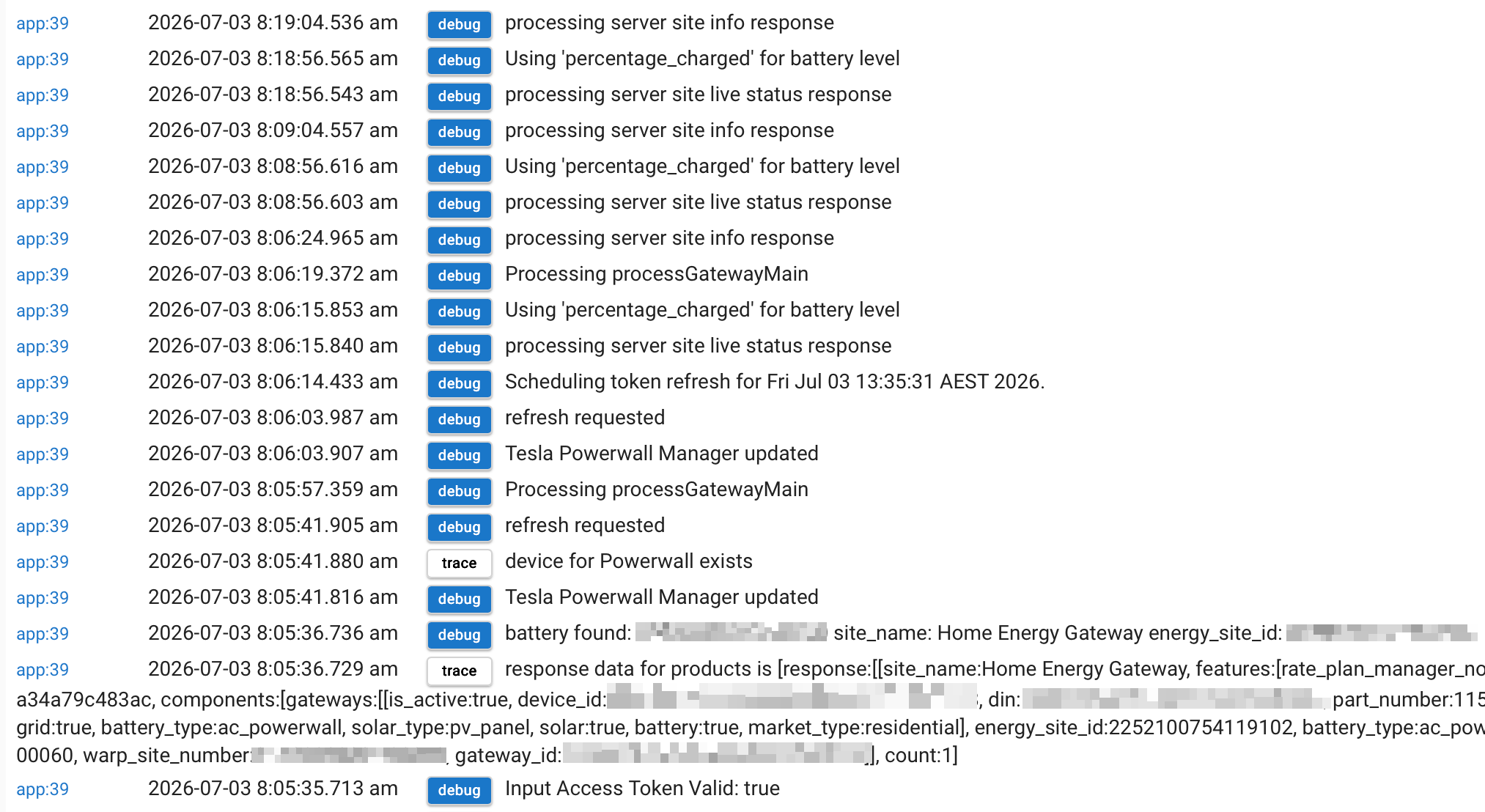
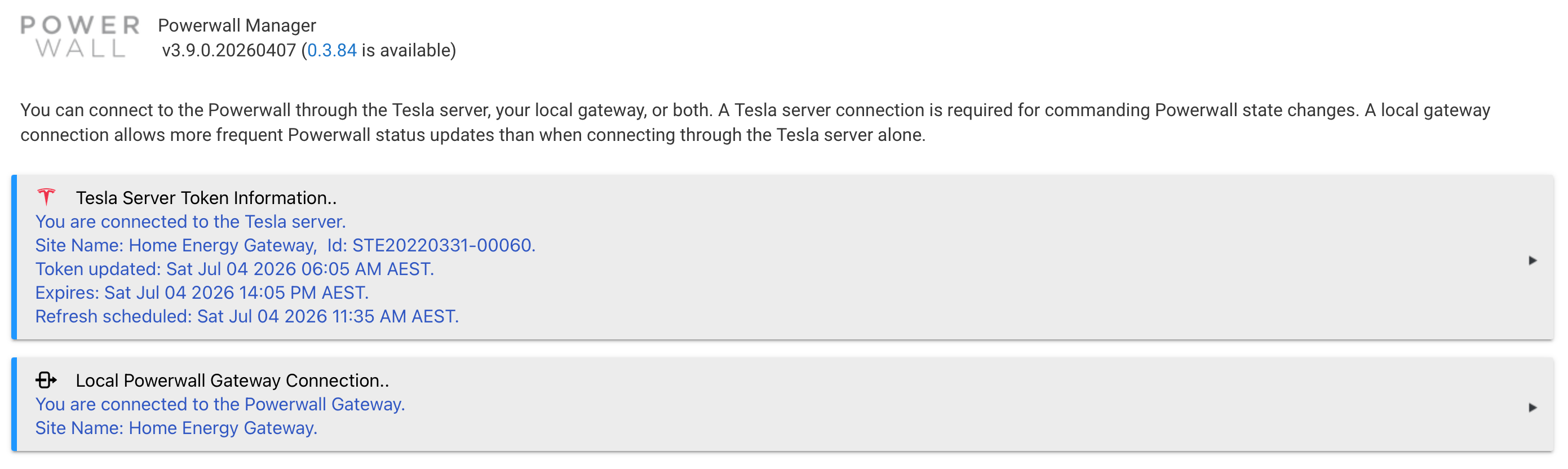
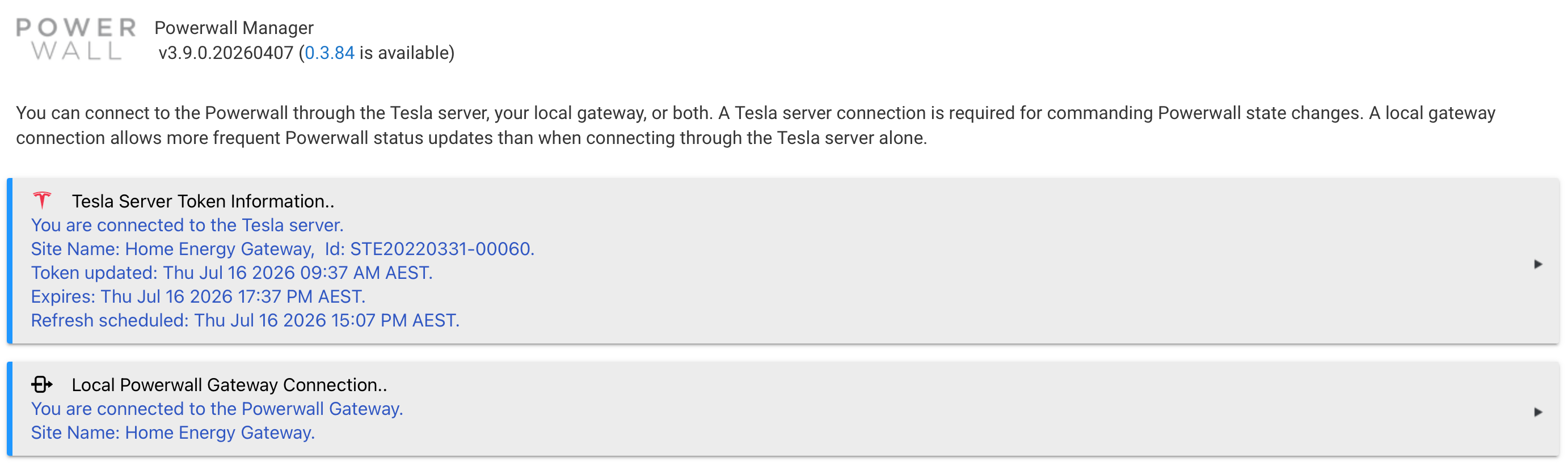
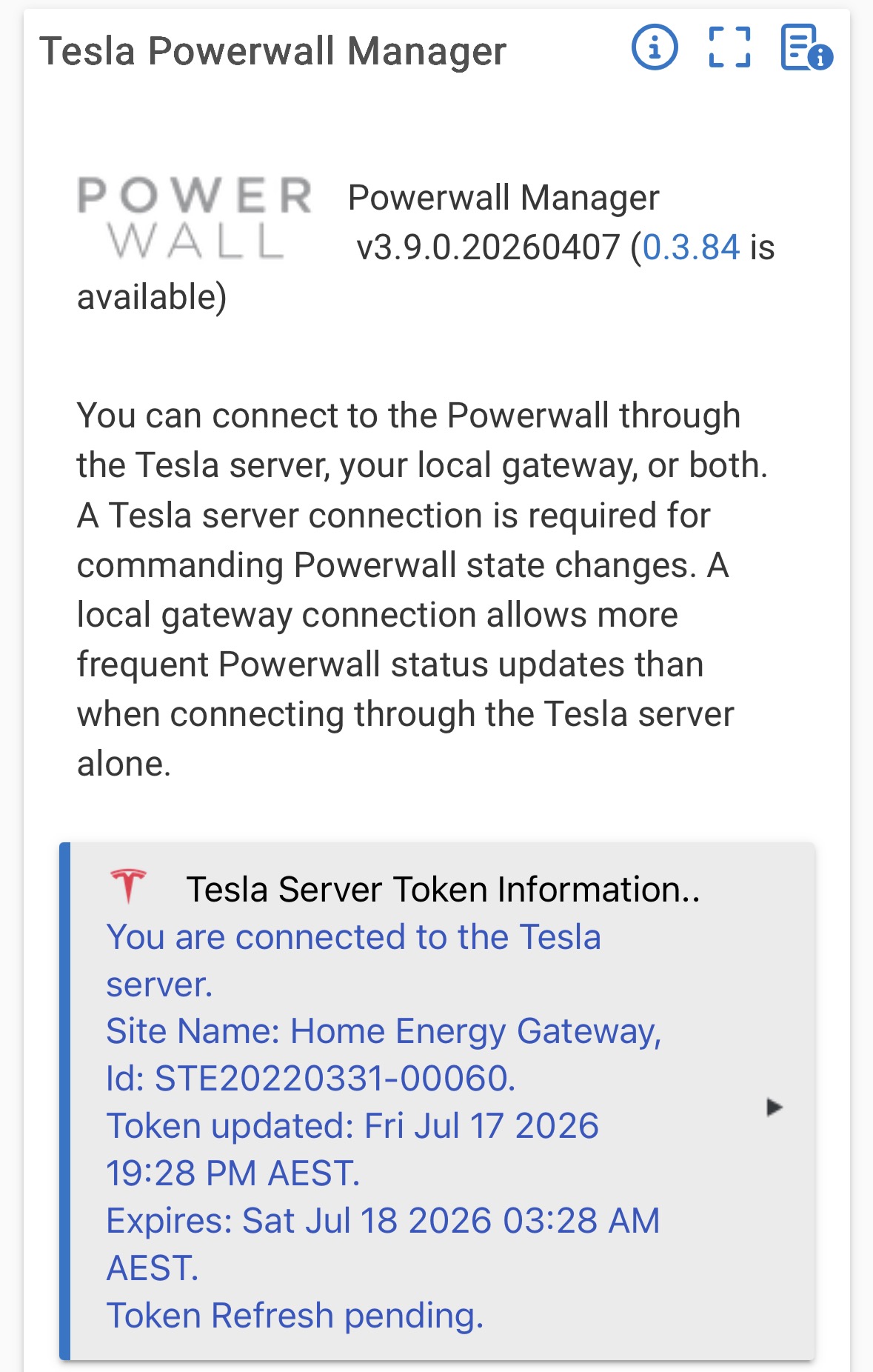
Tesla has tightened the transport requirements on their authentication and API hosts (auth.tesla.com, owner-api.teslamotors.com). Clients connecting with HTTP/1.1 or TLS below 1.3 are now rejected with 403/connection-handshake failures before the request is evaluated (so it presents as a "token invalid / null response" even with a perfectly valid token).
This was diagnosed and fixed in the TeslaMate project, which has full control over its HTTP client. Their fix was simply to enable HTTP/2 and force TLS 1.3 minimum for the Tesla auth host:
-
Release: TeslaMate v4.0.1 — Release v4.0.1 · teslamate-org/teslamate · GitHub
-
Fix PR: fix: enable HTTP/2 and set TLS to 1.3 for TESLA_AUTH_HOST by swiffer · Pull Request #5406 · teslamate-org/teslamate · GitHub ("enable HTTP/2 and set TLS to 1.3 for
TESLA_AUTH_HOST")
The same fix is not reachable from a Hubitat app/driver today, because the platform HTTP methods don't expose protocol/TLS-version control. This breaks the widely-used DarwinsDen Tesla Powerwall Manager (and any other integration that talks to Tesla's cloud) for all Hubitat users, with no developer-side workaround short of standing up an external reverse proxy.
Current Hubitat limitation (as observed by developers)
-
The synchronous (
httpGet/httpPost/httpPostJson) and asynchronous (asynchttpGet/asynchttpPost/etc.) methods appear to use an HTTP/1.1-only client. -
The only TLS-related option exposed to developers is
ignoreSSLIssues(certificate validation), introduced in 2.1.8. There is no option to set the protocol version (HTTP/1.1 vs HTTP/2) or a minimum TLS version. -
TLS version is therefore whatever the platform JVM negotiates by default, which a developer cannot raise to "require 1.3," and HTTP/2 is unavailable entirely.
What we're asking for (in priority order)
-
Preferred: Upgrade the platform HTTP client so it can negotiate HTTP/2 with ALPN and TLS 1.3 automatically when the remote server requires it (transparent to existing drivers, since HTTP/2 falls back to HTTP/1.1 for servers that don't support it).
-
Or, expose opt-in parameters on the existing sync + async HTTP methods, e.g.:
httpPostJson([ uri: "https://auth.tesla.com", path: "/oauth2/v3/token", httpVersion: "HTTP_2", // or "2.0"; default "1.1" minTlsVersion: "TLSv1.3", // default current behavior body: payload]) { resp -> ... }The same
httpVersion/minTlsVersionkeys should be honored byasynchttpGet/asynchttpPost/asynchttpPut/asynchttpPatch/asynchttpDelete/asynchttpHead.
Either option resolves it; option 1 fixes affected integrations without any driver changes.
Suggested implementation notes (for whoever picks this up)
-
If the platform is on a JDK 11+ runtime,
java.net.http.HttpClientsupports HTTP/2 and TLS 1.3 natively (.version(HttpClient.Version.HTTP_2), andSSLParameters/jdk.tls.client.protocols), and could back these methods. -
If staying on Apache HttpComponents, HttpClient 5.x supports HTTP/2; 4.x does not. TLS minimum can be set via
SSLConnectionSocketFactorywithsupportedProtocols = ["TLSv1.3"]. -
HTTP/2 with ALPN requires the negotiation to happen over TLS; servers that don't support h2 will ALPN-fall-back to HTTP/1.1, so enabling h2 by default is low-risk for existing integrations.
Impact / who is affected
-
Any Hubitat integration that calls a service enforcing HTTP/2 or TLS 1.3 — currently and most visibly all Tesla cloud integrations (Powerwall mode control, backup reserve, storm watch, vehicle integrations). This list will grow as more providers tighten transport security.
-
Today the only workaround is a user-run external reverse proxy (nginx/Caddy/Tesla-HTTP-Proxy) that speaks HTTP/2+TLS1.3 upstream and HTTP/1.1 to Hubitat — impractical for most users and outside the platform.
References
-
TeslaMate v4.0.1 release: Release v4.0.1 · teslamate-org/teslamate · GitHub
-
TeslaMate fix PR #5406 (HTTP/2 + TLS 1.3 for auth host): fix: enable HTTP/2 and set TLS to 1.3 for TESLA_AUTH_HOST by swiffer · Pull Request #5406 · teslamate-org/teslamate · GitHub
-
Hubitat async HTTP docs: Common Methods | Hubitat Documentation
-
Hubitat
ignoreSSLIssues/ async HTTP discussion: Async HTTP calls
PS, Claude wrote this as I’m not a dev.
@bobbyD @mike.maxwell