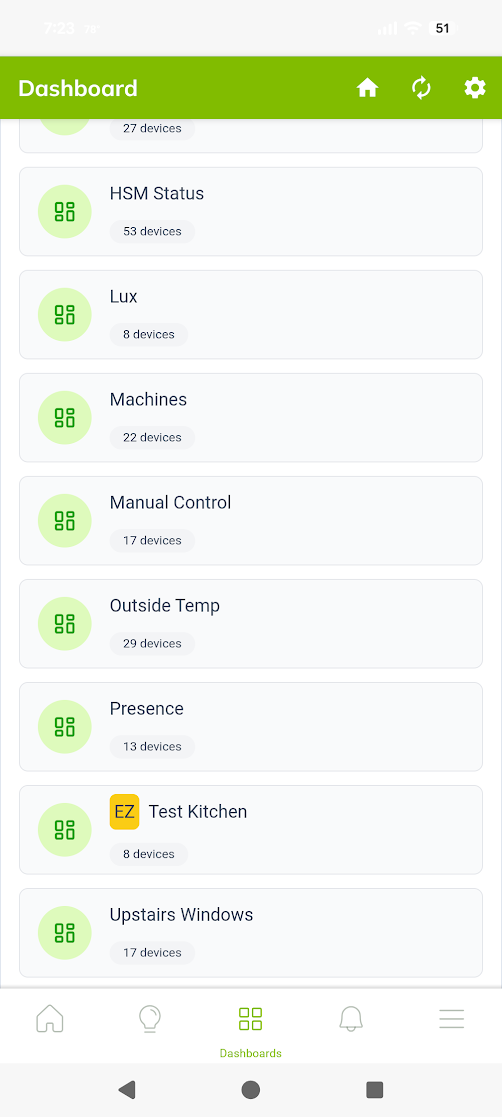
I've never used EZ Dashboards before... all of my existing ones are old school dashboards. I just created some EZ Dashboards, and they show up in the Android App, but when I try to open them, nothing happens. Tapping on an EZ Dashboard does nothing. Tapping on any other dashboard works as expected. Identical behavior local or cloud.
Yes, EZ Dashboards work for me in the android phone app.
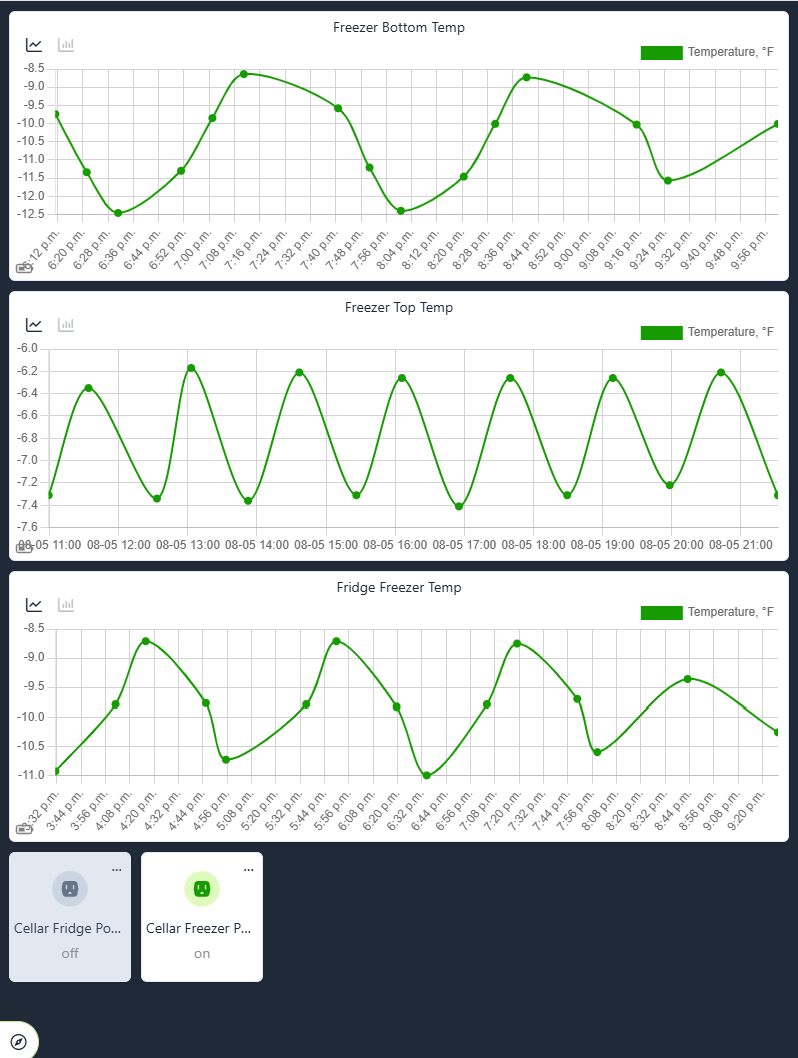
However, I do need to format them different than when viewing on a laptop. So I just create separate dashboards. The ones for viewing on the phone are labeled as such.
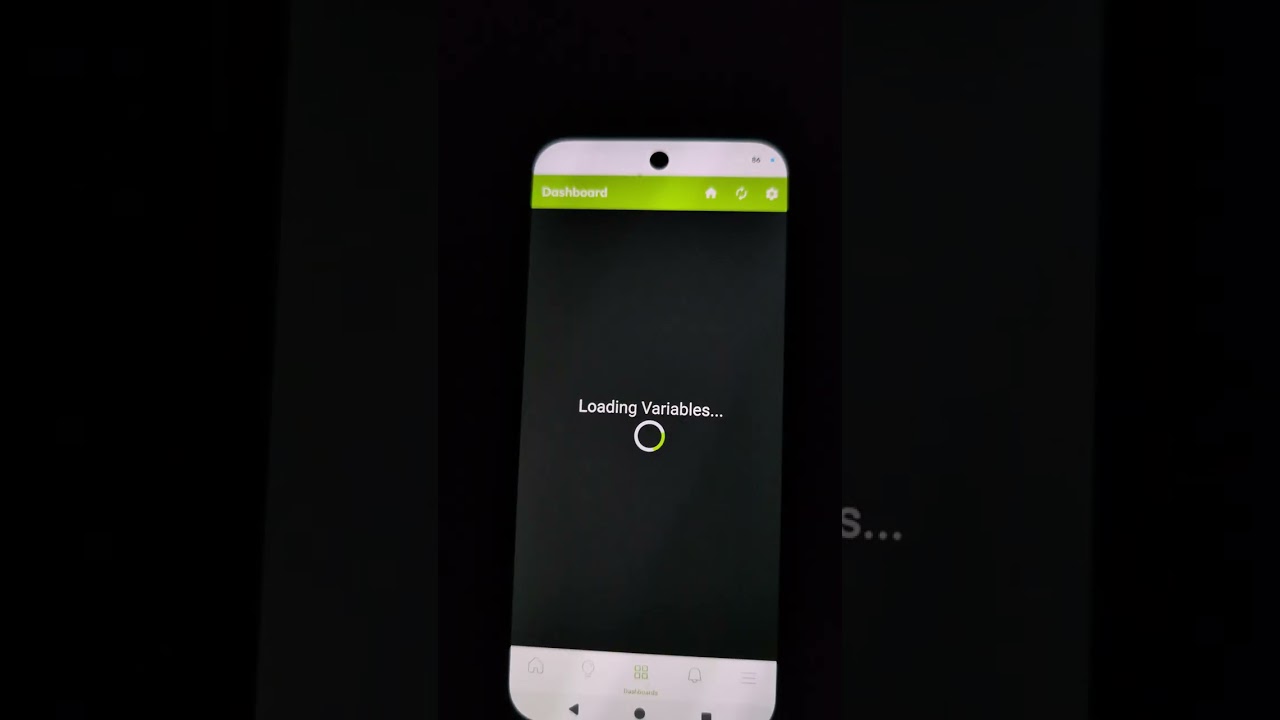
This (shakey, sorry) video shows the app not doing anything when I try to open an EZ dashboard. It fails on both my phone (P8 Pro) as well as my wife's (P9a).
First I tap open a regular dashboard, and it works. Then I go back and try the EZ dashboard, and nothing happens. I then pick a different regular dashboard and it still works.
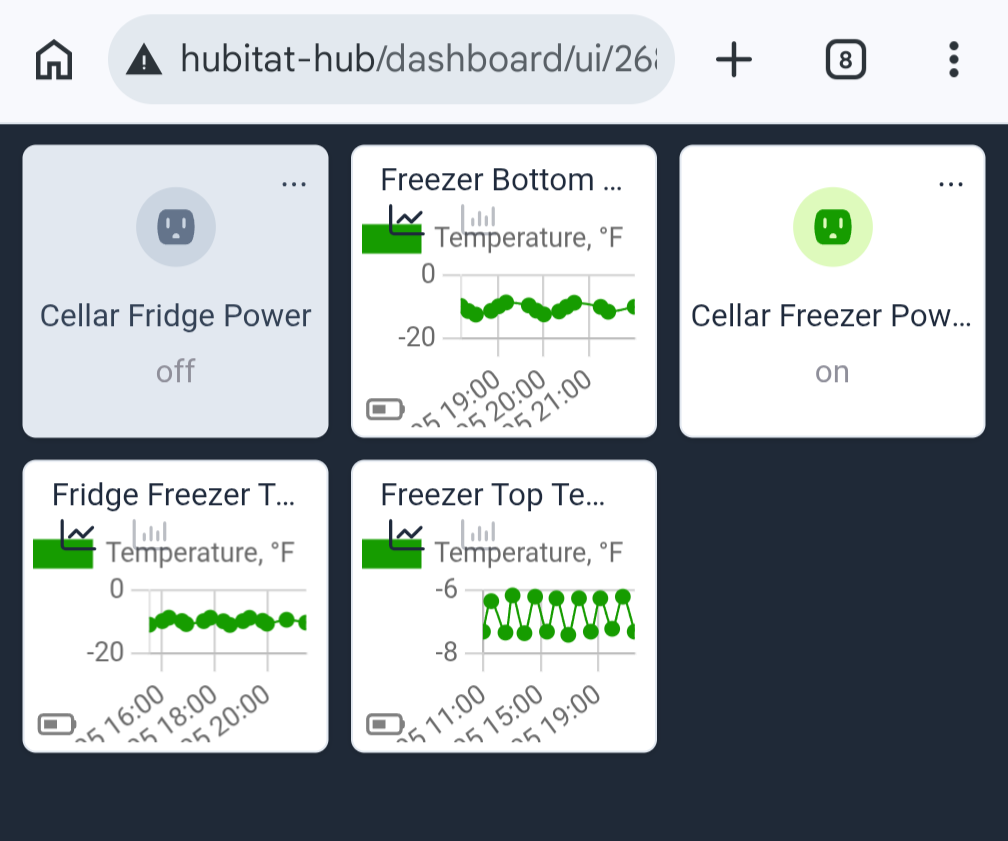
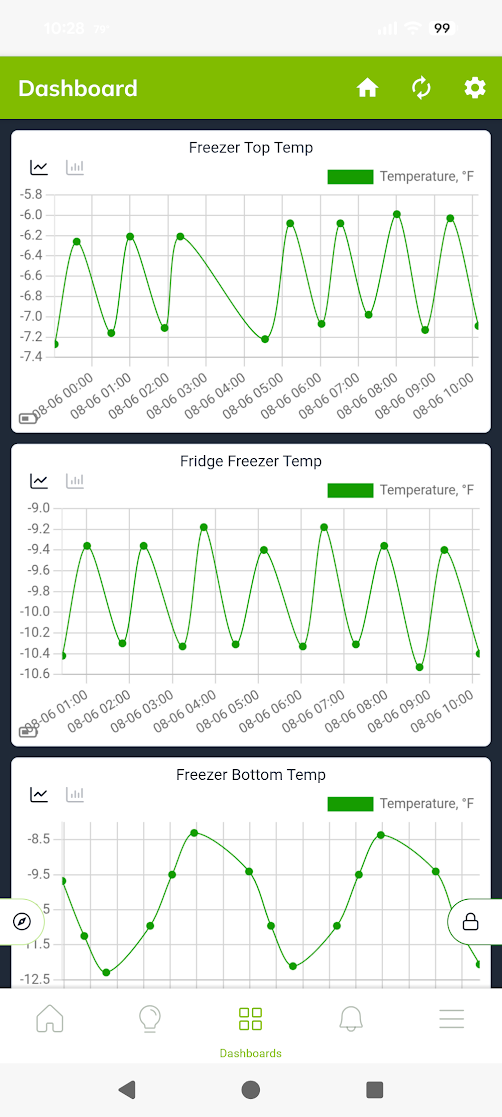
The "not nice" part can be remedied by going into the dashboard edit mode while on the phone and resizing the chart tiles.
Is the hub we're looking at on beta? I made a small change to the dashboard selection screen where tapping doesn't work in the last build (2.5.1.145). This seems to be an issue in regards to some obscure URL replacement rules on the Android webview control.
I was going to resize them when I got it opened in the app.
Yes, the hub is enrolled in beta, but because we were away didn't participate in running 2.5.1 beta releases. I first noticed this on 2.5.0.159, and in the video above it was running 2.5.1.143. I'll update to 145 now.
I'm not exactly sure how it gets cached on the app. There's a version query parameter, so it should be thinking it a new file, but who knows. May take 24 hours to load the updated HTML bit.
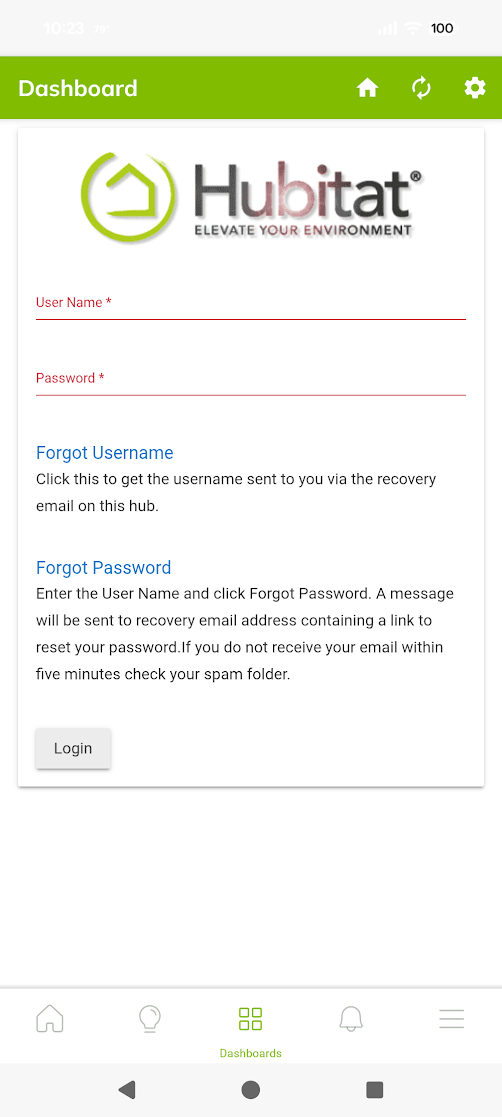
Tapping on the EZ dashboard now brings me to a hub login page!??? That doesn't happen for any other dashboards. Once I logged in I got the squashed version:
FWIW, with 2.5.1.145 it works while the app is local, but not on a cloud connection.
I went to a cloud connection (dropping off the WiFi) and I was back to the behavior of no response to taps. Other non-EZ dashboards continued to work in cloud.