When I pull up the device page for my echo devices, the screen contents are truncated. Yes, I can ctrl +/- and make it fit. But that changes everything on that browser tab (my HE tab). Or, I can use the scroll bars and slide around. But is there a way to make the contents of the device page fit the screen automatically by default? Thanks.
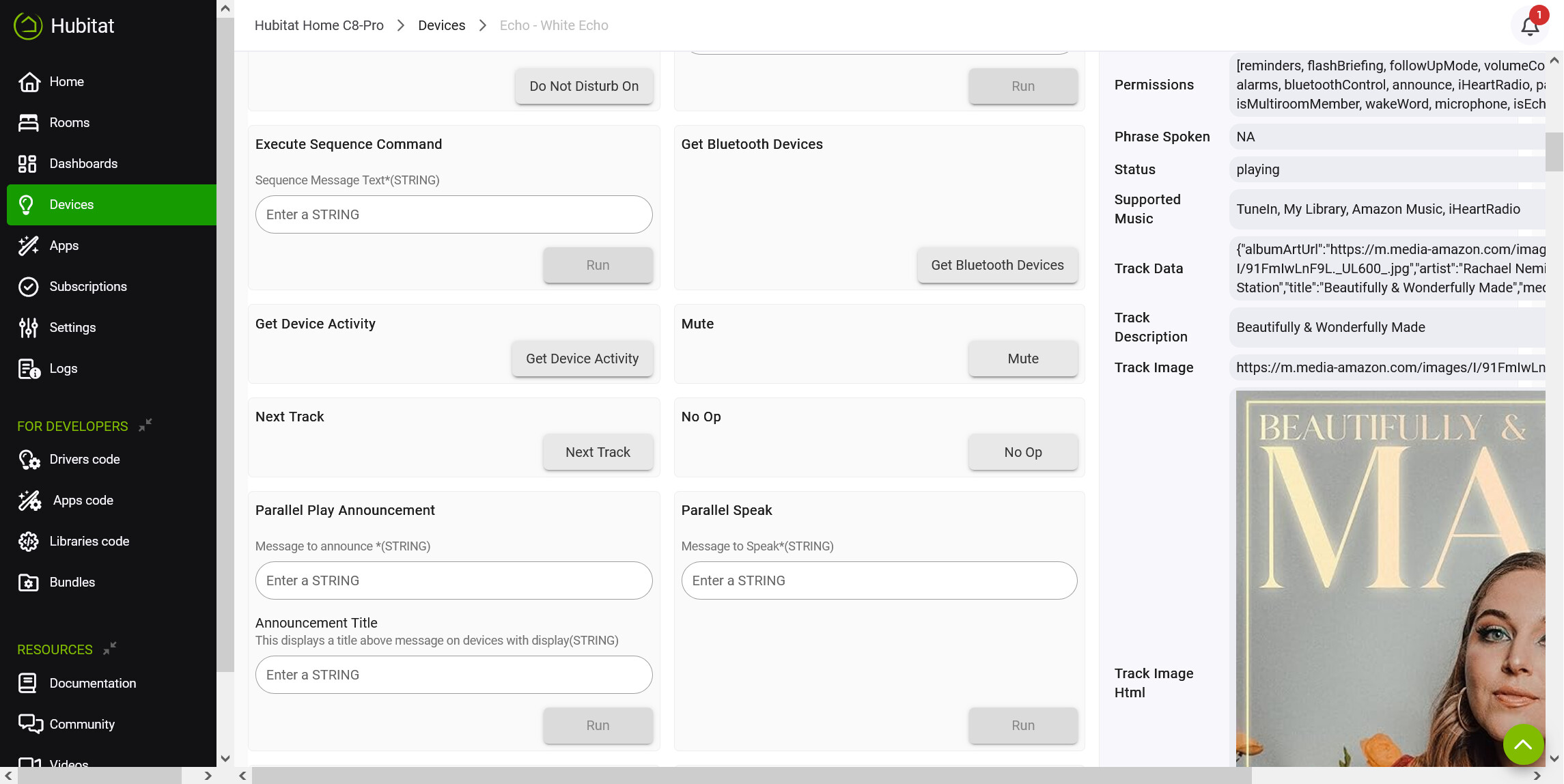
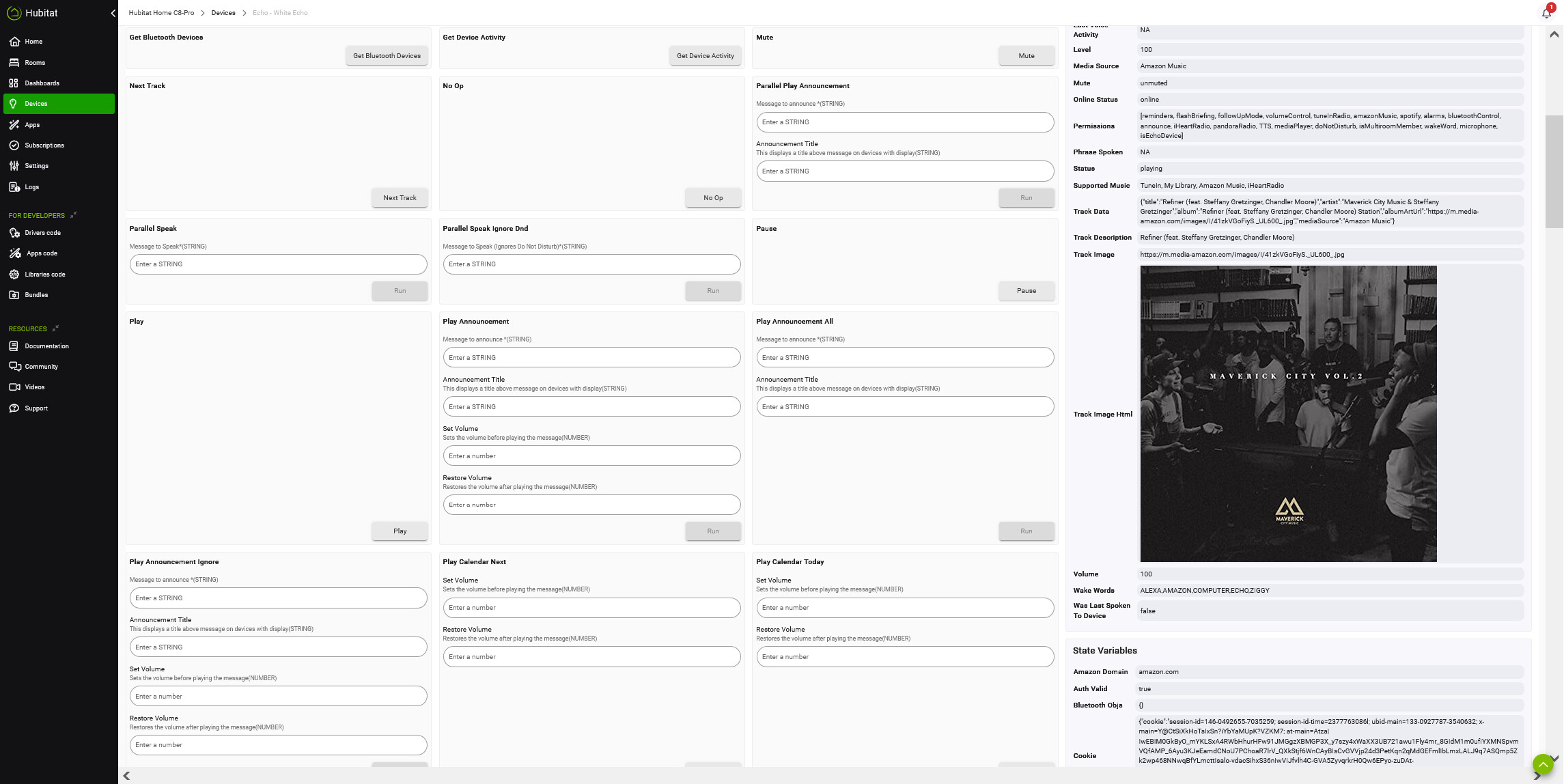
Isn't that being caused by the album art being so big, forcing the right hand pane to be bigger? Text usually wraps in the Current States column to maintain a consistent width, but it looks like the large image is forcing it wider.
You could collapse the left navigation menu to icons to get more horizontal space for the states column.
Not sure how to do that.
I just mean that little arrow at the top of the column.
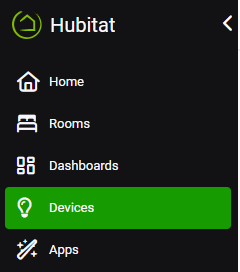

Good thought. But not available on the device details page.
It's there in your second screenshot, and I suspect it would be there in the first if you used the scroll bar. (I second the guess that it's probably the album art. And this must be a custom driver?)
I don't think either is truncating anything, either, as there also appear to be scroll bars for the right half of the page that I assume would let you see everything in your first screenshot, too -- although I do understand the concern.
Yes, if I ctrl- enough, the device details page does fit. And the arrow is there. But when I close the device details page, everything is now smaller. I guess the device details is provided by the Echo Speaks driver?
I agree that the album album art is causing the problem. Not sure how to fix that.

I understand, but that's not what I meant. Rather, it's probably there in your first screenshot, too:
Note that you have horizontal scroll bars at the bottom. Scrolling over and then collapsing the left pane there, as @chrisbvt suggested, might be another way to do this.
This is correct.
It appears that I will just have to deal with it. Thanks for the input.

