@jtp10181 I just updated to the app that you suggested in the other post. What is the difference between the drivers one has MCP and does it matter which one I use? Thanks for you help again and I send you enough to buy you a coffee.
1 Like
It's just the one driver - it'll populate the correct parameters to display (multi-vs-single channel, power monitoring or not) based on the plug model. Works great.
This may not be necessary every time, but my technique for switching drivers is to always first switch to the plain "Device" type and use its options to Delete All Current States and Delete All States options (and when appropriate, the Delete All Child Devices and Delete All Scheduled Jobs options too). Then "Configure" button then page refresh.
Then switch to the desired new driver and you'll be working from a clean slate.
1 Like
The main post tells you which driver to use for which devices. the ZEN15 uses the standard driver. The MCP is for "Multi-Channel Power meter" devices.
Has anyone had an issue with this device not being able to share across the mesh. I switched to this driver sometime back, but for the past couple of months my routine to reset the stats at months end had not worked.
I finally noticed to day that even though the device was shared, the device page on the shared hub still was showing the old driver data. I was able to read energy and power from it across the mesh but the monthly reset stats call would not actually reset the device stats.
Normally just a reboot would correct this, but not in this case. So I deleted the device off the meshed hub and thought I would just re-add it.
The power strip shows up as available on the linked devices page but when I click it nothing happens. I have re-booted several times, along with a reboot and rebuild data base. No matter what though this device will not link back to a meshed hub. I have tried to link it to all three of my other hubs and none will take it.
Any ideas?
New firmware available for the ZEN15 800 LR (2.10), can we get an updated driver to expose the new settings?
1 Like
11 posts were split to a new topic: How accurate is the AutoOn and AutoOff on a ZEN04
I have a ZEN14 and using Zooz 1.2.2 driver. I can control both outlets from the parent but I can't control the individual outlets at the component level. I assume I have done something incorrectly with the setup. Can you please point me in the right direction?
Did you run the configure command after switching to this driver?
Do you have the two child devices?
What firmware version is shown (in the data at bottom of device page)?
Turn on debug logging on the parent (main) device. Go to a child device and then click ON, then OFF. Then get a screenshot of the resulting logs.
Firmware is @ 2.2. I (excluded/included) reinstalled the device, did a configure command and they are working now. Thanks for the quick reply. Regards.
UPDATE
ZEN05 Outdoor plug 800LR model now supports power metering. I do not have one to test with but it should detect it and work perfectly!
Version [1.2.4] - 2024-06-02
- Added new settings for ZEN15 FW 2.10
- Added new settings for ZEN05 FW 2.0 with power reporting
3 Likes
Just got ZEN05 800LR on a recent sale for under $20 and realized it should support power monitoring like Minoston one. So went to github to see how much it will take to make it work - and saw you already did it  Seem to be working fine!
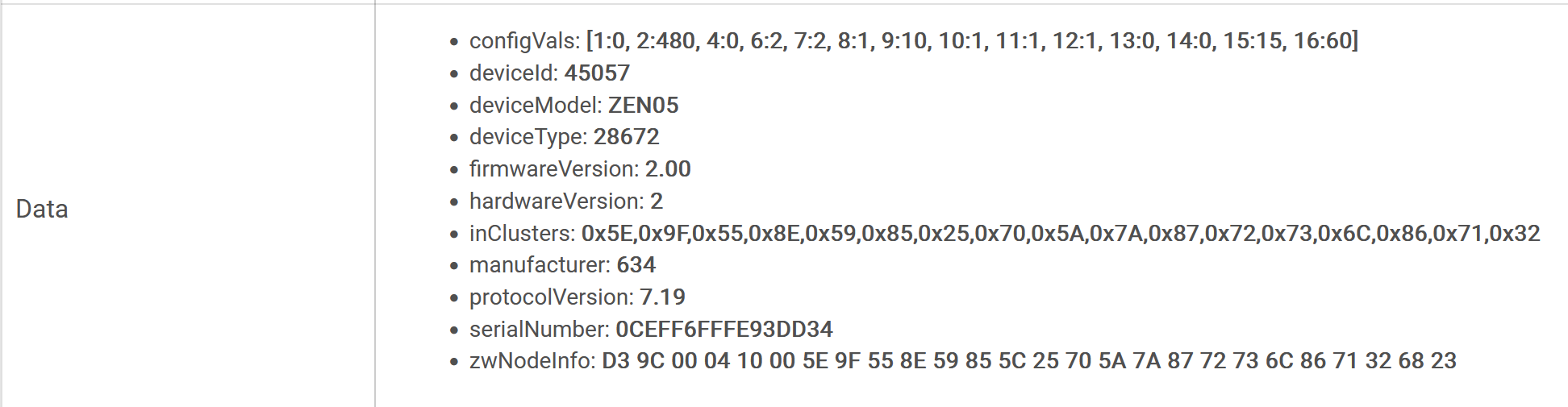
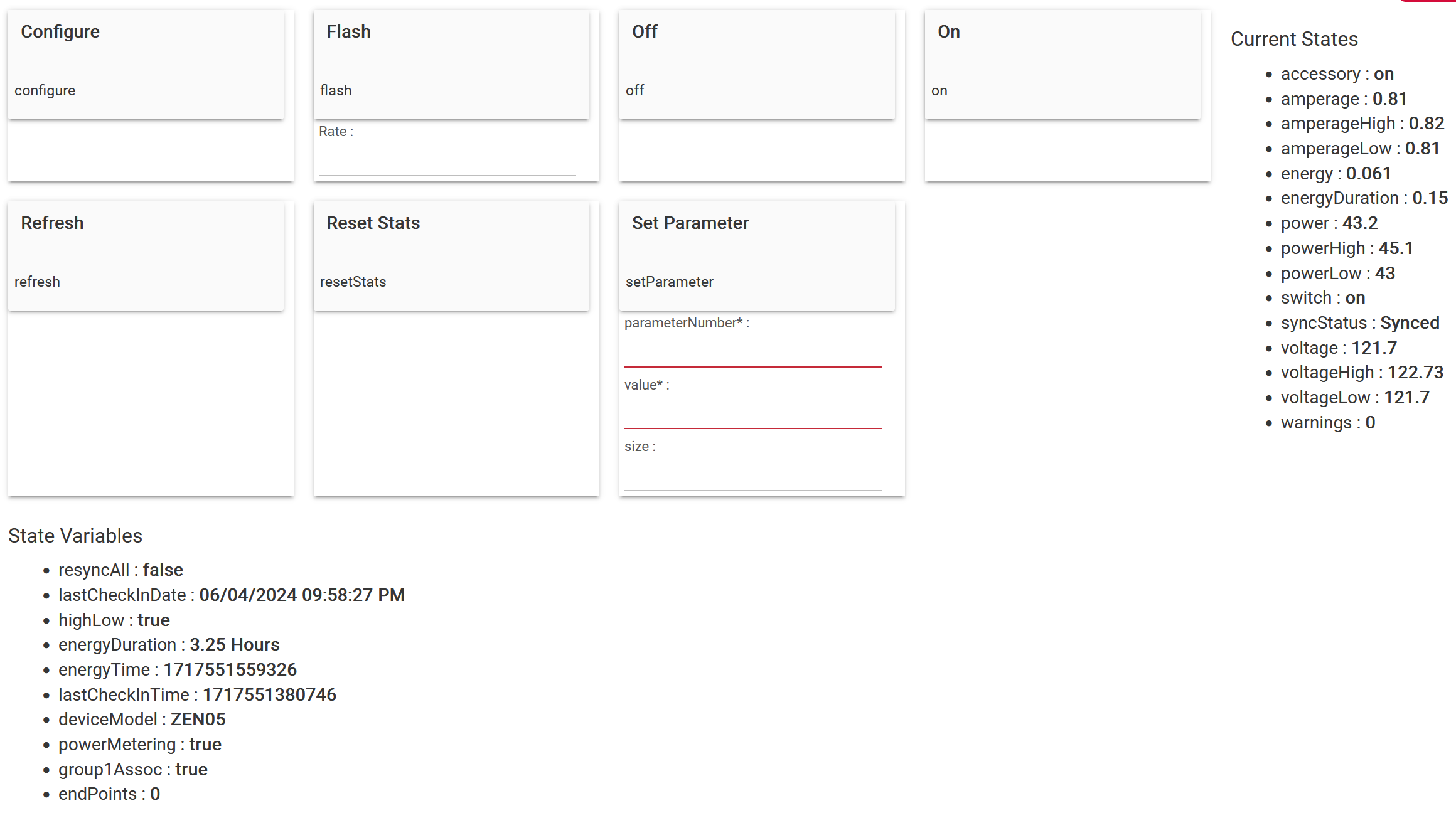
2 Likes
Great thanks for letting me know. I just added all the settings but do not have one to test it. This driver detects if a device has power monitoring or not so that part just worked as I designed it!
3 Likes
@jtp10181 you probably saw this in the other thread, as you were involved in that one as well, but for some reason when using this driver my Zooz ZEN20 Power strip will not connect to another hub via hub mesh. Looks like the poster in the other thread was using this driver as well and had the same issue with a Zen25.
Yeah I think we have uncovered the problem, not sure if its going to get a fix on the hub side, otherwise I think I know what will fix it on the driver as well and can push an update. I need to do some testing.
1 Like
UPDATE
@terminal3 @lcw731
This will fix the issue with hub mesh sharing.
Thanks to @lcw731 and @gopher.ny for finding this and bringing it to my attention.
Version [1.2.6] - 2024-06-15
- Fix for range expansion and sharing with Hub Mesh
3 Likes
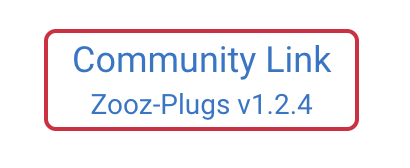
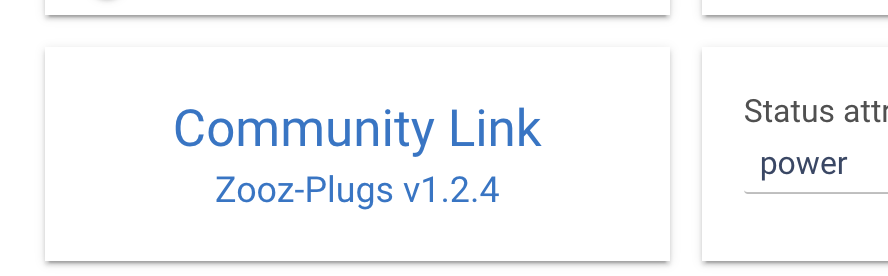
Thanks Jeff! FYI (since I'm sure it's just cosmetic), it doesn't seem like the 2 Community Link cards in the Device page UI are updating to 1.2.6... Or I just blew past an obvious config step -- I admit I'm running on fumes after a long day here, so that's definitely possible.
1 Like
Nope that was me, I missed updating the variable that feed that. Run a repair in HPM and it is fixed now. Thanks!
1 Like
I bought two of these zen15. One paired up right away, other doesn’t want to pair at all. Blue light flashes but nothing. Got it to exclude once but can’t even get it to exclude again. What’s the secret?
Z-wave radio is probably jammed up. Shut your hub down and unplug it for 30 seconds.
Ok, once my washing machine finishes. Thanks. Waiting for the other to run to see if I need to adjust my power notification rules since I’m replacing my Aeotec smart switch 7s with the zooz zen15.

