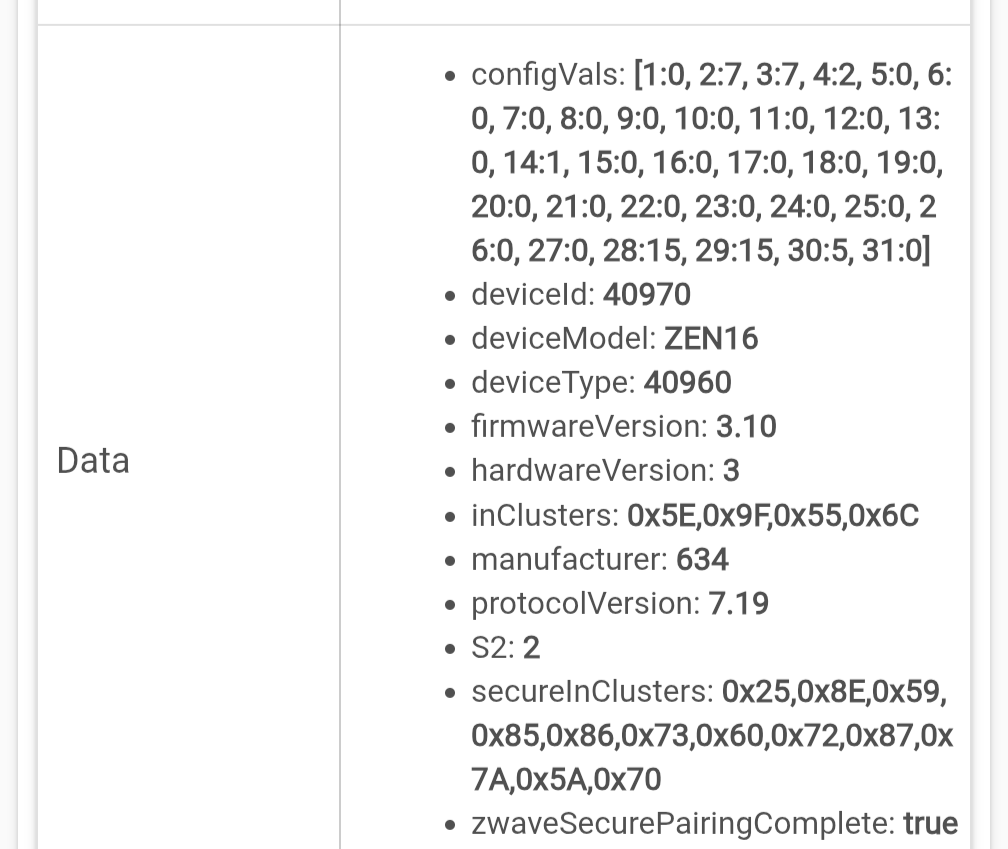
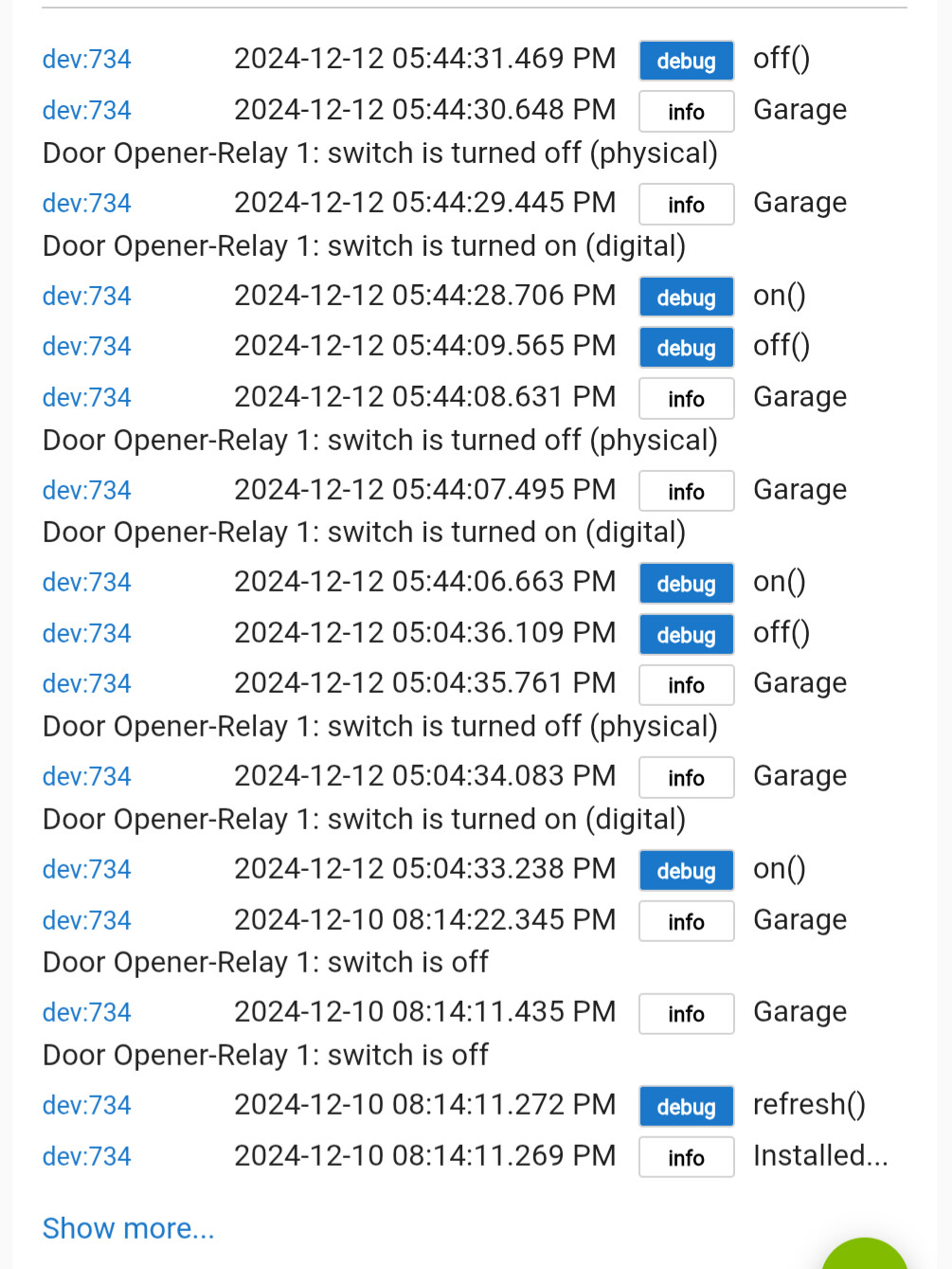
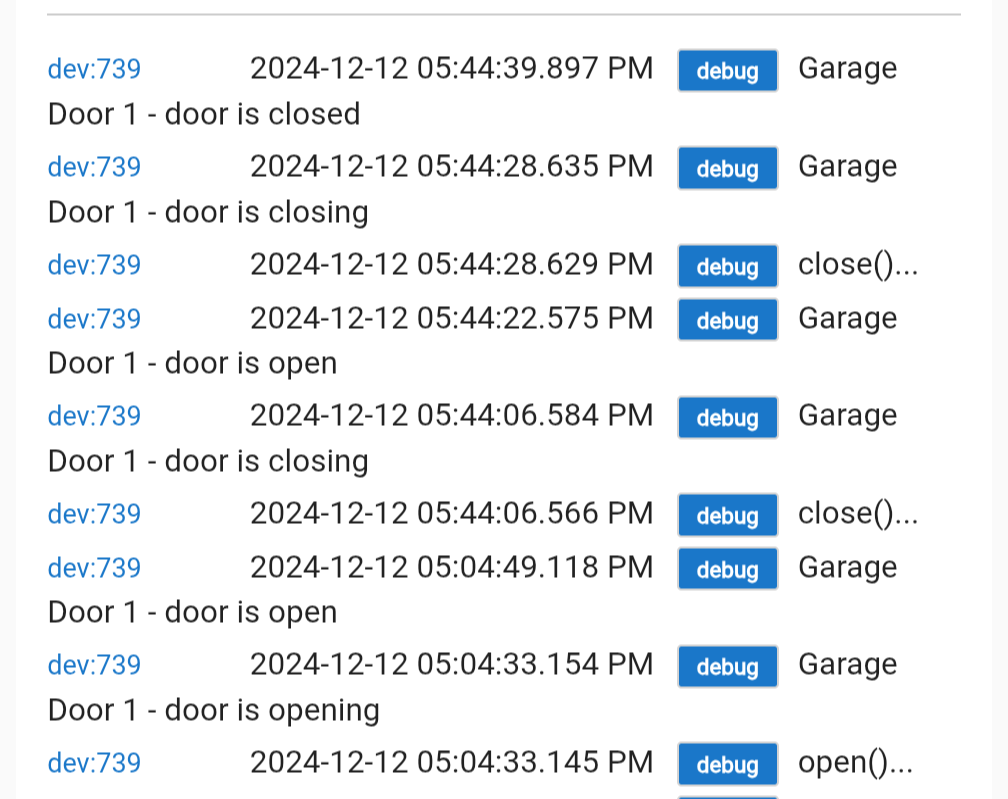
I just setup a ZEN16 v3 (according to device info) to control my garage doors via a spare keyfob and the Ecolink contact sensors. Getting weird issues from not running to running and then controlling another door and looping open/close.
Looks like I have to exclude and repair to get thr ZEN16 working?
If you have changed the input type settings to or from any of the sensor options then yes you need to exclude and pair again afterwards.
Looking again I can see your configVals shows you have both inputs 1 and 2 set to option 7, Contact Sensor. So if you have not excluded and included again after making that change then the device will not be sending the correct reports back to the hub.
But you said you are using EcoLink contact sensors? Are they the wireless Z-wave ones or wired to the ZEN16?
Before you go and exclude the device, I think you may just have it configured incorrectly to begin with.
Thanks Jeff. Yeah, I'm using the wireless sensors with the Zooz Garage Door Opener app. I followed the instructions from that thread. Probably not configured properly like you said.
Based on the spare keyfob statement I assume you have the zen16 relay wired to the contact pins on the fob which then sends the secure commands to the GDO? Do you have ANYTHING wired to the inputs (Sw#)?
My recommended settings:
on/off after power failure - All relays off
input type (any with GDO connected to relay) - 3: Garage door momentary
This could change based on what you have connected there if anything
auto-off time (any being used) 4 seconds
set rest to defaults
Power cycle the device afterwards, and with any luck that should work without excluding. You may also want to run the child cleanup option to remove the contact sensor childs (if they ever got created).
On the Zooz GD app, the default settings should work well, the 2-second momentary auto-off can be used there. The 4 seconds set on the device is a backup.
I'm using the R1 and R2 wired to the contact pads of the keyfob, nothing connected to the SW inputs. Everything is soldered up fine and checked to be working outside of the switch.
I just read about the auto-off feature so I'll adjust those settings.
One thing is that I got R1, R2, R3, S1 and S2 as child devices. Running clear child devices doesn't remove any of them.
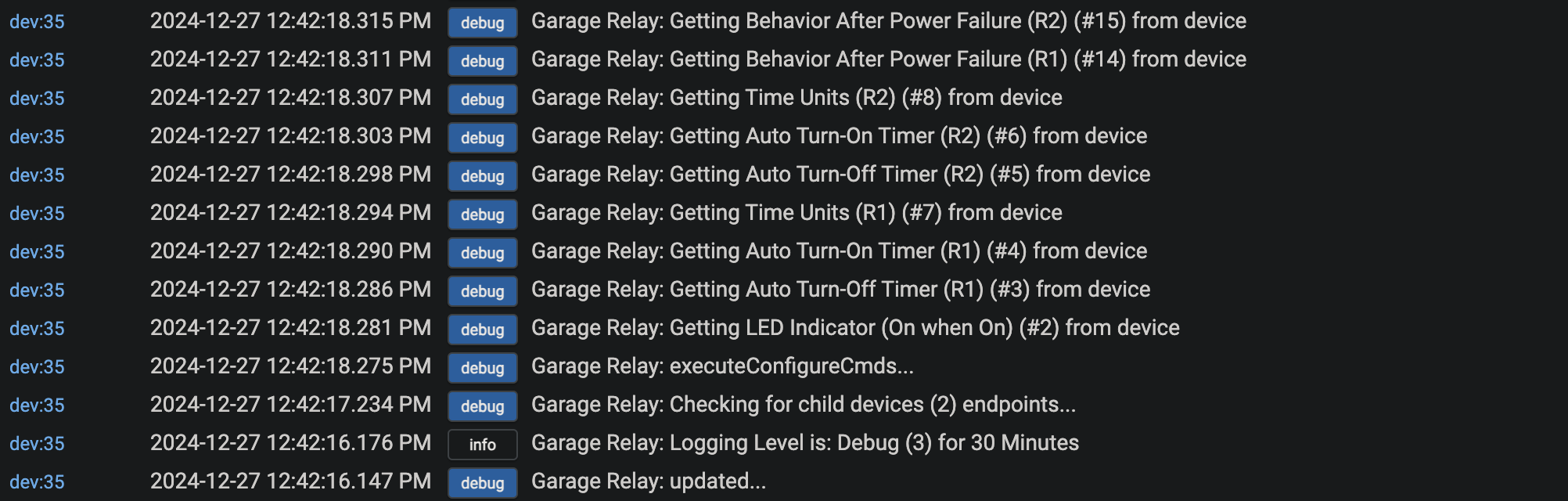
Ok, no idea if that’s going to help with your issues or not. I would sugggest that you turn on debug logging for the zen16 indefinitely and also turn on debug in the Zooz app. If your described issues happen again post a screenshot of the logs.
If issues do not come back you could turn the debug logging back off.
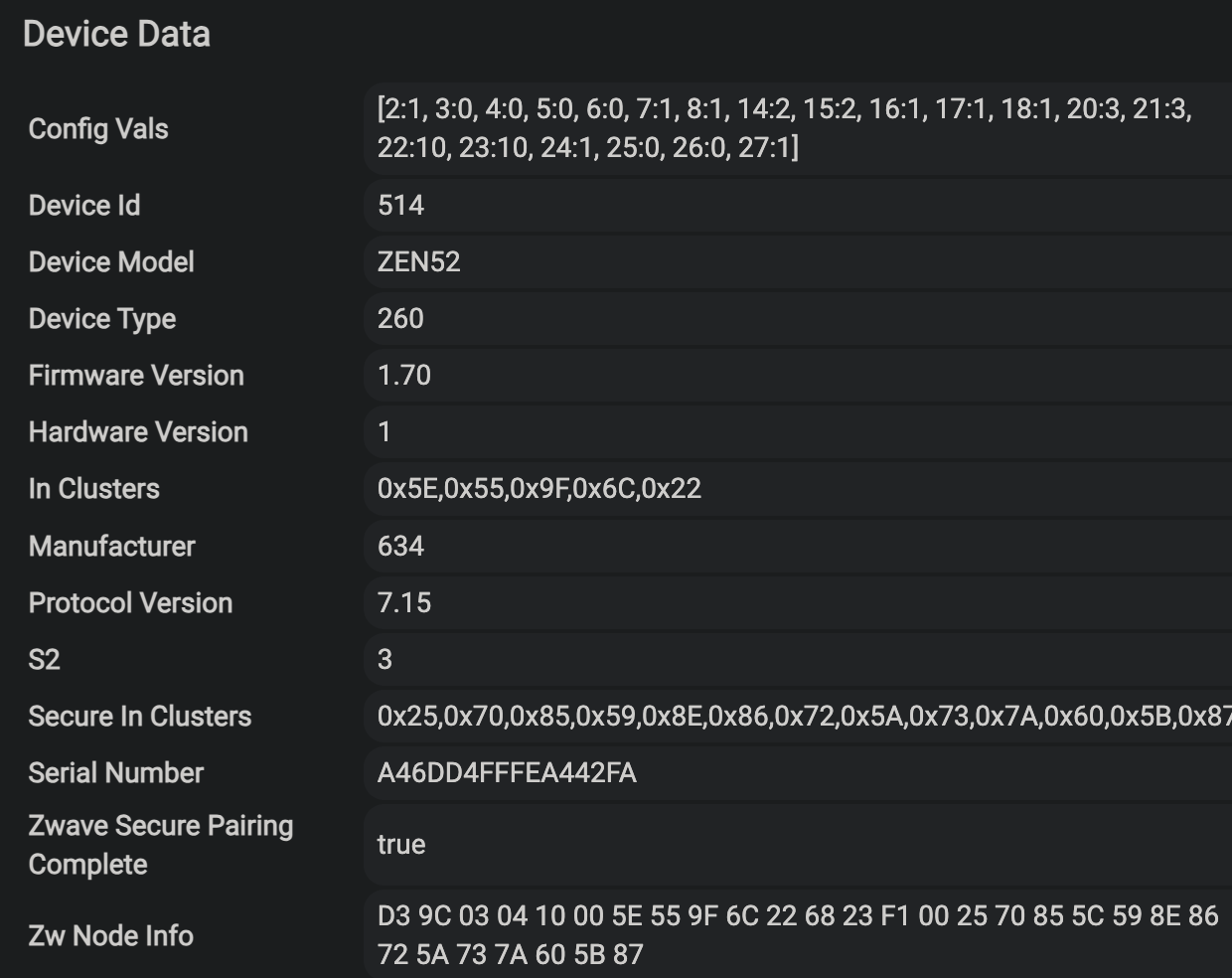
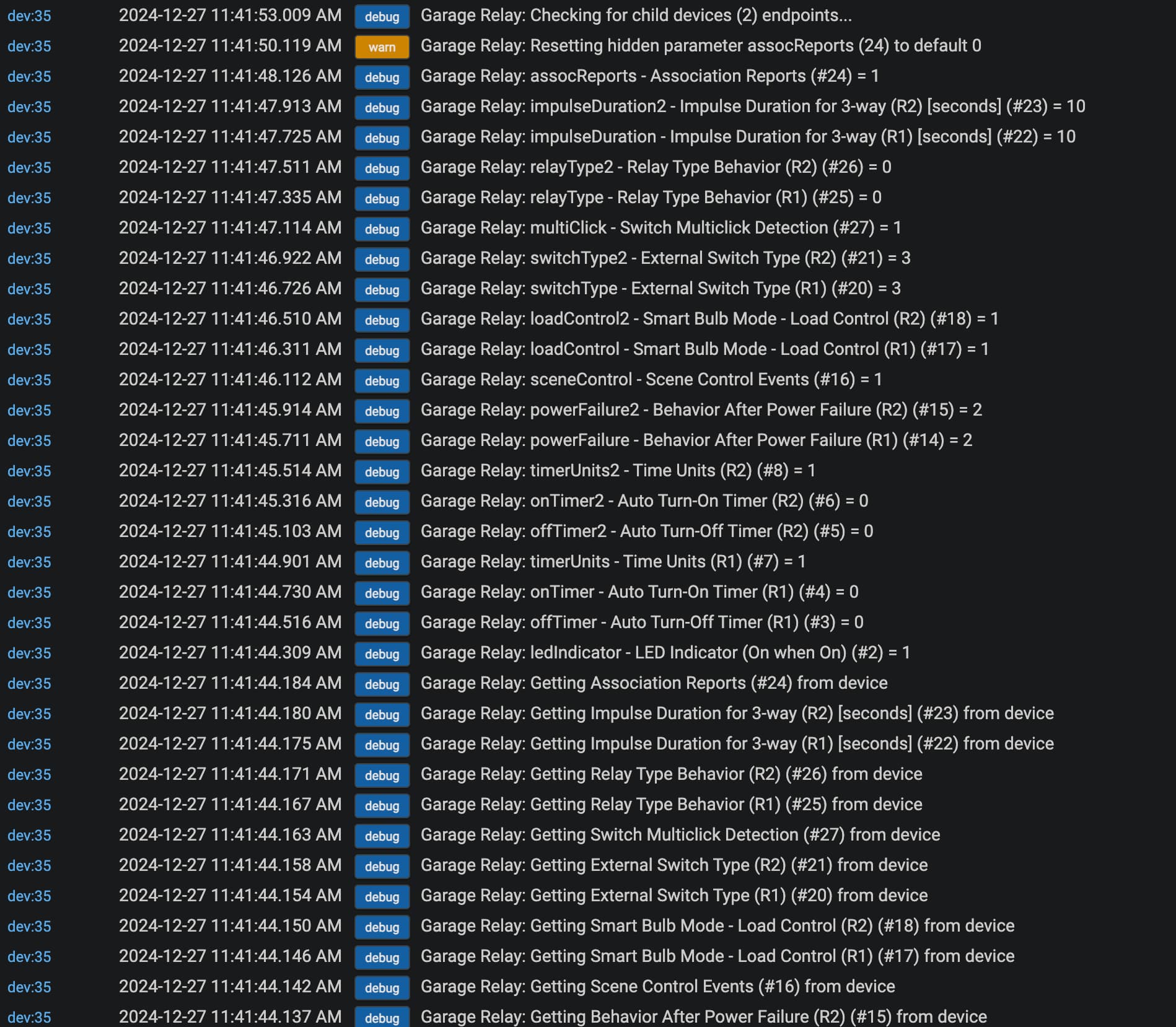
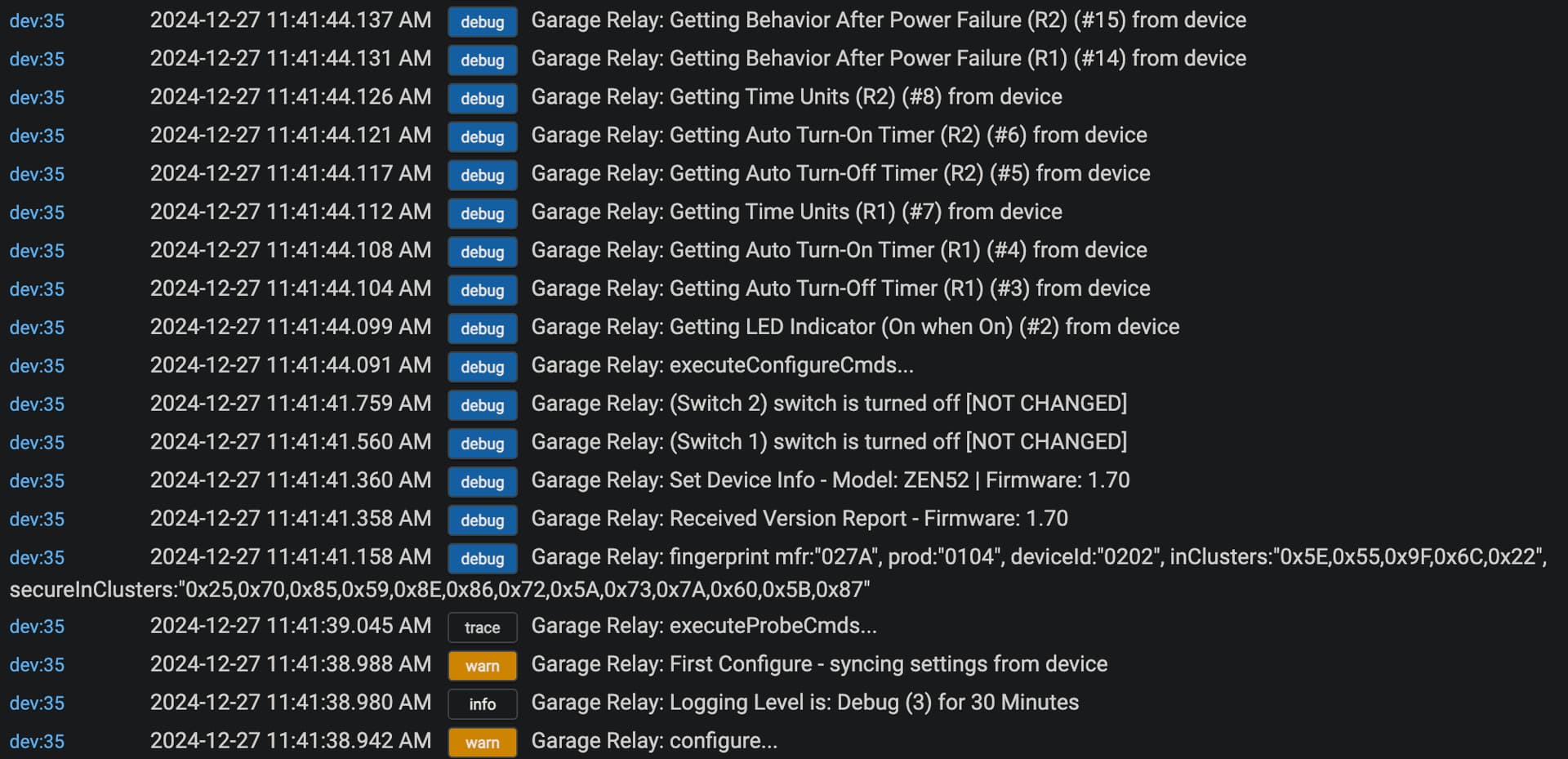
I'm having an issue with a ZEN52 installed in a 3-way setup. Since it's a 3-way setup with load and line in different boxes, I wired it per Option 2 of the Zooz ZEN52 3-way installation instructions here. Per those Option 2 instructions, I'm trying to change the external switch-type settings (params 20 and 21) to "3-Way Impulse" (value 3) in the Device settings on the hub. The problem is, the setting won't stick. I am remembering to click "Save", and if I stay on the device page, the setting stays "3-way Impulse", but if I leave the device page and come back, params 20 and 21 are back to "On/Off Switch" (value 2). If I hit configure, it returns the following:
Also, the Sync Status under Current States always shows 1 Pending Changes, no matter how many times I save settings or hit configure.
The device is responsive to commands from the hub (from device page, from dashboard tile, and from Apple Home app on my iPhone using hubitate Homekit Integration, as well as via time-based automations), I just can't control it physically from either dumb switch.
Also, I'm not sure if it matters, but only relay 1 is in use, the pigtails for relay 2 are individually capped at this time.
It's been a while since I got mine set up, but I believe I had a similar issue although I was trying to set the smart bulb mode.
I ended up using the Set Parameter command box at the top. Just fill in the parameter number and desired value. I can't remember if I then ran a Configure or not, although it probably wouldn't hurt.
What is your hub platform version, and what is firmware version of the device (visible in the device details on device page).
Also, turn on debug logging on the device settings and then run configure, post a SCREENSHOT of the resulting logs so I can see what setting it is getting hung up on (causing the sync problem).
Okay, so big update. First, I had to reset the breaker, as the relay was unresponsive this morning, and not amount of Z-wave network repair would fix it.
Next, per the recommendation @OldChicagoPete above, I set the values for params 20 and 21 to 3 using the Set Parameter command on the Commands sheet, and that seems to have done the trick--the value for those parameters seems to have finally stuck:
And the relay #1 is still responsive to on/off commands from the hub.
So two remaining issues, 1 minor, 1 major:
First, the Sync Status still says "1 Pending Changes" forever.
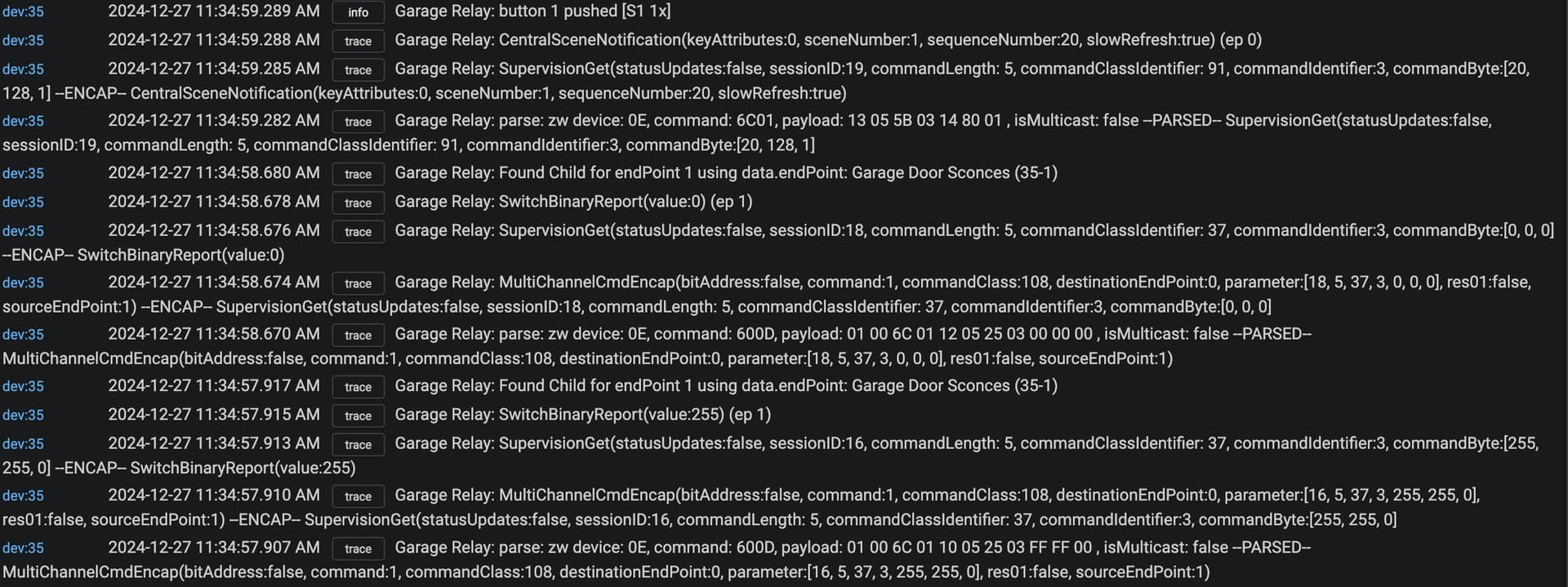
Second, the physical switches don't work. The dumb switch directly connected to the relay in SB2 (per Zooz 3-way option 2 wiring instructions) does nothing--doesn't even register in the logs. And when the dumb switch in SB1 is toggled, the lights do turn on, but immediately turn off after roughly 1 second. Here's what that looks like in the logs:
Thank you, that worked! Still have other issues to resolve (per my long post to Jeff below), but this at least got me one major step closer to resolution!
So thanks again!
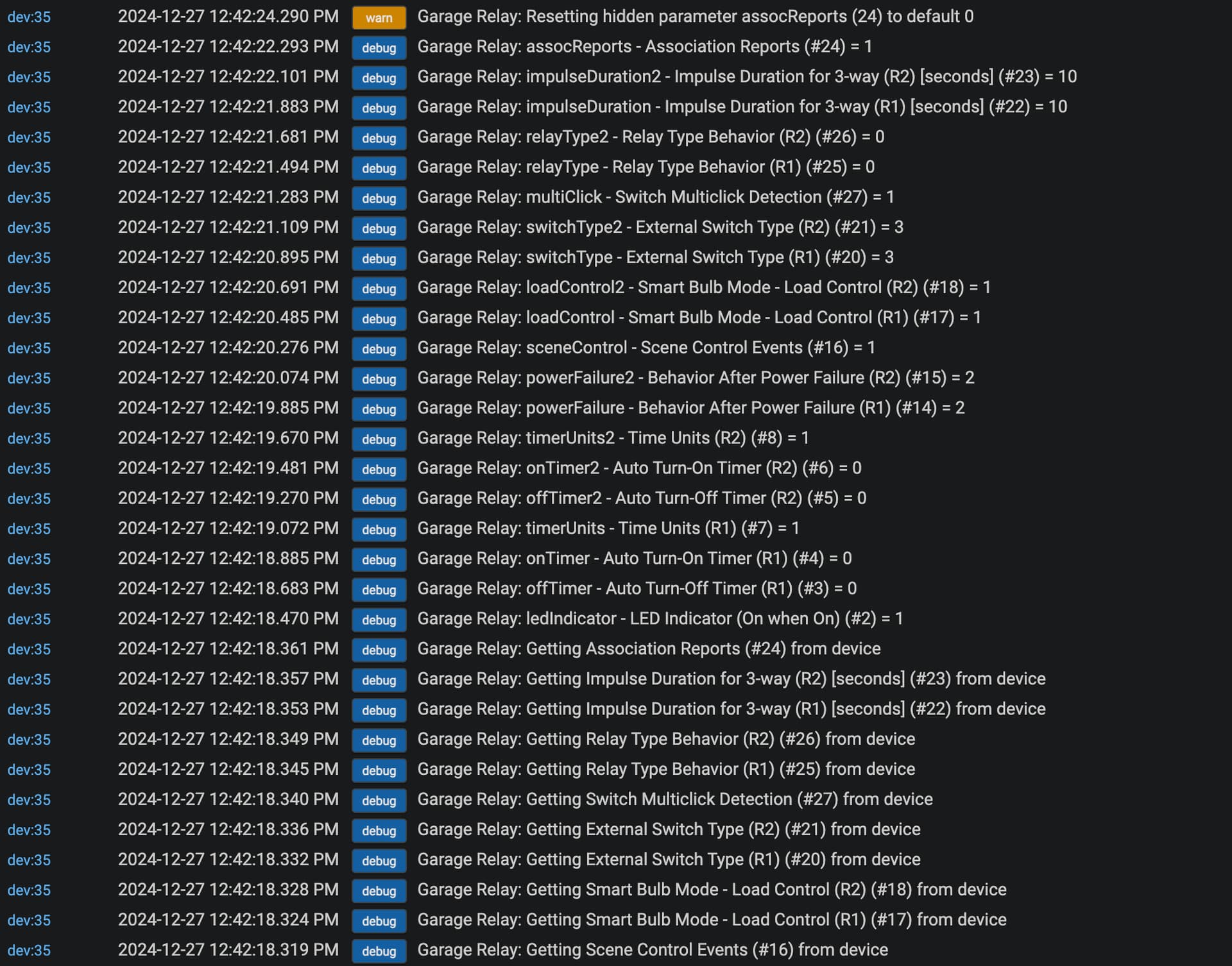
Sorry can you do just a "Save" (Preferences) instead of the configure and show those logs. Thats the one that should show only the 1 thing it is stuck on.
Going to look at your wiring and see if there anything I can notice.