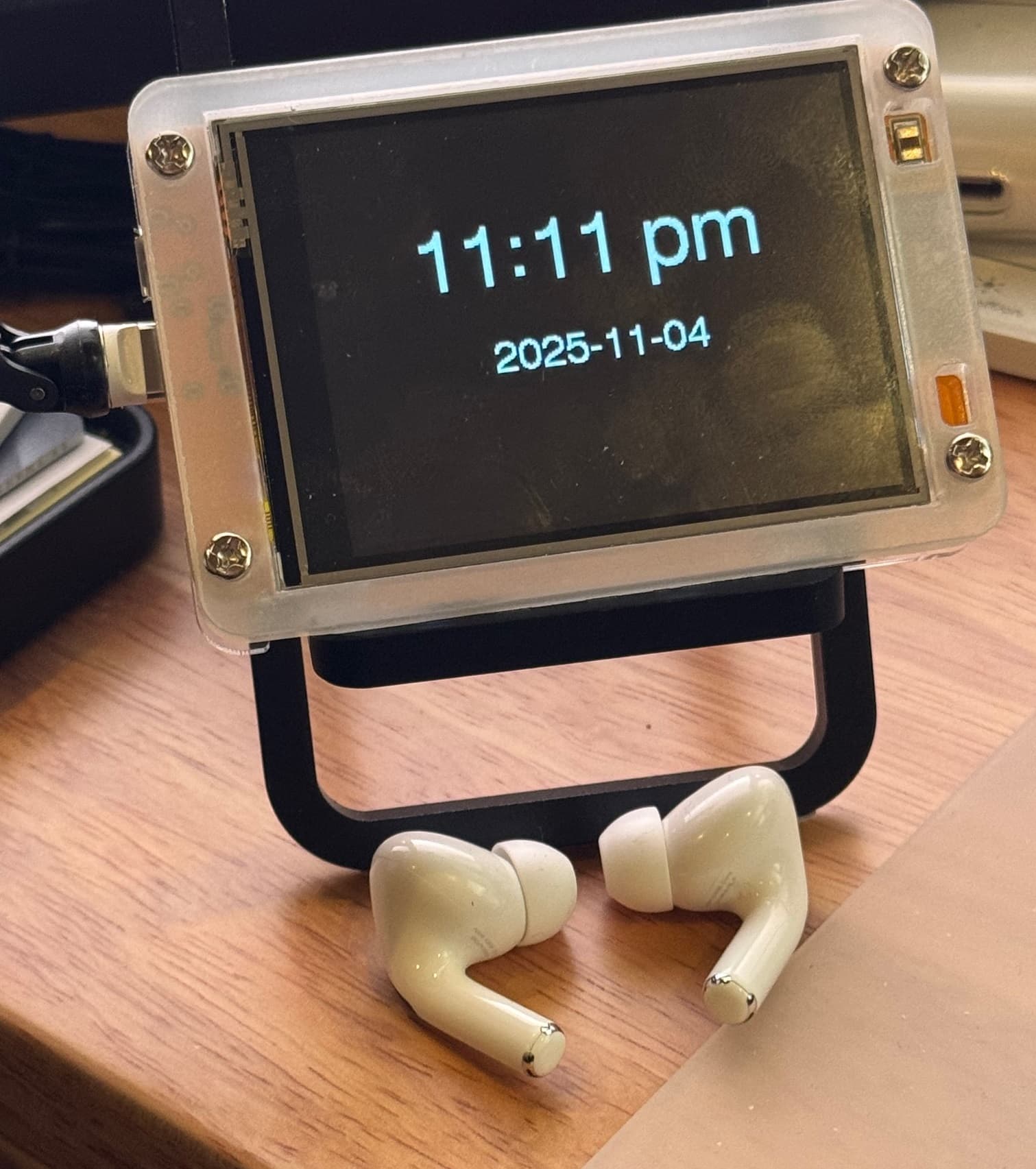
A few days ago I started playing with this kit from AliExpress (less than $25 shipped and after sales tax) with a notion that I'd like to have a more informative desktop indicator for informational messages from various Hubitat rules. Not a huge display (this device has a 240X320 2.8" TFT display), but something that fit well on my desktop. And I wanted to be a configurable clock when "off duty".
So I teamed up with Claude since I don't know the object model for any of the libraries used and I'd only "written" one C++ program before (again with Claude's amazing help).
The Arduino IDE .ino sketch file attached to post #2 has the feature set listed below.
Also included in post #2 is a Rule Machine test rule that you should be able to import -- just change the local variable vDisplayURL to whatever URL is assigned to the ESP32 (after general setup and running the my .ino sketch of course, which displays the assigned IP address for a few seconds on startup). That IP address should be made static. The test rule has no triggers, and is designed to have individual actions run manually.

SKETCH PURPOSE:
Display messages received via HTTP (JSON or GET format) on a 240X320 TFT_eSPI display of an ESP32-2432S028R device (chip type ESP32-D0WD-V3, revision v3.1).
This allows you to send brief text messages to the display from Hubitat's Rule Machine, using a "Send POST" action; GET requests are also supported.
When a message is affirmatively cleared, the display shows a configurable clock.
FEATURES:
* Receives text and display parameters from HTTP POST (JSON) or GET requests
* Supports multiple fonts (1, 2, 4, 6, 7, 8), text size (1-7), and rotation (0, 90, 180, 270)
* Supports text alignment (left/center/right horizontally, top/middle/bottom vertically)
* Supports background and text colors (named colors or hex #RRGGBB)
* Supports text wrapping control
* Brightness control (0-255)
* Color flashing mode to swap background/text colors at specified interval
* Screen timeout/screensaver after inactivity (screen dims when in clock mode)
* Message history logging
* Status page with uptime and history
* mDNS support: access via: http://esp32display.local [does not work in Rule Machine "Send POST" actions]
* Real-time clock displayed (synced via NTP) after the display is cleared
* The clock is configurable through HTTP POST (JSON) or GET requests
* The clock can be disabled or enabled through HTTP POST (JSON) or GET requests
* The clock can be started by a dedicated endpoint
* The display can be cleared by a dedicated endpoint (displays a date/time clock if enabled)
* Persistent settings storage - settings survive power cycles
* Restore the display screen to full brightness by touching the screen
* NEW: Touch the screen for 1 second to restore the clock (if enabled) when a message has been displayed
* NEW: Pulsing the message screen at a specified interval
* NEW: Pixel shifting option for the clock, to minimize burn-in
* NEW: Messages may be scrolled horizontally (scrollLeft, scrollRight) or vertically (scrollUp, scrollDown)
* NEW: A scrollable message history of up to 10 user messages (plus 2 startup messages)
Further usage details are set forth in the attached .ino file.
I got the touch screen to work, Claude originally used the wrong SPI bus. I've appropriately chastised him.
It seems the Light Dependent Resistor is non-functioning in all of these units, apparently due to light-bleed from the adjacent display backlight simply overwhelming the LDR. So, no auto-brightness function, and all related code has been removed from v.1.1.
This is a fresh out-of-the-oven BETA version -- use at your own risk, but feedback would be appreciated!
2025-11-05: v.1.1 adds a dimming screensaver option; touching the screen restores full brightness.
2025-11-10: v.1.2 addition: when a message has been displayed, touching the screen restores the clock (if enabled) .
2025-11-16: v.1.4 available at link in Post #2, with the NEW features listed above.
2025-11-16: v.1.4.1 in the cloud directory: fixes a coupled of minor bugs.
BTW, here's the kit a bought, which comes with the extra frame:
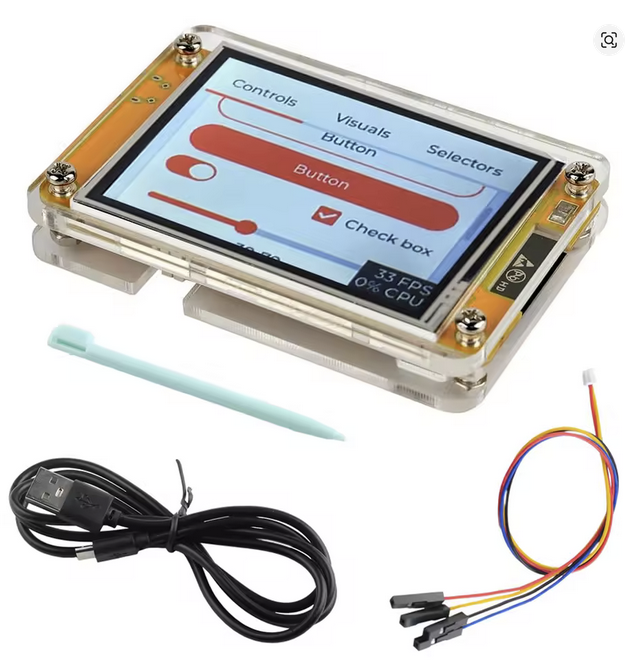
ESP32-2432S028R device (chip type ESP32-D0WD-V3, revision v3.1).