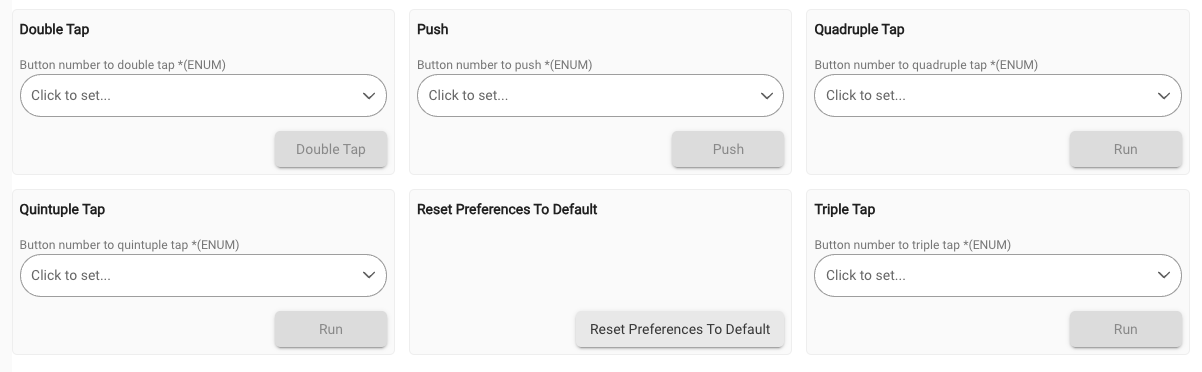
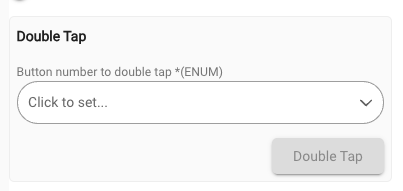
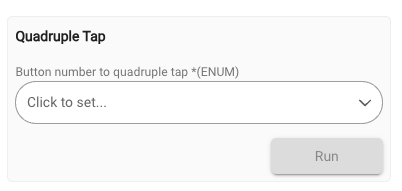
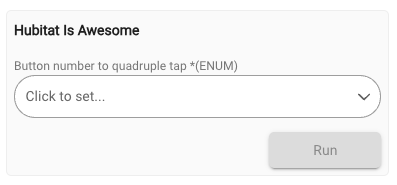
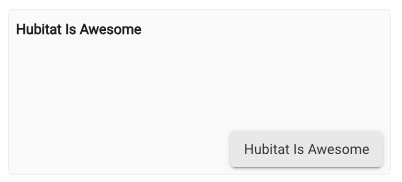
What am I missing here to make the buttons all format the same (i.e. "Push", "Double Tap", "Triple Tap", "Quadruple Tap", "Quintuple Tap"):
command 'push', [ [ name: 'Button number to push *', type: 'ENUM', constraints: BUTTONS ] ]
command 'doubleTap', [ [ name: 'Button number to double tap *', type: 'ENUM', constraints: BUTTONS ] ]
command 'tripleTap', [ [ name: 'Button number to triple tap *', type: 'ENUM', constraints: BUTTONS ] ]
command 'quadrupleTap', [ [ name: 'Button number to quadruple tap *', type: 'ENUM', constraints: BUTTONS ] ]
command 'quintupleTap', [ [ name: 'Button number to quintuple tap *', type: 'ENUM', constraints: BUTTONS ] ]
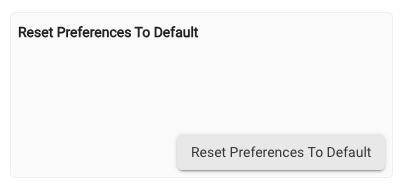
Mu understanding is that the button name should use the command name split on capital letter, so "doubleTap" -> "Double Tap", "resetPreferencesToDefault" -> "Reset Preferences To Default"?
Why don't the triple / quadruple / quintuple ones work the same way?
ENUM is giving you that dropdown for what should be a list of the constraints for your ENUM in the command.
You don't want ENUM, you just want a simple button, which means you just need a command method name and no type, since there is no input type to be had.
command "doubleTap"
will run method doubleTap() with a button on the device page.
Note: the official button capability for a double tap is "doubleTapped" if you wanted to stay with convention.
Edit: Oh, you probably want to have multiple button numbers. In that case you need ENUM
Oh, sorry, I guess I totally missed what you were asking.
Are you using the the DoubleTapableButton capabitlity in the driver? I know in my button devices it puts the name on the button itself for that capability. Tripple Tapable is not a Hubitat capability, so I think that is why you get run on the button there, just like any other custom command that is not part of a capability.
Still seems capability related. Any simple command for me always labels the button as the command name, so hubitatIsAwsome follows that. hubitatIsAwsome(num) shows the run button like any non-capability command seems to.
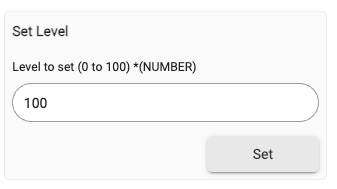
setLevel is a capability, so it has a set button (but why is it not labeled Set Level is a mystery).
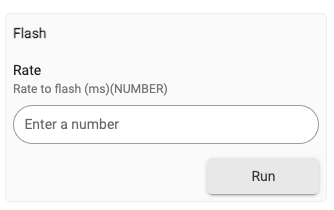
Flash implements either flash() or flash(rate), since rateToFlash is an optional parameter. That might explain why that capability specifically gets just run on the button like any non capability command.