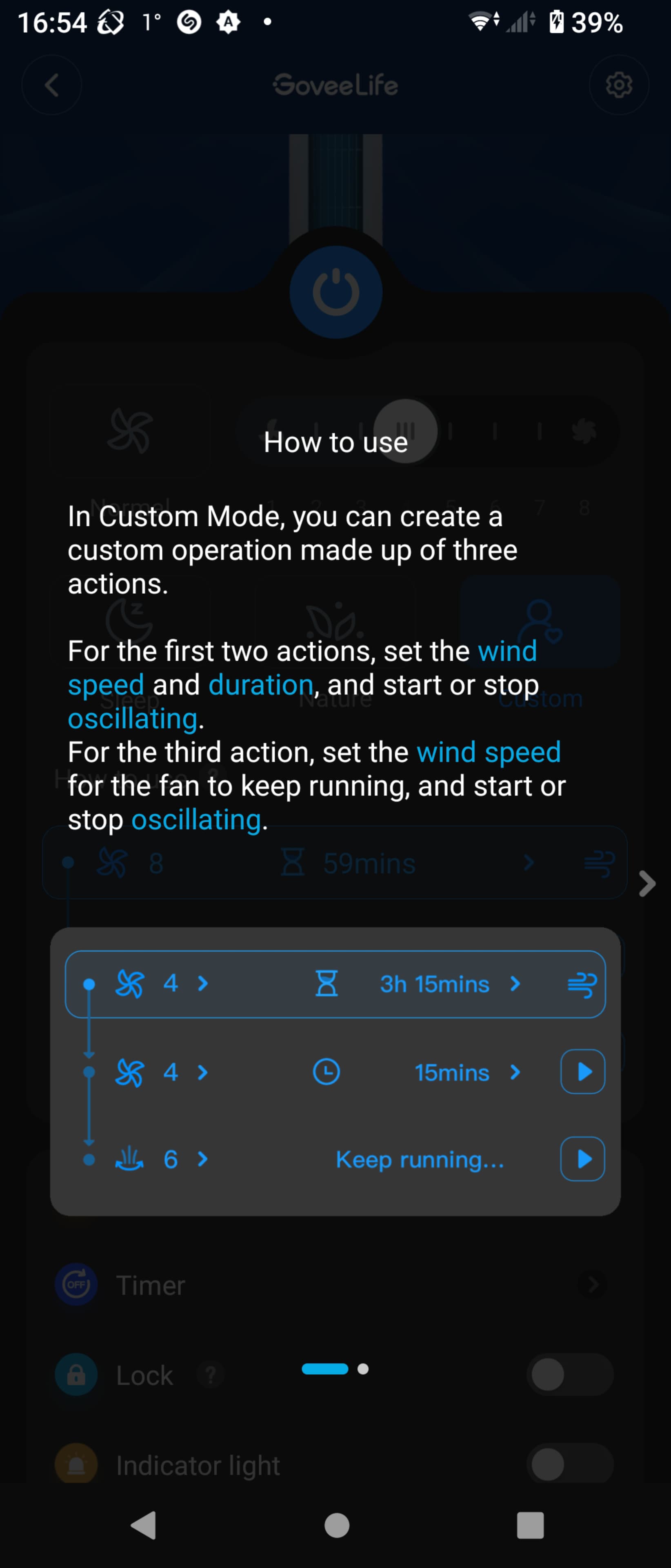
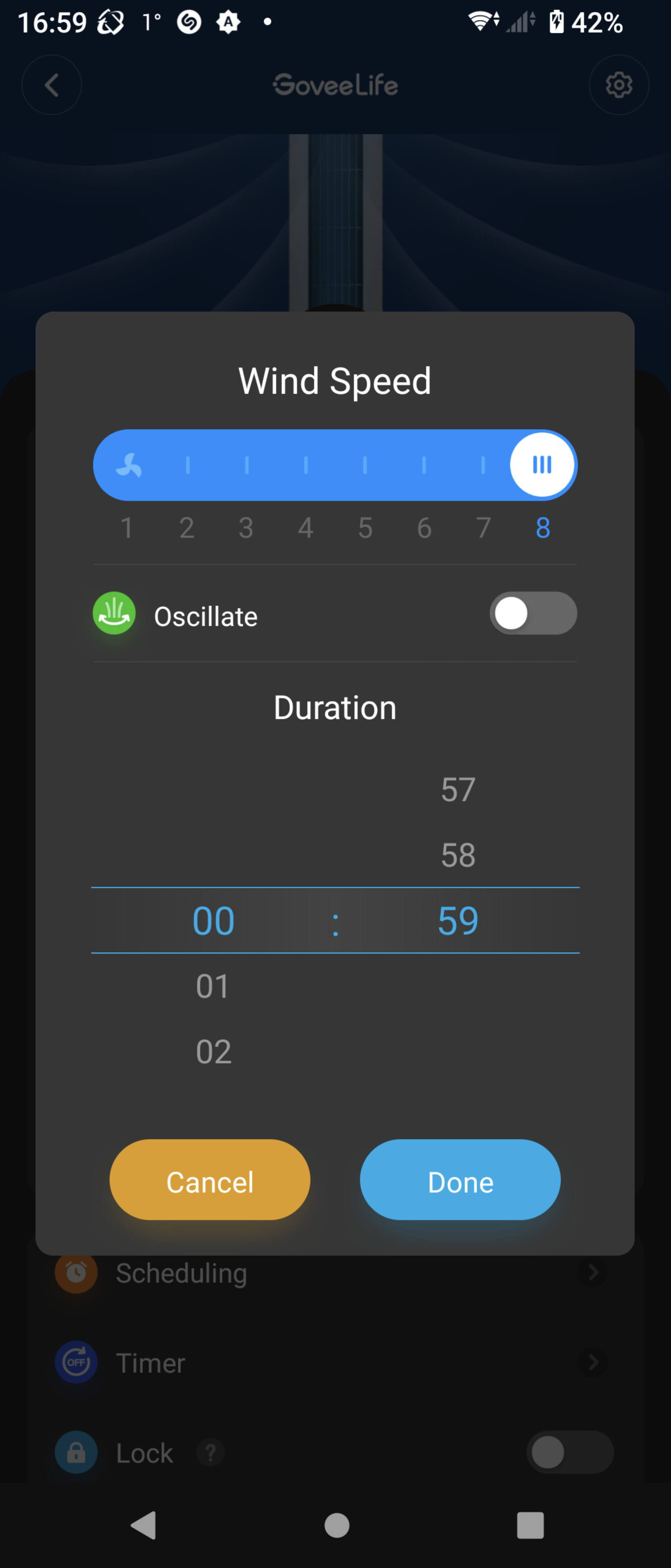
Oscillate can be enabled under custom mode but you'd also have to set the speed which I don't want as I need different speeds depending on environmental factors.
We are limited by what the Appliance Cloud API Allows. Since it you report it only supports turn mode and gear that is what we have to work with.
Turn is simply related to on/off
Gear is depending on the deivce is either fan speed or mist speed
Mode changes allot depending on the device.
Those are interesting choices in the Mode option. My guess is Nature will fluctuate the speed like nature, Sleep is likely a minimum speed/noise setting and auto would act based on a external/internal sensor.
One thing you could check is if you set a custom mode that just changes the oscillation setting does it change it back when you select auto or sleep. Also what happens when you set it to custom with oscillate turn on and then change the fan speed as you want. Does setting the custom mode require a run time? Or could you just use that to turn it on and then activate oscillation.
Hmm, I seem to have already used my available API calls! What is the difference between v1 and v2 and is there anyway to either increase the daily amount or reduce the amount I use?
I could probably do as you say to turn on oscillation but I don't seem to be able to turn it off by doing the opposite.
The difference between v1 and v2 api is what it controls. V1 is for light, switch, plug devices while V2 is for govee appliances aka Govee Life devices.
V2 rate limits are 100 /day 10 /min. It can be restrictive as you get many devices, but i think they may remove the rate limit under certain conditions. I haven't had rate limits applied to me for months. At one point i actually insisted i did have them applied, but shortly after they were added back they were removed again. I would ask if the reason you are hitting your rate limit is because of testing now. It may be fine once you settle on how you are using it. If it is a problem though I would just reach out to support and see if you can make a case to remove it.
No response to about 4 different API requests over the last 10 days.
I was able to send an email to them through the app asking them to check into it and I got no response to that. Checked spam etc.
I just sent another API request this morning.
I also tried to use the email us option in the app but it seems that they have broken this in a recent update. It opens a form but provides no way to send it. So I will just use the email address directly.
Has anyone else gotten an API key in the last 10 days? Would be good to know if it is just me? Thanks.
Going to test it out now, but to potentially provide a alternative. What are the devices your are trying to add. Could they be used with Lan Control only?
I just got my app up and running. I am able to turn lights on and off. But I am getting the same error - java.lang.NullPointerException: Cannot invoke method get() on null object on line 811 (method activateDIY)
I tried it on two different devices. I have saved DIY scenes for both and I am using the name I gave them when I made them shortcuts.
Is there something else I need to be doing here? Thanks.
Big things are happening. Govee just release a huge update to the Cloud API. This is going to require allot of changes to the cloud side of this integration. As of now the code is in a freeze unless someone finds a breaking change. I am going to soon start working pm the code to facilitate the new API. Allot of new things come with it.
One is scenes will be available for all devices and not just LAN API Control devices.
More control over various aspects of appliance devices like lights
Some event notifications are possible events like a humidifier being out of water.
This is still focused on Light and appliances though. So no sensor devices unfortunately.
This will take some time to get working as it looks like very little if any of the previous API related code will transition. So please be patient.
I saw that announcement. Quite interesting, and possibly because people asked for it in the recent survey about that topic. Glad they are listening to users and developers.
I though I had my lights dialed up but after a bit of clean up and after pushing the new app through a repair (HPM still does not see any update), I can no longer access the Dyi scenes.
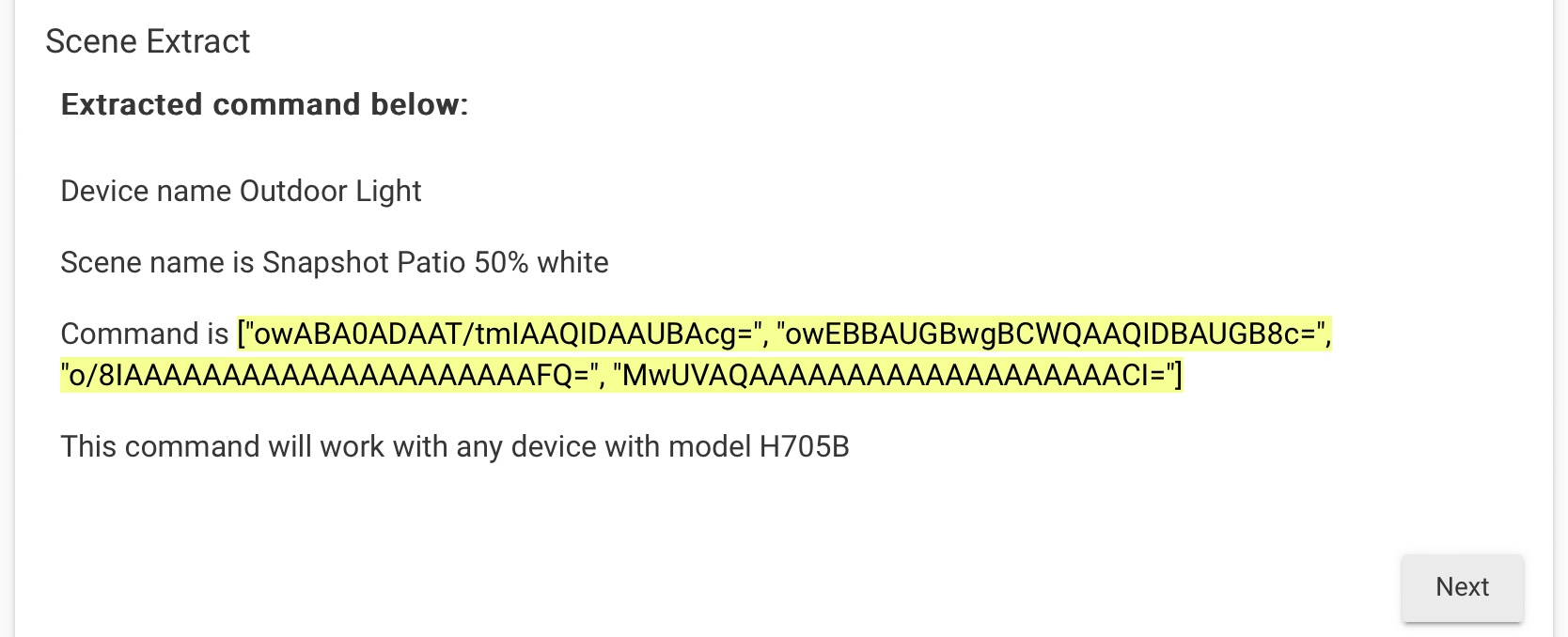
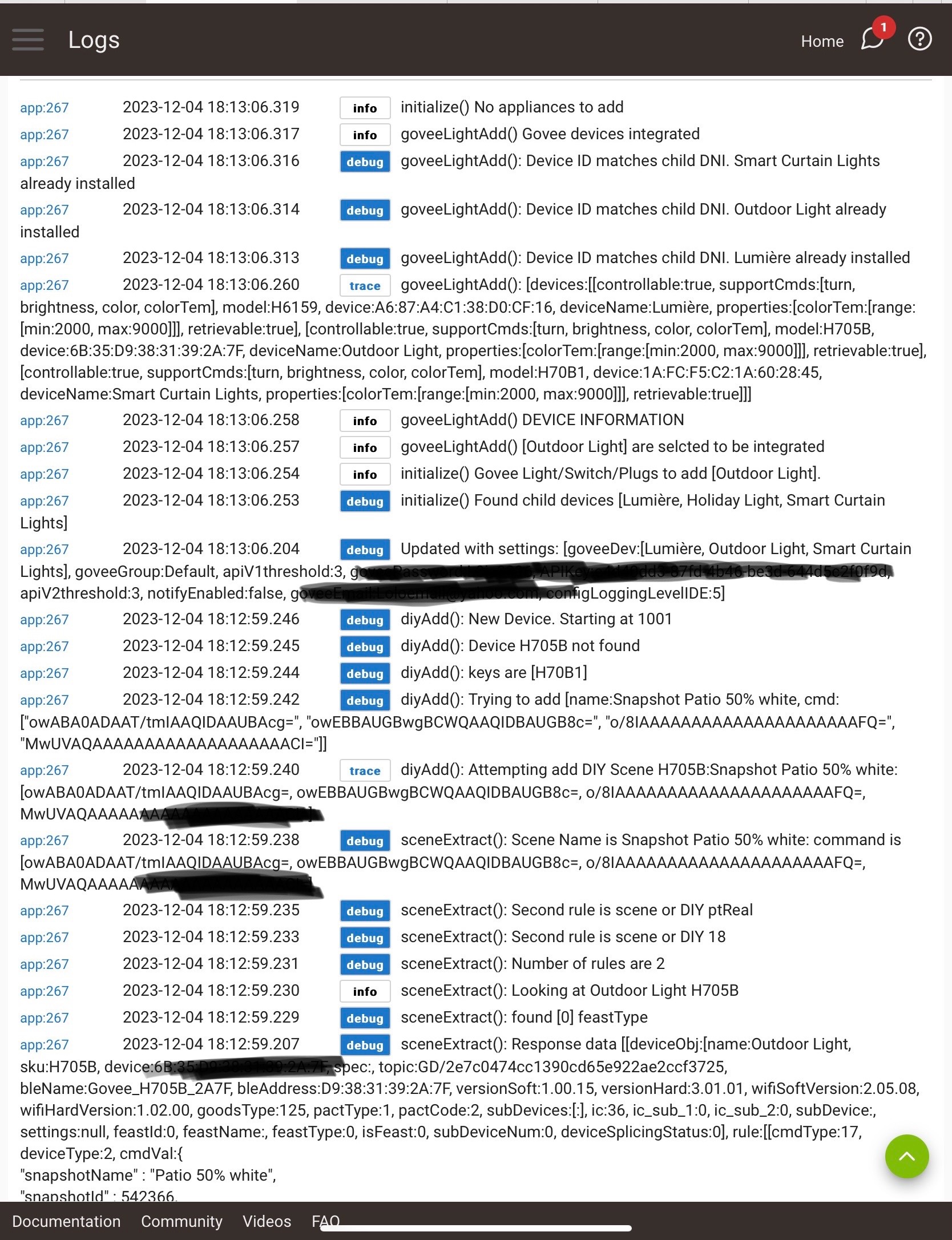
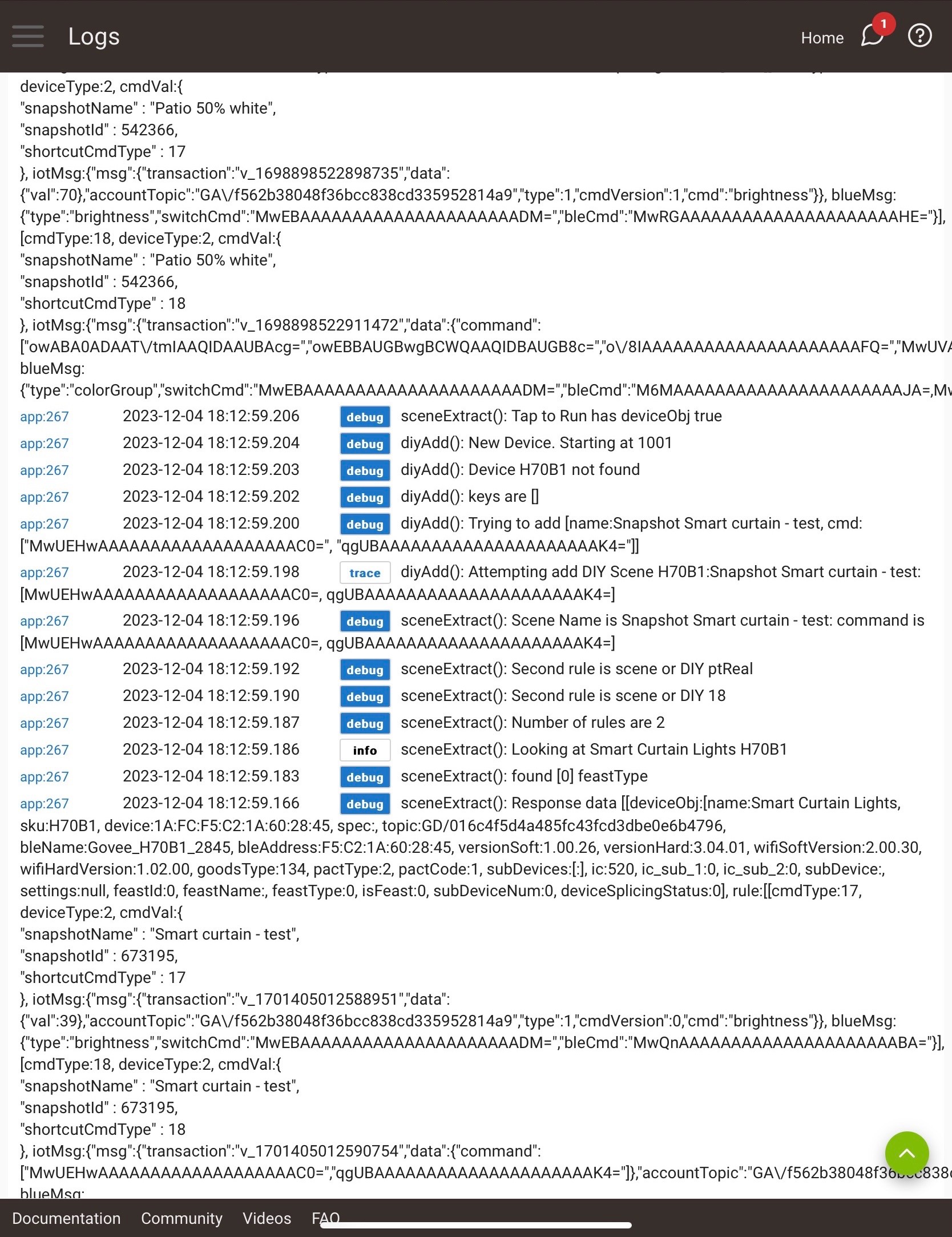
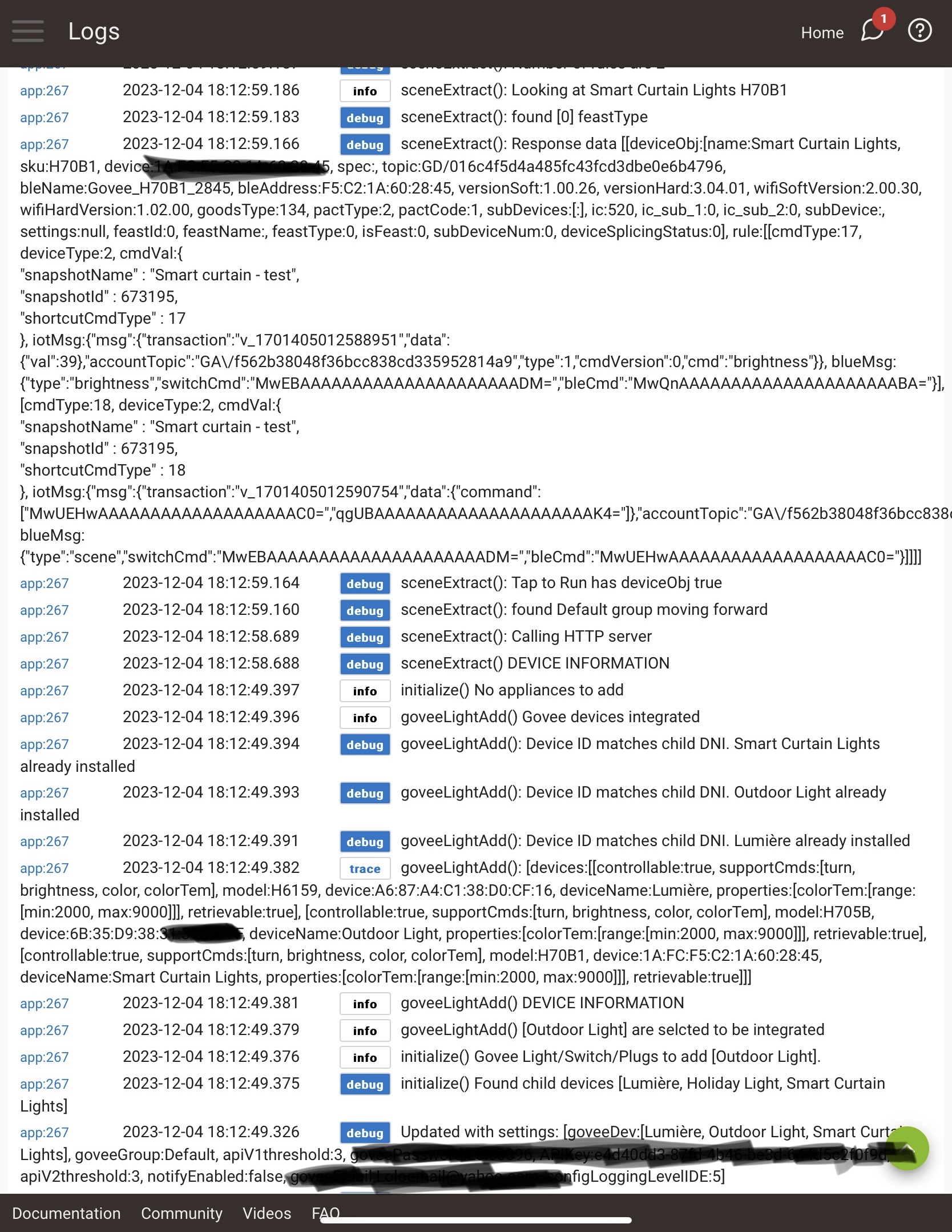
When I extract the scenes through the app, one shows up as seen below, but it does not propagate to the light. Below is also a log collected during the extraction.
For reference I have three devices connected, two under LAN control, and several scenes existed under the default group.
I believe I’ve read that you did not recommend to have multiple scenes under the same group. In that case should I create multiple groups with only one scene in each?
Thanks in advance.
Do you know if the Govee updates impacted the scenes? I just got my permanent outdoor lights H705C installed on Saturday. I was playing with the app and got them onboarded to Hubitat using HPM and your awesome Govee integration. I have LAN control on.
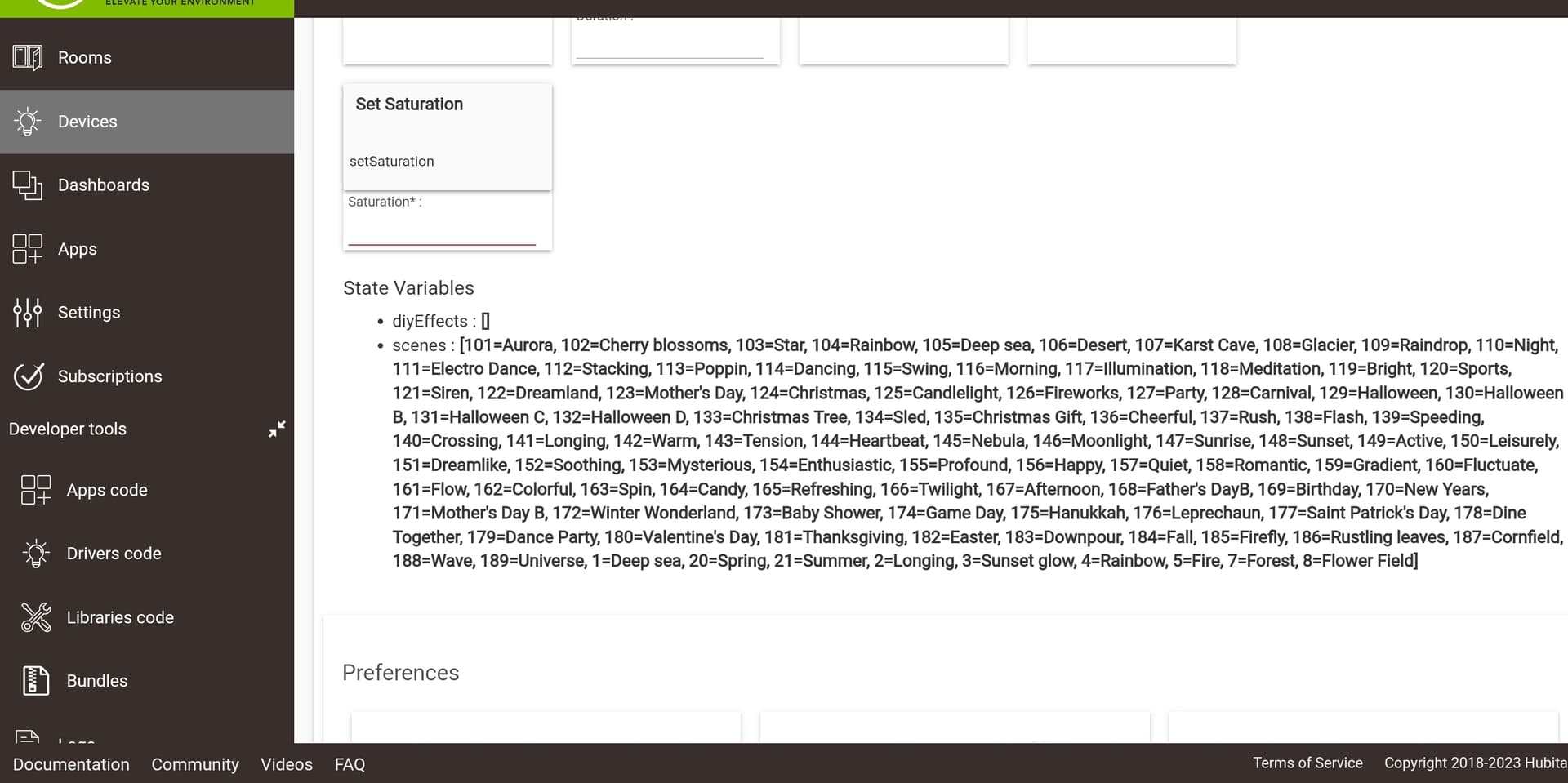
I was simply using scene controls to switch on the govee lights along with other lights around my house for a Christmas Mode and using a button controller to set the actuator to "135" which is the Christmas Gift Scene.
I also have a whole house shutdown button that shuts them off.
Today, I think we might have had a brief power outage and the IP address of the lights changed, so I lost control but fixed this by updating the IP.
Later I noticed that when I turned the lights on to the scene 135, it isn't matching the same pattern that it is when I use the Govee app and set the same Christmas Gift Scene.
I wasn't sure if this was related to the changes that Govee is making or if there is something else I am missing. I did update to the latest Govee integration app, setup the API key from Govee and all that.
Thanks for any helpp and thanks so much for making and supporting this app and drivers!
An HPM repair should get the latest code even if it isn't seeing updates.
The reason for suggesting a seperate group is so you can have a place to have one tap to run that is only used for extraction. The extraction process will only show results for one at a time, but if all of the tap-to-runs in the group are valid it will extract all of them. You just can't see the scene info when done. Once the scene/diy/dnapahot is extracted it is stored in the Govee app and you don't need to keep it in the Govee home app. You do not need more then group for the integration.
After competing the extractions did you click on the button in scene management to have devices refresh scene awareness?
I would recommend setting up a dhcp reservation for each Lan controled device. This will prevent the ip address from changing.
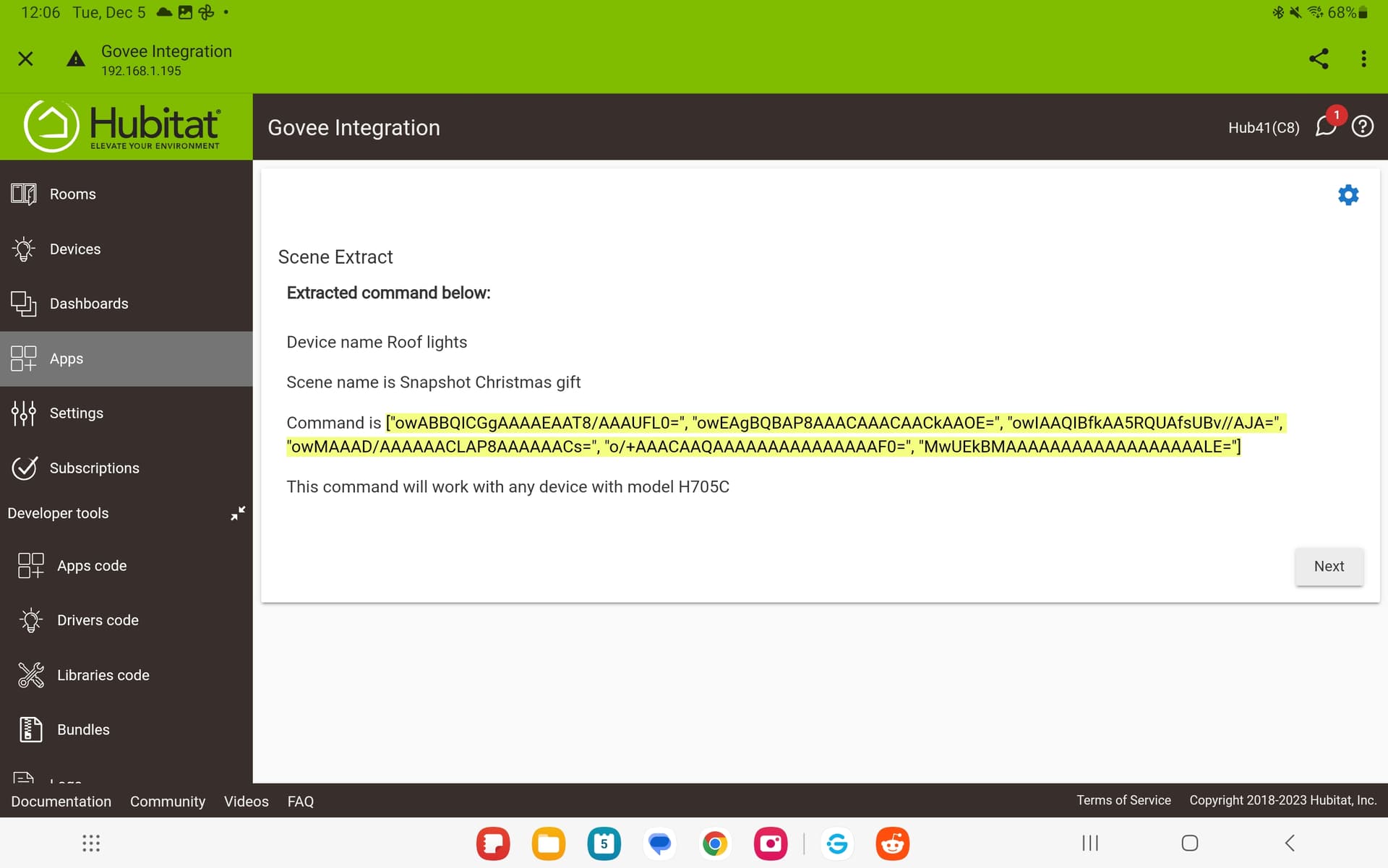
As far as the scene for 135 not working as expected i apologize. I don't have any device in that class and have to depend on others to tell me if they are wrong. You can extract and then send it to me and i will update it in the core code.
Because i have all the scenes stored in the base code of the integration govee's new API doesn't have any impact on it.