The Aroma Diffuser and Aroma Diffuser Pro are supported. They are considered appliance devices. As of right now I don't believe they support LAN API. No appliance device does. That said they are the most fully featured devices that use Govee's cloud api. Please try to add them under the appliance section for device add and let me know how that goes. It should work fine.
Please try turning logging to debug and try the export again and send me the data that is found in the logs. This generally means there is something wrong with the data we are trying to extract. The process for this extraction has been refined allot overtime and it is possible you found something that isn't quite working with the parsing methods already in place.
Looking at the code it doesn't make sense why it would stop at that line. It should have either given us more details as to what it was processing or simply posted a message in the logs saying "Tap to run does not contain device only action. Ignoring". Can you please check your logs again to see if more info was created.
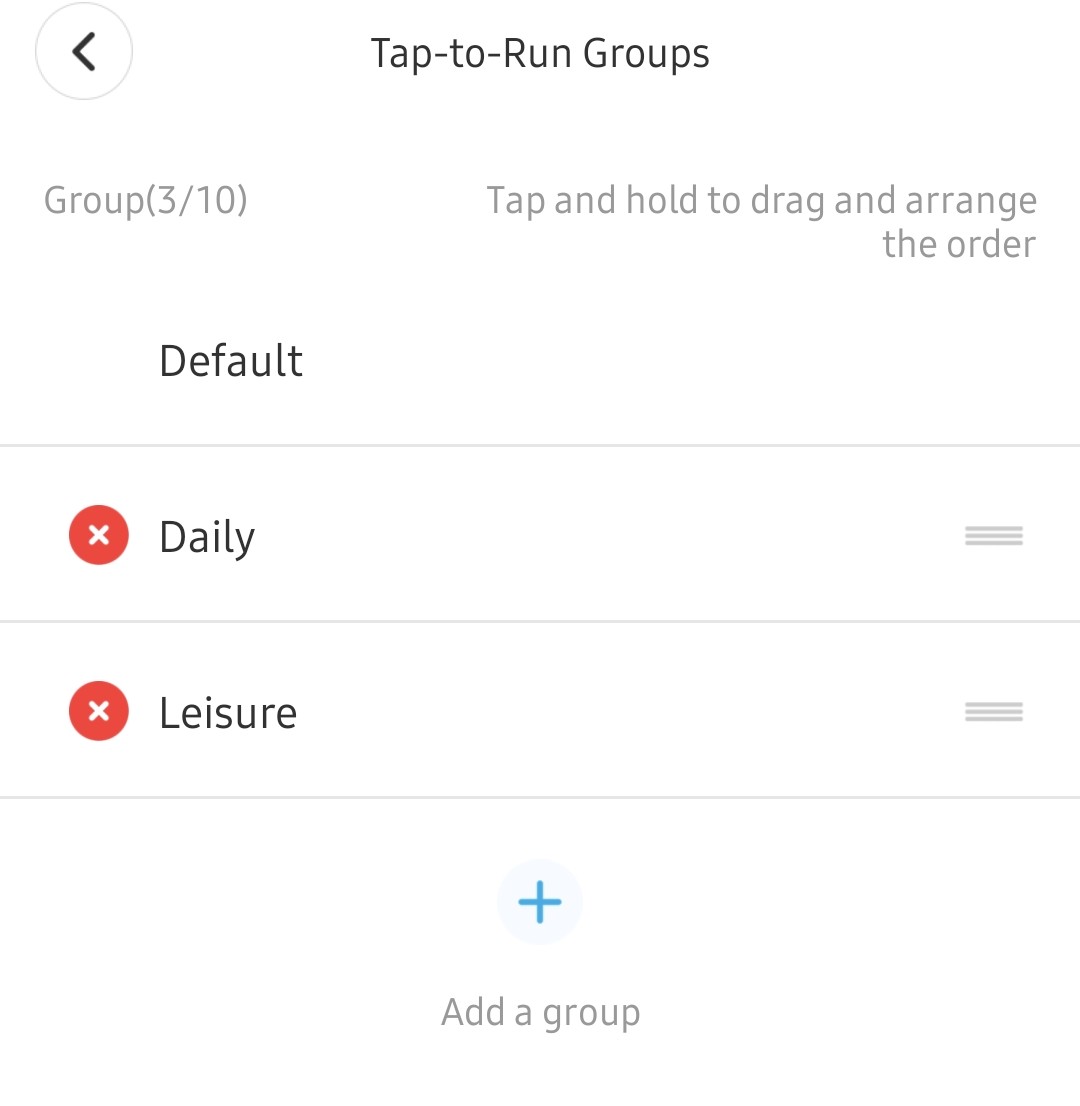
How many Tap-to-Runs do you have in the default group. The process was really written to handle one reliably, but it is possibly for you to put many in and have them all extract. I don't recommend it though.
I just posted 1.0.51 update to the Govee Integration app for download.
These changes are all about the Govee Galaxy Projector. Changes are below
Created a new driver for it as it supports Color but not CT from LAN API. The new driver removes CT from the driver.
Added preloaded scenes into the Govee Scene management processes
Updated main app to properly add the Galaxy projector with the new driver
The galaxy projector is a nice addition to the white noise makers from Govee. The items they have in that category are:
Portable RGBIC Night Light
Aroma Diffuser Pro
Galaxy Projector Pro.
Each has their own pro's and con's but the only one of these to support Lan API is the Galaxy Projector Pro. The other depend on cloud. The Aroma Diffuser pro has the most complete command option though with every aspect of it's abilities fully controllable through the Appliance Cloud API. With all that being said though it seem in my house the Portable RGBIC Night light is the biggest winner.
If anyone has questions about any of them feel free to ask as I got personal experience with all of them.
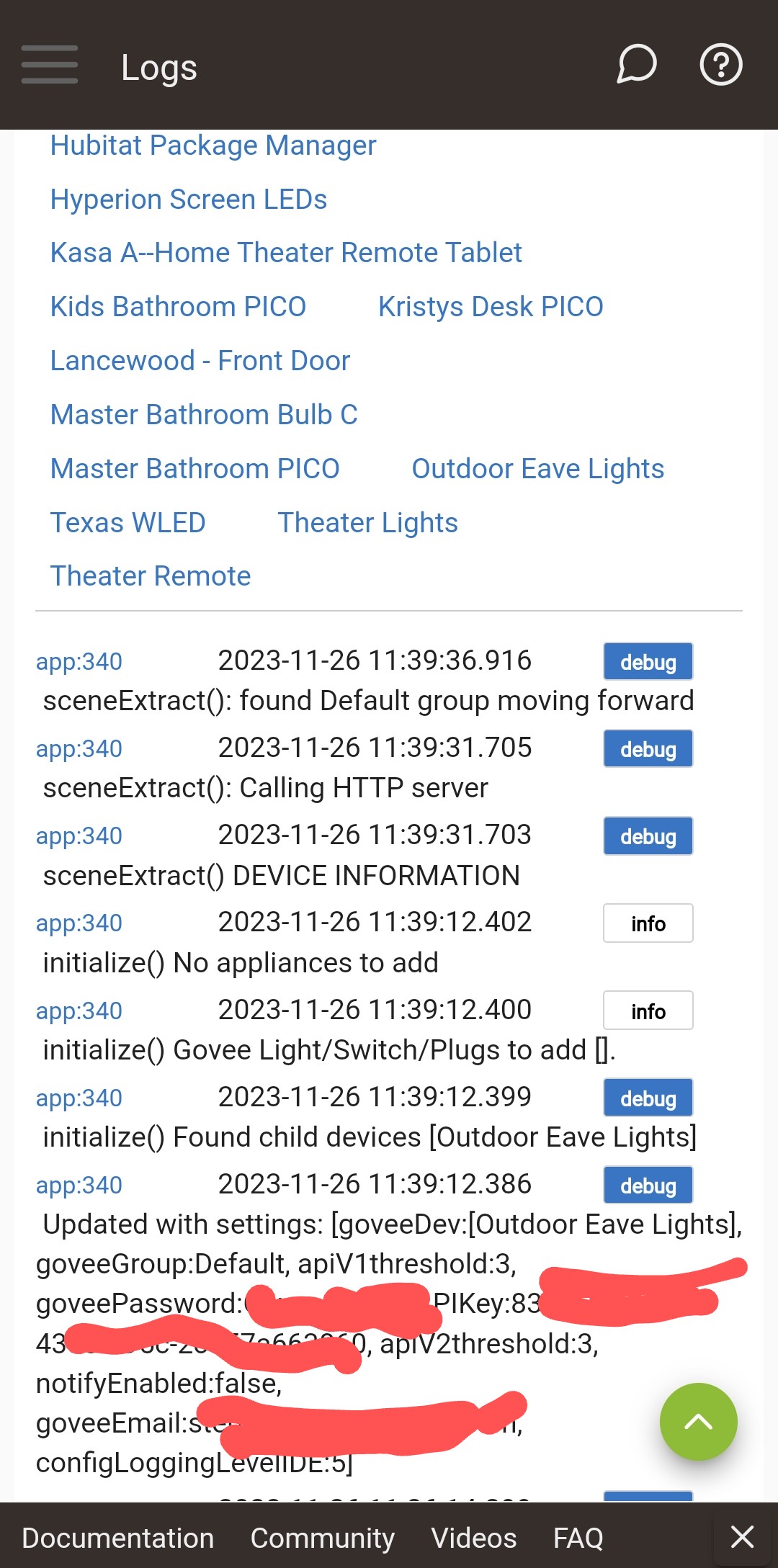
That was one problem... I misunderstood the process and didn't have any Tap-To-Runs but do have 5 DIY scenes setup. I added a Tap-To-Run now this is what showed up in the logs:
That last entry that doesn't find device doesn't look promising. I hope it's not an issue but my Govee is on my IoT network and Hubitat is on my main. However, the firewall allows Established & Related.
Yes thanks. I can add the device to the Appliance section no problem. I have Bluetooth and WiFi connected. But I can’t figure out how to get the API key from the Govee mobile app to enter into this HE app?
EDIT: I found it. The Govee mobile app must have changed. For those as slow as me that follow: as of today, it’s under Settings, and then “Apply for API Key”. @mavrrick58, maybe you want to update the OP?
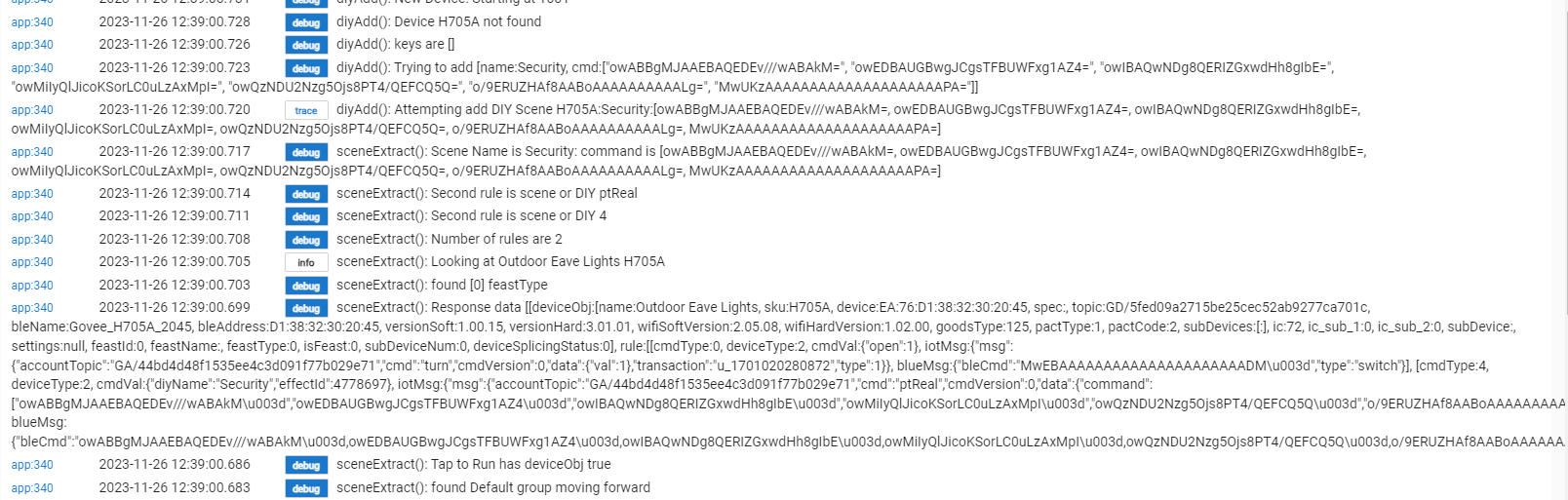
Actually that is totally fine at that point. The program does a check to see if it needs to create the device entry in the state value or not. That message at that point means the device doesn't have anything stored in the main app for DIY's so it is going to create the entry and start at 1001.
The only thing I would caution you on is LAN API control requires UDP protocol so you may need to account for that in your network setup if you haven't already.
Try this.
Open the Govee Home app on your phone.
Click on the little person icon in the lower right corner.
Click on the Gear icon in the upper right corner.
Now hopefully about 2/3 down the screen you will see a option for Apply for API Key.
Click on that and follow the directions. Generally they are fiarly quick to get you the key once you apply for it. It looks like they moved this menu with 5.9.x of the app.
I think our messages crossed close to simultaneously. I found it but thanks just the same. Heads up, the instructions in post 1 is out of date on this issue. Appreciate what you’re doing.
First off, thank you mavrrick58 for this awesome integration.
Now for my question. I've added my Govee Cylinder floor lamp, and am able to control in via local control, but when I try to set a scene, I see 'None are added. Please export and send to developer'. Could you please provide me with instructions on how todo that?
Thank you for the response. I'm not sure what the following means:
" 1. In the Govee Home app setup your "Tap-To-Run" and take note of the group it is part of."
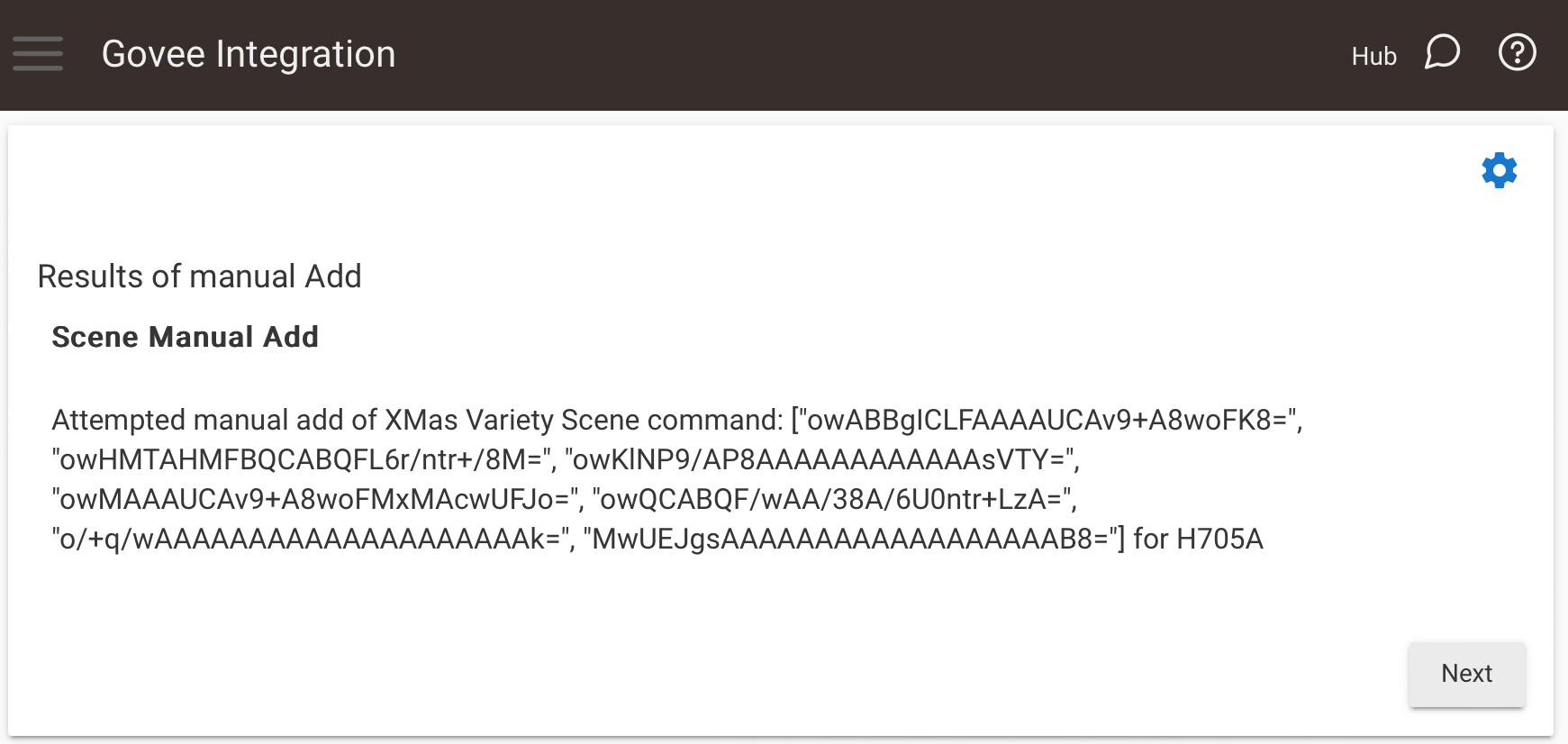
In the app, I selected the scene I wanted to export, 'Aurora', in this case. It's located under the 'Natural' tab. Is that the group name you're referring to? I tried the Extract scene command, but got back the following:
Device name null
Scene name is null
Command is null
This command will work with any device with model null
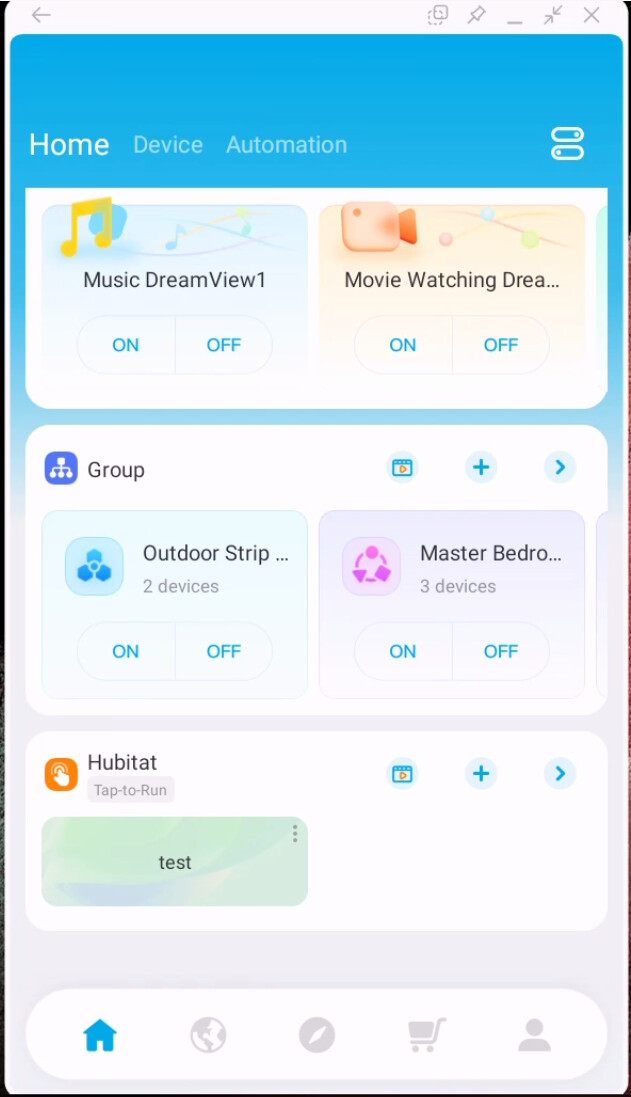
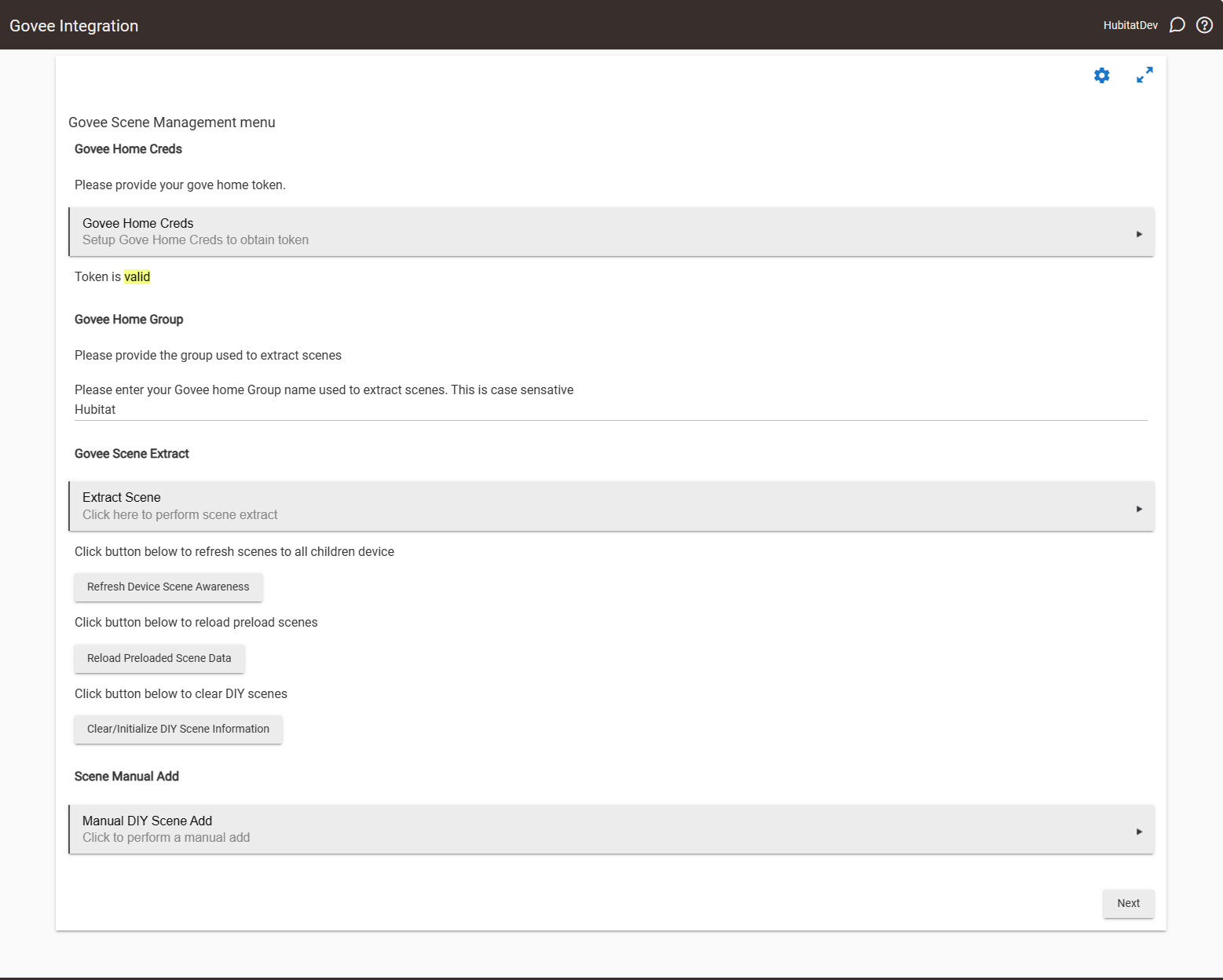
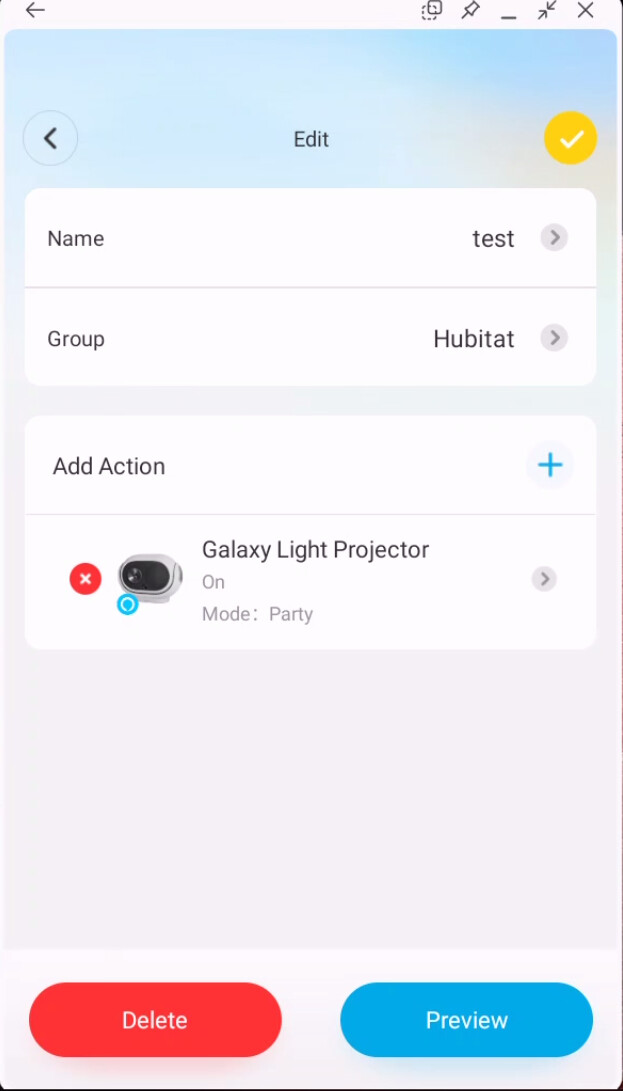
The extraction process extracts the scene from Tap-To-Runs that are setup. So in the Govee Home app you create a group for the tap to run and then you create the tap to run in that group. Here is my Govee Home app. You can see at the bottom group "Hubitat" with tap-to-run "test".
Unfortunately, I'm still having issues. I created a 'Hubitat' group on my home page, with one tap-to-run action. That part seems to work well. Unfortunately, when I try to perform the extract, I'm still seeing null for everything. I've confirmed that I have a valid token, and that my group name is set correctly. Any ideas?
Please open a second browser on the live logging page. Then set the app logging to debug and run the extract again. Please send me the log ouput for the govee app collected. I will review it and let you know what i see is the problem.
Dont post the log data here as it may have data included you dont want to share.