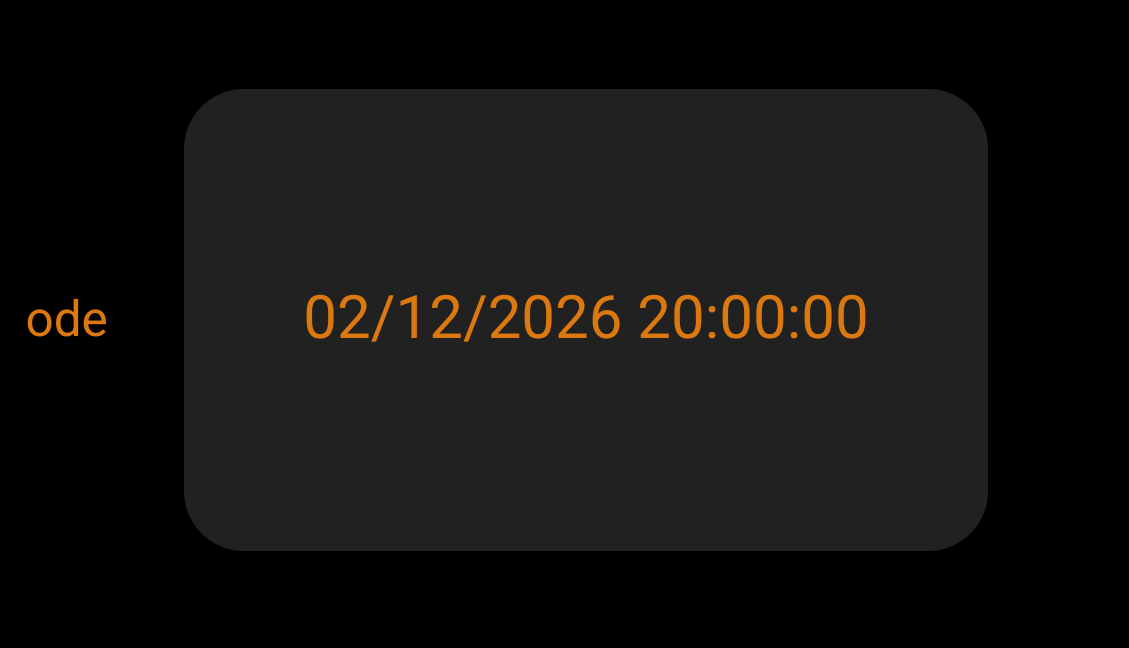
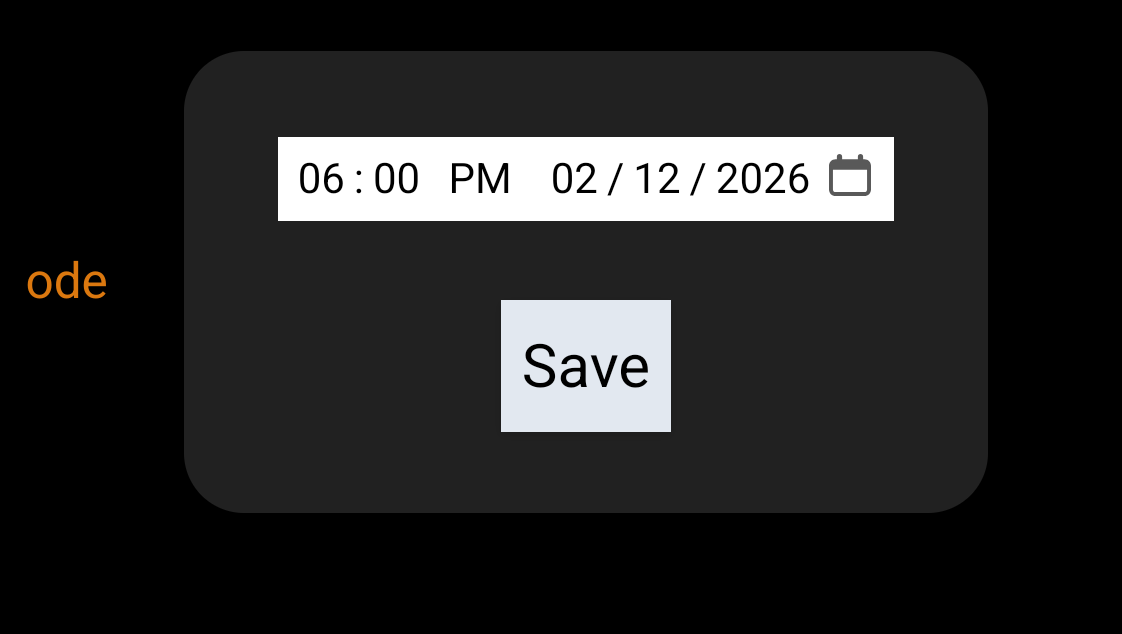
I'm wondering why the time shown on the dashboard is 2 hours later than what I set (and what the variable show in the variables list under Settings).
It's running 2.4.3.173
@rob9 Check your time zone under settings>>hub details
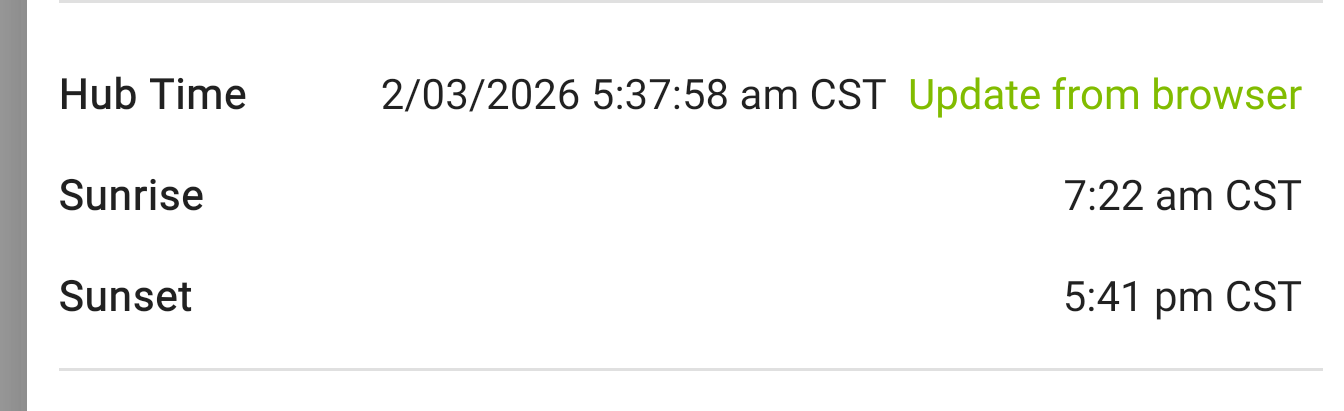
Is the "Hub time" the proper time?
Yes
Interesting that one shows military and one shows non-military time.
To be sure I am understanding correctly are you setting a local variable DateTime of 06:00 PM and is that the one that is eventually not showing the correct time?
I'm setting the time via the dashboard to 6pm.
The "setting dialog" shows 6pm.
In the variable list under settings, it shows 6pm.
But after saving, the dashboard shows 8pm.
I'm not paying attention to the 12 vs 24 hour notation differences-they are not an issue. I speak both 
Got it. I have not used the legacy dashboard in a few years so my knowledge is weak at best. Looking at the variance variance as a possible indicator / setting as to the cause of the issue. I too speak both and actually prefer military time.
Would you mind trying to clear you browser cache? This is just a WAG but if; as rlithgow1 suggest and you have confirmed that the time zone is correct, sometime may be off with how the legacy dashboard is getting its time from the browser. It also probably no coincidence that is is exactly 2 hours as in a timezone.
I have to go charge a dead battery UGH.
as a debug option - try the tool below called Date Time Parser. Maybe a clue in there?
[RELEASE] Date Time Parser driver (aka schedule_ur_garbage_cans)
I don't see how that driver debugs the dashboard showing the wrong time.
@bobbyD any thoughts? Not sure who on staff might know about this? Thanks!
@bravenel This might be up your alley.
I've not seen him post anything since last July
my thinking was a secondary way to validate DST, timezone and offsets.
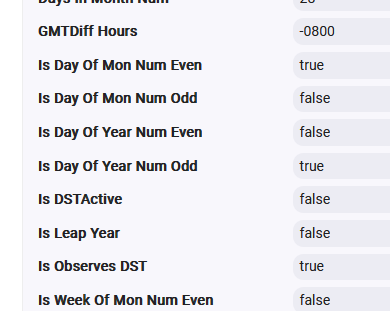
Sorry to give out ideas. what was I thinking?
It's just that I don't know how to apply that driver usefully for my situation. Ideas are fine!
I'm hoping maybe @Hubitat_Staff will answer?
Thanks
FWIW - I have several old legacy dashboards with datetime variables that display the correct time. I created a new datetime variables on a legacy dashboard and it also displayed the correct time - it was not 2 hours off as you report. I of course have no knowledge of the code behind any of this, but I would guess it's more likely something on your particular system as others have tried to also say. Sorry, I don't know what it might be, but have you tried just deleting that variable and creating a new one? Or try the variable on a different dashboard? Because the basic variable display seems to work on my C8 Pro running 2.4.3.177
I can try some things when I get a chance and a stable internet connection.
There have long been some weird time issues from time to time. Daylight savings time seems to trigger some issues.