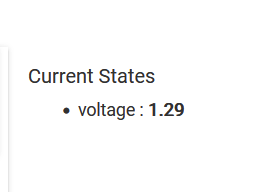
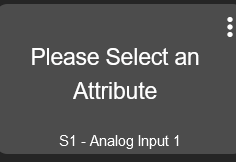
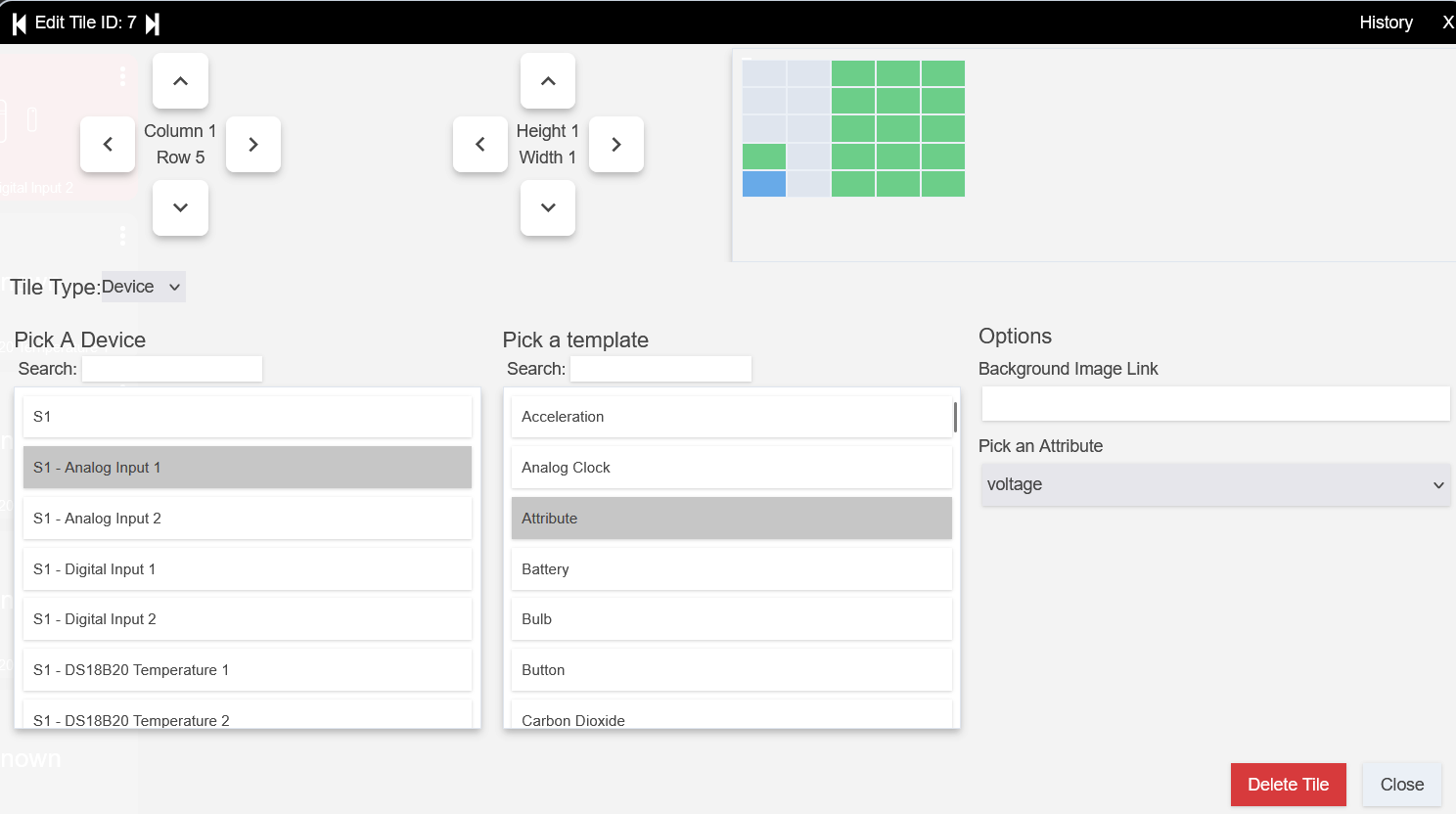
I've had some issues with the dashboard and child devices form a Fibaro Smart Implant (using christie999's driver). When I first started using the device, I could see the status of the two digital inputs on the child device page, but the dashboard would just show (?)'s. The next day they just started working on their own. Now I've switched the two inputs to analog. I can see a voltage (image below) on the child device, but can't get anything on the dashboard. Yes, I've assigned the devices to the dashboard. Tried different templates, the one shown is for Attribute/Voltage. Have not had this problem with any built-in devices. I'll assume it is me. What am I doing wrong?
When you create (or now edit) the dashboard tile, there is an attribute selection on the far right of the dialog, if you are using the Attribute Template. If you have selected the attribute, it could be that the dashboard needs to be refreshed or ab event occur for the voltage, i.e. a change in it's value.
EDIT- Apologies, I do see you have covered some of what I suggested..
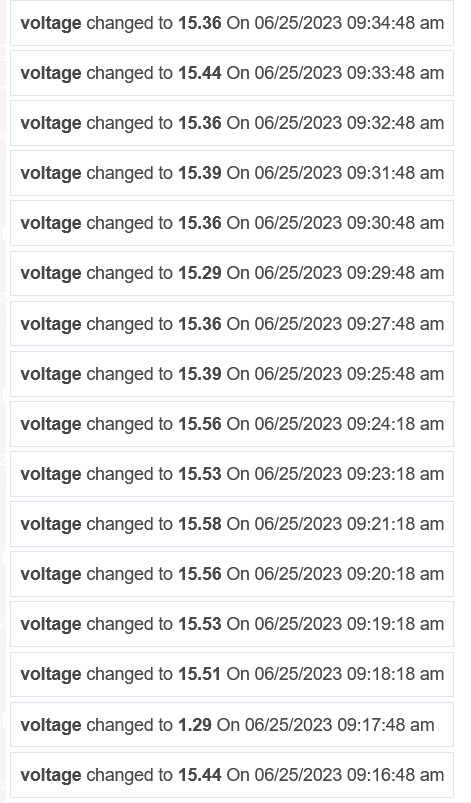
I selected the voltage attribute. After setting up the dashboard I changed the voltage on the input. The change appeared in the child device, but still nothing on the dashboard.
Likewise, when I had the problem with the digital inputs, the status would change on the child device page, but nothing on the dashboard.
That may have been what happened with the digitals a few weeks ago, that just started working on their own. Will continue to try switching dashboards if I see the issue re-occur. If it doesn't work, will let you know. Appreciate your assistance.
Out of curiosity, you could try creating a new tile that you setup with the Attribute Template from the beginning and see if you get a value displayed straight away