Despite rebooting my C7 Hub, suddenly the dashboard screen is no longer loading. i have not changed any of my dashboards lately.
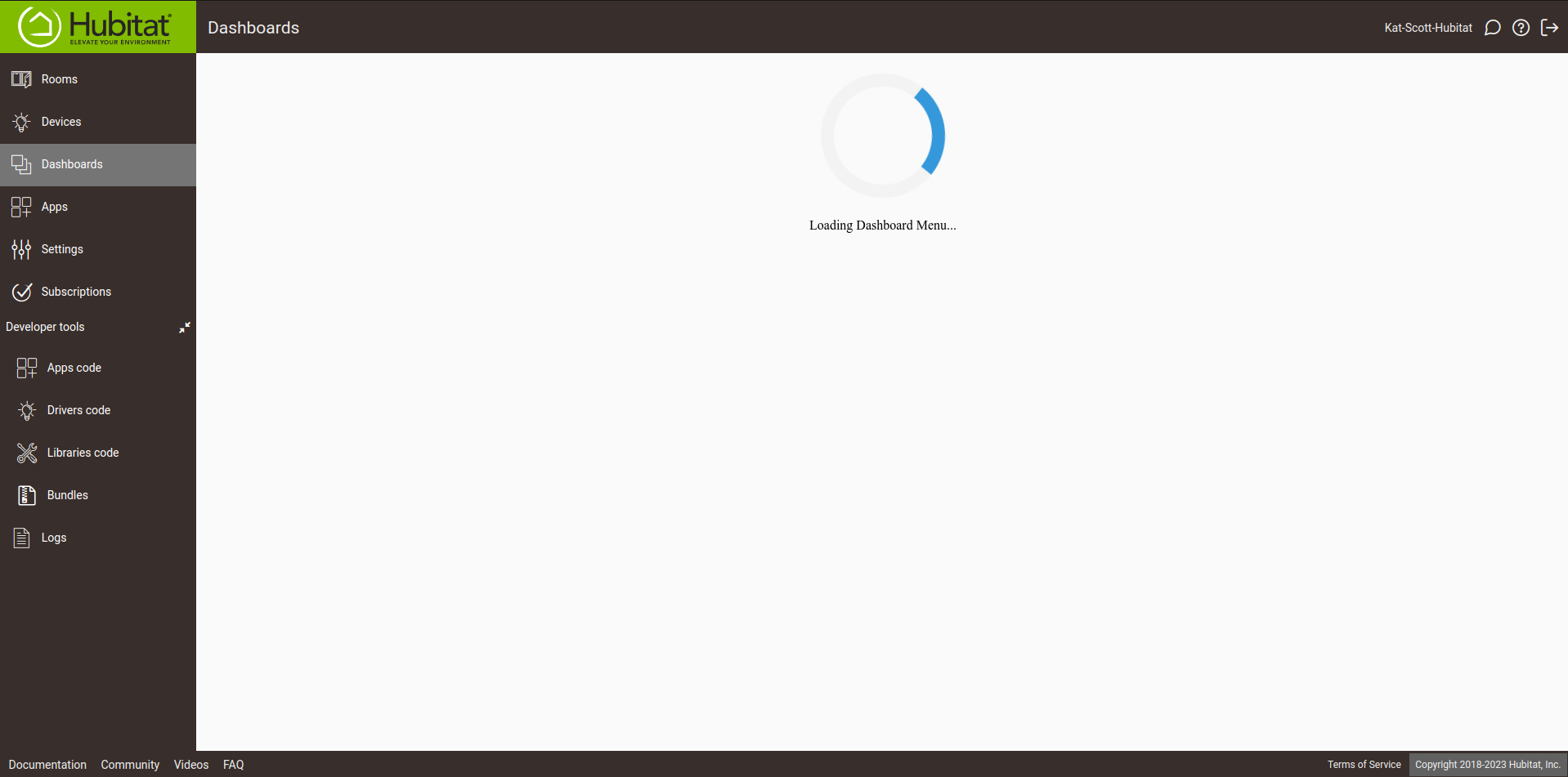
Try clearing your browser cache.
So, I found out what it is. So, if I go to my Hubitat with my local IP everything works. However, I have a local DNS and local certificates installed. This works fine for everything in Hubitat with the exception of going to the dashboard option. Apparently, Dashboards do not like SSL access.
3 Likes
huh?
I was tagging him to look at this
What do you mean by local? Self-signed certificates or generated using Let’s Encrypt?
@gopher.ny @rlithgow1
I mean that I have a local DNS on a Pi-hole which has an address that matches my HE. I have a self-signed Let's Encrypt certificate added into my NginX Proxy Manager. On my DNS provider, the sub-domain for the HE points to a local private address that cannot be resolved on the WAN. So, locally, when I use that address, I am able to login and access most of the HE interface.
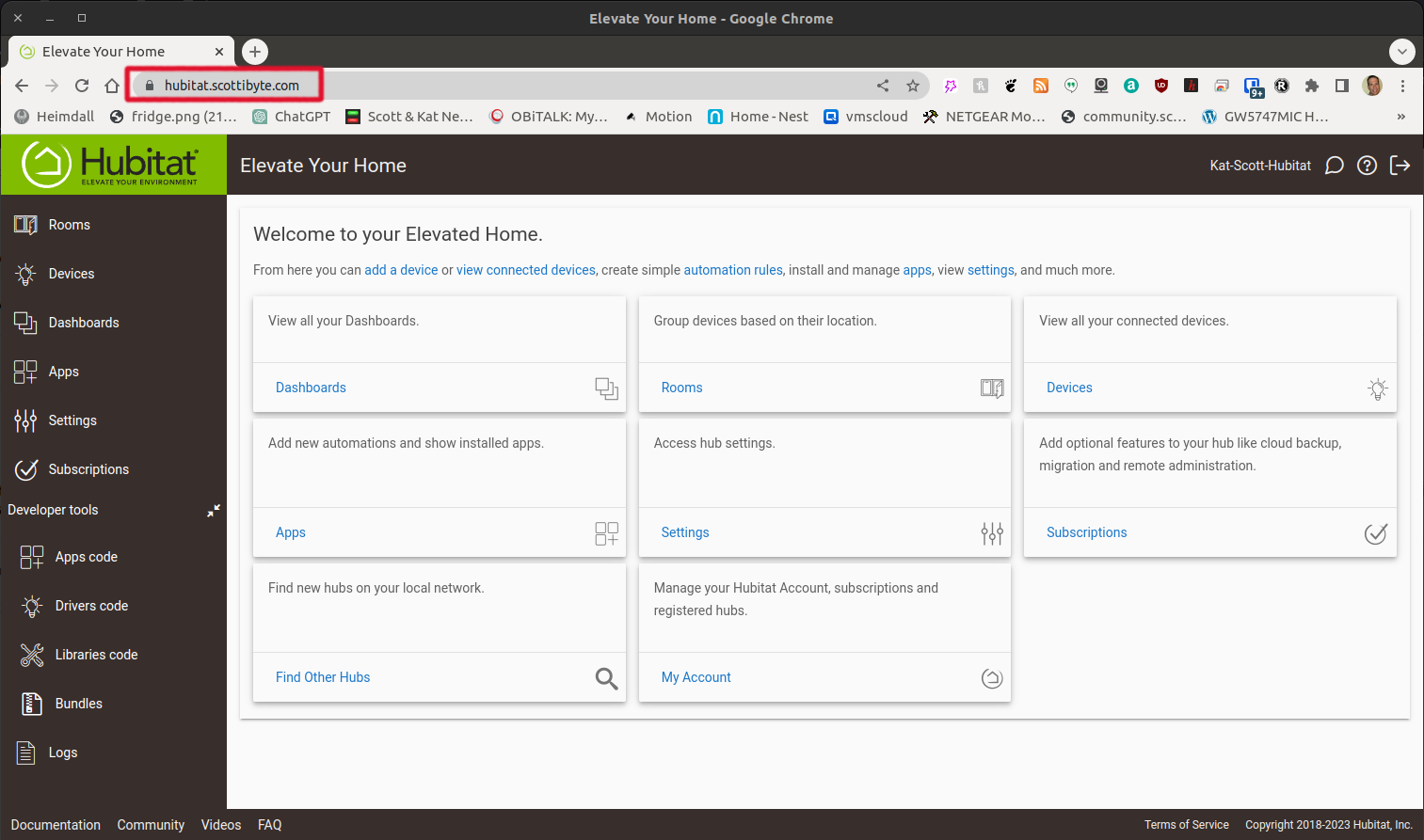
I do this for two reasons. 1) a convenient name 2) Local network SSL encrypted traffic.
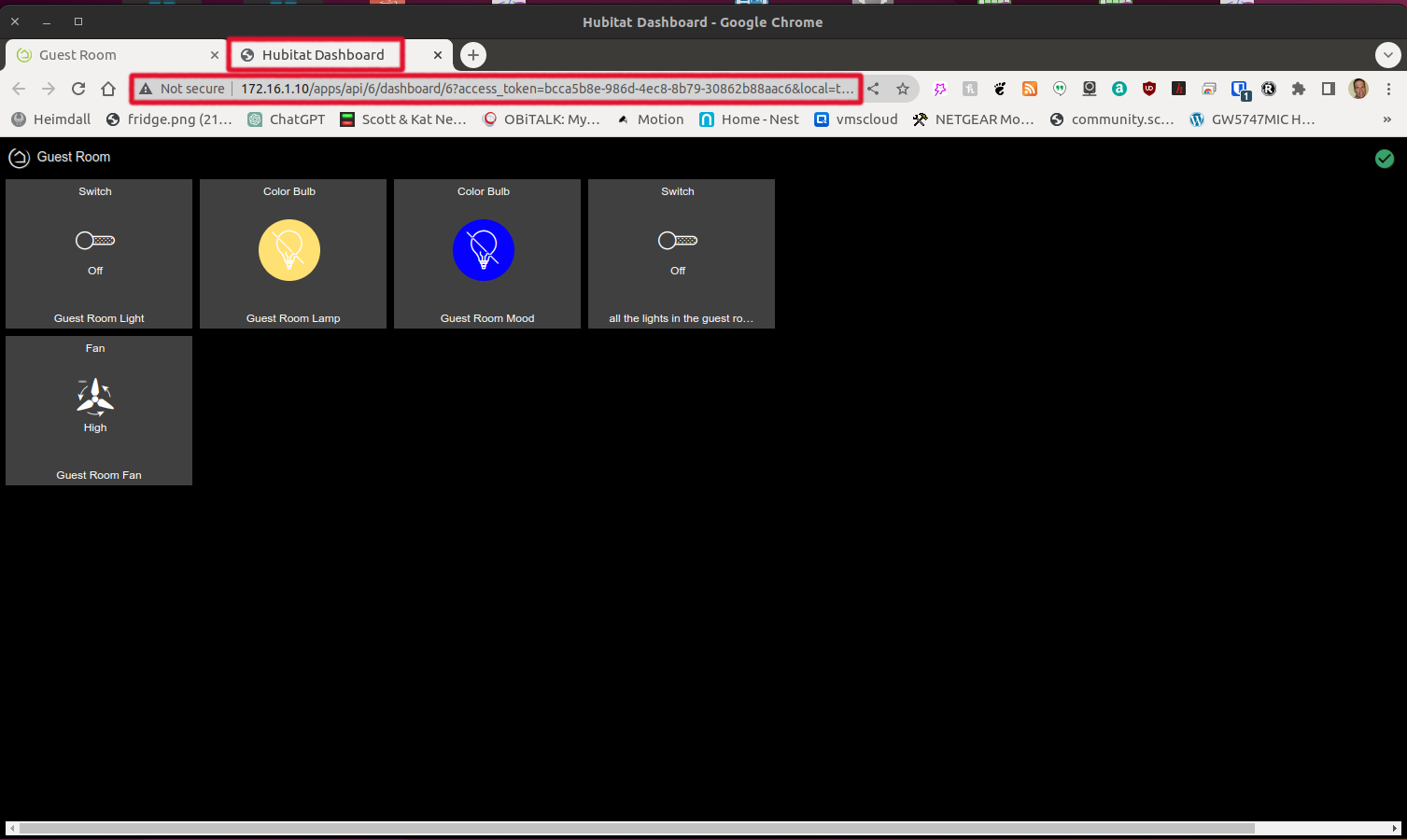
However, when I access the "Dashboard" part of the menu, and only that menu, it never loads.

If, however, I go to the Apps section and choose "Hubitat Dashboard":
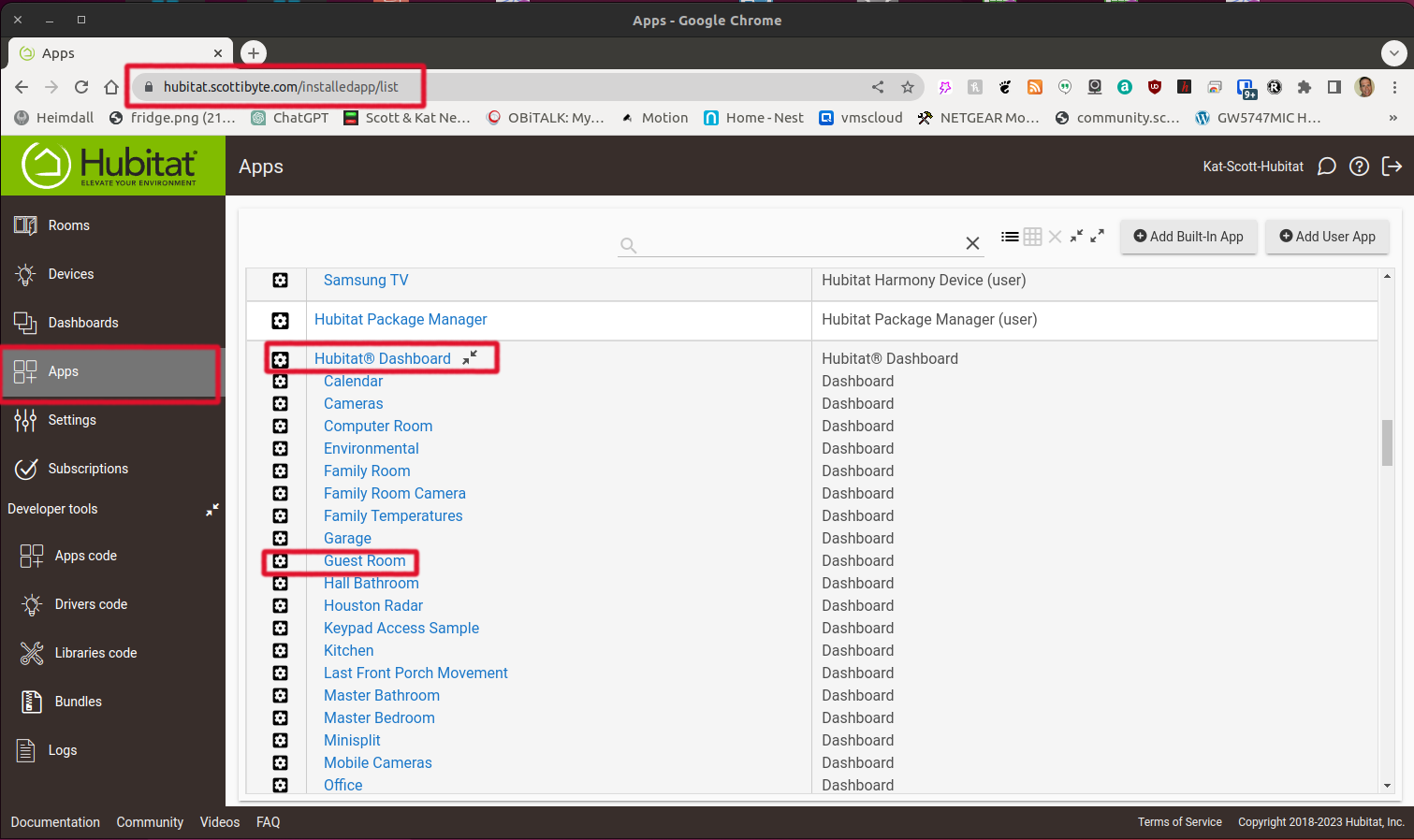
If I select a particular dashboard from above:
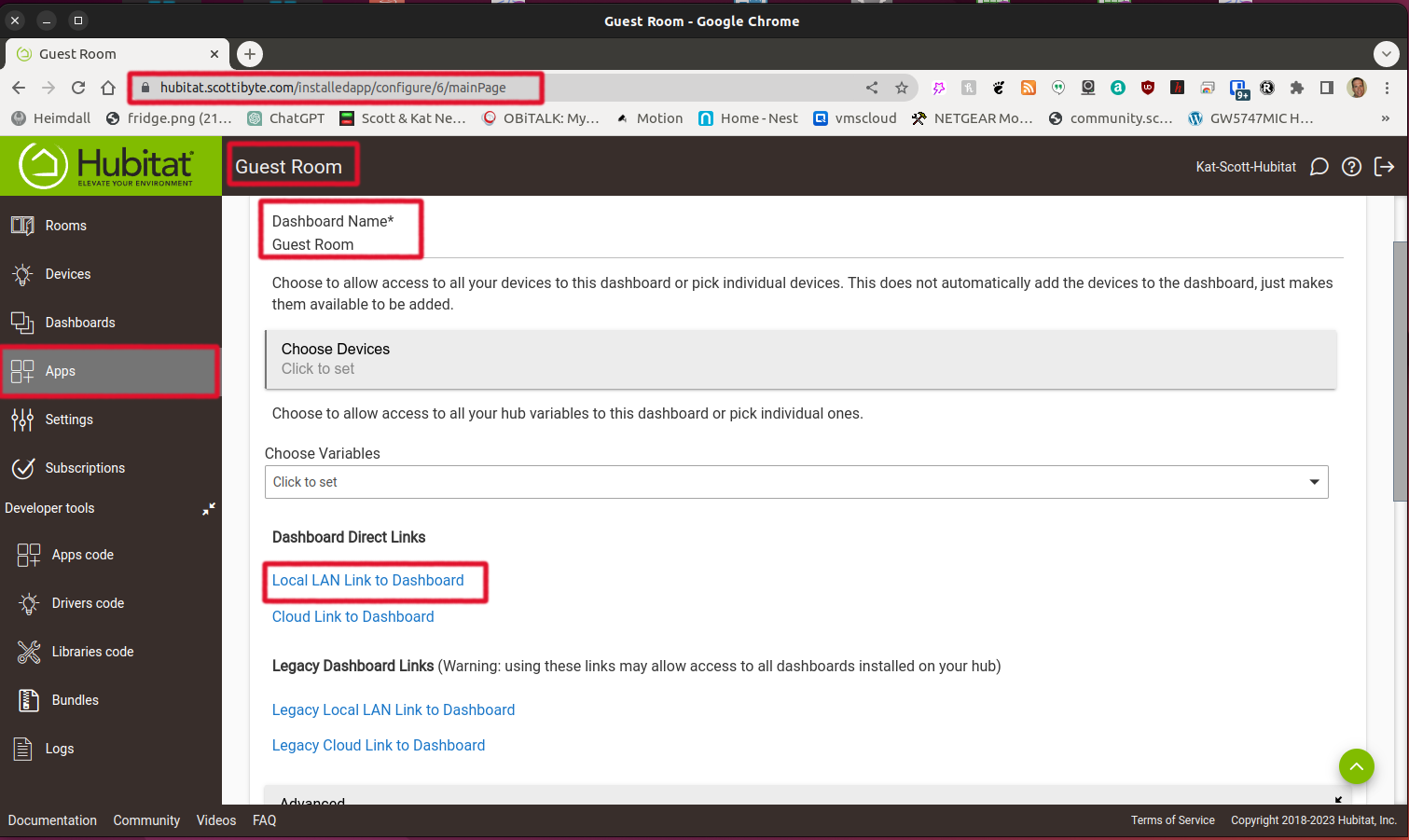
I am able to successfully access the dashboard. Interestingly, when I click on the local link, the tab that is opened displays the dashboard, but gives the local address and therefore, it works.
For fun, I tested this as well, going through NGINX. I also see a failure if I set http://\<myHubIPAddress>:80 as the destination. However, it works if I use https://\<myHubIPAddress>:443 as the destination (if you are not aware, the hub does offer HTTPS built-in just with only a self-signed certificate by default). I see an error in the JS console for mixed content when doing the former, though I didn't dig into it much--but I wasn't surprised when I was using HTTPS and don't know what it might have been trying to do with HTTP, perhaps with JS, since that's what it "thinks" it's using and it wouldn't normally matter then.
There could be some NGINX settings that might work better if adjusted if you need HTTP for some reason internally, but I didn't play around with that much.
3 Likes
What you say makes total sense. I had no idea that there was a self-signed certificate on the Hubitat Hub. So, I adjusted my NginX Proxy Manager entry to use "https" as opposed to "http" and I changed the proxy from port 80 to port 443.

Everything works correctly now. Thank you so much!
For the benefit of others, it may seem as though I am making my Hubitat accessible from outside of my network. I am not. On my domain name service provider, the address for my subdomain hubitat.scottibyte.com points to a private address on my network which is 172.16.1.215.
That is the address of my NginX Proxy Manager (NPM) and so it will never resolve from the WAN. On my local LAN, I point to the same address. NPM points to the actual address. I have a video on this if anyone is interested. NginX Proxy Manager and Local DNS - YouTube
This topic was automatically closed 365 days after the last reply. New replies are no longer allowed.

