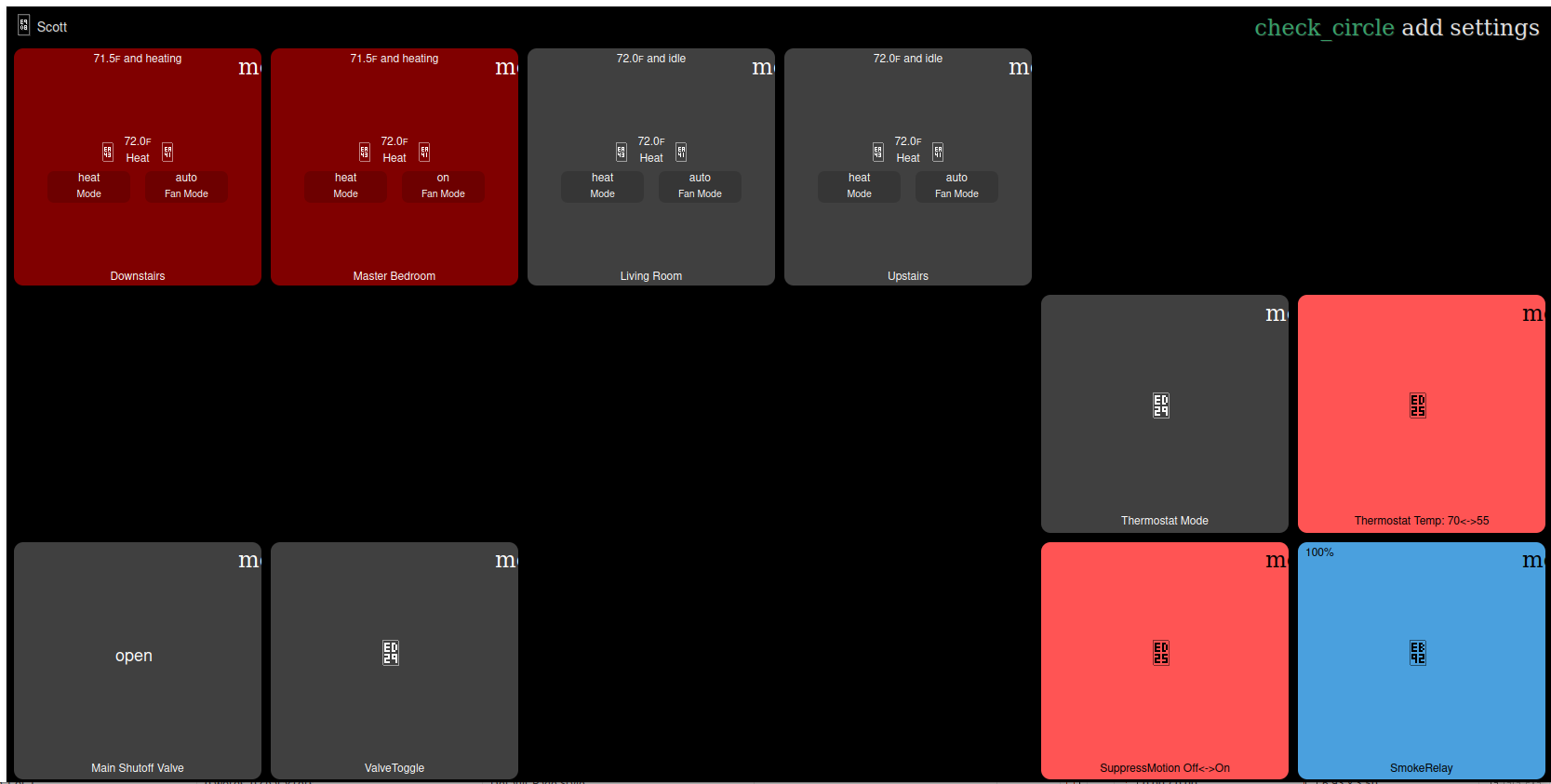
When using Firefox browser running on my Ubuntu pc to access my local Hubitat dasboard i.e. http://192.168.1.157, all appears fine. See below:
But when accessing the dashboard via Hubitat remote facility i.e. https://remoteaccess.aws.hubitat.com, Firefox doesn't render the icons properly. See below:
Everything displays properly with other browsers locally or remote. Any ideas how to fix this so Firefox (my preferred browser) works as it should with remote access?
It appears there is something with Hubitat and the remote page that is causing it.
I found that Firefox is stricter with SVG icons than other browsers, so this is not an uncommon problem.
Something in the CSS being used on the remote pages is causing Firefox, specifically, to have issues displaying the SVG icons. Seems it can be conflicts with sizing, missing width and height attributes, or conflicting class names. Using the same class name in multiple SVGs on the same page can confuse Firefox. I got all that from Google.
For the user side, it is suggested to clear the cache on the browser, and to ensure Fonts are Enabled, since SVGs are essentially character icons.
" Check about:config for gfx.downloadable_fonts.enabled and ensure it is set to true "
I would just use a different browser for cloud dashboards if you can't get it working in Firefox.
Or the cloud dashboard link, assuming you have it enabled for this dashboard and there isn't a reason you prefer Remote Admin instead? I don't think this is an issue with those.
Ah, I missed that this is Remote Admin, I was only thinking cloud dashboards.
Cloud dashboard links was the hint I needed. Dashboard renders properly. Thank you.