Can the dashboard template be global for all dashboard? I use the same tile in multiple dashboards so it's a pain to have to edit the template individually for each dashboard. Or am I doing it wrong?
You can copy and paste settings, etc in the advanced section and lift the json sections you want to share between dashboards
2 Likes
In advanced look for the "customColors": [] section.
That's what you want to copy and paste.
I created a dashboard called base template. It has a header display of current time. Then it contains a left sidebar so to speak of dashboard links. Whenever I create a new dashboard I copy over the code from this template to the new dashboard. Seems to work pretty well.
1 Like
So it seems I can't change the mode tile background color.
I have a few Modes but I can't change the background color for them. It seems to be only for Away.
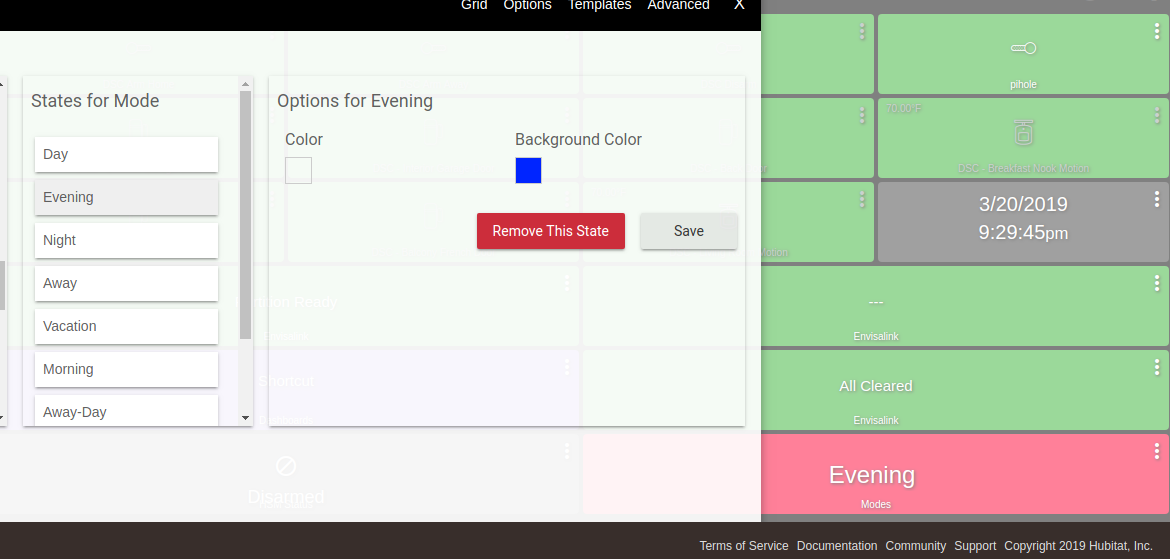
Here is Evening Mode:
Template info
{
  "template": "mode",
  "bgColor": "rgba(51,51,255,1)",
  "iconColor": "rgba(255,255,255,1)",
  "state": "Evening",
  "customIcon": ""
}
But the tile is showing this color instead
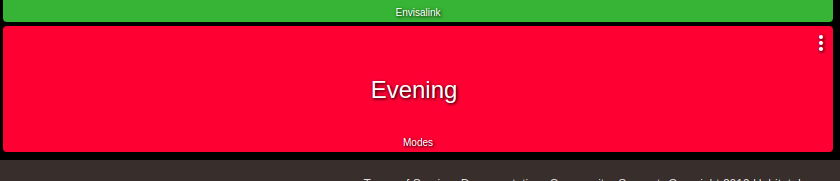
I tried editing the template but it doesn't update either.
2 Likes
Patrick is aware of this and it will be addressed in a future update
1 Like
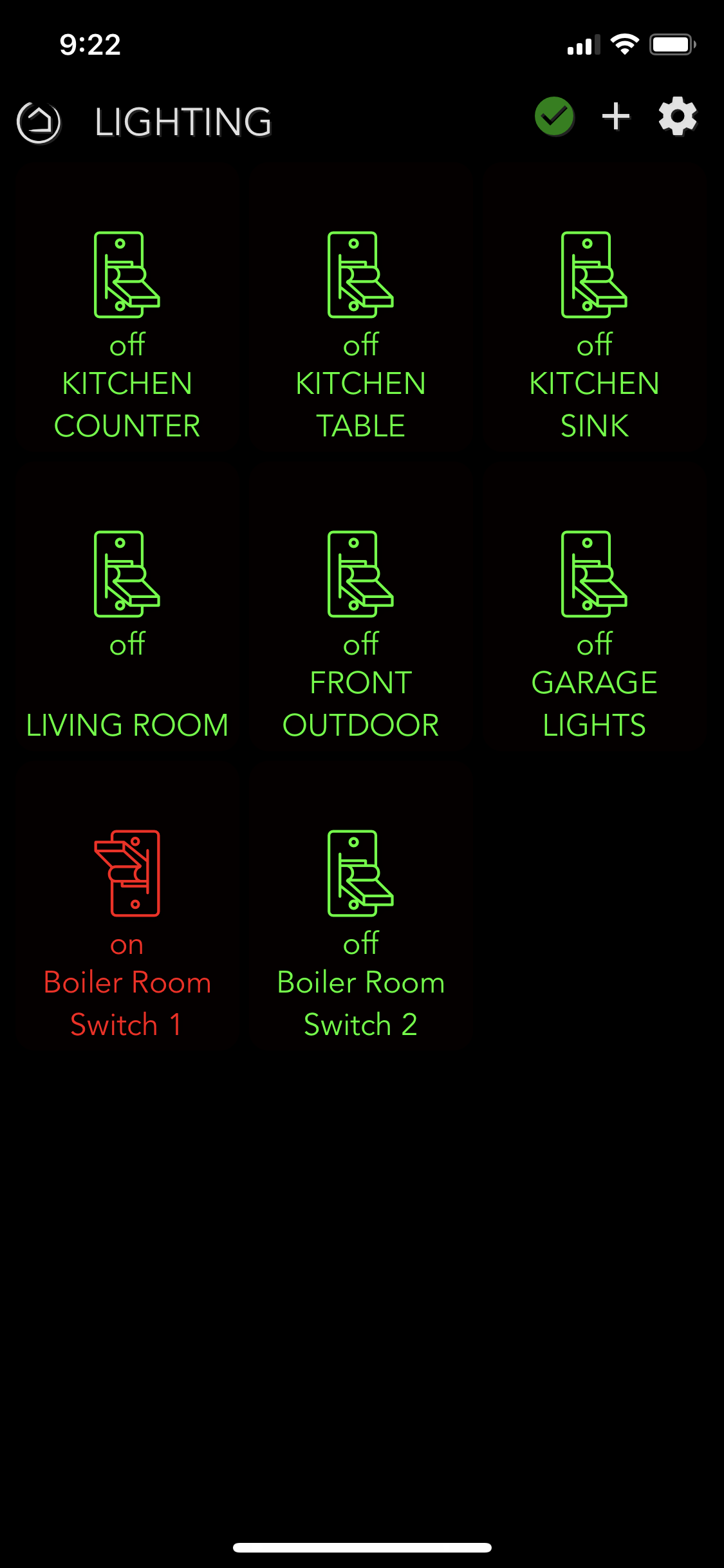
I primarily use my iPhone to control things so I've designed a screen for it as shown. After the new OS update, I'm really struggling to get a new screen set up relatively the same way for outdoor controls, garage door, external outlets. I did a lot of it just editing the JSON but no matter what I do I can seem to get my "outdoor" dashboard set up the way I want it.
Is there a workflow to this. Create new Dashboard, edit all the special templates I want, then add the devices? I can't seem to get the devices to use the templates I created.
Any ideas?
Thanks,
Dave