From what I see the original project is abandoned for some time now. The driver is not working anymore b.c. underlaying libraries have changed. I fixed the driver via AI few weeks ago, but latest update (2.5.1.174) killed it again. I can post working version, but there are 2 points to consider: it's not on HPM - manual install only and I'm connecting to cameras directly - no NVR, not sure if there is a difference in drivers. Looks like user5255 uses NVR setup, perhaps he can shine some light
Thanks, will watch for it. I have a lorex system with doorbell B241AJC and firmware for Dahua doorbell model DB41AB have not tried to flash the lorex camera yet using Dahua config tool. Would you know if anyone has ever had that work? If cannot flash the Lorex cameras will not need the HPM Hubitat Dahua until I purchase Dahua system. And understand Dahua got sold to Skywatch a few years ago so don't know if that even works.
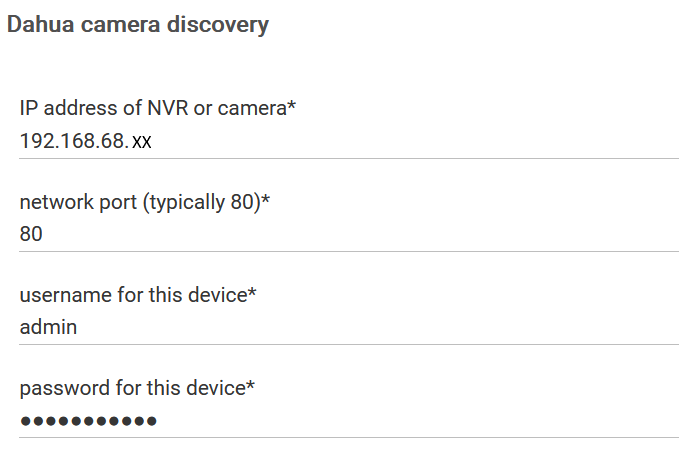
I use my version of the driver with an NVR and it's working fine. I DID have to give it a new userid/password combination to make it work. I'm on .159 but will come up to 182 today. I'll post the results after I'm done. I don't install via HPM, just paste the code in as new driver. Originally I had it setup with just specific camera devices, but once I found the NVR could pass thru the event actions, I was able to simplify my setup.
After upgrading to 182, everything still works for me.