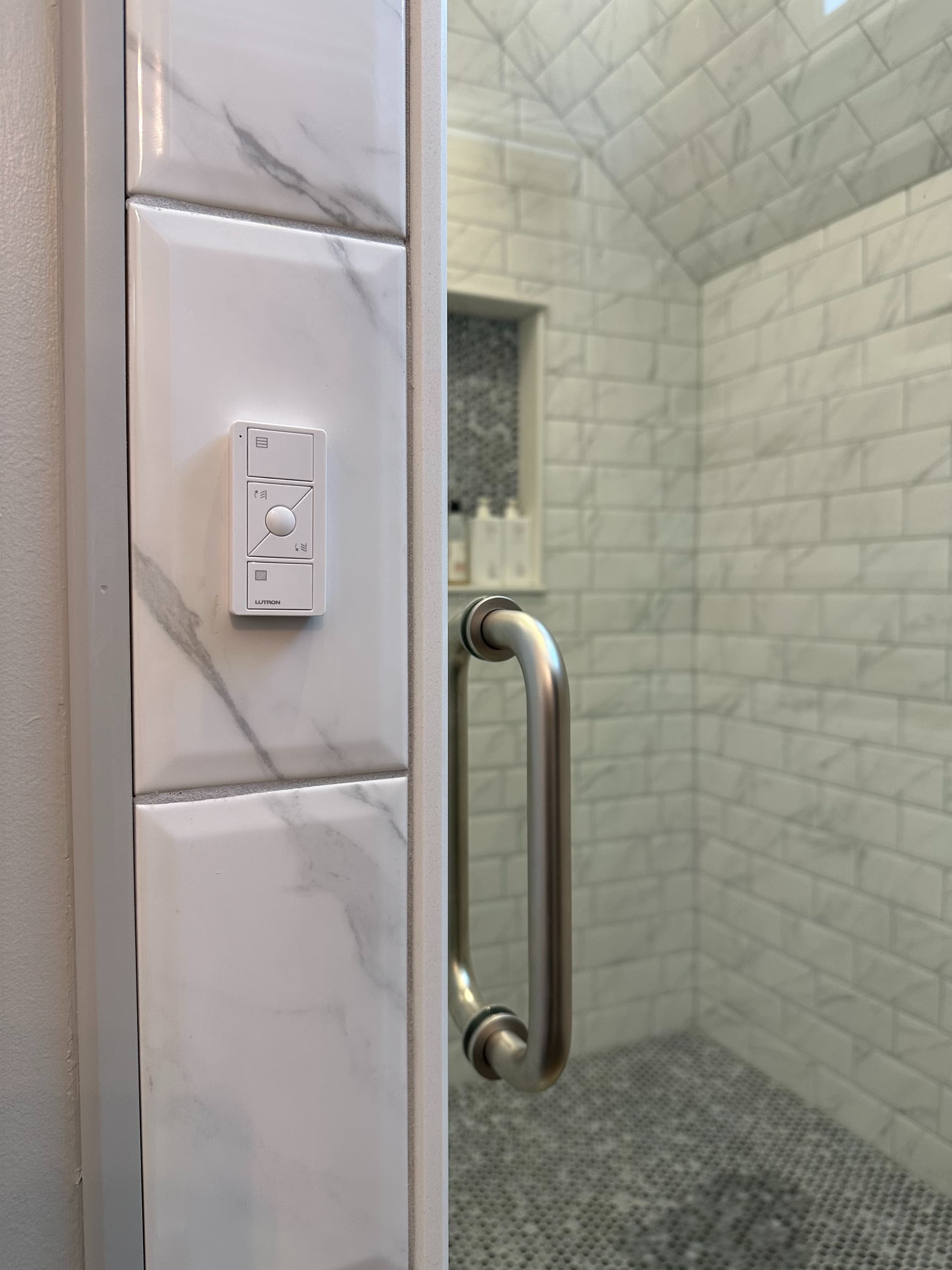
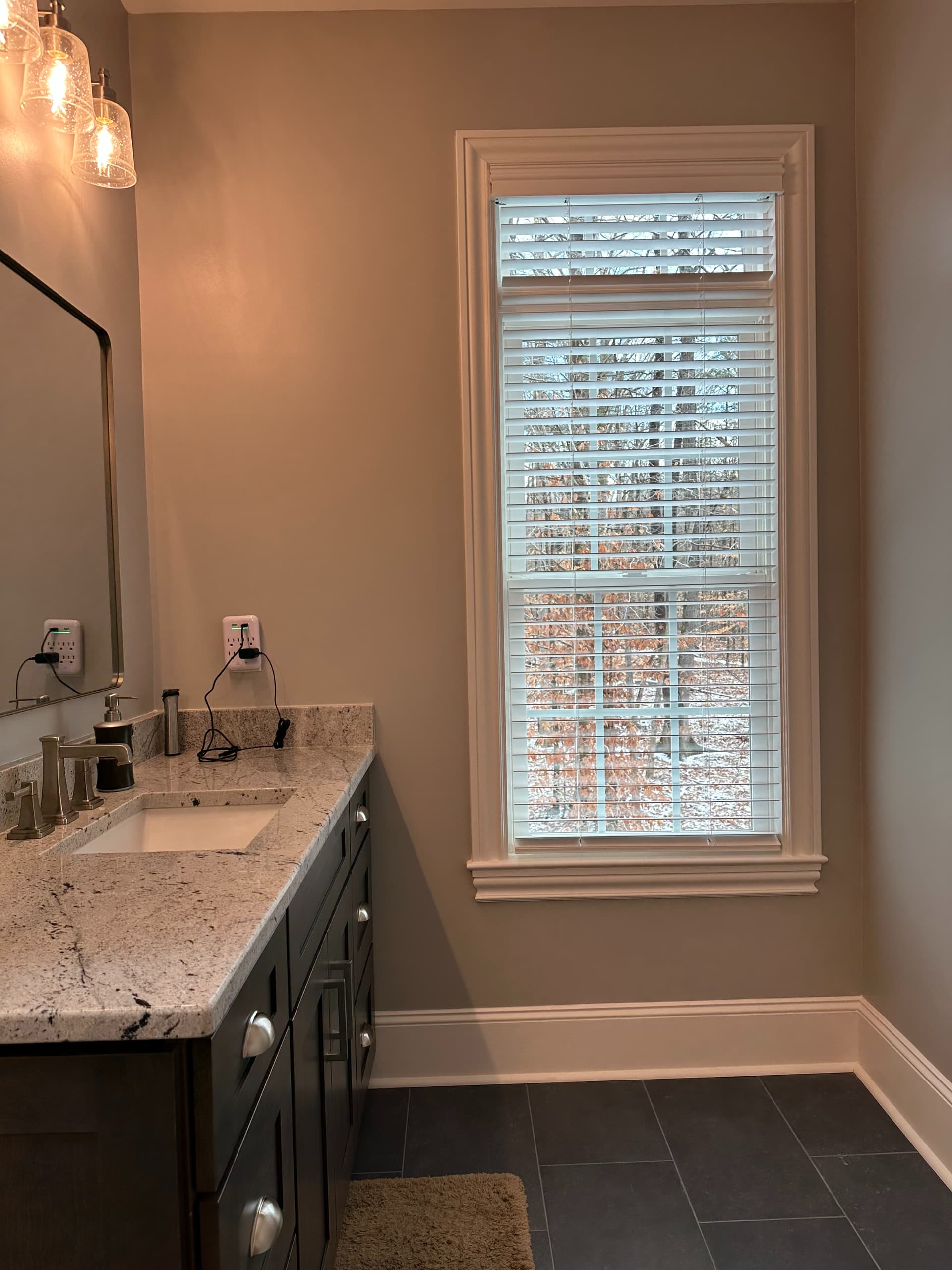
I need to use a Lutron Blinds Pico to control two things, a Bathroom Shade and the center button to activate an Alexa Routine tied to a Skill that causes my Rinnai RXP to activate Recirculation.
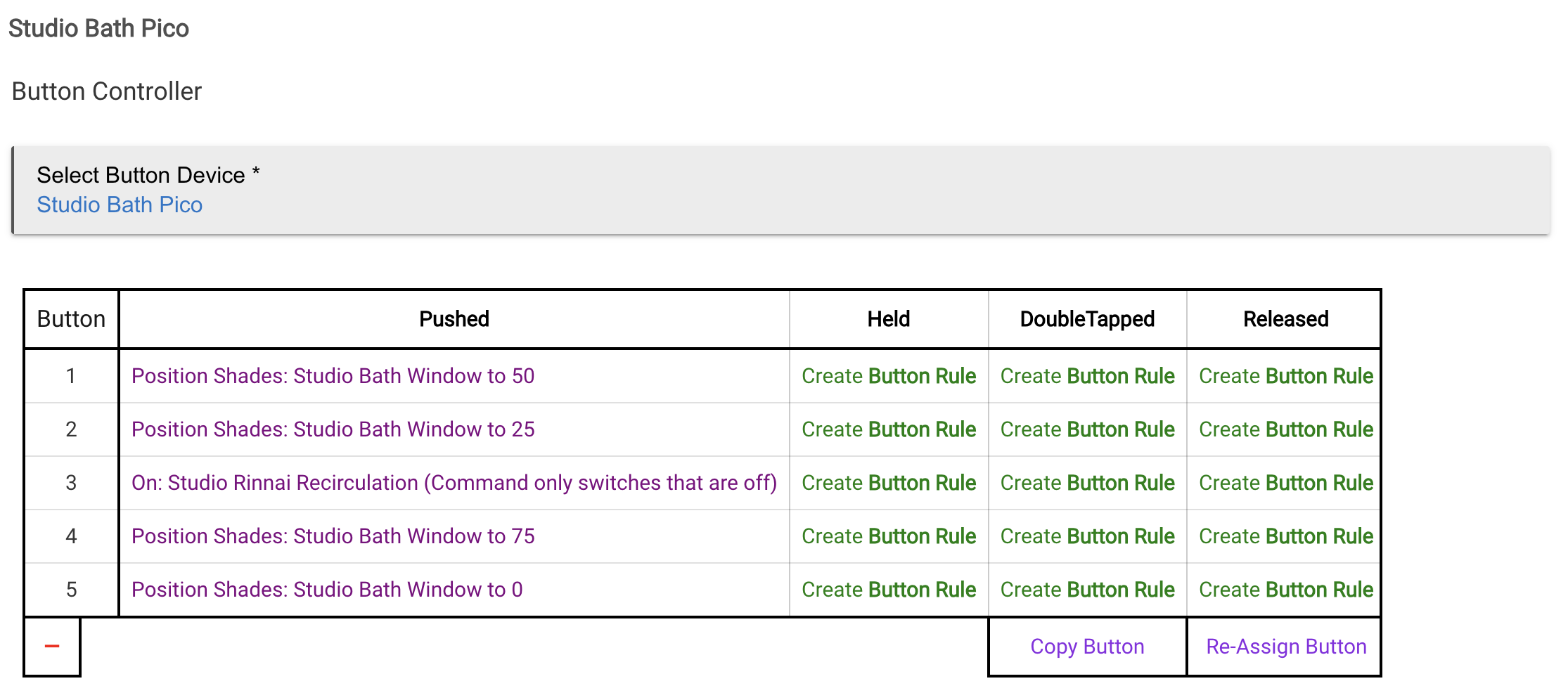
To do so, I've added the Pico to my Caseta Bridge, but have not tied it to control any devices (so as to bypass the Lutron default button settings). Anyway I have it working via the Telnet Integration where device Button 1 will Open the Blinds set to 50%, Button 5 will Close them set to 0%, and Button 3 activates the Water Heater Recirculation Pump via the Alexa Routine connected to my Rinnai RXP. And, it works fine.
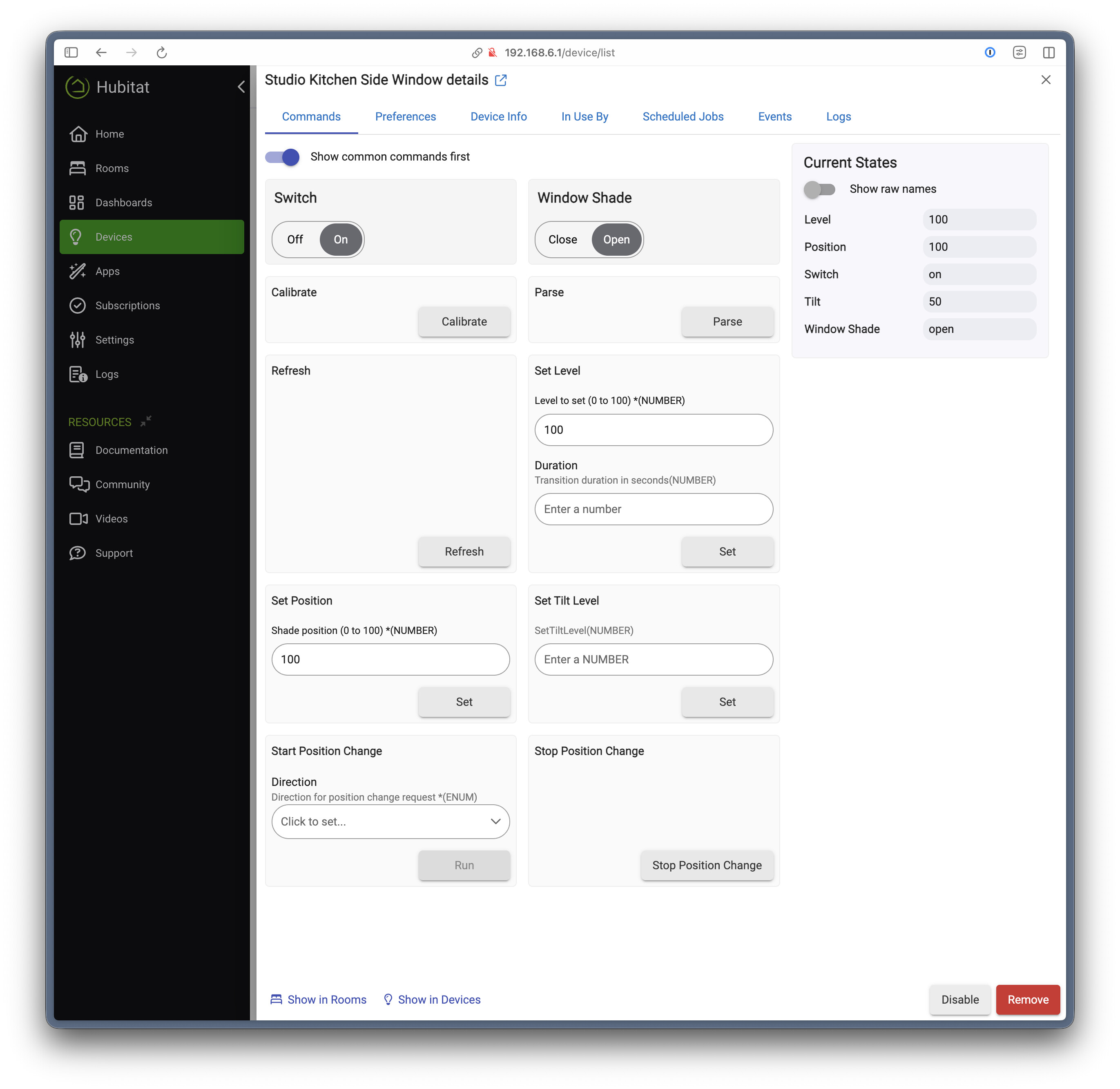
But my question is... When attempting to manually control the Blinds via Hubitat from the device, pressing Open closes the blinds and pressing Close does nothing. So, I have to use percentages... Why does Open not set them to 50% and Close to set them to 0%? Not a big deal but, why do I have to choose percentages, and the simple Open/Close commands are not functioning as would be expected?
By adding the Pico to the Lutron Bridge, but NOT associating it with a room, it essentially controls nothing in the Lutron Bridge. So then I created the automation for the pico via the Hubitat built-in button controller app and it works great.
Privacy mode is available for the bath, and center button kicks off the hot water recirculating pump in the Rinnai for on demand hot water instead of via a schedule.
So the Hubitat Lutron Integrator has no way to differentiate a shade from a blind. The Caseta bridge has no way to interpret Open and Close commands for a blind, only percentages from 0 - 100.
If you temporarily associate the pico with the blinds in your Lutron mobile app and then activate the tilt, while you have Hubitat logs open for the lutron integrator app, does it show commands coming through (including tilt)?