I used to use Home assistant to connect devices through Apple Homkit. But I have decide to us Home assistant only for integrations not yet available in Hubitat. Therfore I used the Homekit integration in Hubitat and succesfully integrated to my iPhone. I thought I could scan my wifes phone and give her the same experience. I get an error to the effect it is already paired. Is itpossible to use the same integration to multiple devices. I searched the web and all the instructions I found do not seem to work with the current gui on the iphone.
There must be an easy answer as it works on my phone but not the rest of the family.
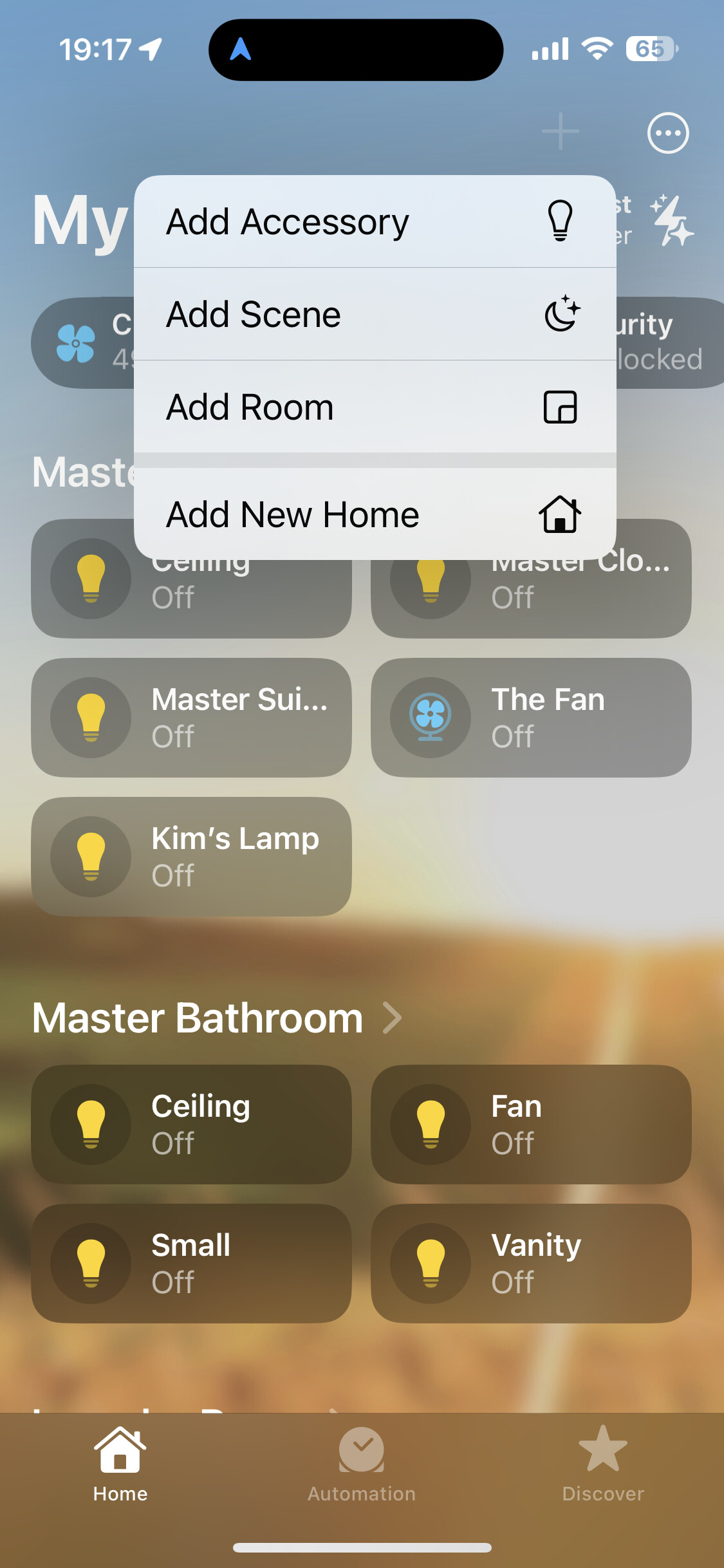
You can only pair this to a single Apple "home," but that should have been the same in Home Assistant (or with any HomeKit device or bridge). It sounds like maybe you're just looking to share your home? See: Share control of your home - Apple Support
Do you have a Home hub? You'll need one to share if you're on the "new" Home architecture. In any case, that menu is driven by Apple as a feature of the Home app, not Hubitat or any other devices/bridges you've added, so at least know that nothing you do with Hubitat will affect this.
I understand it is not likely a Hubitat Issue, just trying to solve what should be a common issue. I do not have a Hub. Just the Hubitat integration. I guess I can “mirror” the connection through a different integration??
These are the simplest and most reliable home hubs. They:
Allow remote access to your Home when you’re away.
Run Home automations.
Act as a Thread Border Router for Matter and Thread devices.
Support HomeKit Secure Video processing (when you have an iCloud+ plan).
Can serve as a Matter controller.
Apple TV
Apple TV 4K (all generations)
Except: Apple TV 4K (3rd generation) Wi-Fi model (64GB, with no Ethernet port)
Apple TV HD can still function as a Home Hub for HomeKit features, but it does not support Thread Border Router capabilities. If you’re buying one today, the Apple TV 4K is the better choice.
An Apple TV used as a hub should:
Be signed into the same Apple Account as your Home.

 Apple TV