Hi guys.
I know this subject was discussed in several threads but in any of them the solution to my problem is given.
The only problem I'm facing nowadays with my hub is a problem with my zigbee network everytime I got a blackout at home, and nowadays I'm getting several of them everyday.
I have all my lights and main devices powered by a Xantrex charger inverter and I only got a blink when the power goes off, but that is enough to break my network. HE is on a UPS but some switches are connected to the Xantrex inverter... and they got lost for a long time before the network heal by itself. And to put the inverter on ups mode doesn't like too much (I don't like transfers time so short on some devices).
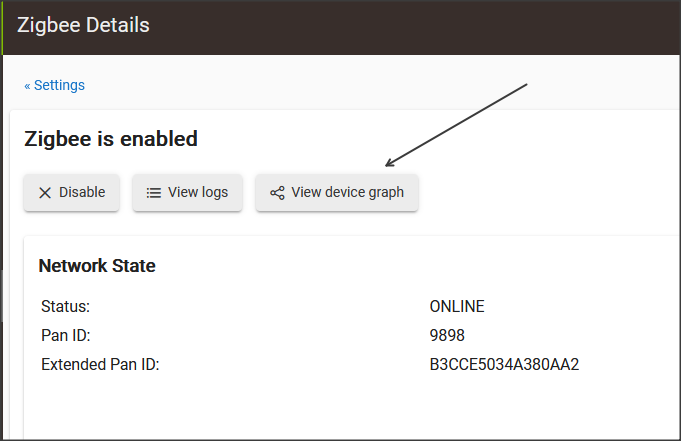
I moved HE to several locations, I installed repeaters, but despite all these solutions the ONLY way to heal fast enough is using the button under ".../hub/zigbeeInfo" to Disable the Zigbee network and Enable it again. Doing that almost 99% of the lost devices get connected immediately.
The problem is I cannot perform every single time I got a blackout a 20min power off to trigger the panic mode on my devices..... that's not a solution and many lights or devices are needed immediately after the blackout.
I know disabling the zigbee network on the HE do not put my devices on panic mode, and I don't know the science behind this "Disable" option, I only know that fix the problem, and is all I need to know practically.
So my question is, If I can do the "Disable" and the Enable of the Zigbee network with the button on that menu: Is it possible to implement the same function but as a command we can call on a rule or similar? ... in that way after the blackout I can call the disable and then the enable command to heal my network (and the main is I will not have to be there to do it manually).
I'm no expert, but I suspect there is probably an http post end point that will do that. I'll dig around here, but there might be a list of available endpoints in the developer pages
That is not expected nor common to go through such exercise after power is restored. Devices should just find their way back to controller. Finding a solution on the hub side is nothing more than a bandaid and could have long term negative effects on the overall mesh stability. I would look into devices that fail to reconnect. I would also increase the interference resilience. The higher the interference, the more repeaters you'll need to improve the mesh health. Sometimes, even throwing repeaters to strengthen the mesh may not be enough to combat interference.
Hi @bobbyD
I understand you point but believe me I did all in my power to fix the mesh.
You said "Devices should just find their way back to controller" .. and I know that but they are taking too much time for that, several hours sometimes so they are lost yet when I got the next blackout.
The main devices facing this issue are the Ikea TRADFRI Control Outlet, the only solution with them is to disable and enable the zigbee on the hub or power them off which is a complicated solution. I think the problem I am facing is a problem of design for these devices... and I cannot substitute them (at least for now).
I have a lamp with a Sengled color bulb who gets lost too but that one after a while when we push on/off start to work again.
Some of these devices are very important because they play an important role at my home automation and I cannot wait hours for them to get connected. For instance I have a outlet who control all my outdoor lights and when I got a blackout it is supposed to turn those lights off to save battery, but they still on because on the moment of power cut they got lost, draining my batteries unnecessarily.
Right now every single time I got a blackout I have to reebot the hub to heal the mesh... but I know it is not a good option. But no idea what else to do.
I live in a country where to buy smart devices is complicated or takes months to receive them so my first priority solution is heal the network in the way I described.
Being Hubitat a hub who respect clients wishes I think the option I am asking to make it available in a command is not a problem for HE programmers. The option exist and I think is there for something.. I just want to access to it not manually but automatically.
Can you help to implement this feature in further firmwares release?
I have used this in the past / when ever I need to "reboot" zigbee.
I am not sure why .. but it seems to work ok to find and make the devices work again.
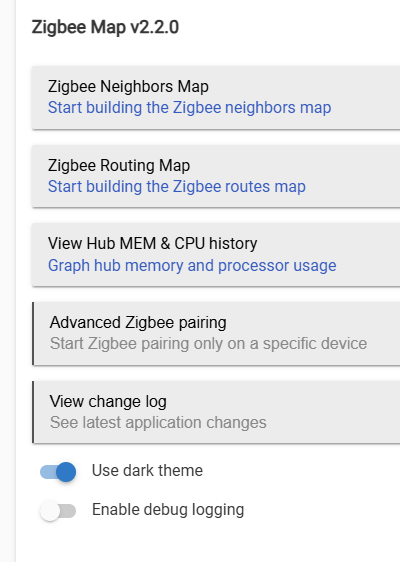
Hi colleague, I used to use this app but now it is implemented by default on the Hub.
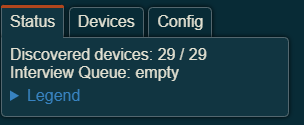
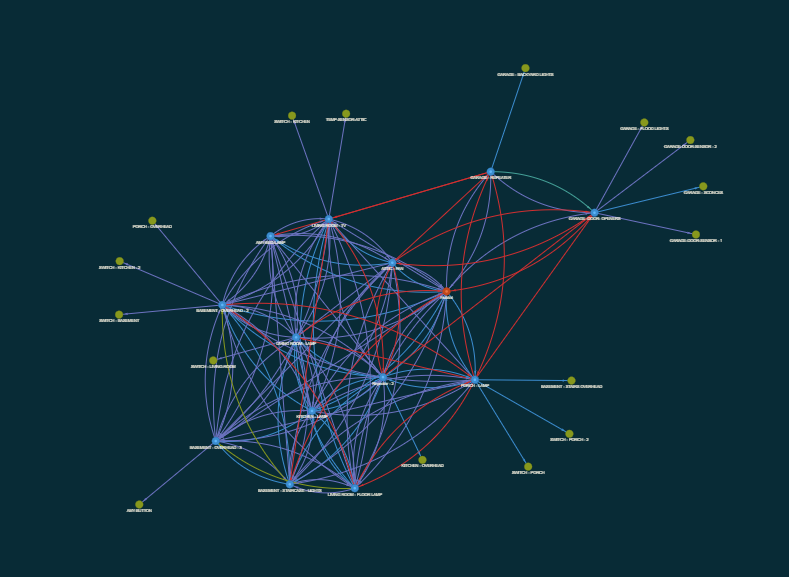
But that one only shows visually what we can find on the ".../hub/zigbee/getChildAndRouteInfo". I mean it only shows, it do not heal the mesh according my understanding.
By the way I used a lot to see clearly my devices connection, but the ones that are lost are lost... only disabling/enabling the zigbee network appears or powering off them and turning on back again (that makes them to connect again).
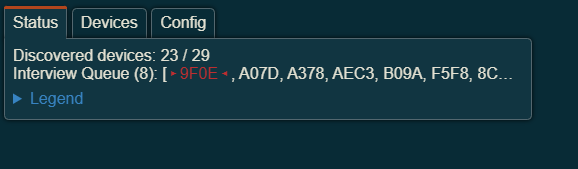
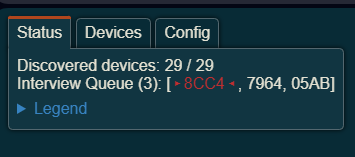
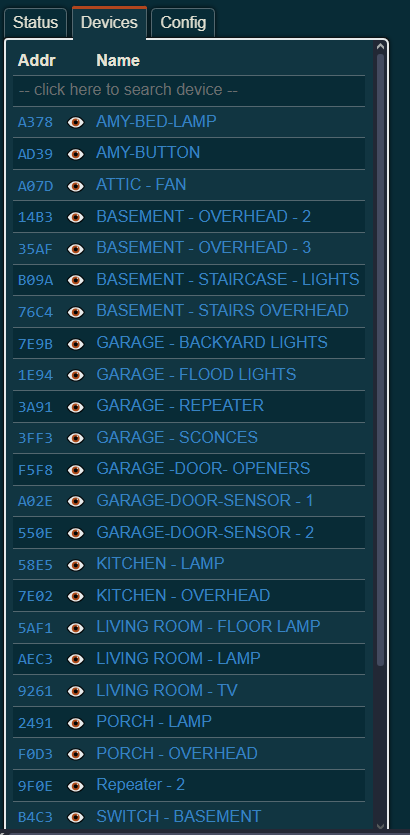
his app "talks" to each device and gives you a list of what it has and has not found.
also you can "ask" it to look for Individual devices that aren't listed.
Give it a try .. you will see what I mean .. here are some pics.
I use it to "find" stuff after a reboot or power outage.
Hi guys .. after several days and some updates received on my hub I have to say the problem still the same... so no solution so far to heal my zigbee network fast enough.
For those important devices I need to control immediately after a blackout I am thinking to use another type of disconnecting devices... maybe wifi's ones who can be reached with a http request?
I will continue my research ... thanks for your answers anyway .


 .. i would want to see the ability to do it in the rule would be great as well