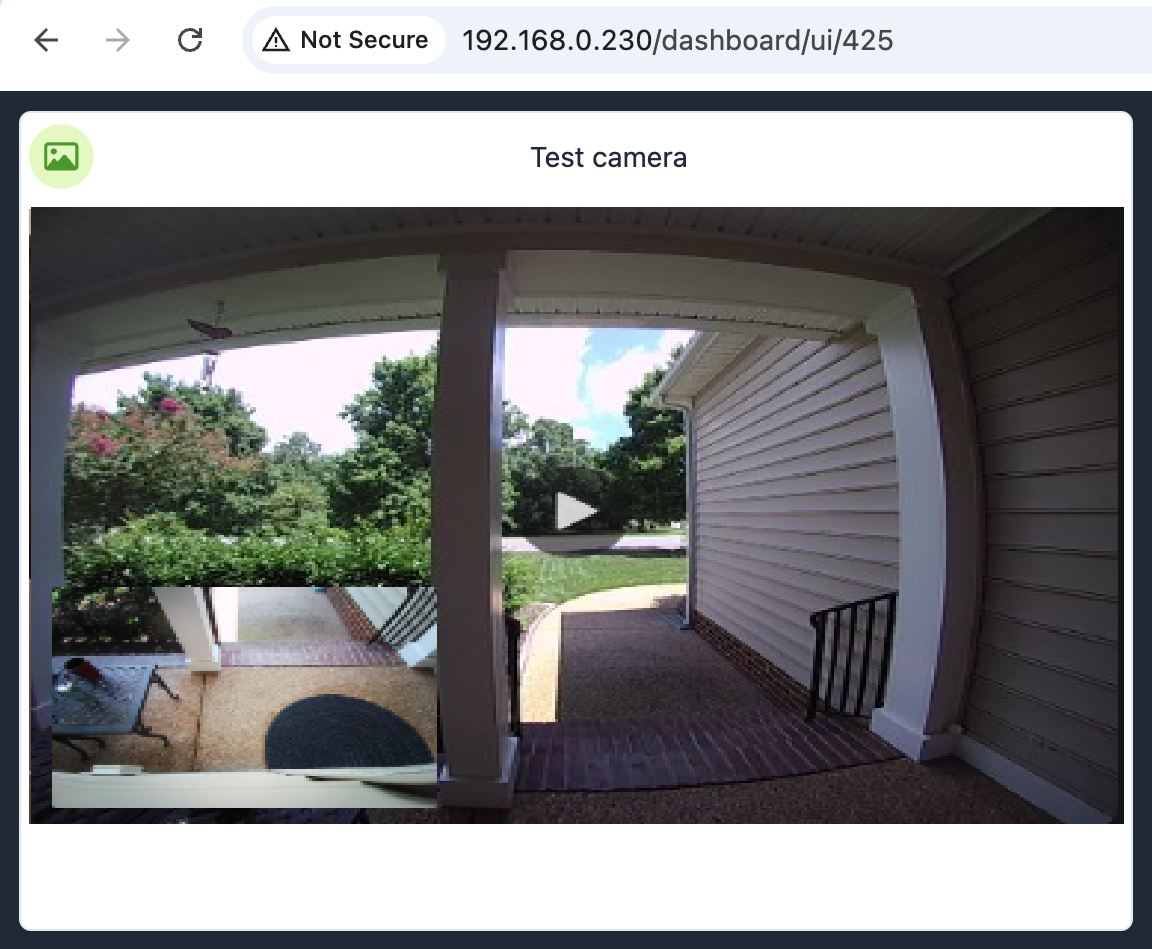
We're excited to share that RTSP camera streaming support is coming to Hubitat Elevation C-8 Pro hubs!
The new feature was recently released in the Beta channel and will allow compatible RTSP-enabled cameras to stream directly to your Hubitat dashboards, making it easier than ever to view live camera feeds alongside your automations, devices, and other dashboard content.
What to Expect
With RTSP streaming support, you'll be able to:
View live RTSP camera streams directly in Hubitat dashboards
Enjoy low-latency local video streaming
Keep your camera feeds local without relying on cloud services
Create more informative dashboards by combining live video with your automations and device status
Compatibility
The new RTSP Camera Stream device driver is compatible with many cameras that provide a standard RTSP stream, including devices from manufacturers such as:
Reolink
Amcrest
Hikvision
Dahua
Tapo/Kasa
UniFi Protect (with RTSP enabled)
Most ONVIF-compatible cameras that expose RTSP streams
That’s fantastic. Unfortunately my beta hub is a C7.
The funny thing is I don’t use dashboards at the moment. Most everything is automated and I have two buttons I use to trigger some select events. I was playing with a Swift app that wouldn’t play an RTSP feed unless you downloaded some custom libraries. I wonder if I can use the HE dashboard inside of a Swift web view?? That might be a fun workaround.
Regardless, you have been adding some fantastic features since the C8p was released. The Unifi Protect integration was a game changer for my exterior motion detection.
Is there a recommended limit to the number of rtsp cameras that should be connected. I would expect the limit to be more about the network interface then the cpu and memory unless it is doing more then just acting as a middleman between the camera/nvr and the dashboard. The browser should be doing the heavy lifting of decoding the stream.
It concerns me if the cpu is a reason to limit it to just the C8Pro but we don’t have a limited number of cameras to connect.
Now that RTSP support is (almost) here, can we expect it to be supported in HomeKit Bridge so we can setup (for example) viewing the front porch when my Reolink doorbell is pushed.
[Like I could do with Scrypted or Homebridge, if I wanted to fiddle with ANOTHER processor.]
Seems unlikely. There are too many variables in converting a RTSP stream to a HKSV stream. And some of those variables require significant processing power - for example, dealing with high bitrate H.265 video.
I think the main problem is that scrypted or Homebridge running on another device generally need additional processing power to convert to video that works with Apple Home, as @aaiyar said (even if it’s just H.264).
I’d be happy to learn the C8 Pro has enough to spare for something like that, but I wouldn’t expect it to.
 View live RTSP camera streams directly in Hubitat dashboards
 Enjoy low-latency local video streaming
 Keep your camera feeds local without relying on cloud services
 Create more informative dashboards by combining live video with your automations and device status