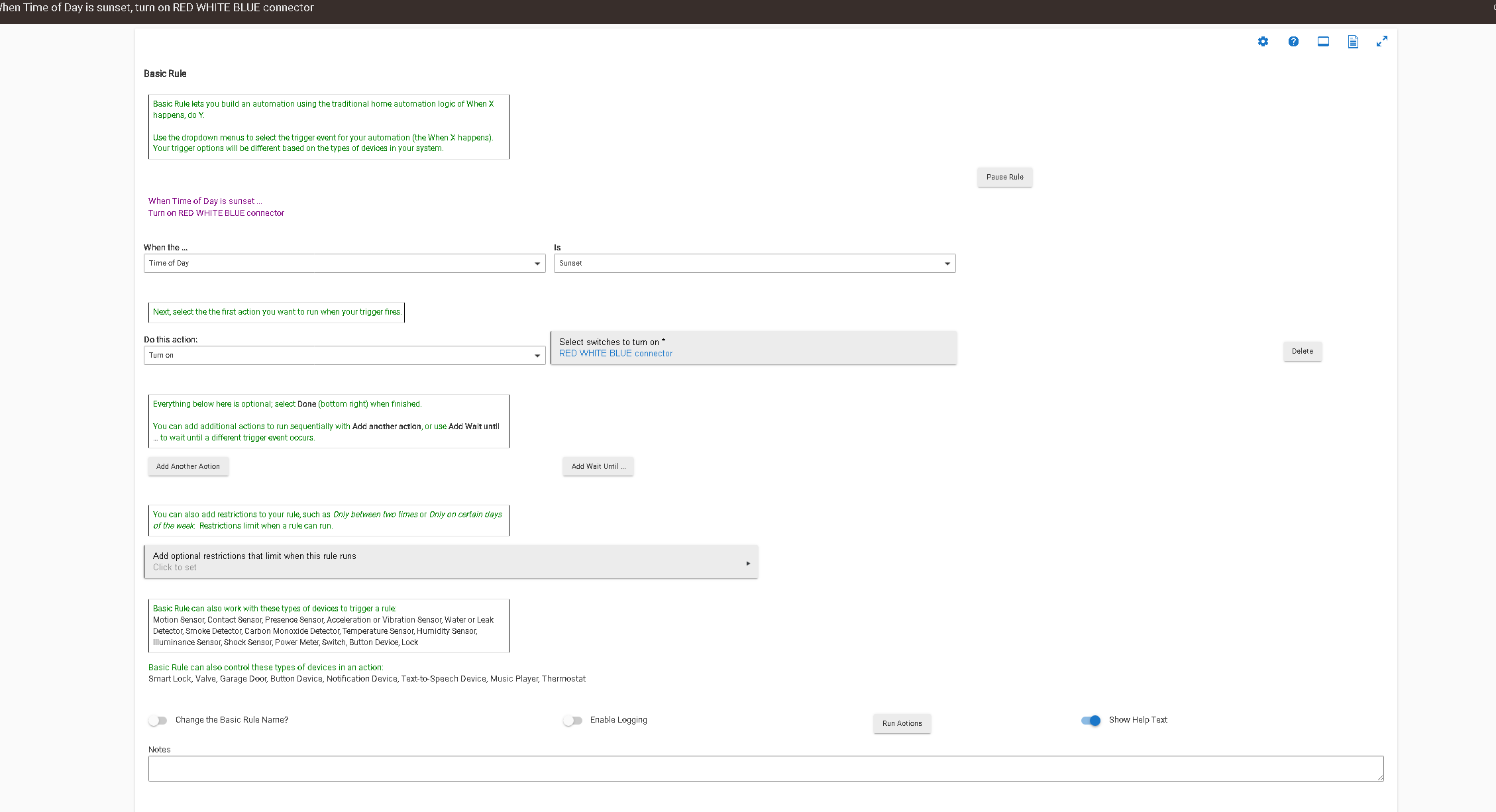
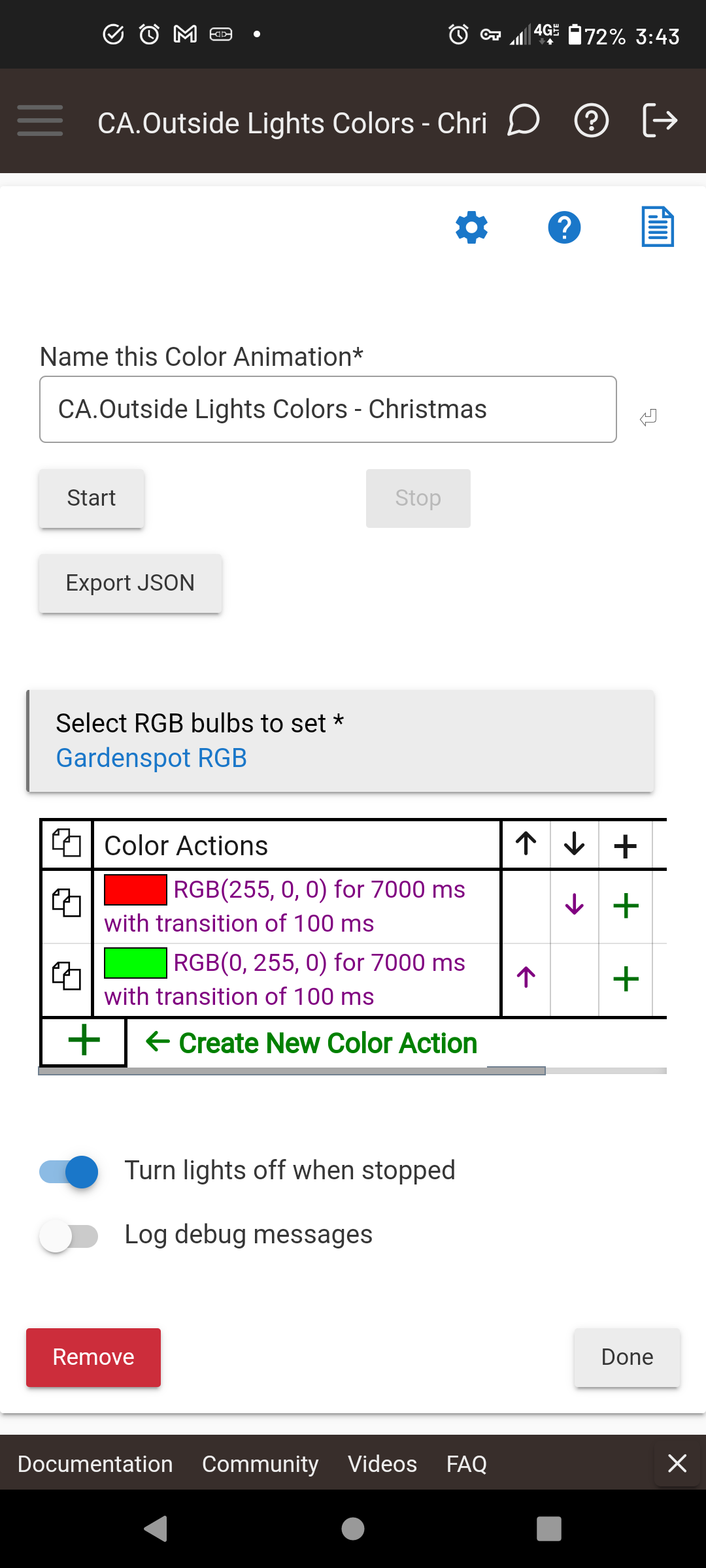
So since I stumbled on this app, I've been able trim down some other WiFi devices I was using. App works well, but will never turn off. I don't know if it's the animations app or the way I've built my rules. The device (Gledopto RGBW LED Controller) is totally controllable from its device page, but with my rules the animation turns on fine, but will never go off.
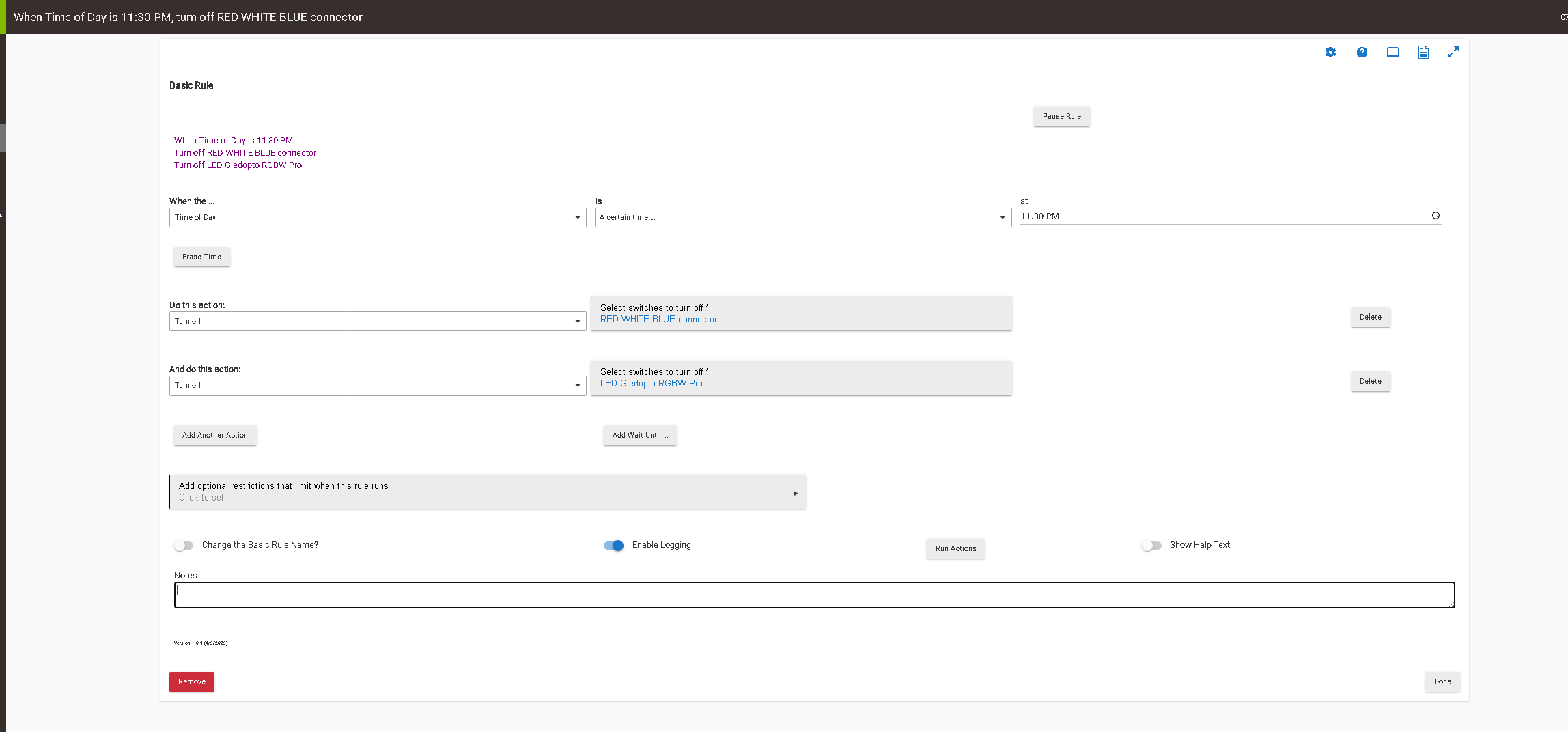
Originally the rule above had a wait till 1130PM to turn off, but it didn't work. So I created a separate turn-off rule, shown below. I have tried reversing the order of turning off between the connector and LED controller. Even tried only specifying the controller or the connector in the "off" rule. The animation won't turn off. Each time I need to go to the LED controller's device page and manually turn off the LED strip. If I go to the connector device created by the animations app and turn off from there , the strip still stays on, stuck on its last color.
Have in mind that some RGB bulbs and RGB LED controllers could be very chatty during the color and level transitions... I was using the Color Animation app for stress testing one of my drivers ...
Observe the Logs device stats for any extreme numbers.
I knew it was something stupid. Thank You, that should do it
Oh boy, the logs are HUGE, and event for every color change and hue. What is odd, at first implementation of animations the logs were okay with animations, then about 4 days into it, I started getting hundreds of events.
Anyway to stop or cutdown the events, or is it the hardware in the Gledopto?
I suppose it is the Gledopto firmware that sends unnecessary updates frequently. If you disable the Info logs for this device, the hub load will be reduced (although the messages will still be sent over the Zigbee network).