So, got back to trying to integrate my Google TVs into Hubitat. Seems like the Chromecast Beta has made zero progress since I last took a look (maybe 1-2 years ago).
Still nothing in 'state' ever and it drops connection to the targets quickly. I have attempted to work around issues by using rules in Google home to set switches in Hubitat (to track play state) but can't find a way to reliably use it to trigger automations.
My goal simply is to know when a movie is playing and do some scene changes based on this. Is there any other way to know the state of GTVs?
So anyone have any insight into any chance of an update/fix to various issues. Scanning topics I also don't see too much ...
I don't know much about using for TV's; no help there.
Just a mention that I, and from what I have seen over the years in the forums, only use it for audio.
My observation anyway.
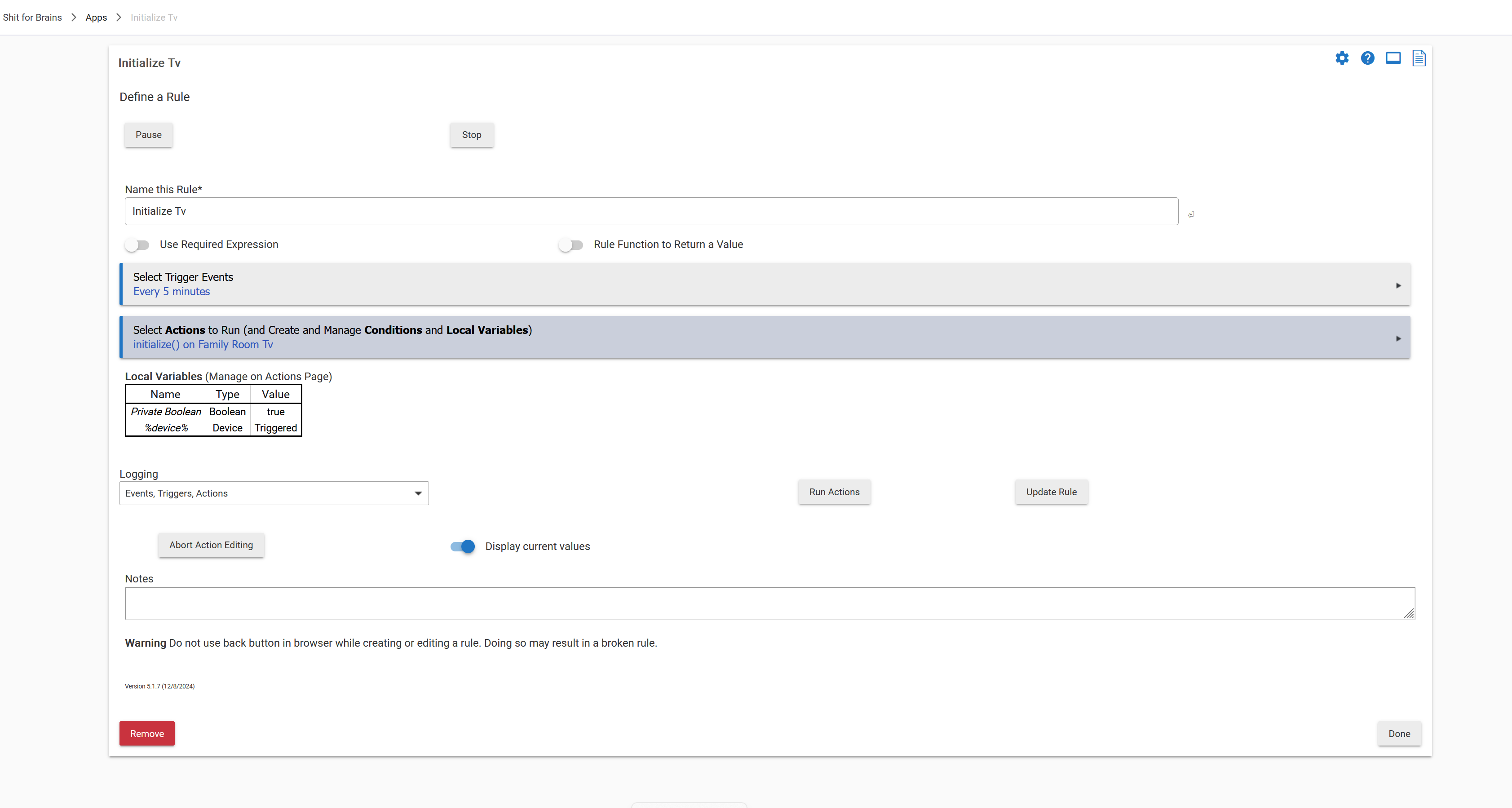
I use a TCL google TV and the chromecast integration for changing lighting. Basically after 6:00pm if the channel/app changes then lights turn to movie mode. it's about 97% reliable for that. I do have a rule that runs initialize every 5 mins on the tv to keep the interface alive. I do have to use Homekit to turn it off though (for my shut down house rule) because the chromecast integration doesn't have on/off in it. Been bugging @mike.maxwell to add it... Otherwise though for my own use I don't have too much problem.
Google TV dongles -- Two 1080 res and a 4K version. All of them are ethernet connected and have static IPs assigned (and correct).
I will say that I suspect some of the issues I see are actually GTV related -- for example I was listening to Spotify, and then switched to Plex to watch a move. Chromecast still had Spoity as the source -- BUT so did Google Home/GTV app on Android. So ???
Yeah, the issues is HOW to do you know the channel/app changes? It's not consistent.
I have the following setup in an attempt to detect 'movie mode'. I am monitoring to see how well it works but it's full of 'work arounds'. If I simply had the 'source' and the 'play state' it'd probably be good enough. Id' love more (like title, media type, and so on -- as well as maybe even more ways to control it).
Chromecast I use to get the 'source'. Most of the time its right but not always. Seems to miss some changes (might be some issues with GTV contributing here also).
Depending on the source I assume it's a movie or not (video apps == movie, non-video != movie). Be better if I could know the title of what's playing and the type but I went with what data is available (I had Kodi before GTV and could tell exactly the type of media, play state, and so on -- so that was nice).
I also vary the 'scene' based on play state (once it's in a movie mode state) -- so 'pause' brings up lights but not too bright, play turns lights down, and so on.
I am using google home automations to update a virtual switch on the habitat (one for play, pause, and stop) as it knows the state. The state on Chromecast is always at 'idle. Never changes.
Issues I see and the 'workarounds' I am attempting:
state is always 'idle'. See above -- using google home automations instead.
seems to drop connectivity or maybe just misses some data sometimes periodically -- I am doing an 'initialize' periodically and whenever play state changes. 'initialize' sometimes fixes out of synch data.
I am monitoring to see how well my combination of rules, Chromecast, and google home end up doing what I want. We'll see. Chromecast working better would help a lot. I see web-cast out there for ST and HA. Looks very nice :-). Lots of additional data IS available which would be even better but basics/reliability would be a start.
I may need to learn how to do hubitat apps and dig into this some ... !!!
dunno if this helps but running initialize improves things...(again not perfect). The problem lies with the tv interface going to sleep which is why changes are missed.
And then I use this for change of apps... FR-TV virtual switch is simply to force the change on Homekit so when I shut down the house the tv turns off.