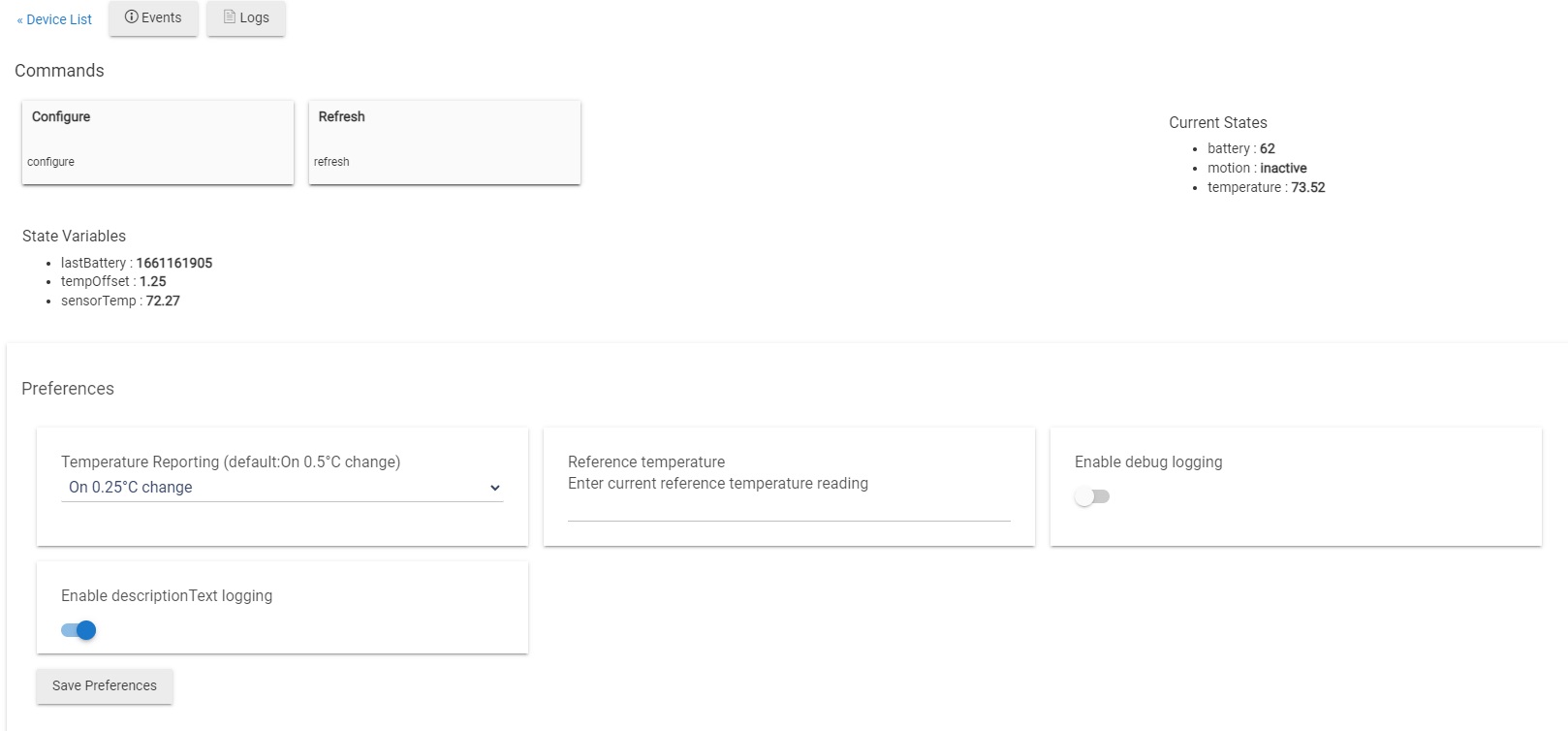
Okay, I have another post where I am using this sensor for motion in the evenings, however, this post is specifically about the temperature sensor. I have a rule to turn on a Smart Switch when the temperature is above a certain point and turn it off when it gets below another temperature. However, the rule doesn't seem to work and I'm not sure if it's the rule itself or the way the sensor is being read. When I go to the device I can see the current temperature, but not sure if just reading it as a temp sensor is working. Anyone using this in a similar manner?
If the sensor is reporting the events you expect when you expect them (e.g., temperature events based on time or amount of change; check the "Events" tab on the device detail page, or by default you'll also see "info" logs for the device in Logs with similar information), then the device itself is likely fine--but if not, then an app probably won't work as you expect either.
If not, the issue, as with your other post, likely lies with the configuration of the app you're using. It sounds like you've created a rule. Sharing how you've set up that app/rule will may be helpful so others can see if they can spot a problem.
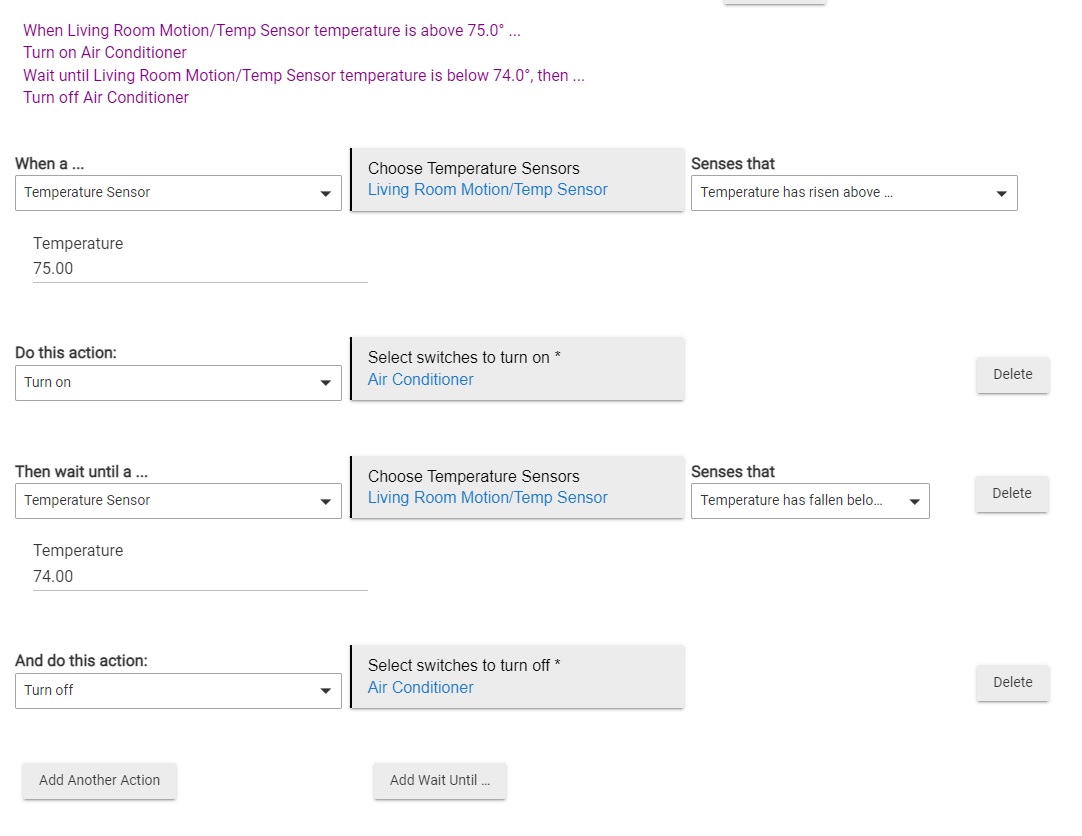
I solved this issue by splitting the rule up into two separate rules. Instead of "Automatic Air Conditioner", I now have "Automatic Air Conditioner On" and "Automatic Air Conditioner Off". It is set to run during the Day or Away modes. I can now see the A/C turning on/off from work as expected.