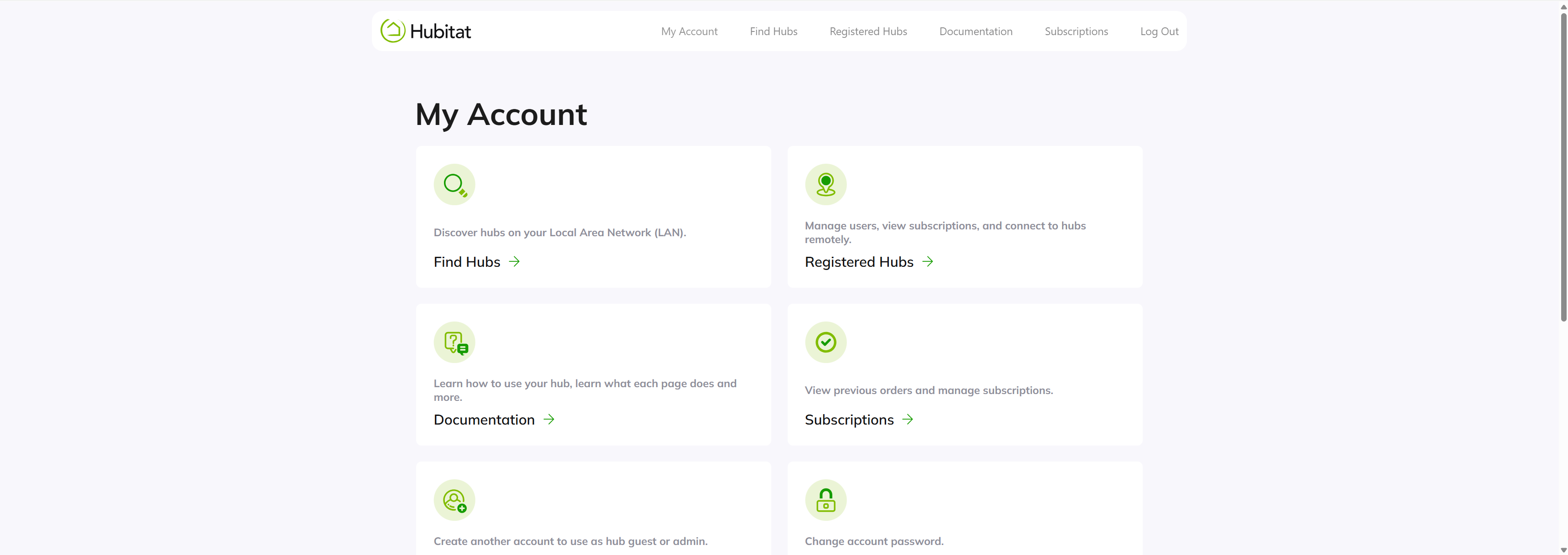
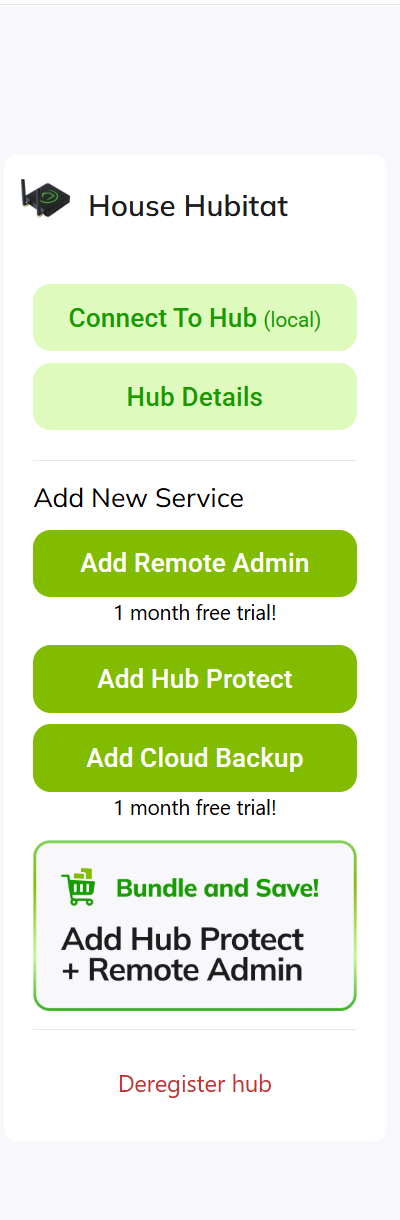
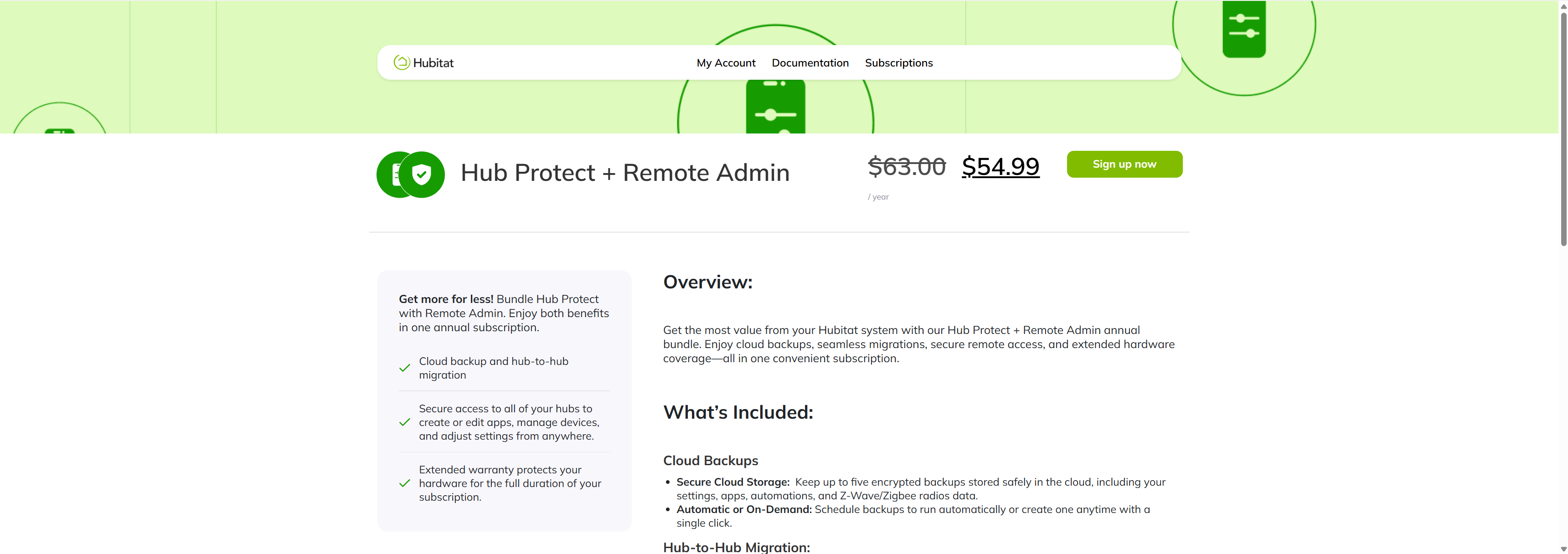
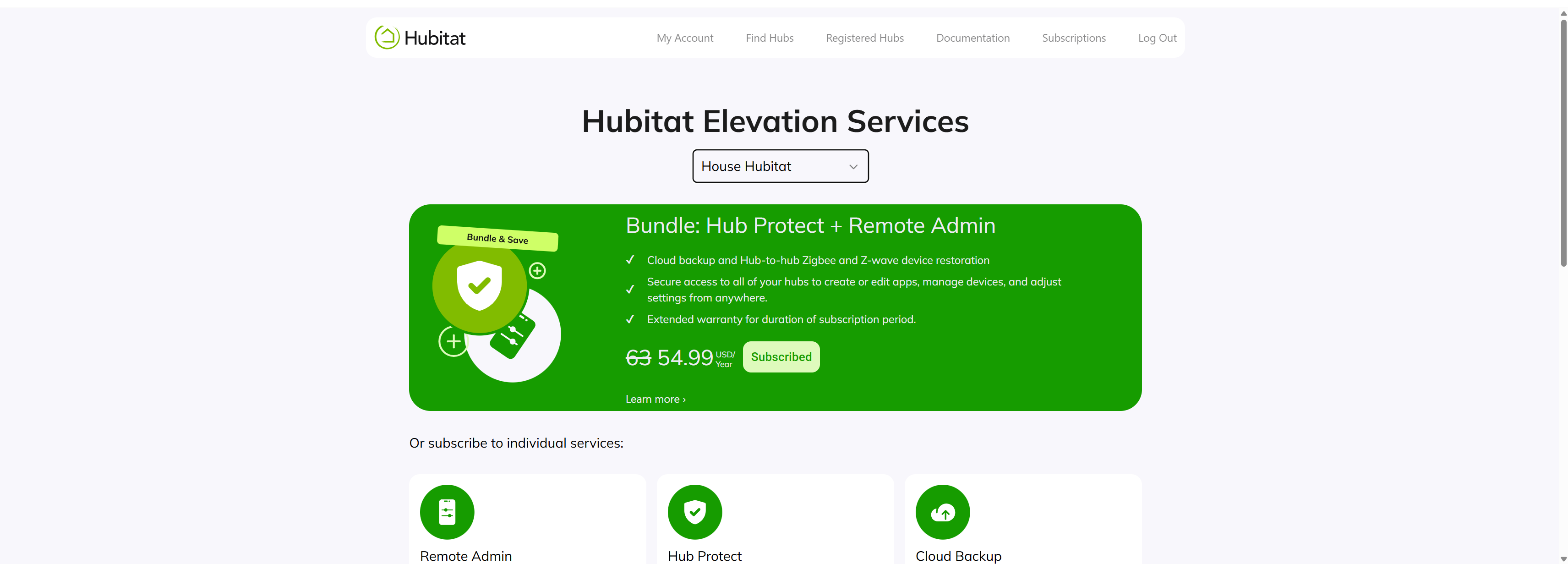
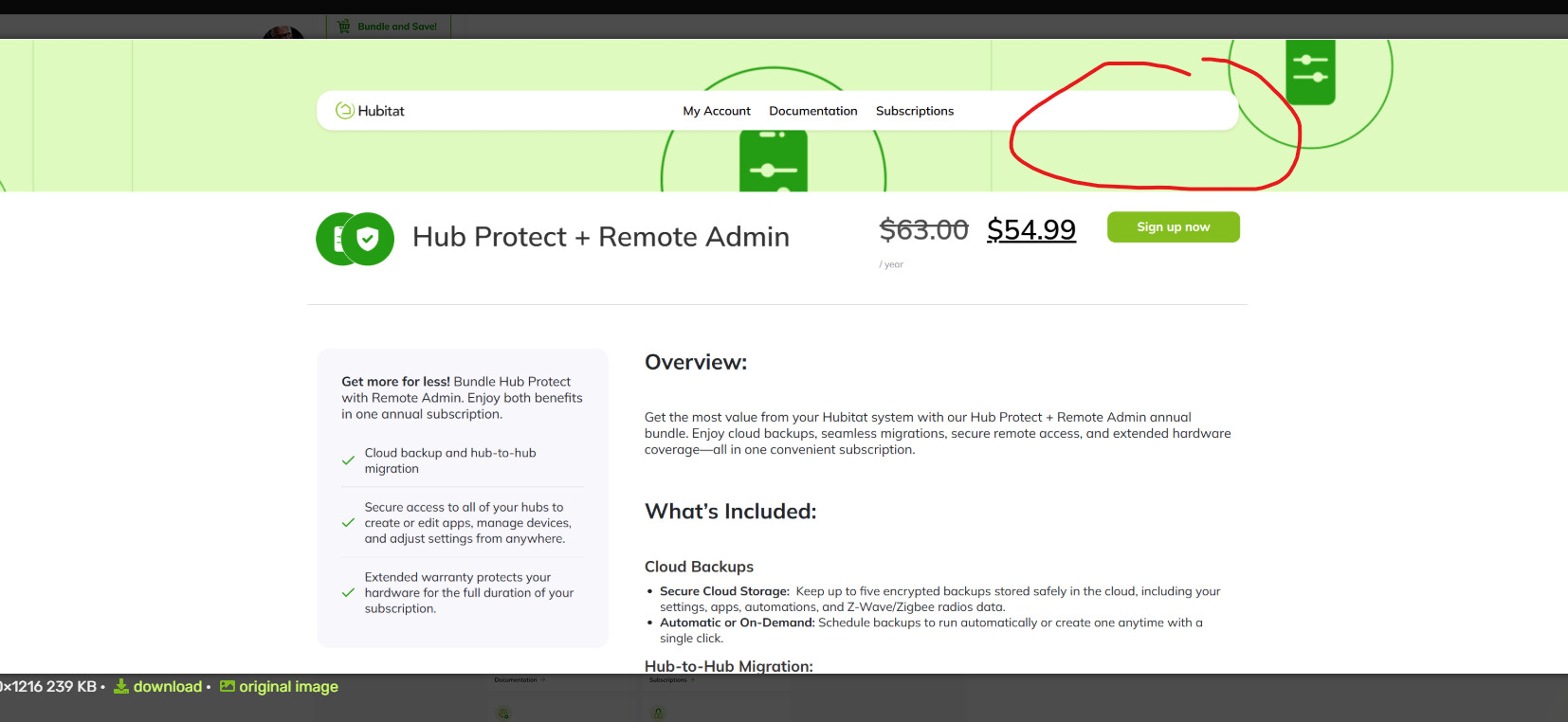
I select the registered hubs link and I get the page with a list of all my hubs. I then select the bundle and save option for the hub I want to set up.
Likely your browser's history needs to be cleaned up. You can try in private/incognito mode to see if the issue persists. Also, what browser are you using?
I am using chrome. I tried incognito and no change. Also cleared my cache, no change.
I tried the link in your announcement thread My Hubitat
Now when I select my hub, House Hubitat(C8 Pro), the button changes from subscribe now to subscribed and If I click it, it sends me back to the start again.
If I try the My hubitat link from incognito it makes me log back in and then sends me to start.
Also if I try to click subscriptions it says I must log in and then says my password is incorrect and won't let me log in, but I am using the correct password. I haven't tried the lost password link since I don't have any subscriptions yet so maybe that was the issue.
Ok, this is more than just cache. The "subscribed" label is a UI glitch that we just fixed and updating momentarily. However, that doesn't solve the login issue. Hold tight, we are investigating what's causing the login loop for you.
Another idea, can you log out of my.hubitat.com, click the link in the upper right where you see logout, then log in again and see if your email address appears in the upper right corner on this page: