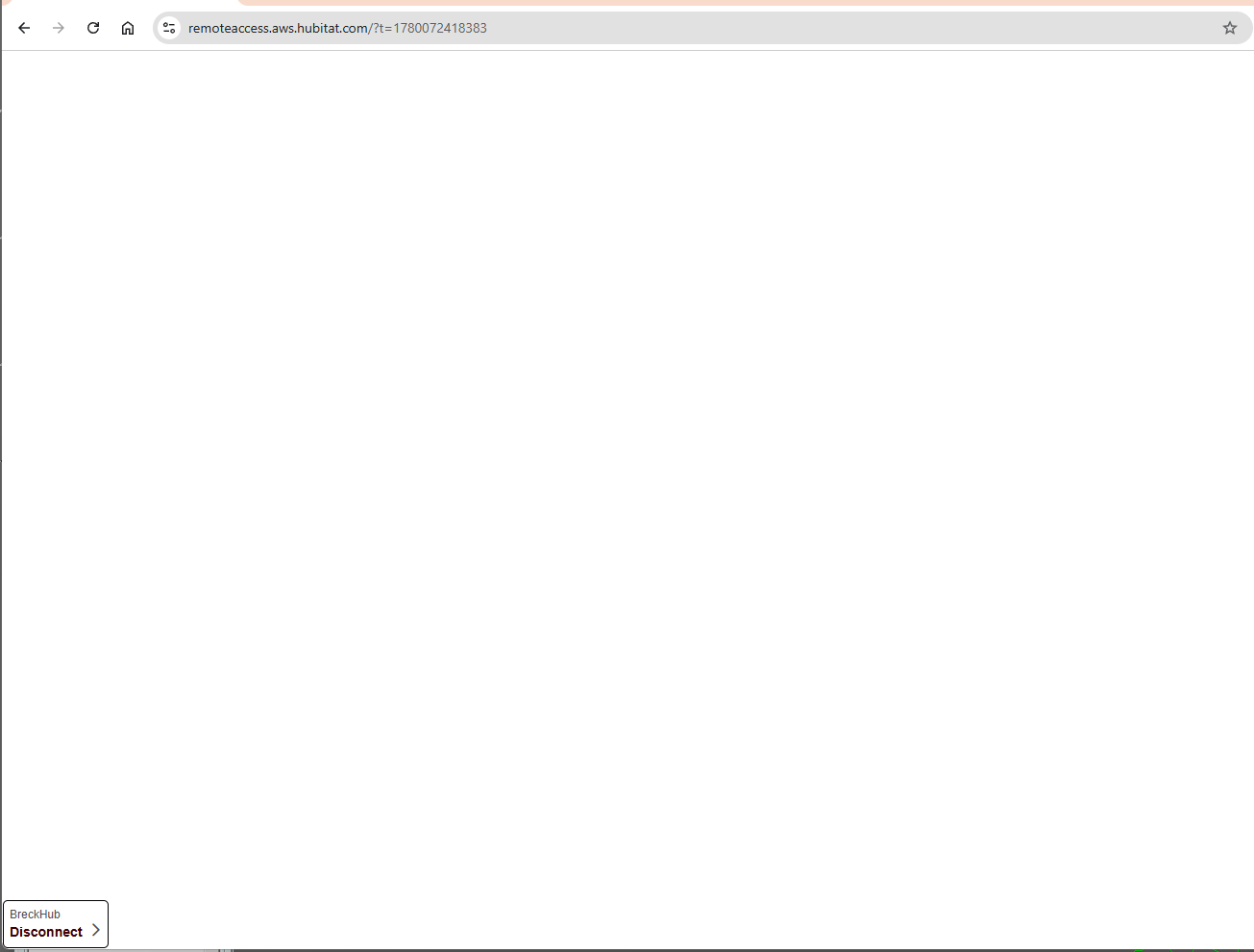
I have a C-8 Pro with Remote Access subscription and I’m not able to access the hub using Remote Access through the Hubitat app or a web browser on my computer. I get a spinning circle with “Loading Hub UI” for a while and then a blank screen with “[NameofHub] Disconnect >” at the bottom left. FWIW, I’ve run a reboot hub command through the phone app.
Any ideas how I can access the hub remotely would be greatly appreciated as I use it to control the lock on my rental property and have guests checking-in today.
Cheers,
Simon
EDIT: Also, on the hub details page through a browser it says the Last Checkin was 05/28/2026 - 10:51:09 (about 20 mins after my original post here), so it looks like the hub can see the internet, but I can’t get into the Remote Access UI.
I saw the same thing with loading, but I tried it a few times and it works. I believe issue is the AWS servers HE uses for hosting. When mine failed I decided to just use the mobil app and it worked fine remotely, which I was surprised to see, since I thought you always had to use remote when your remote. I seem to remember that when I purchased the remote access feature.
Thanks Bill. I could understand that if I couldn’t use Remote Access to access my other hub in a different location, but that one works fine. I’ve tried it on multiple different devices and it still won’t show the Remote Access GUI - it either timesout with a blank screen or just has the “[NameofHub] Disconnect >” at the bottom left. Frustrating.
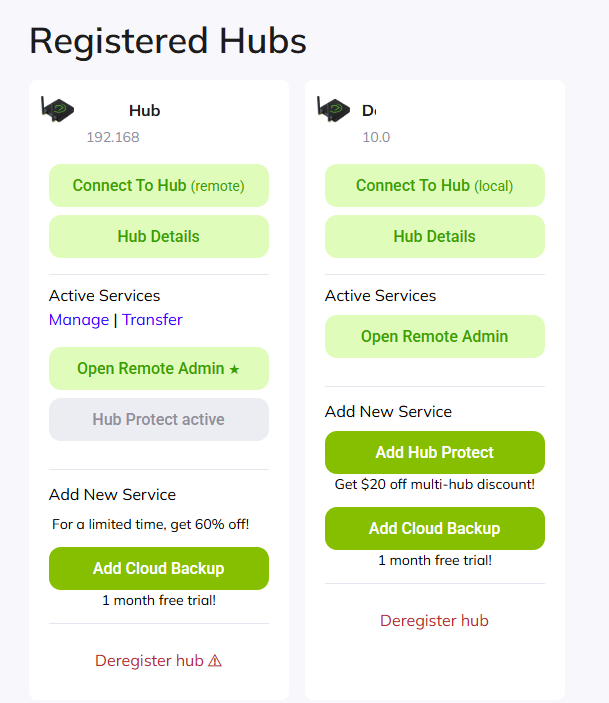
Both my hubs have an active subscription to Remote Admin (see screenshot), and it was all working a few days ago. I tried deleting and reinstalling the Hubitat phone app and it makes no difference. I can still only access the Remote Admin GUI on the second hub. Tried various browsers over the web and still nada - screenshot below shows what I end up with.
I am unable to replicate any issues with the service. And your subscription is active, otherwise, you would not be able to login and attempt to connect. For some reason your hub is not responding.
You might want to create a subscription case, if you didn't do so already so we can further investigate: Subscriptions – Hubitat Support
Thanks Bobby. I’ve already started a subscription case.
More info: when my guest unlocked the front door the hub I can’t connect to via Remote Admin gave me a push notification that the door had been unlocked so it seems to be working properly locally and connected to the internet. I’ve also had the guest reboot the modem, router and hub, but still no change.
Please let me know if there’s anything else I can try.
What is the icon on the right? It’s definitely not a part of the hub UI.
Is the hub accessible from a laptop (vs. mobile device)?
This looks like it may be a browser view from inside the mobile app. Can you access the hub by going directly to https://remoteaccess.aws.hubitat.com/?
The icon on the right is the iPhone’s floating accessibility icon which allows it to read the screen out loud - it’s irrelevant.
When I try to login on a browser using the link you provided I either get a blank screen or I get “Loading Hub UI” for a while and then a blank screen with “[NameofHub] Disconnect >” at the bottom left (see screenshot). It works fine on both a browser and the Hubitat phone app to Remote Admin into my other hub.
If you go to the Developer consoler (F12) in the browser, does it show any errors? If there is any personal information in there, just PM me the screenshot instead of posting.
The engineering logs show a proper handoff, trying to figure out what’s happening here.

 Thanks!