I came across the Thermostat Controllers app. After reading the documentation I don't know how (and if I can) get the Nest v3 therms to work with the app. Can anyone tell me if the Nest can be used with the app and how to get started?
I have tried in an earlier post to get the Google SDM API to successfully authenticate. I just can no longer get it to work. They worked until recently so I am not sure what happened.
I upgraded from v2 to v3 of these therms (2 of them) at the beginning of last year and would like to hang on to them and get a little ROI if I can.
If I do swap them out I am going with the Ecobee therms that aaiyar recommended. I am going with the premium model. Anyone trying these? Are these Z-Wave? Is the premium model compatible with Hubitat?
Thermostat Controller can work with any Thermostat you have added to your hub that supports the standard thermostat commands (Set Heating Setpoint, Set Cooling Setpoint, etc.) and that reports the standard attributes (the current setpoints, temperature, etc.). However, it sounds like your trouble is in getting them added to your hub in the first place? Thermostat Controller can't help with that -- it's just an app to automate devices you already have, like other automation apps.
I'm not familiar with the Ecobee model, but from a quirk search it looks like it's Ecobee's own API or built-in Apple Home compatibility, ignoring other integrations that aren't relevant for Hubitat. (If you have a C-8 Pro and just want a smart thermostat on your hub, the HomeKit Integration would probably work; I really don't like cloud integrations for something as important as a thermostat for me, but your preferences may vary.) It is likely @aaiyar will have a better idea if he suggested this originally, or others might know more.
Guys, @ogiewon and @aaiyar… i dont remember the Nest Thermosat v3 supporting Matter or Homekit. From my understanding it was the nest thermostat 2020 and later that “kinda” supported matter. I’m fairly certain the nest thermostat v3 is cloud only.
Are yall confusing the Ecobee’s with the Nest thermostats?
I have the C-8; so for now, it looks the the ecobee premium it off the table.
I can see and operate the 2 Nest therm devices using the nest thermostat app by David Kilgore. I just can't get the OperatingState to update unless I manually refresh. I now believe that is because the Google API is not pushing status for whatever reason. For me me it just will not not authenticate.
I will re-add the Nest app and re-try the Thermostat Controller app again. I was using the Operating State to raise the volume of an amplifier when the furnace kicked on because it was loud enough we couldn't hear the TV.
Regarding the Thermostat Controller App. Should I see the devices when I create a new thermostat controller? Do I first need to create a virtual device? Seems pretty straight forward but right now all I see is an empty device list.
FWIW, I used a different approach to do this - a current sensor switch on the neutral for the air-handler blower motor connected to a contact sensor with external terminals.
When the blower came on, the contact sensor would close, providing an event to raise the amplified volume. When the blower shut down, the sensor would open, providing an event to restore the amplifier to the previous volume.
I am really liking this. Still no luck with the Nest. I will not get any "real time" updates from them now that Nest has changed their API requirements in 2025 (as best as I can tell). Done with it lol.
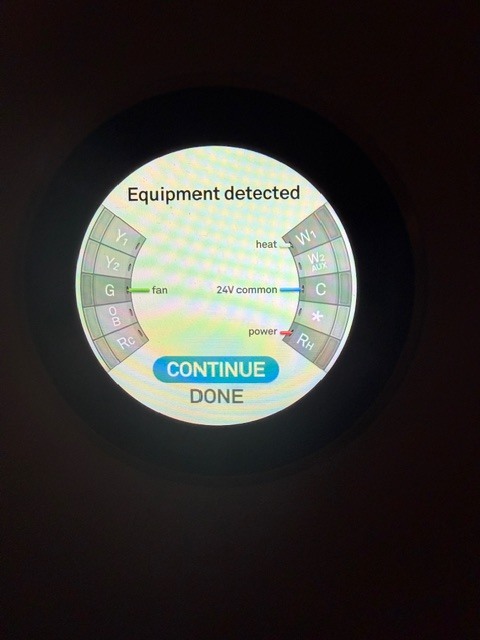
Below is a picture of my Nest wiring and if it even matters if I understand you correctly I need to do it at the motor on the actual furnace. Honestly a bit scary for me.
Maybe the better approach would be to get another recommendation on a therm that works on the C-8 pro hub, or wait until the next release of Hubitat hardware since the C-8 Pro has been out for a while.
Thanks for listening as I ramble on as I consider my options. I would like to understand the contact sensor you have. Seems easy enough I am just initially spooked a bit since I just don't understand it.
It doesn't have to be at the motor (although that's how I did it). You could also put the current sensor on the W1 conductor (or G conductor). If you use the current sensor switch on the low voltage W1 or G conductors, just run the conductor 4-5 times through the current sensor switch.
For clarity, this can be done without exposing oneself to line voltage. To be extra safe, turn off the furnace breaker while doing this.
Pair the sensor to Hubitat. When the furnace fan is on, the contact sensor will "close". Or, when W1 or G are energized, the contact sensor will "close". Use that close event to control the amplifier.
Do you currently have a C8 Pro? I thought you were working with a C8? Just want to make sure we're all clear on which HE hub you're using as the thermostat option are different.
Looks like your current HVAC system is HEAT only, correct? If so, that is a pretty simple system and thus you really don't need a high-end smart thermostat that handles multi-stage heating, multi-stage cooling, humidification/dehumidification, etc...
Do you prefer Zigbee or Z-Wave devices? As knowing that might help narrow down the list of options as well.
Any chance you're running an instance of Home Assistant at your house? I have a pair of Ecobee 3 Lite thermostats, that I paired with Home Assistant via its HomeKit Device integration (very similar to the C8 Pro's HomeKit Controller integration). I then use the Home Assistant Device Bridge (HADB) to bring the thermostats into Hubitat. I set this up years ago, before Hubitat added the HomeKit Controller functionality to the C8 Pro. This setup has worked so well for me that I never bothered to change it, even though I am using a C8 Pro hub. ;). Just another option.
In your specific case, since your requirements for HVAC are simply single-stage heating (based on the image from your Nest thermostat), I think a local only Zigbee or Z-Wave thermostat might be the easiest replacement that helps to achieve your goals. If you like the convenience of a mobile phone app to control your thermostat, then I would suggest an Ecobee thermostat. Check your power company's web storefront, as many power companies offer large discounts on smart thermostats. My father, in Connecticut, was able to purchase an Ecobee Essential for about $25 just a few months ago from his power company. Of course, to use the Ecobee's HomeKit interface, you will need a C8-Pro hub or Home Assistant running locally.
If you love your Nest thermostat, and have easy access to the thermostat wires in your basement, attic, garage, etc..., then @aaiyar's idea to simply monitor the W or G wire with a 'current switch' and a contact sensor is an excellent low cost solution!
As @ogiewon notes, a software solution is easier, and if you already have an instance of Home Assistant running, it is free.
Even otherwise, I would encourage you to consider setting up an instance of Home Assistant. It provides a simple way to integrate devices for which there is no support in Hubitat. It can even be run as a Docker container.
My mistake in wording. You are correct. I have the C-8.
My system is Heat only. When I purchase things I typically purchase the higher-end models (to some extent depending on price gaps) for extra options for future expandability. I like the idea of having the upgrade options down the road. Sometimes it pays off...sometimes it doesn't. I try to avoid the throw away and totally re-place situation.
Prefer Z-Wave. My entire system is Z-Wave at this point. I like the idea of having Zigbee disabled thinking it is one less "component" to have running, less load, less troubleshooting, etc. I am probably way off here.
I am not running Home Assistant.
I had 2 of the Ecobee Premium therms. in my Amazon cart until I found out they did not work on the C-8. That is what I meant to say "in waiting for the C-9" for compatibility for them.
Definitely like what I saw in the Ecobee including the trim on the Premium. I am ordering the hardware suggested by aaiyar's and see if I am not too spooked.
If I don't install that I am just going to wait and get the Ecobee premium therms so I can throw these Nests in the trash once and be done with them once and for all :-). I really have had it with Google.
When the next hardware version of the hub comes out i can pick up the Ecobees. This way I can avoid the furnace change and dump the nests, and get new hardware toys (hubs, therms, etc.) now that I know about the Ecobees.
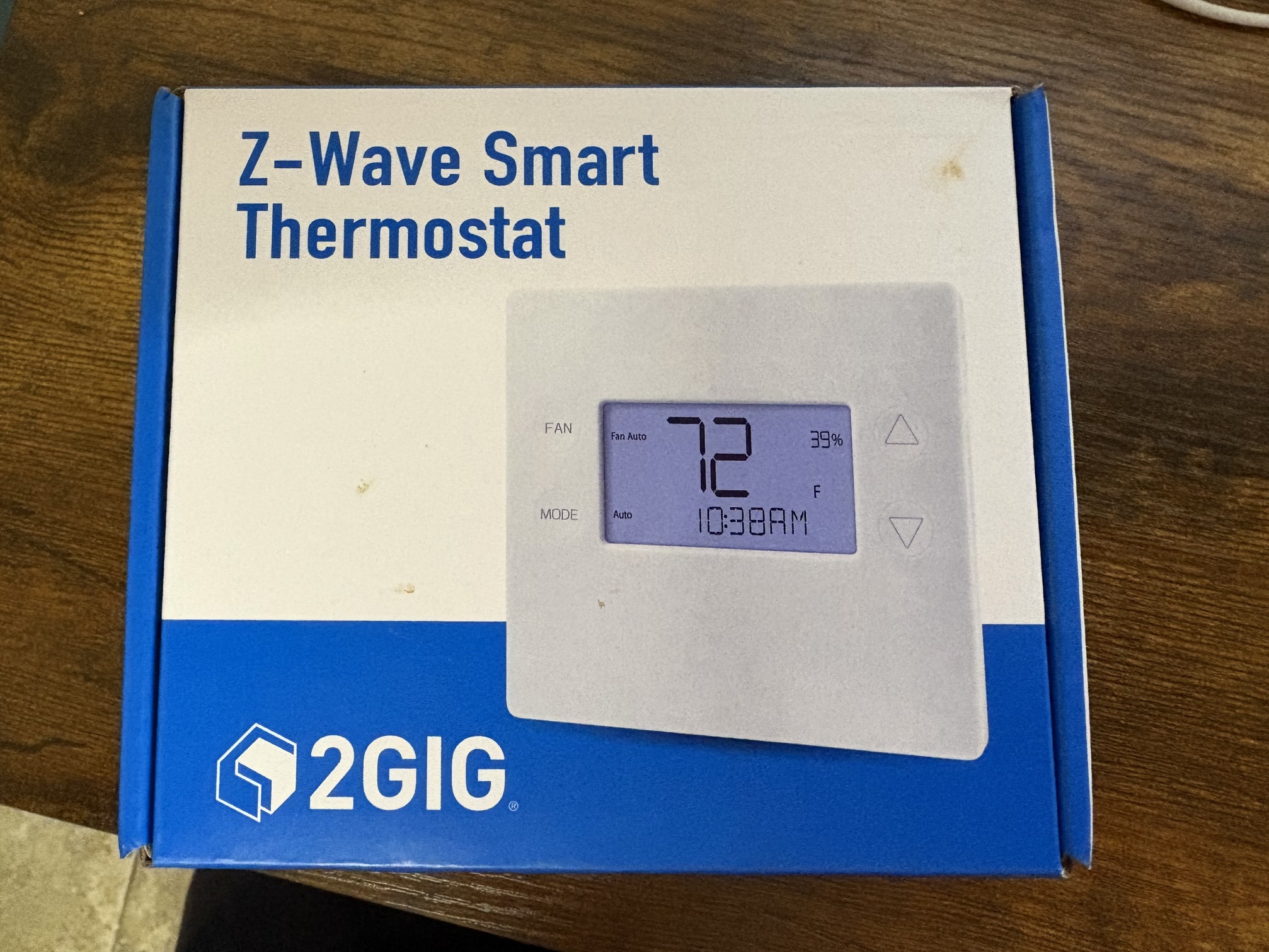
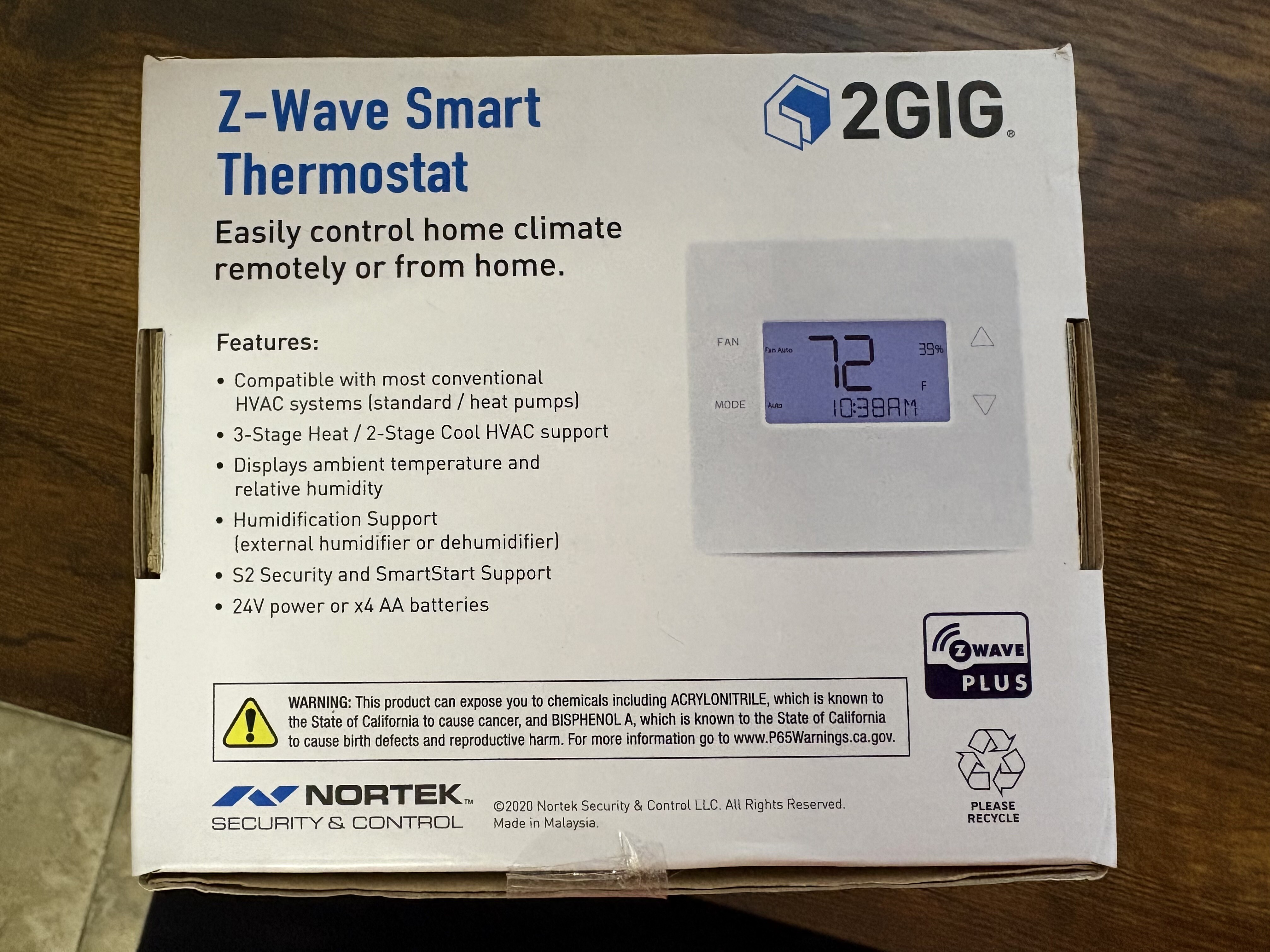
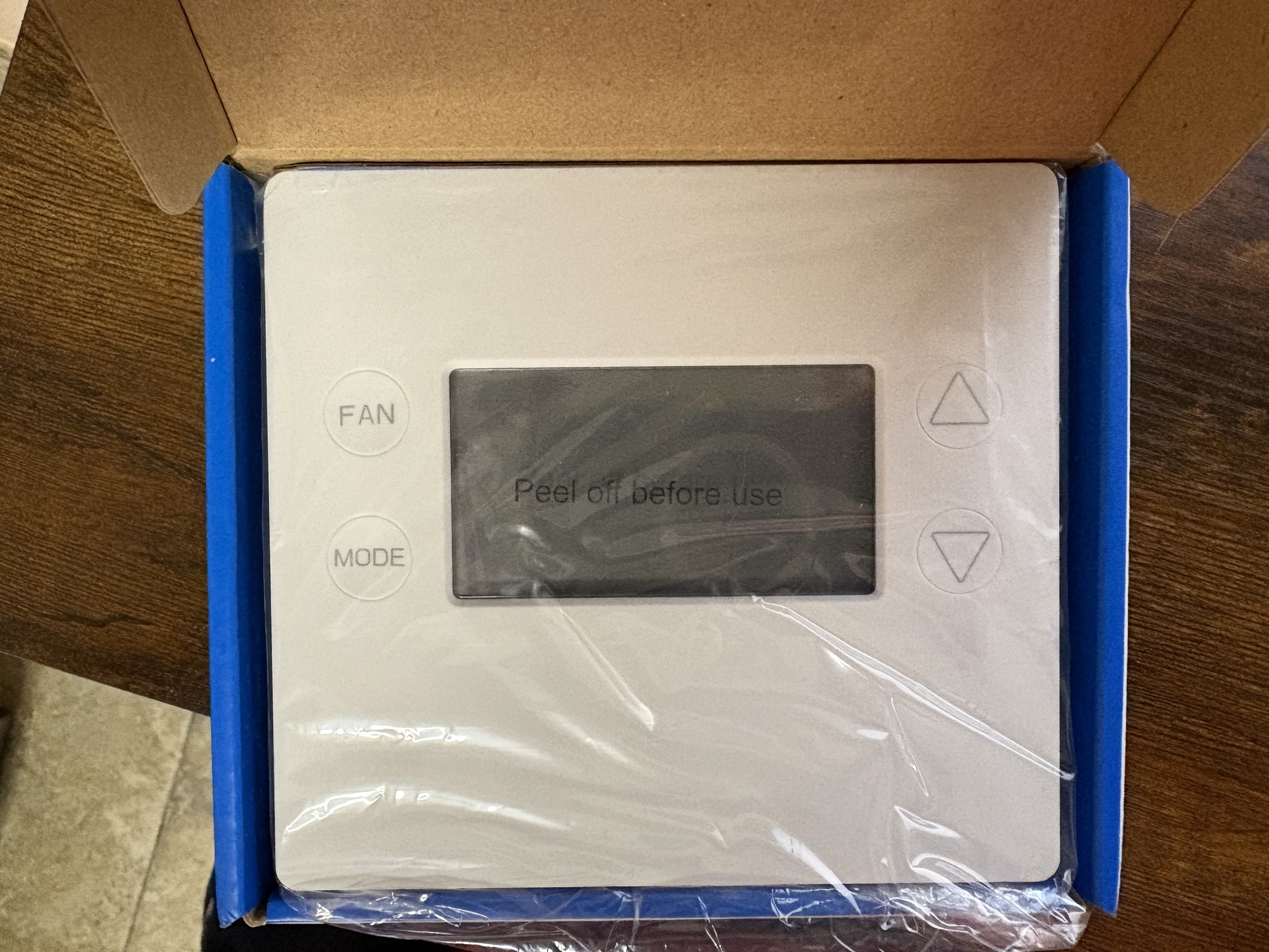
If you want, I have an unused z-wave thermostat lying around somewhere. You can have it for the price of shipping. It will work with your system and report operating state back to Hubitat.
Edit - found the thermostat. Looks like I bought it 3 years ago while installing a new 2H/2C system, but decided to use an ecobee Premium instead. So it has been sitting here unused.

 lol.
lol.