I have a number of date/time variables on my dashboard that I use to set rule triggers or conditions for housekeeper, dog walker, etc. I’m trying to add some more a new rule I’m doing, and when I select “Tile Type” as variable, the list of variables that I have permissioned for the dashboard does not appear and there seems to be no other way to add a new variable (or modify existing variable tile). Am I missing something here, or did the change to the Easy Dashboard device selection interface break this capability? (When I try to edit a legacy dashboard from the dashboard menu, I get the easy dashboard interface.)
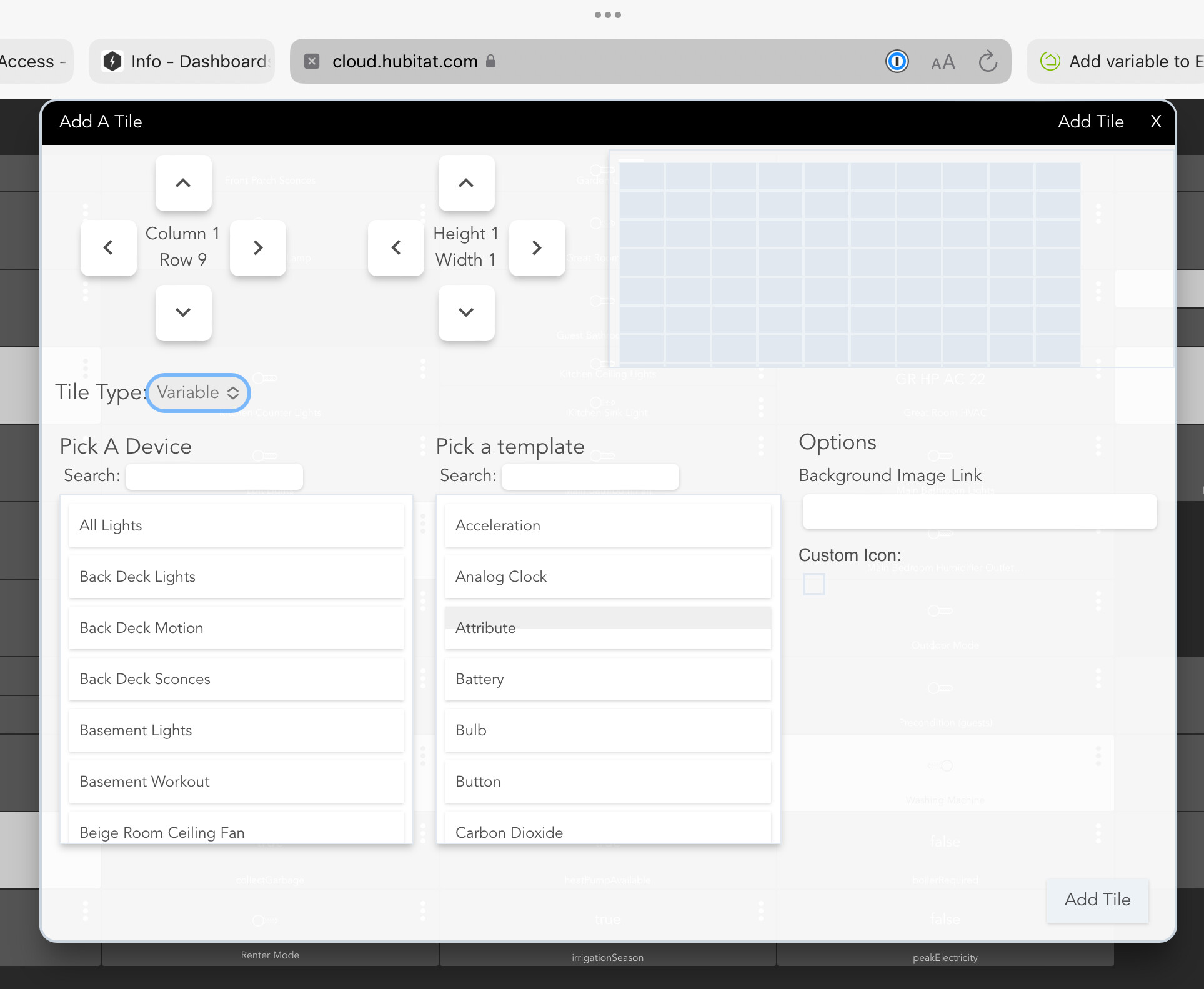
I just tested this and didn't have any problems.
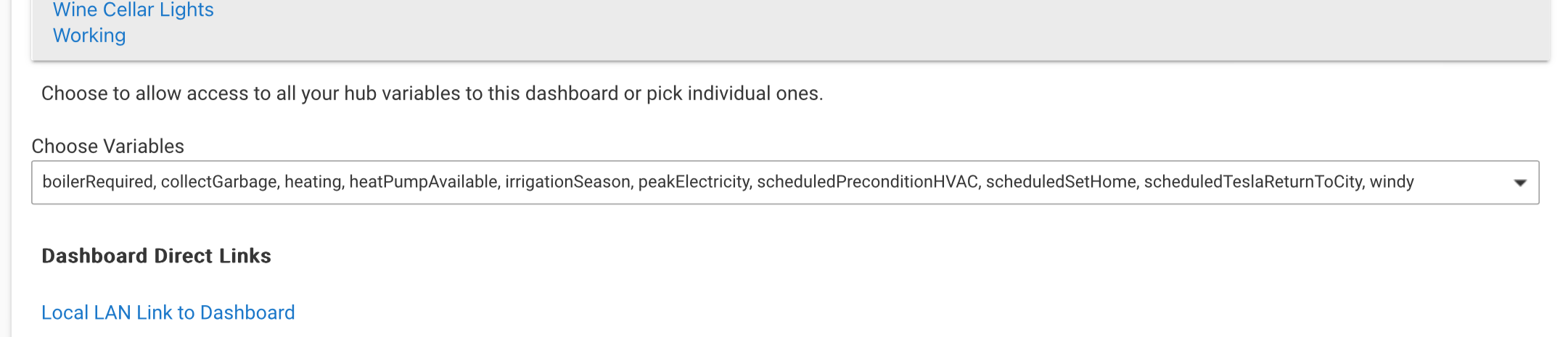
To be clear, when you say you "authorized" the variable, did you go to Apps > Hubitat Dashboard, find your particular dashboard there, and then select the desired variable under Choose variables?
Editing variable tiles has always been a bit wonky (it defaults the template back to device instead of variable), but that's probably a different issue...
Weird. Happening for me for a couple of days now.
Yep, they are there
I’m going to go make a sacrifice to the dashboard gods, and then I’ll try it again later.
This topic was automatically closed 365 days after the last reply. New replies are no longer allowed.