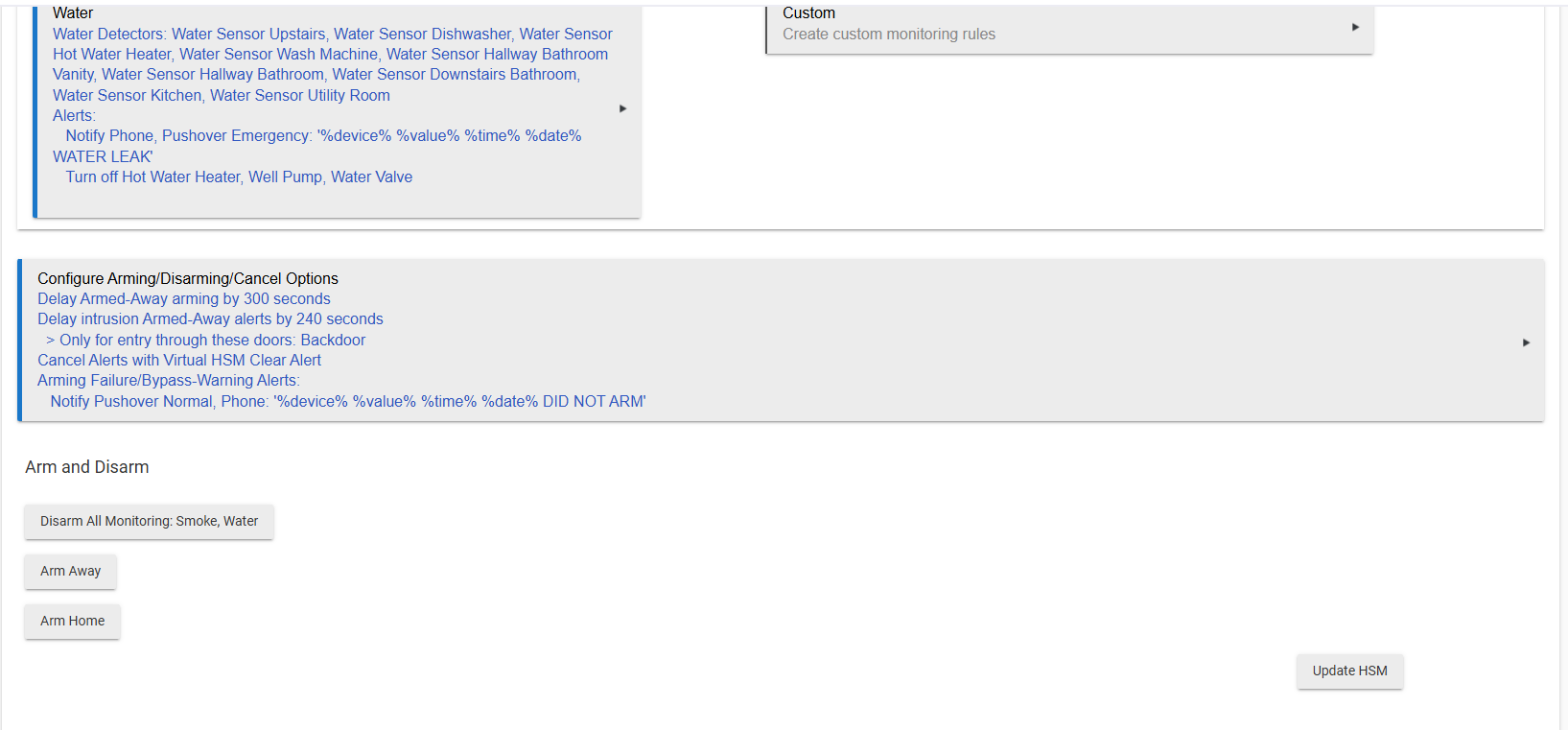
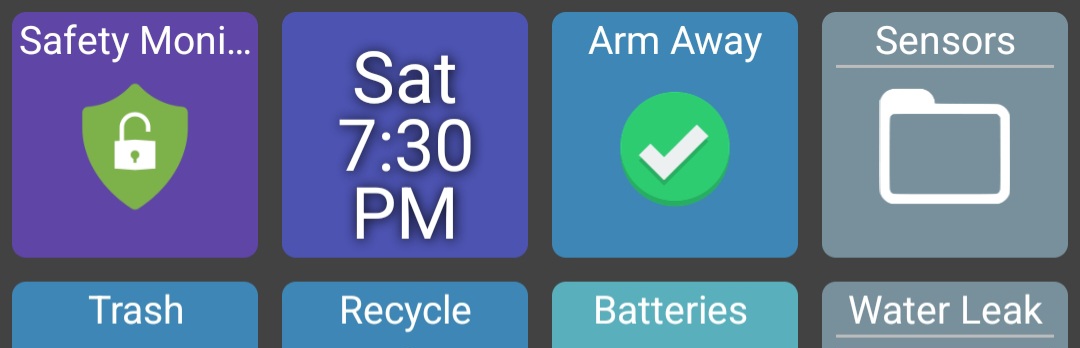
When building a dashboard for our mobile phones I built an area with a notification section with critical items. I wanted to add switches there for HSM home and away. When looking inside HSM for the arm/disarm direct link options there is an option to cancel alerts with switches but not to arm (any state) or disarm that I could see. You can do it with button devices but it would really be nice for switches.
Am I missing this or does it not exist. Switches would be good because of leaving them in the "on" state on the dashboard for color recognition. I was not able to do this with buttons.
I created virtual switches and wrote several rules in RM to bring it all together. I was just wondering if I missed something and there was a simpler way.
Look at the confiquire arming/disarming at the bottom. Here I have a virtual switch to do it
Sorry, did not read your post close enough. Don't see a way.
Thank you for looking at it. I created virtual switches as well for Arm Home and Arm Away. Then I wrote 5 separate rules in rule machine to arm HSM when the switches are on, turn one off of the other is on, disarm the system if both are off, and to turn the home or away switch on if HSM is triggered through the HE app or the UI. It seems to be working reliably with no issue, it just is cumbersome. I thought there might have been a simpler way.
Seems like maybe a virtual switch button would work.
I threw this together quick, it uses pushed 1 for on, and pushed 2 for off. You can put it on the dashboard as a switch, but use it as a button device in HSM.
metadata {
    definition (name: "Virtual Switch Button", namespace: "Hubitat", author: "chrisbvt") {

        capability "Switch"
        capability "PushableButton"

        attribute "switch", "enum"
        attribute "pushed", "number"

 	}

    preferences {

    }
}

def updated() {

}

def off() {
    sendEvent(name: "switch", value: "off", isStateChange: forceUpdate)
    sendEvent(name: "pushed", value: 2, stateChange: true)
}

def on() {
    sendEvent(name: "switch", value: "on", isStateChange: forceUpdate)
    sendEvent(name: "pushed", value: 1,stateChange: true)
}

def push(number) {
    if (number == 1) on()
    if (number == 2) off()
}
Android or iOS?
If Android, you might look at HD+ and use the HSM options there. I use it as you describe.
Thank you. I will give this a look as I am Android as well.