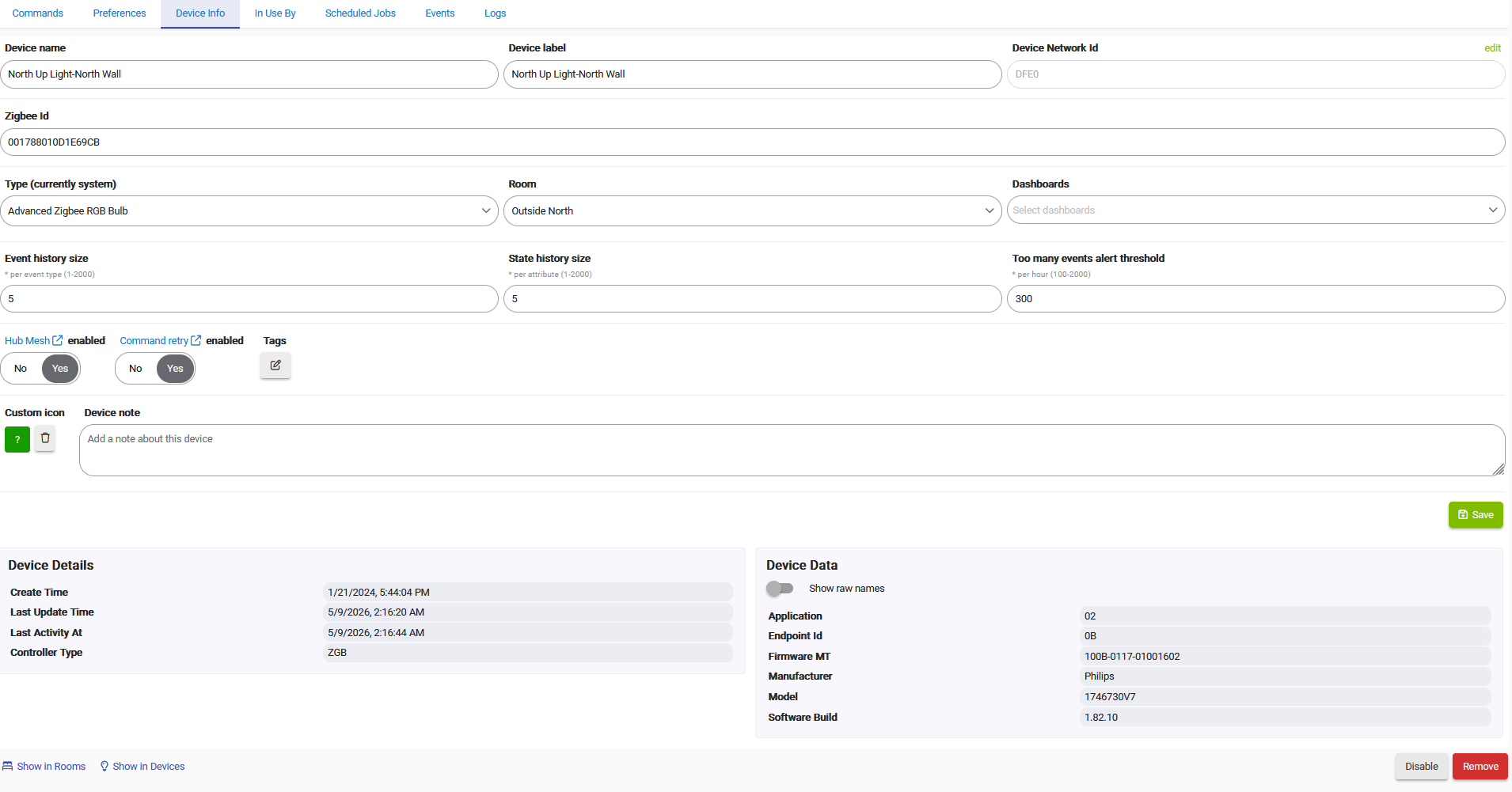
I have some Philips Hue Lily lights that are paired directly to the hub via Zigbee.
They use the "Advanced Zigbee RGB Bulb".
It seems whenever I send them a color change, I get an "invalid color command" in the debug log:
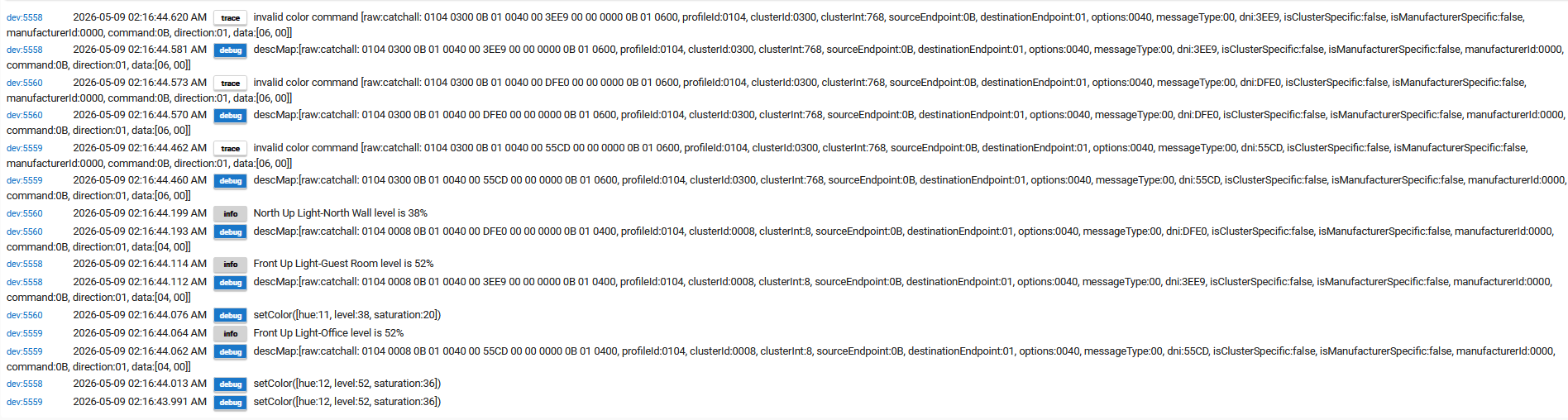
This happens if I just send a Saturation command or a Hue command. A Level command by itself works.

Also with these devices, I cannot set the HSL values in the Room Lighting app properly. I enter HSL values through the "Pick Color" choice, set the HSL values in that window, add to custom colors, then click that and try to save it--it puts a different HSL value in there. I have similar problems on the device commands "Set Color" command using the Color Map dialog.
On the device page itself, in the "Set Color" area, using the "Color Map" dialog, when I manually type H,S,L = (12,36,52) and "Add it to Custom Colors", it turns into (12,37,52) if I click on that custom color again. Then, when I close the dialog window, it shows [hue:5,saturation:27,level:26]. And, the latter is what gets sent when I press the "Set" button.
However, I CAN set them using the "Set Saturation", "Set Hue", and "Set Level" commands independently.
It seems, the ONLY way to properly set the Room Lighting App is to remove the device from the RL app. Individually set each of the H, S, and L values on the device page, then add the device back into the RL app (where it picks up the device's current values).

