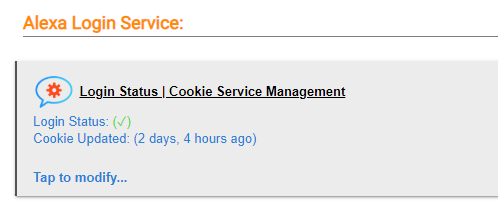
I recently migrated my c5 to a C8 Pro and everything seems to be working okay but I'm getting an error message: "EchoApp (v4.2.4.0) | Amazon Cookie Refresh FAILED 408". I suspect it has something to do with the migration.
The new C8 Pro was was given a different IP address then that of the C5 which was working perfectly. I use my local Synology with Docker as my Echo Speaks Server. Is there somewhere within Hubitat Echo Speaks or Synology Docker where I need to update to the new IP address of the C8 Pro?
Hi jkudave, could you please help me on how to update the callback URL?
I have similar issue after migrating to C8 pro, getting "amazon cookie refresh failed 408" message.
Enter the call back URL in the spot at the bottom of the page, per the Echo Speaks directions:
"* * First fill in the callback URL and click Save Settings
Then log into Amazon using the button at the top and wait to be redirected back to the settings page (do NOT click Save at bottom again)
Close server login tab and the callback url popup
Go back to the Hubitat app browser window
Page should refresh and show you are logged in (otherwise press next)"
"Local callback URL
The default setup has the server using a cloud callback URL. If you would like to keep this local you can modify the callback URL and remove the cloud link. Copy the entire callback URL into a text editor and then replace the start of the URL as shown below (keep end part the same).