C5 problem or latest update problem?

I love my Hubitat. It just hums along in the background, doing its thing. Never complaining. But now I have a problem & could use some help.

Here are the steps that I went through.

  1. Could not log onto Hubitat
  2. Restarted everything - Hubitat, tablet, router, modem
  3. Made sure everything was updated
  4. Uninstalled Hubitat
  5. Tried to reinstall Hubitat - not available on Apple App Store
  6. When available, reinstalled.
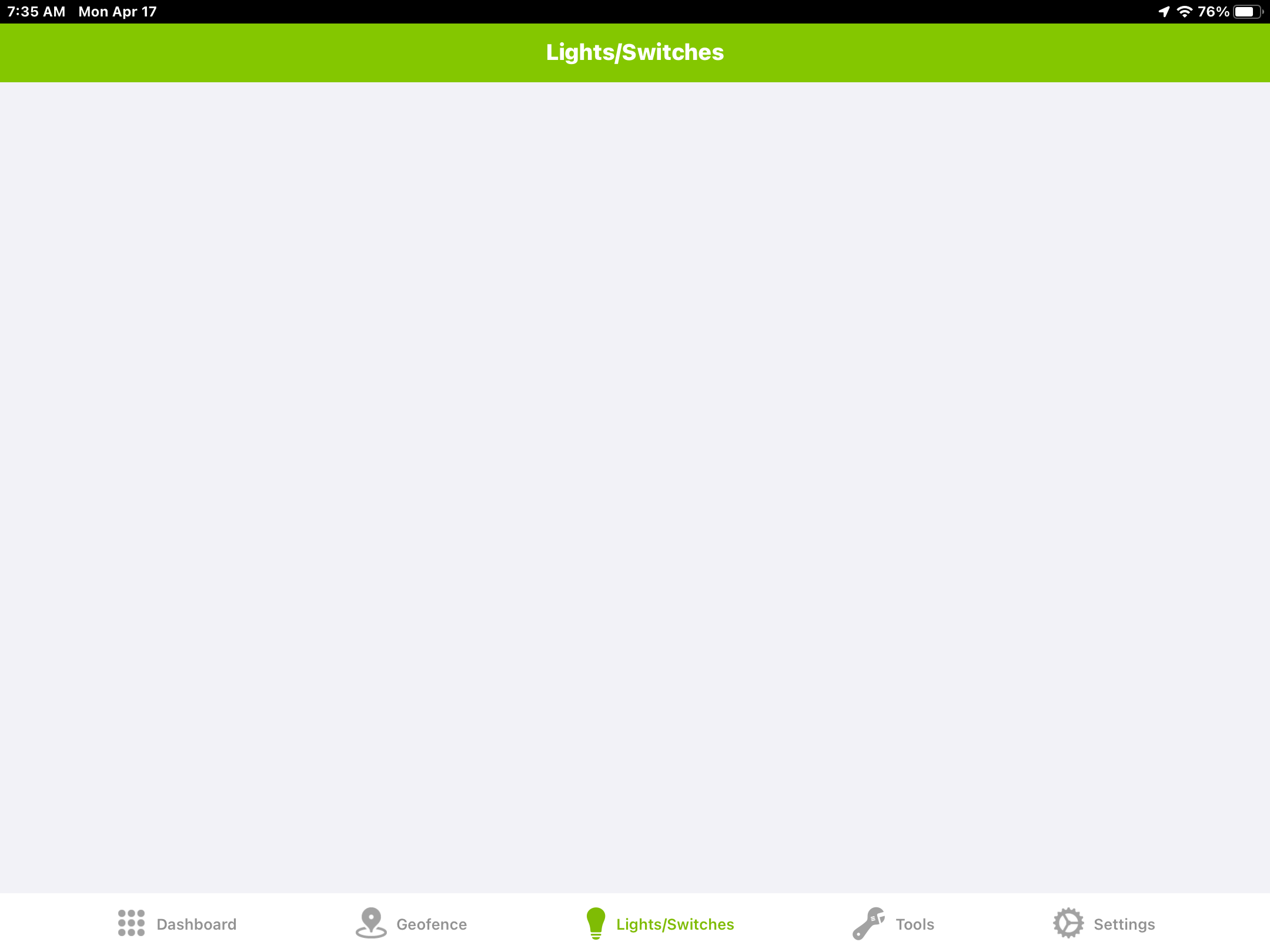
  7. Now, I can log onto hub. But, when I open the app switches & dashboards don’t populate.

C5
Version 2.3.5.125

I think I have tried everything & am open to suggestions.

Have you tried logging on from a laptop/pc to the ip address?

1 Like

In the app under settings, does your hub show up? Is your login info correct? Have you tried "Select Hub" ?

1 Like

Yes. I can log on to the hub from a pc and from my tablet. The problem is that when I launch the mobile app, the “Dashboards” and “Lights/Switches” tabs don’t populate. I can connect to the hub and go to the dashboards to turn things off from the screen that is used to add and modify switches; but that is cumbersome. A huge part of the problem is that I have had family acceptance of the automations, if fact the Hubitat has been warmly accepted. That acceptance is changing rapidly.

Good response. That is one of the first things that I tried; and it was the only option available when the Hubitat app had been removed from he Apple App Store.


log out, remove hubitat again, then reboot your phone then reinstall again.

5 Likes

Perfect sequence. That worked. Thanks!

3 Likes

This topic was automatically closed 365 days after the last reply. New replies are no longer allowed.
