After a power outage my C7 came back after a period of not working. It happened again and the Hub hasn't come back to normal. It has a blue light, then a red after a couple steps, and then a green light.
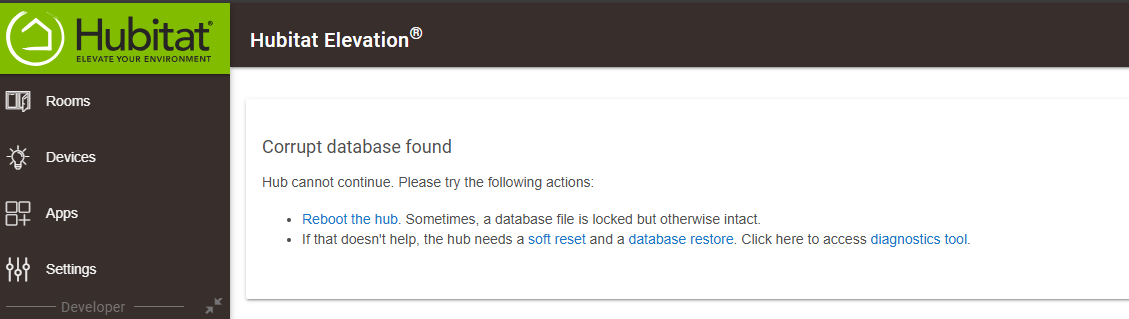
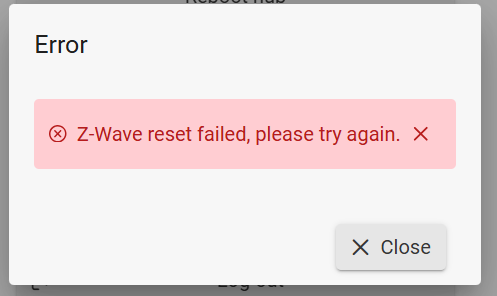
I tried soft resetting per some forum instructions but it didn't work. The hub said that there was a corrupt database error. I tried a couple more soft resets to no avail. I don't have many products on there so I did the factory reset. Blue light is back.
Change the network speed from whatever it is. If it's set to auto-negotiate, change it to 100 or vice versa. I've seen numerous posts where that worked.
If you have no local backups and a corrupt database, then the only recourse might be to do a full reset and start over.
If the hub is up, you can click on Settings and then Diagnostic tool. That just opens up http://yourhubipaddr:8081 in a new tab.
It will ask for the hub's MAC address for "security". It is physically printed on the bottom of the hub. You can also quickly find the MAC address for easy cut-n-paste via the "arp -a" command (works on UNIX/FreeBSD/Linux, MacOS, and Windows).
FWIW, you should redact the Hub ID in your screen shot above. All the other info in that screen shot is fine to share.
This ^^^ Particularly if power outages are something you deal with where you live.
You said you had done a full reset already (from the Diagnostic Tool at 8081). After that did you get another corrupt database message? That is not a normal experience at all. If you re-do your factory reset and you experience a corrupted database again you could be dealing w/a hardware issue from the power drop.
Also wanted to note that you have an older version of the hub platform (2.2.9.146, current is 2.4.3.149). have you been avoiding platform updates for some reason, or ?
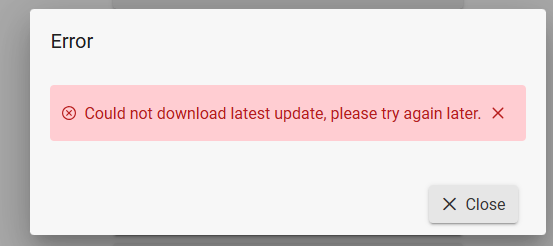
The blue light is still there. I unplugged and plugged back in, no response. I can get to the diagnostics page however I can't get to the normal landing page (to add devices, etc.). I am unable to update the software. Tried rebooting in safe mode with no response.
At this point it feels like the device is bricked. ¯_(ツ)_/¯
Sheepishly, I don't know how to open a support case. I tried to send an email to the address listed on one of the hub pages but it kicked back a "this is an unmonitored inbox" email. All roads led me to this forum being the only method of support, at least from what I could tell.