This would be my situation...I've been on the updated Owntracks for the last few years and it works reliably and (very importantly) my wife is finally used to it and doesn't complain about it (much). She is completely uninterested in being involved in any new testing.
I think it may also be that recent presence/geofence releases over the past few years have taken some of the air out of the room. I remember that HD+ added a presence capability, & there was one geofence release in particular that seemed to get a lot of attention, of course I can't remember the name/find it now.
Apple family, so we don’t really require any additional tracking. However, when I was using the Alexa app to trigger coming/going based on location, the constant “nag” from iOS that the app was using my location eventually killed using a third-party app for me. I switched to the HomeKit app and haven’t had any problems for years.
The survey seems to indicate you might be looking at iOS, so I just wanted to make sure the location “nag” problem was on your radar.
i swear I never got it. Just did a search of my email/junk/deleted/everything and nothing came up. So I just had me wife send me an email and it came through. Not sure why I didn't get that and makes me wonder how many others I didn't get.
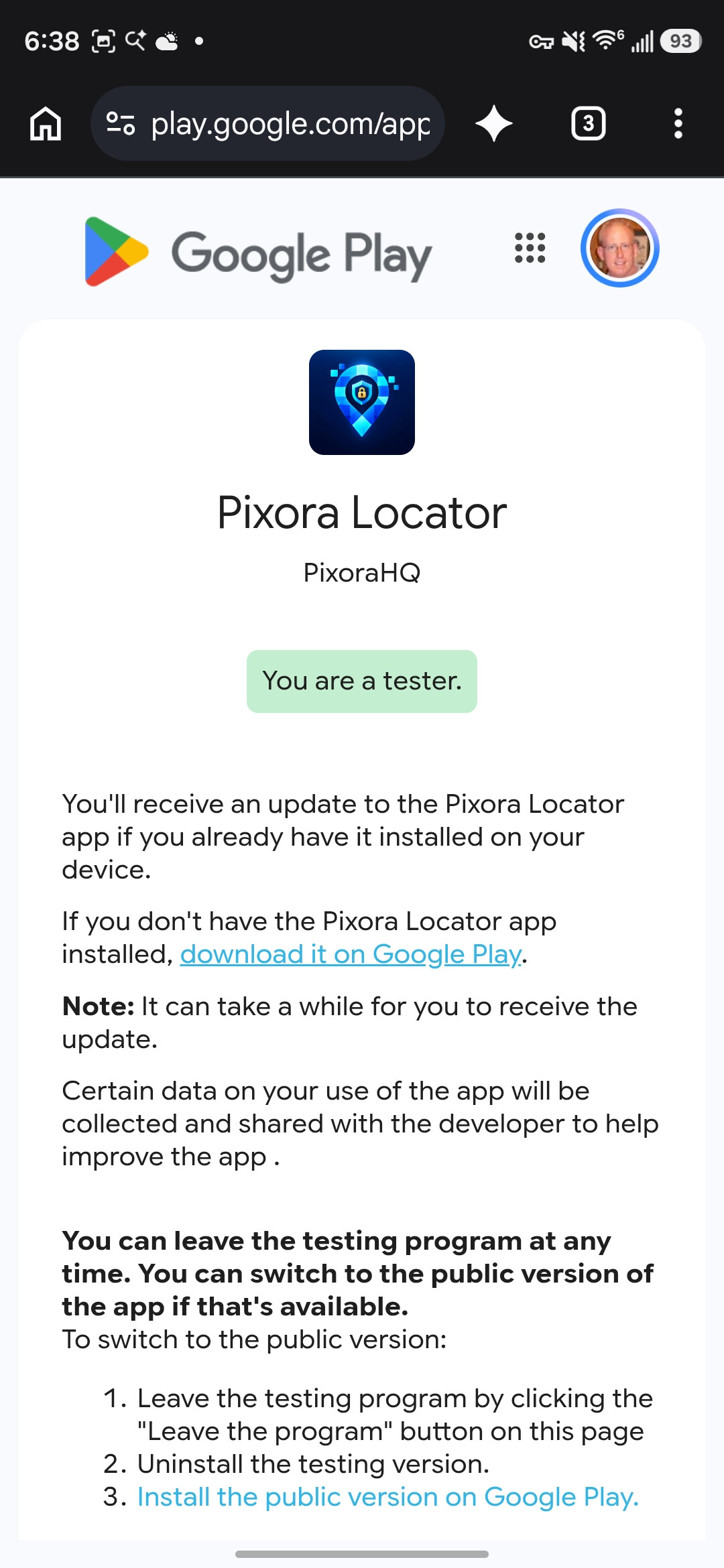
If your still interested, follow the directions in post #1 to join the Google group then the beta. I'd really appreciate it.
Clicking the same link on my PC worked, and let me push the install to my phone. Weird, but whatever.
EDIT: I also manually had to change the app to not remove permissions if unused, and to not optimize battery. In my experience with locator apps, those are both recipes for it breaking at some point. I was not automatically prompted to change either of those setting on install or 1st run.
I read the original thread, but really don't understand what this app does, and why I would want/need it, and how it is different than other apps that apparently others are using that do the same thing, and if it is different how so. I'm posting this because the list above implies Life360 is an app that does something similar but sells the data they collect doing so. In general I have an aversion to any service traking and using my data.
From what I gather, this app allows people to look at their phones and see where others are, also using data from phones, and that somehow this app integrates into Hubitat. My household uses both Android and Apple. One member participates in the Apple "Find Me" thing with members of their side of the family. I only turn location services on my phone on if I need to use GPS, or while using one app that requires it, and then immediately turn it off again.
So, is the proposition that this app allows you to link geolocation into Hubitat without location services on your phone being on, and without a 3rd party tracking data, or something else?
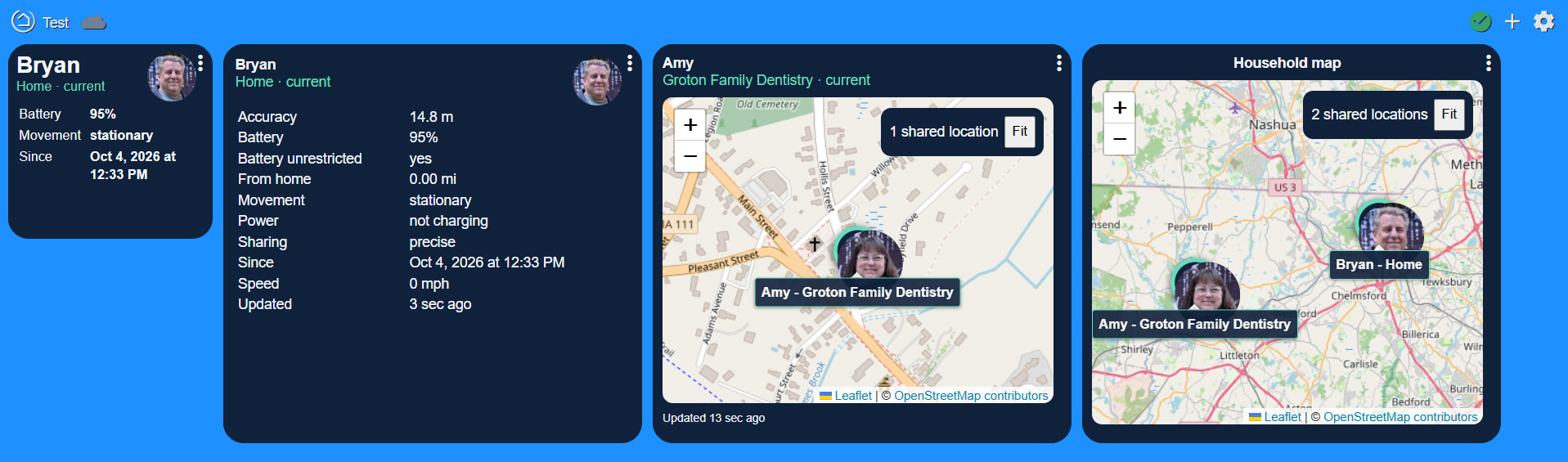
Click the link in the first post to see what this app can do.
No, any app that uses GPS needs the location services on all the time. If you're turning your location services on/off like that, then this isn't for you.
It sounds like you don’t use your phone’s geolocation to trigger automations with Hubitat, or presumably most location-based notifications or other automations from other apps?
I don't get why I would be concerned about this particular apps privacy. Once I turn on location services, Google or Apple and my cell phone provider have very precise location data from me, which, as I understand, brokers purchase in bulk and can be used to track individuals if you combine the correct data.
A while back there was an app that used whether or not you were connected to your home's wifi network for automations. That is what I would explore if I needed automations tied to my phone's general location.
I played around with one of those apps, I like that it fits the "local" model of Hubitat. If you only use location in Hubitat to determine Home or Away (and not Where Else), there is no reason to get the cloud involved at all, or even satellites, by just using a local detection method.
Nobody else in my house wants location tracking, and to track just myself is a bit pointless, as there is nothing that needs to happen when I, specifically, arrive home. I used to have Echo announce "Chris is arriving home" as I entered the geofence, but they told me to turn that crap off
Definitely not for everyone but it works for my family. When I asked my 19 year old daughter about it, she says it makes her feel safer knowing if something was to happen, we know where she is. And she likes to see where we are too!
For those interested, I still have 8 slots available - with a lifetime subscription included! Still Android only at this point.
No android phones in our household but for our iPhones, I don’t think this is an accurate summary of location services.
AFAIK, Apple doesn’t sell anyone’s location data to “brokers.” Since iOS allows toggling location services on/off on a per-app basis (as does android), and each app can be given precise or general location accuracy permission, I’m pretty comfortable with the idea of using my phone’s geolocation for the purposes I approve.
To some degree, your carrier can track your phone with or without your permission.
There are several apps that can make use of WiFi for presence automations in Hubitat.
Personally, I find WiFi to be helpful for confirming that a phone is present, in the house. For “arrival” automations I prefer the phone’s geofence because some actions should happen before my phone gets within WiFi range. And WiFi is useless for triggering a “departed” automation because iPhones periodically drop their active WiFi connection while asleep; that might be less of an issue for android.
I use Owntracks and it fits my needs, even though setting it up with a server in Docker and API key from Google was a hassle. Additional skepticism about Locator since you don't seem to be interested in whether it's feature-competitive with the existing open source Owntracks ecosystem.
Why would you say that? When you asked for how it differs from Owntracks, I gave you an honest answer that I'm not familiar with what Owntracks offers. If you can point me to a page with all of their bullet points, I'll gladly offer up counter points. But I'm not spinning up a Docker just to see what it does or doesn't do.
If you see something that Locator doesn't offer, simply put in a Feature Request. If it's possible, and it fits our apps focus, we'll add it.
Edit: Forgot to mention that I did add a way to convert the Places from Home Assistant, Homeseer and Owntracks. Still working on the Life360 place import feature.